
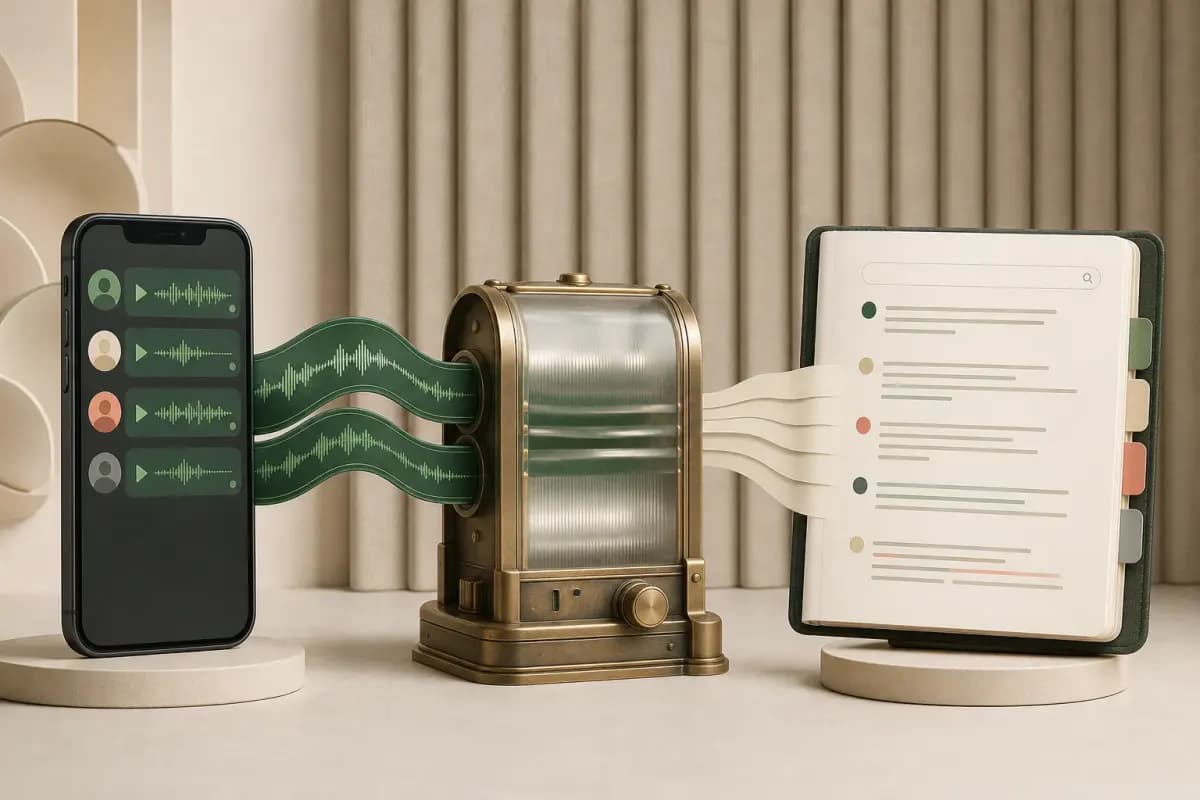
WhatsApp audio transcription is not one uniform workflow: WhatsApp can transcribe a supported note on-device, a generic service can process one saved recording, and a whole-chat tool can return many supported notes to their exported sender, timestamp and message order. This guide explains the accuracy, language, privacy and difficult-audio trade-offs so you can choose the right route.
When you are ready to process a complete conversation, use the WhatsApp audio-to-text converter. Export the chat with Including Media, upload the original ZIP and select a voice-enabled tier. ChatToPDF matches supported audio files to their message rows and places each successful transcript back into conversation order.
- Method
- WhatsApp's built-in transcript
- Scope
- One supported voice note at a time
- Keeps sender + chat position
- Inside WhatsApp only
- Best for
- Reading a single recent note privately on-device
- Method
- Generic audio-to-text site
- Scope
- One OPUS, MP3 or M4A file
- Keeps sender + chat position
- No — it sees audio, not the conversation
- Best for
- A standalone recording you already saved
- Method
- ChatToPDF voice package
- Scope
- Supported voice notes included in one exported chat
- Keeps sender + chat position
- Yes — transcript returns to the original sender and timestamp
- Best for
- Legal, business or archive workflows that need conversation context
| Method | Scope | Keeps sender + chat position | Best for |
|---|---|---|---|
| WhatsApp's built-in transcript | One supported voice note at a time | Inside WhatsApp only | Reading a single recent note privately on-device |
| Generic audio-to-text site | One OPUS, MP3 or M4A file | No — it sees audio, not the conversation | A standalone recording you already saved |
| ChatToPDF voice package | Supported voice notes included in one exported chat | Yes — transcript returns to the original sender and timestamp | Legal, business or archive workflows that need conversation context |
Full walkthrough — drop the WhatsApp ZIP and get a searchable PDF with supported voice notes from the export transcribed inline. Chapters in the player jump to each step.
What "transcribe WhatsApp audio" actually means (and why it's harder than it sounds)
The phrase has three common intents:
- Transcribe a WhatsApp call. A voice or video call recording is not included in Export Chat, so this guide and ChatToPDF's ZIP workflow cannot transcribe it.
- Transcribe one saved WhatsApp audio file. A compatible single-file service can return standalone text, but it does not know the chat sender, message time or surrounding conversation.
- Transcribe the supported voice notes included in one exported chat. This is ChatToPDF's scope: use the exported chat log as the chronology, match audio attachments to their message rows, and return successful transcripts to those rows.
The structural difference matters. A generic service sees an audio file. ChatToPDF sees an audio file plus the exported facts that identify where it belongs. The resulting PDF can therefore show the recognized speech beside the sender, original timestamp and adjacent messages instead of producing a folder of disconnected transcripts.
- Export evidence
- Sender and timestamp in the chat log
- Role in processing
- Identifies the source message row
- Output consequence
- Attribution and time stay beside the transcript
- Export evidence
- Audio attachment reference
- Role in processing
- Links the message row to a file in the ZIP
- Output consequence
- Recognized text returns to the correct position
- Export evidence
- Messages before and after
- Role in processing
- Preserve the exported chronology
- Output consequence
- The transcript remains readable in context
- Export evidence
- Audio file absent from the ZIP
- Role in processing
- Leaves no speech bytes to process
- Output consequence
- No transcript can be recovered from the placeholder alone
- Export evidence
- Unreadable or unsupported audio
- Role in processing
- Produces an explicit exception
- Output consequence
- The system should not invent text to fill the gap
| Export evidence | Role in processing | Output consequence |
|---|---|---|
| Sender and timestamp in the chat log | Identifies the source message row | Attribution and time stay beside the transcript |
| Audio attachment reference | Links the message row to a file in the ZIP | Recognized text returns to the correct position |
| Messages before and after | Preserve the exported chronology | The transcript remains readable in context |
| Audio file absent from the ZIP | Leaves no speech bytes to process | No transcript can be recovered from the placeholder alone |
| Unreadable or unsupported audio | Produces an explicit exception | The system should not invent text to fill the gap |
This guide explains that third intent. If you already understand the workflow and only need to check a ZIP and price the job, go to the batch WhatsApp audio-to-text converter.
How voice notes appear in a WhatsApp export
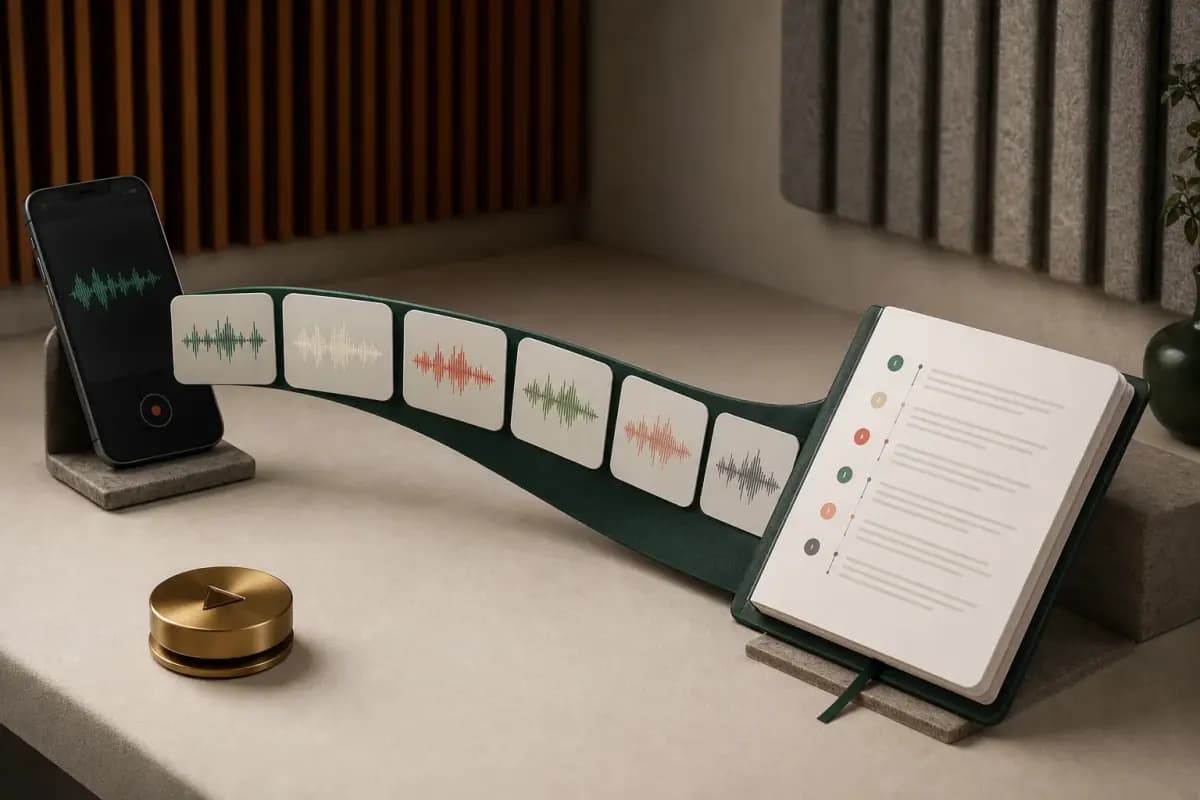
WhatsApp's Export Chat flow can create a message log plus available media attachments when you choose Including Media. The exact filenames and containers vary by platform and export, but push-to-talk voice notes commonly appear as Opus audio, often with .opus or .ogg naming; other supported audio forms can also appear.
The text log contains the message chronology and an attachment reference where each media message occurred. The audio file contains the speech. A useful whole-chat transcript needs both:
- the chat log to retain sender, date, time and conversation order;
- the matching audio attachment to recognize the spoken words.
Choosing Without Media gives a text-only export, so ChatToPDF may see an attachment placeholder but has no audio bytes to transcribe. Choosing Including Media asks WhatsApp to package available attachments, but it does not guarantee that every historical file will be present. Deleted, unavailable or export-limited media can still be absent. That is why the preview count is a quality-control step, not merely a marketing screen.
The codec is rarely the only accuracy variable. A compressed but clear close-mic note can be easier to recognize than a higher-bitrate recording with wind, traffic, clipping or overlapping speakers.
- Opus codec
An audio codec designed for speech and interactive internet audio at a wide range of bitrates. WhatsApp commonly uses Opus for voice notes. File extension and container can vary, so a reliable workflow checks the actual media rather than assuming every attachment is an MP3 or every
.oggfile is identical.
The sender label comes from the exported message row, not voice biometrics. If another person or a television is audible inside the same note, the speech provider may recognize more than one voice, but the output is still attached to the WhatsApp sender of that message. ChatToPDF does not currently diarize multiple speakers within one voice-note file.
How the transcription router picks an engine
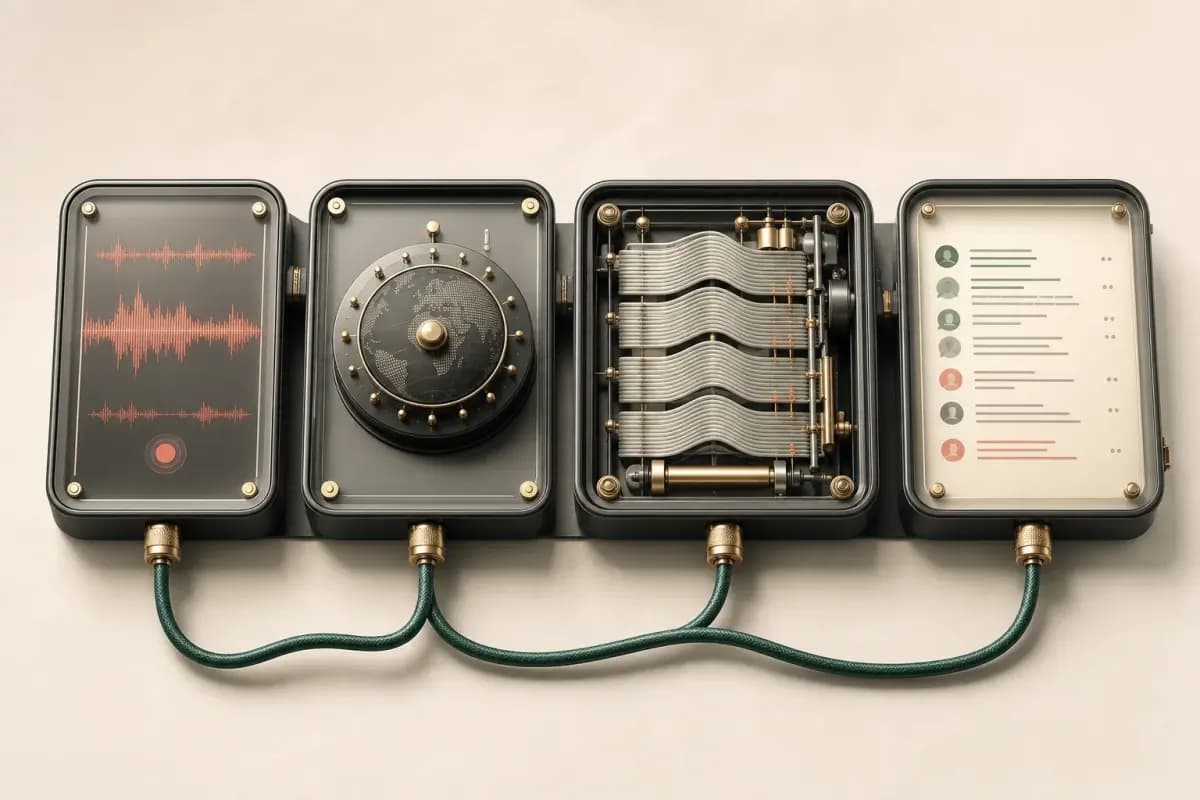
ChatToPDF does not depend on a single transcription engine. The current production path is a language-aware router between Deepgram Nova-3 and ElevenLabs Scribe v2. Both accept WhatsApp's Opus audio directly and return timed transcript data, but they do not have identical language coverage.
For a language Deepgram supports, the router can use Nova-3 as the primary engine. For a registry language outside Deepgram's supported set, or when the language is unknown, it uses Scribe v2. If a non-trivial note returns empty from Deepgram or that provider is unavailable, the router can retry through Scribe v2 instead of silently dropping the note. Model choice does not remove the need to review names, numbers, and important passages against the audio.
- Word error rate (WER)
The standard metric for measuring transcription accuracy: the proportion of substitutions, insertions, and deletions in the output compared with a human reference transcript. Lower is better, but a provider benchmark does not predict a specific WhatsApp note. Language, accent or dialect, microphone quality, clipping, code-switching, overlapping speakers, and background noise all change the result.
The same Nova-3 and Scribe v2 router is used for both the $49 Premium+Voice per chat conversion and the $99 Power User per chat conversion. The difference between those tiers is the total audio allowance, output bundle, and queue priority, not a promise of perfect accuracy. Clean, single-speaker recordings usually transcribe more reliably than clipped, noisy, or code-switched notes.
The $29 Premium per chat conversion does not include transcription at all — it preserves voice notes as placeholder references in the PDF without running the audio through either provider.
The pipeline works like this: your ZIP lands on ChatToPDF's server, supported audio files are extracted, and each note is sent over an authenticated HTTPS call to the provider selected by the router. Successful transcripts are then stitched back into the conversation at the corresponding positions before the PDF renders.
One deliberate choice in the pipeline: ChatToPDF does not pre-process or re-encode supported .opus audio before transcription. Nova-3 and Scribe v2 both accept the format natively, so the source audio can go directly to the selected inference endpoint.
Language coverage and accuracy across 93 languages
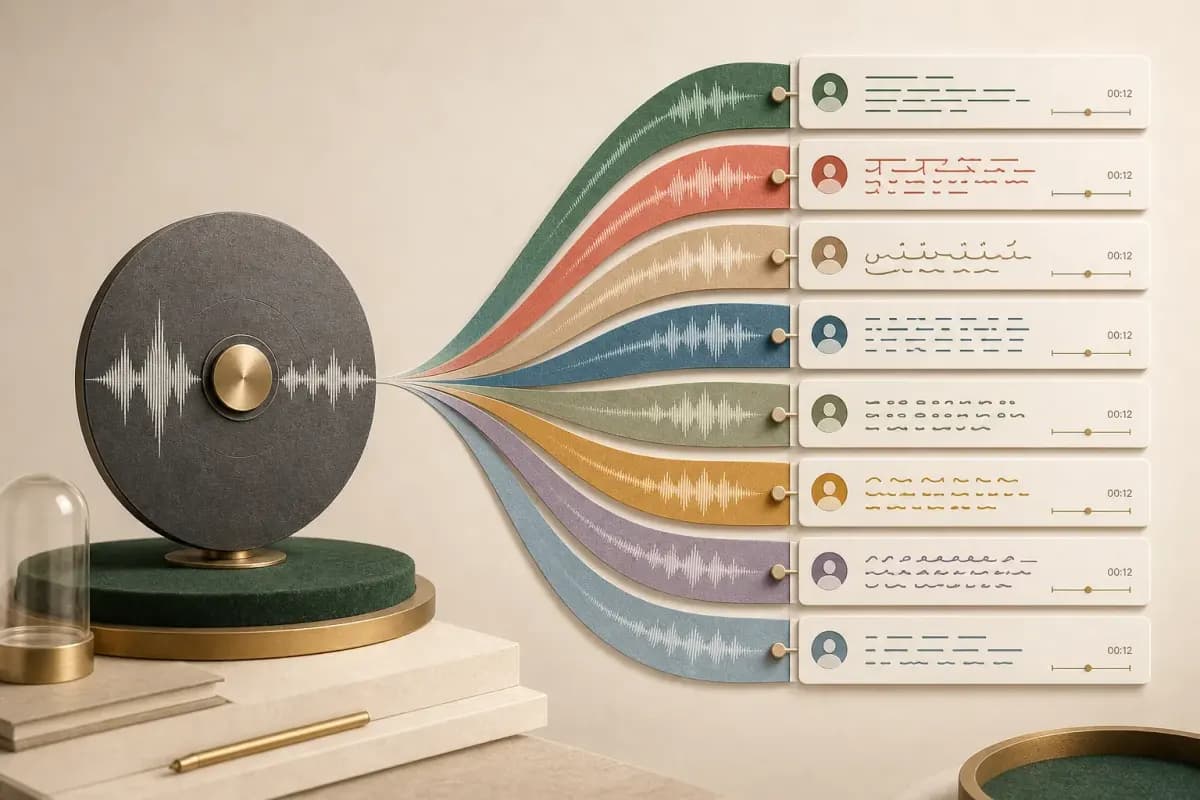
ChatToPDF's current registry covers 93 languages, with 57 in the excellent or high provider-published accuracy bands. Deepgram Nova-3 handles the languages it explicitly supports; ElevenLabs Scribe v2 covers the full registry and supplies the path for languages outside Nova-3's set. When no reliable language is known, Scribe v2 can identify it from the audio. You can browse the current list and planning bands in the 93-language transcription directory.
Coverage is not an accuracy guarantee. Results vary by the recording, language, accent or dialect, speaking pace, background noise, overlapping speakers, clipping, code-switching, and unusual names or numbers. Provider accuracy bands are useful for planning, but they do not predict one specific voice note. For legal, medical, financial, HR, or other high-stakes use, compare important passages with the original audio before relying on the text.
Language routing happens per note. That means one exported chat can contain notes in different supported languages without forcing the whole chat through one model. Mixed-language speech inside a single note remains harder: the dominant language signal, pronunciation, and where the speaker switches can all affect the transcript.
Worked example: Spanish voice note → text
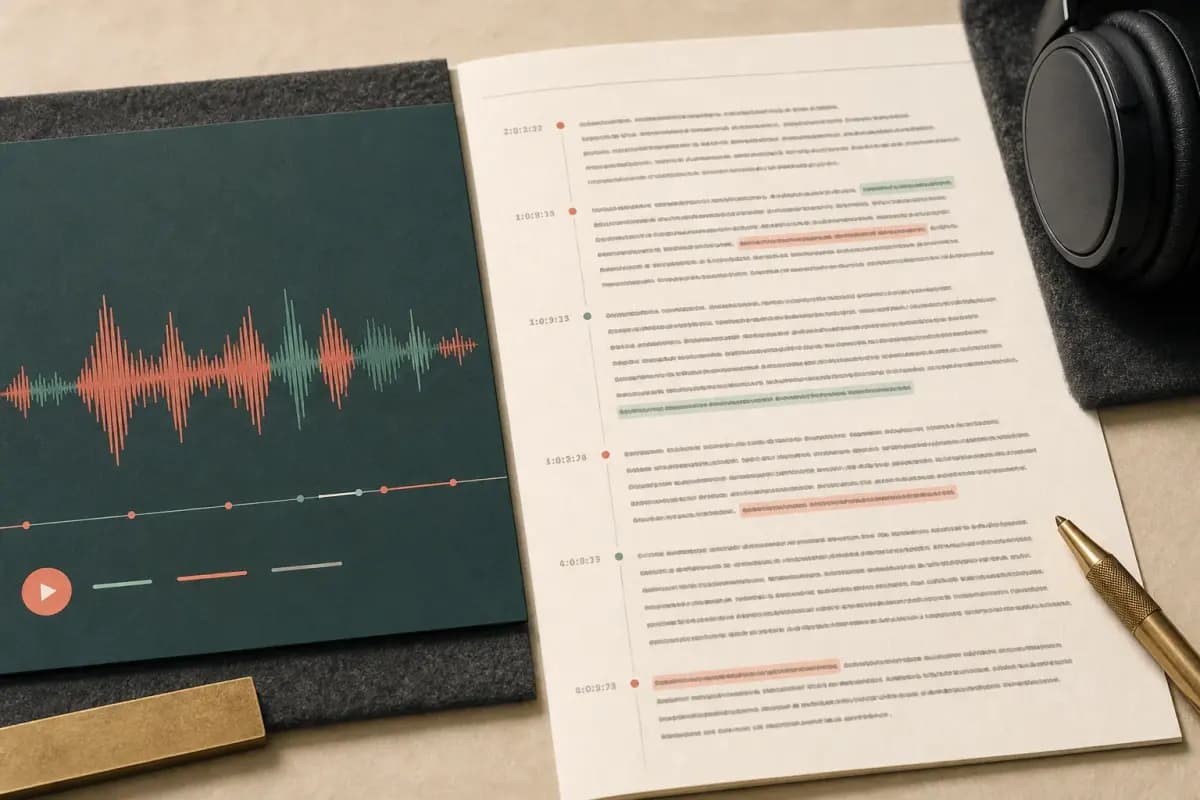
The following is an illustrative output example, not an accuracy benchmark or a customer record. It shows how an 18-second Spanish note could appear inside the PDF when the provider returns a transcript successfully:
🎤 [Voice note — 0:18] "Hola, ¿cómo estás? Te llamo para confirmar la cita de mañana a las tres de la tarde. Si no puedes, mándame un mensaje. ¿Vale?"
The sender name would come from the matching chat row, the time would be the original WhatsApp message time, and the transcript would sit between the surrounding exported messages. The system does not derive those facts from the audio.
Spanish homophones such as haya versus halla and tubo versus tuvo illustrate why fluent-looking text can still be wrong. Names and time expressions such as a las tres de la tarde are especially important to verify when a document will be quoted or relied on.
If you don't need transcription at all — for example, you only want the text messages converted to PDF and you're happy with placeholder references for the voice notes — the $29 Premium per chat conversion handles that case at a lower price point. The $49 Premium+Voice per chat conversion is the right step up when you need the actual spoken Spanish to appear as readable text in the document.
Worked example: Hindi (mixed Hinglish) → text
- Code-switching
The linguistic practice of alternating between two or more languages within a single utterance or conversation — for example, a Hindi speaker inserting English words, phrases, or whole clauses mid-sentence (Hinglish). Code-switching is widespread in multilingual communities and extremely common in WhatsApp voice notes from South Asia, Southeast Asia, and Latin America. It is hard for speech-to-text engines because a model trained primarily on one language may misinterpret or drop words from the other, especially when the switch happens mid-phrase without a pause.
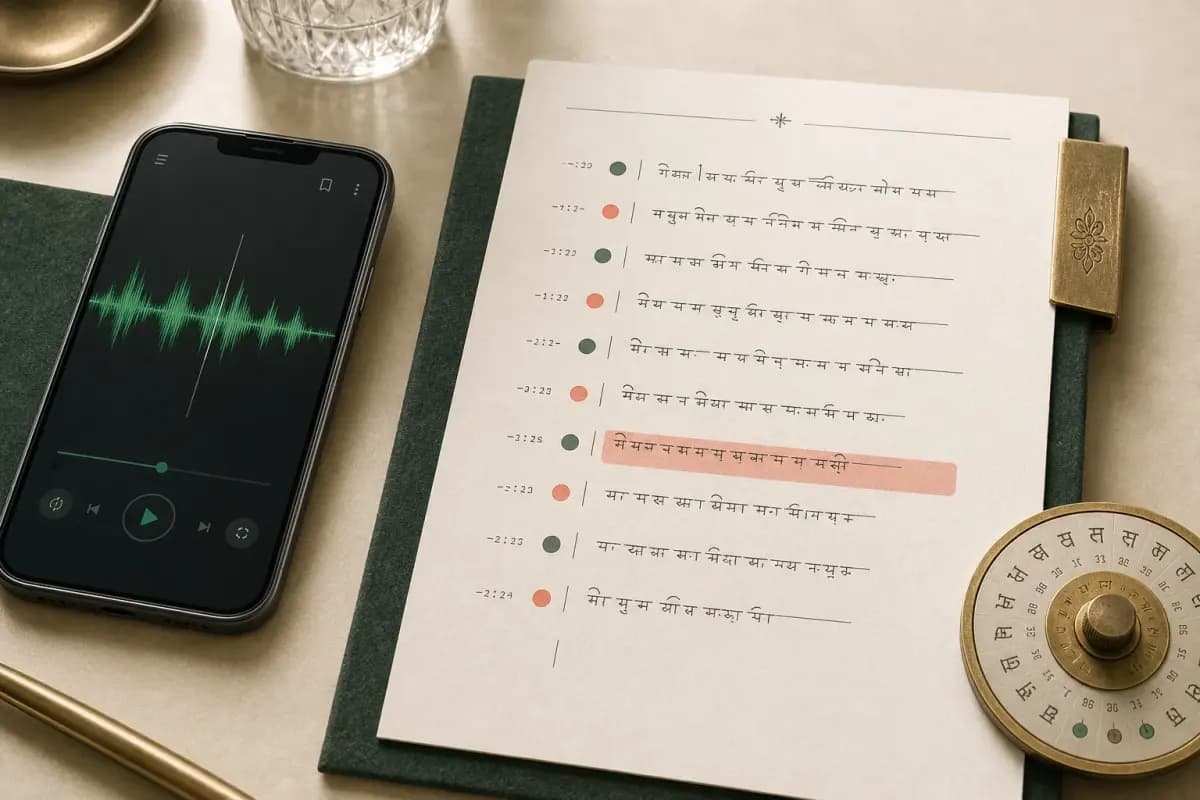
Hinglish — Hindi with embedded English words, phrases, and sometimes full clauses — is a common code-switching pattern. It is also a difficult transcription case because language detection and recognition have to follow pronunciation and vocabulary that can change mid-sentence.
This illustrative mixed-language line shows the output structure; it is not a measured accuracy result:
🎤 [Voice note — 0:22] "Yaar, kal meeting hai 3 baje, please attend karna. Project deadline aa rahi hai aur boss bahut strict hai."
An English gloss would be: "Mate, there's a meeting tomorrow at 3, please attend. The project deadline is coming up and the boss is very strict." ChatToPDF itself does not create that translation; it returns transcription in the detected source language.
Terms such as meeting, attend, project deadline and strict switch into English mid-sentence. A model can drop, respell or reinterpret those switches. If a workplace review depends on the word deadline, compare it with the audio rather than treating the generated line as independent evidence.
Sender attribution works the same as with Spanish: the name from _chat.txt appears in the PDF with the transcript, and the timestamp from the WhatsApp metadata anchors it to the correct position in the conversation.
The $49 Premium+Voice per chat conversion is the entry point for supported Hindi voice notes you want transcribed; the $99 Power User per chat conversion uses the same router with no audio-duration cap and priority processing. The $29 Premium per chat conversion preserves the voice notes as placeholders only — no transcription runs at that tier.
The $49 Premium+Voice tier — what's in it and what's not
The $49 Premium+Voice per chat conversion is the tier I built specifically for voice-heavy chats. Here is exactly what it includes and what it doesn't.
What's in the $49 Premium+Voice per chat conversion:
- Language-aware transcription — each supported note is routed between Deepgram Nova-3 and ElevenLabs Scribe v2
- A 93-language registry — 57 languages are in excellent or high provider-published accuracy bands; Scribe v2 covers the full set while Nova-3 handles languages in its supported subset
- Up to 8 hours of audio in a single chat — if your chat exceeds 8 hours of total recorded audio, the $99 Power User per chat conversion lifts that cap
- No message ceiling — no upper bound on the number of messages in the chat you're converting
- Sender attribution on transcripts — every transcript in the PDF carries the WhatsApp sender name from the export metadata
- Timestamps preserved — the original WhatsApp timestamp appears alongside each transcript, not the transcription time
- Three output formats — PDF, XLSX, and CSV all included; the XLSX is useful if you want to filter or sort by sender and timestamp
- Explicit cloud-processing disclosure — audio leaves the device for ChatToPDF and the provider selected for that note; Deepgram requests use its model-improvement opt-out
What's not in the $49 Premium+Voice per chat conversion:
- Real-time transcription — this tier processes already-recorded voice notes from an export ZIP; it does not monitor incoming WhatsApp messages
- Custom vocabulary lists — you cannot upload a glossary of names or technical terms; rare proper nouns can still be misheard
- Speaker identification beyond WhatsApp metadata — within a single voice note where the sender records while another person is talking in the background, both are transcribed but only attributed to the WhatsApp sender. ChatToPDF does not run speaker diarisation on the audio itself.
- Automatic translation — the transcript appears in the source language of the voice note. If a voice note is in Spanish, the transcript is in Spanish. ChatToPDF does not translate transcripts.
The tier above this one — $99 Power User per chat conversion — includes everything in $49 Premium+Voice per chat conversion plus no audio-duration cap, priority processing, and the full output bundle for that chat. It does not combine multiple chat ZIPs into one conversion.
For reference, the full tier stack: $7 Basic per chat conversion (text only, 5,000-message cap), $14 Standard per chat conversion (supported images, 25,000-message cap), $29 Premium per chat conversion (no product message-count cap, voice notes preserved as placeholders), $49 Premium+Voice per chat conversion (the 93-language router, 8-hour audio cap), and $99 Power User per chat conversion (the same router, no audio-duration cap, priority processing, and a full output bundle).
Check the archive before choosing $49 or $99
The package choice depends on the supported audio in one chat, not how many conversations you want to upload. Before buying:
- Export with media and keep the ZIP intact. A TXT with voice-note placeholders contains no sound to transcribe.
- Check that the ZIP is within the 150 MB upload limit. The $99 package removes the audio-duration cap, not the file-size limit.
- Inspect the detected participants and voice notes. A note missing from the source archive cannot be recovered by selecting a larger package.
- Confirm the language and inspect the available sample transcript. Listen for names, dates and amounts; a readable sample is a quality check, not a guarantee for all remaining notes.
- Choose $49 for up to eight audio hours or $99 above eight audio hours for that conversion. Review the selected options and final price before payment.
After processing, review failed or uncertain results and preserve the source recordings. More hours do not make recognition more accurate: the packages change the allowance, while recording quality and language still affect the result. The pricing page keeps the current package boundaries in one place.
What this workflow does — and does not do
ChatToPDF is a retrospective export workflow. It processes one WhatsApp chat ZIP that the user deliberately uploads. It does not connect to a WhatsApp account, monitor incoming messages or transcribe a conversation while it is happening.
- Input or request
- Supported voice note present in the export ZIP
- In scope?
- Yes
- Reason
- The audio can be matched to its exported message row
- Input or request
- Voice-note placeholder but no audio file
- In scope?
- No transcript
- Reason
- The chat log has context but no speech bytes
- Input or request
- WhatsApp voice or video call
- In scope?
- No
- Reason
- Export Chat does not include a recording of the call
- Input or request
- Incoming message after the export was created
- In scope?
- No
- Reason
- The ZIP is a point-in-time snapshot
- Input or request
- Translation into another language
- In scope?
- No
- Reason
- The product transcribes in the detected source language
- Input or request
- Multiple chat ZIPs in one purchase
- In scope?
- No
- Reason
- Pricing and processing apply to one exported chat per conversion
| Input or request | In scope? | Reason |
|---|---|---|
| Supported voice note present in the export ZIP | Yes | The audio can be matched to its exported message row |
| Voice-note placeholder but no audio file | No transcript | The chat log has context but no speech bytes |
| WhatsApp voice or video call | No | Export Chat does not include a recording of the call |
| Incoming message after the export was created | No | The ZIP is a point-in-time snapshot |
| Translation into another language | No | The product transcribes in the detected source language |
| Multiple chat ZIPs in one purchase | No | Pricing and processing apply to one exported chat per conversion |
This boundary is useful when choosing a tool. If you need to read one new message in the app, try WhatsApp's native Voice message transcripts feature. If you need a live meeting or call transcribed, use a product designed for live audio. If you need a searchable record of voice notes already present in one exported conversation, use this batch workflow.
Privacy: where your audio goes and where it doesn't

This is the part I want to be specific about because the nature of voice notes — audio recordings of real conversations — means the privacy stakes are higher than with text messages alone.
Here is the exact data path for a voice note submitted through the $49 Premium+Voice per chat conversion:
Step 1 — Upload. Your ZIP file is transmitted from your browser to ChatToPDF's server over HTTPS, so the connection is encrypted in transit. The ZIP lands in a server-side job directory while extraction runs.
Step 2 — Extraction. Supported audio files are extracted from the ZIP. Each file is matched to its chat-log attachment reference by filename pattern. At this point, the extracted copy is in ChatToPDF's server-side job directory.
Step 3 — Transcription-provider call. Each supported audio file is submitted over authenticated HTTPS to the provider selected for that note: Deepgram Nova-3 or ElevenLabs Scribe v2. Deepgram requests include mip_opt_out=true, and the ElevenLabs path disables provider logging. The provider receives the audio needed for transcription, not the full chat log, and returns transcript data.
Step 4 — Storage and retention. The transcript is bundled into the output and stored in the job's server-side directory with the source export. Deletion is scheduled when files reach seven days for paid and unpaid jobs. A job still processing at that point can receive a bounded grace period of up to 24 hours so cleanup does not remove a file while a worker is reading it. If any server processing is unsuitable for the conversation, do not use the cloud workflow.
Step 5 — Delivery. The completed download is tied to the processing job and the delivery flow. Treat the job link and delivery email as sensitive: anyone with access to them may be able to reach the output.
Step 6 — Scheduled deletion. Cleanup becomes eligible seven days after the job is created. Jobs that are still processing can remain only for the bounded 24-hour grace described above; the source ZIP, extracted files, and generated downloads then become eligible for deletion.
ChatToPDF does not train a speech model on the upload. The speech provider selected for a note necessarily receives that note's audio to transcribe it. Operational systems and authorized support or infrastructure access remain part of any cloud-service risk review; do not interpret automated processing as a promise that no human could ever access server-side data.
The external-provider step matters in any privacy review. ChatToPDF controls its own pipeline, but the providers control their internal processing under their respective terms. If your voice notes contain privileged, regulated, or highly sensitive information, have the responsible privacy or legal team review both Deepgram's and ElevenLabs' current processing terms before uploading.
Edge cases: background noise, multiple speakers, voice-changing effects
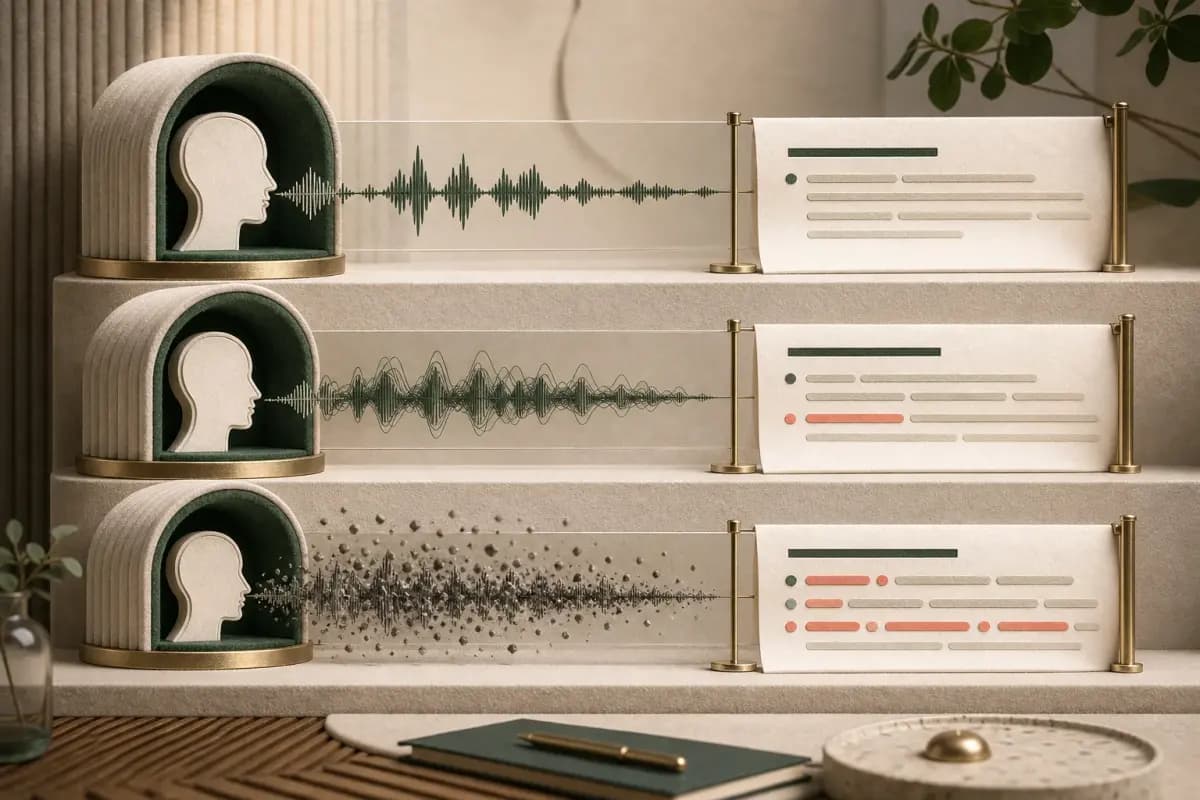
Real WhatsApp voice notes are not recorded in sound-proofed studios. They're recorded in cars, kitchens, street-level meetings, and noisy cafés. Here is how those conditions can affect a transcript.
Background noise by environment.
A quiet, close-mic, single-speaker note will generally be easier to transcribe than one recorded in a busy office, restaurant, or market. Outdoors, wind and traffic can mask consonants. In a moving vehicle, road and engine noise can obscure whole phrases. Neither provider can reconstruct speech that the microphone did not capture clearly, so the audio quality going in remains the biggest practical variable.
Multiple speakers within a single voice note.
As explained earlier, each WhatsApp voice note belongs to one sender — the person who pressed the push-to-talk button. ChatToPDF attributes the transcript to that sender. If another person or a television is audible in the background, the selected provider may also transcribe that speech. The output can then interleave multiple voices while still being attributed to the WhatsApp sender.
ChatToPDF cannot currently isolate the primary speaker and discard background voices within a single audio clip. Speaker diarisation — identifying which audio segments came from which person in the same file — is not part of the current product.
Voice-changing effects.
Some WhatsApp users send voice notes with audio effects applied — pitch shifting, heavy reverb, or a deep-voice filter. Speech-recognition models are designed around natural speech, so heavily modified audio can become unreliable or fail to produce useful text.
Treat a transcript as a searchable aid, not as independent verification of the recording. If a phrase looks wrong, compare it with the source audio; do not assume fluent-looking output is exact.
WhatsApp's built-in transcripts — and fixing "Transcript not available"
Before uploading a chat, check whether WhatsApp's native feature already solves the job. WhatsApp documents this path: Settings → Chats → Voice message transcripts, choose the transcript language, then long-press one voice message and tap Transcribe. WhatsApp says generation happens on the device. That is the right route for reading one supported message inside the app.
The native and batch workflows are not substitutes. WhatsApp's published action is message-by-message and does not provide a command to create one sender-attributed PDF from all voice notes. ChatToPDF's export workflow is designed for that document job, but it requires cloud processing and a media-inclusive ZIP.
If the native action is missing or returns an error, use the dedicated WhatsApp Transcript not available guide. For the native feature and its limits, see WhatsApp speech to text. For package details and the whole-chat preview, use the WhatsApp audio-to-text converter.
FAQ
What file format do WhatsApp voice notes use, and does ChatToPDF handle it?
WhatsApp commonly stores voice notes as Opus audio, often in .opus files; some exports can contain other supported audio formats such as .m4a. ChatToPDF extracts supported audio from the export ZIP and sends each note in its native format to Deepgram Nova-3 or ElevenLabs Scribe v2, according to the language-aware router.
How accurate is the WhatsApp audio transcription?
Accuracy depends on the recording more than the package. The $49 Premium+Voice and $99 Power User conversions use the same Nova-3 and Scribe v2 router; Power User changes the audio allowance, output bundle, and queue priority. The $29 Premium conversion does not transcribe. Background noise, overlapping speakers, clipping, accents or dialects, and code-switching can all reduce accuracy, so names, dates, amounts, and quoted passages should be checked against the original audio before use.
Can I transcribe WhatsApp voice messages to text for free?
For one supported message, first try WhatsApp's included Voice message transcripts feature under Settings → Chats; WhatsApp says it generates the transcript on-device. ChatToPDF's preview and voice-note count are free, but complete whole-chat transcription starts at $49 for one chat with up to eight audio hours.
Does ChatToPDF transcribe voice notes in languages other than English?
Yes. The $49 Premium+Voice and $99 Power User conversions use a language-aware router between Deepgram Nova-3 and ElevenLabs Scribe v2 across the current 93-language registry; 57 languages are in excellent or high provider-published accuracy bands. Scribe v2 covers the full registry, while Nova-3 handles its supported subset. Coverage does not guarantee a result for every dialect or recording, so review important passages. The $29 Premium conversion does not transcribe voice notes.
Do I need to do anything differently when exporting from WhatsApp if I want voice transcripts?
Yes — choose Including Media rather than Without Media. A text-only export can contain attachment references but not the audio bytes. Including Media asks WhatsApp to package available voice-note files, although deleted or unavailable media can still be absent. ChatToPDF cannot transcribe a file that is not in the ZIP, so verify the preview count. See the WhatsApp chat export guide for the full export steps.
Will the voice transcripts appear in the right place in the PDF?
Yes, when the attachment match and transcription succeed. ChatToPDF reads the message log, matches an audio reference to the corresponding file, and inserts the returned transcript at that message position. The sender and original timestamp come from the export metadata. Missing, unsupported, corrupt or failed audio should remain an exception rather than being replaced with invented text.
What happens to my audio files after the transcription is complete?
The audio is stored in the server-side job directory and sent only to the transcription provider selected for that note. Deepgram requests opt out of its Model Improvement Program. Deletion of source files, extracted audio, and generated downloads is scheduled when paid and unpaid jobs reach seven days; a job still processing can receive a bounded grace period of up to 24 hours. For the full data path, see the WhatsApp to PDF privacy section.
Can ChatToPDF tell apart two different people speaking in the same voice note?
Not currently. Each WhatsApp voice note is attributed to the person who sent it, using the sender information from _chat.txt. Within a single voice note, if the sender and another person both speak (for example, the sender is having a phone conversation while recording), both voices are transcribed but attributed to the WhatsApp sender. ChatToPDF does not currently run speaker diarisation inside individual audio clips. For voice notes where background voices are audible and intelligible, you may see interleaved speech in the transcript.
How do I convert WhatsApp voice to text on Android?
On Android, try WhatsApp's Voice message transcripts feature for one supported note. For a whole-chat document, export the chat with Including Media and upload the ZIP to the WhatsApp audio-to-text converter. The $49 Premium+Voice conversion routes supported audio through Deepgram Nova-3 or ElevenLabs Scribe v2 and places each successful result at its exported message position.
How do I convert WhatsApp voice to text on iPhone?
On iPhone, WhatsApp's Voice message transcripts feature can generate text for one supported message. For a whole chat's voice notes in one document, export with Including Media and upload the ZIP to the WhatsApp audio-to-text converter. The $49 Premium+Voice conversion routes supported audio through Nova-3 or Scribe v2 and places successful transcripts into a dated, sender-attributed PDF.
Why is WhatsApp voice-to-text not working?
Check that Voice message transcripts is enabled under Settings → Chats, that the selected transcript language matches the speech, and that WhatsApp is current. If the action is present but fails, use the Transcript not available guide. A native failure does not prove that every cloud model will fail, but corrupt, silent or unclear audio can fail in either route.
Is there a free WhatsApp audio to text converter online?
You can preview a WhatsApp audio-to-text conversion before paying. Full transcription runs on the $49 Premium+Voice per chat conversion. Single-file voice-note tools usually process one clip without the surrounding sender and timestamp context; ChatToPDF instead processes supported notes found in one exported chat and returns each successful transcript to that context.
Can WhatsApp transcribe voice notes longer than two minutes?
WhatsApp's native availability and limits can vary by device, language and app release, so test the transcript action on the specific note rather than relying on a universal two-minute claim. ChatToPDF's $49 package covers up to eight audio hours across one exported chat, but an individual corrupt or unusually long note can still fail or time out; keep the original audio for verification.
Can I translate WhatsApp voice messages to another language, not just transcribe them?
ChatToPDF transcribes — it converts spoken audio into written text in the detected source language. It does not translate that text into a different language. A Spanish voice note should return Spanish text; a Hindi note should return Hindi or Hinglish text, subject to what the model can recognize in that recording. Transcription and translation are separate steps. If you need another language, review the transcript against the audio first and then translate the corrected text.
Do I need to install an app to transcribe WhatsApp audio?
No separate ChatToPDF app is required. Export the chat from WhatsApp with Including Media, open the browser-based audio-to-text converter, and upload the ZIP. WhatsApp's native transcript is also available inside WhatsApp for one supported message; see WhatsApp speech to text for that feature's intent and limitations.
Key takeaways
- To transcribe WhatsApp audio, export your chat with "Including Media" selected — supported voice-note files must be present in the export
- The $29 Premium per chat conversion does not transcribe; the $49 Premium+Voice conversion uses a Deepgram Nova-3 and ElevenLabs Scribe v2 router for up to eight audio hours in one chat, while the $99 Power User package removes the audio-duration cap and adds priority processing
- Each successful transcript is inserted at the matched position in the conversation with the exported sender and original timestamp preserved
- The current registry covers 93 languages, with 57 in excellent or high accuracy bands; coverage and bands are not a guarantee for one recording
- Deepgram transcription requests opt out of its Model Improvement Program; audio can also route to ElevenLabs Scribe v2, so sensitive-data reviews should consider both providers
- File deletion is scheduled at seven days for paid and unpaid jobs, with a bounded processing grace period of up to 24 hours
- Treat the transcript as a searchable aid and verify important passages against the original audio
For the full chat-to-PDF workflow — including how to export on iPhone and Android, what the ZIP contains, and how all five tiers compare for non-voice conversions — see the WhatsApp to PDF guide. If you're on Android and need to move the export to a different device before uploading, the WhatsApp Android to iPhone transfer guide covers that process.
More on WhatsApp voice notes
- WhatsApp voice to text — the step-by-step workflow for turning a whole chat's voice notes into searchable text.
- WhatsApp speech to text — how WhatsApp's built-in transcription works, its limits, and when you need a dedicated tool.
- WhatsApp audio format — what the
.opuscodec is, how to convert voice notes to MP3, and why the format matters for transcription. - Best WhatsApp transcription tools — an honest, category-by-category comparison of your options.
I'm Paul, the founder of ChatToPDF. I built it after needing a long WhatsApp conversation as a readable PDF for a legal matter. I test and document WhatsApp exports, PDF conversion, voice-note transcription, and the limits people should check before relying on the result.