
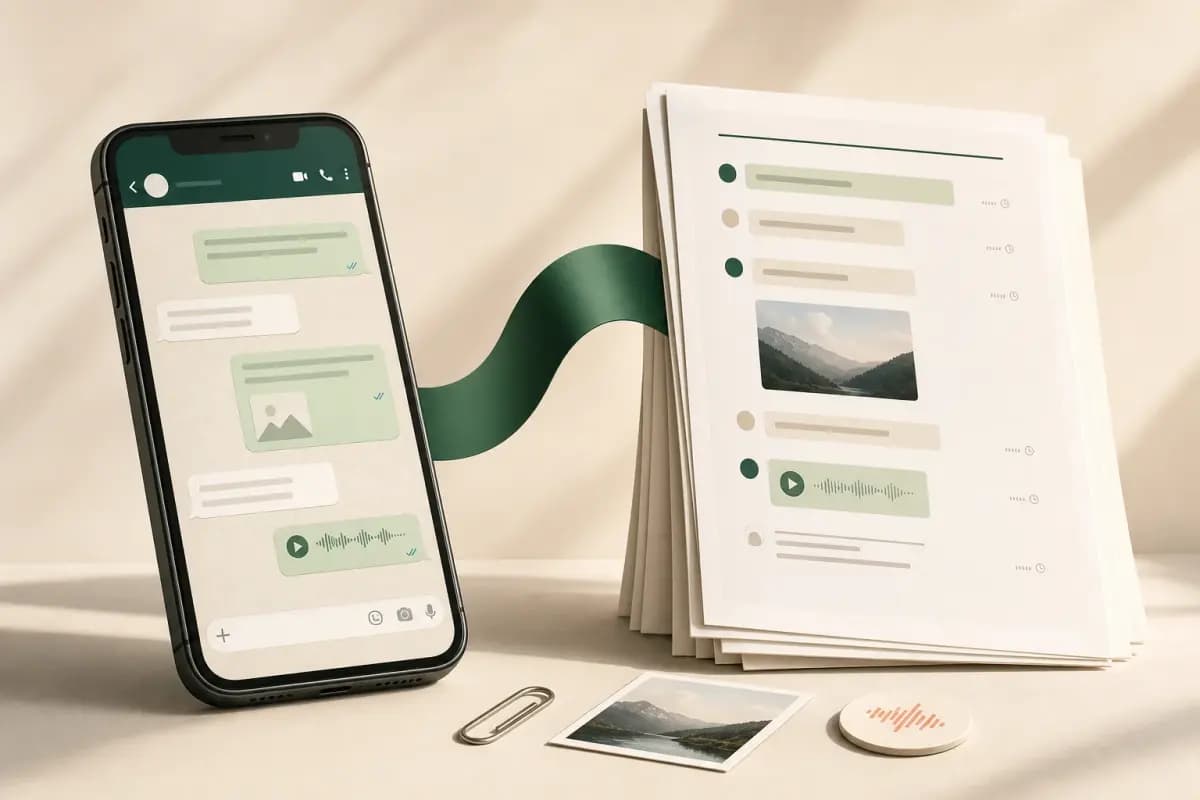
To save a WhatsApp chat as a PDF on iPhone: open the chat, tap the contact or group name, scroll to Export Chat, choose Including Media, and save the ZIP to the iOS Files app. WhatsApp does not produce a PDF directly. Upload the ZIP to ChatToPDF and a sender-attributed PDF — with photos and messages intact — is emailed back in about 30 seconds. PDF is the preservation-friendly format because it renders identically across all devices and future operating systems.
- Goal
- Keep one conversation independently
- Use this
- Export Chat → Including Media → PDF
- Result
- A fixed, readable file you can store anywhere
- Goal
- Restore WhatsApp after changing phones
- Use this
- iCloud backup or WhatsApp chat transfer
- Result
- The conversation returns inside WhatsApp
- Goal
- Preserve only a few visible messages
- Use this
- Screenshots
- Result
- Quick image evidence with limited context and searchability
- Goal
- Keep the original source as well
- Use this
- Store the exported ZIP beside the PDF
- Result
- Readable working copy plus the untouched export
| Goal | Use this | Result |
|---|---|---|
| Keep one conversation independently | Export Chat → Including Media → PDF | A fixed, readable file you can store anywhere |
| Restore WhatsApp after changing phones | iCloud backup or WhatsApp chat transfer | The conversation returns inside WhatsApp |
| Preserve only a few visible messages | Screenshots | Quick image evidence with limited context and searchability |
| Keep the original source as well | Store the exported ZIP beside the PDF | Readable working copy plus the untouched export |
Save versus export — same flow, different intent
- Including Media
- The WhatsApp export option that bundles photos, voice notes, and documents alongside
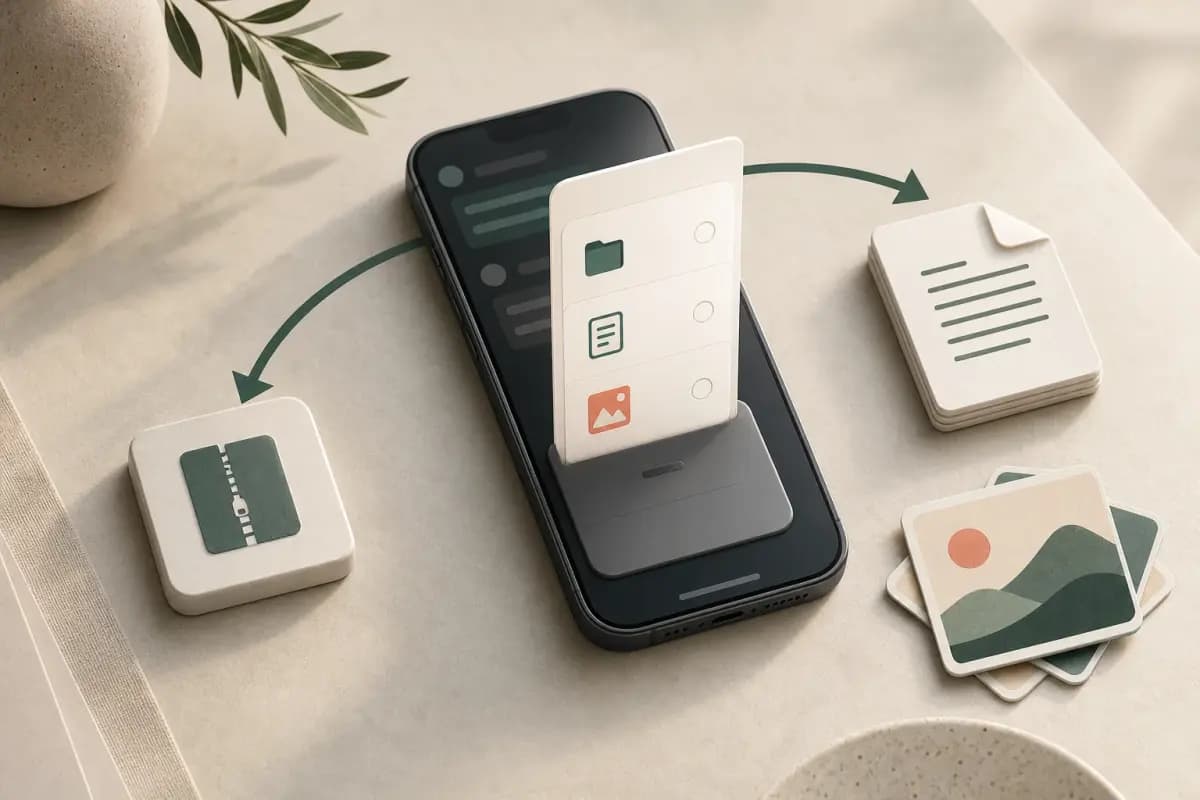
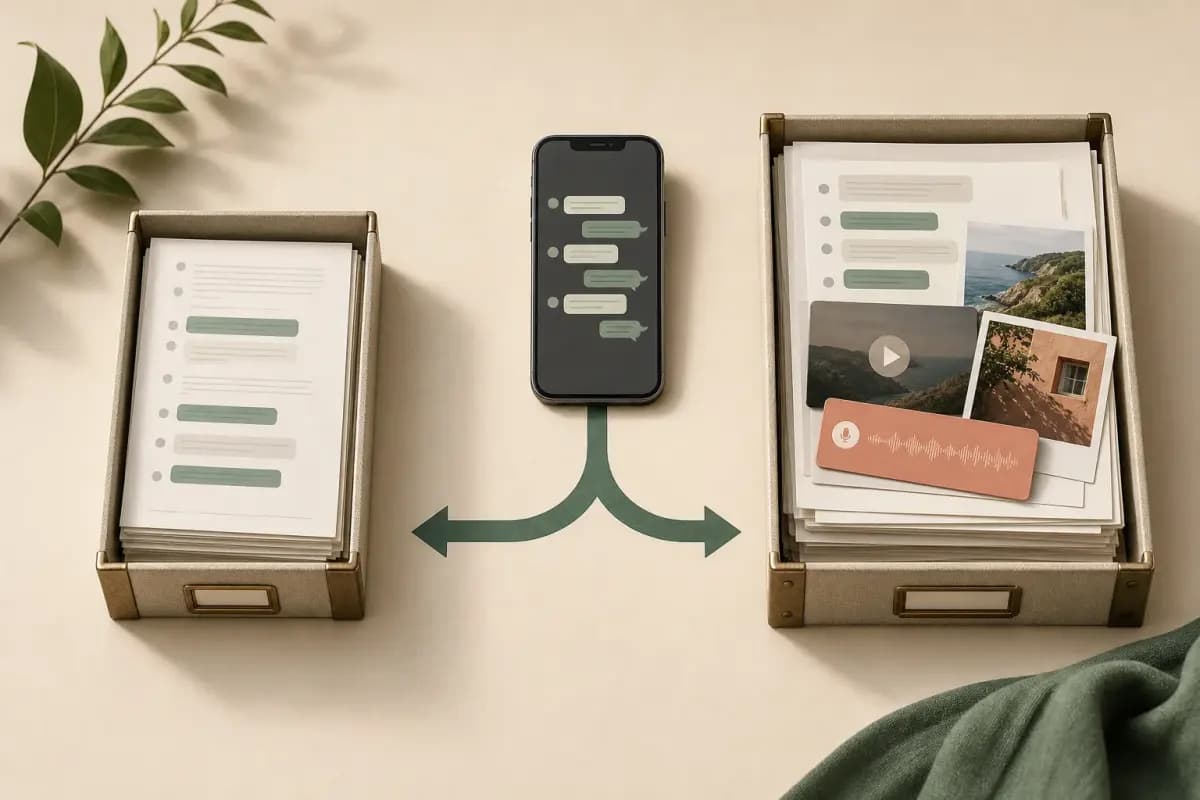
_chat.txtin the ZIP. Choosing Including Media is recommended for preservation saves because it ensures photos appear inline in the PDF rather than as<Media omitted>placeholders. The ZIP is larger but the resulting PDF is a complete, self-contained record of the conversation.
The mechanical steps to save a WhatsApp chat as PDF on iPhone and to export one are identical — Export Chat, Including Media, Save to Files, drop the ZIP onto chattopdf. But the searcher's intent behind "save" and "export" is different enough that I think it deserves its own page.
When someone types "save WhatsApp chat as PDF iPhone" they almost always mean preservation — keep this conversation forever, somewhere safe, in a format that won't break when the phone changes or the app is gone. The save searcher worries about decades, not minutes. They worry about format longevity, not feature parity. They worry about whether the saved file will still open on a phone they haven't bought yet.
This page leans into the preservation framing. For the extraction-angle walk-through with the same mechanics, see the companion guide export WhatsApp chat to PDF iPhone. For the iOS-only export workflow without the PDF focus, how to export a WhatsApp chat on iPhone covers every Files-app stop. If the preservation goal spans many threads — every active chat on the phone, not just one — the manual loop lives at how to export all WhatsApp chats at once iPhone. When the preserved file needs to land somewhere other than the iPhone Files app — a desktop, a cloud drive, a partner's email — export WhatsApp chat FROM iPhone routes the four real destinations. The pillar WhatsApp Android to iPhone sits above all of these.
Why PDF is the preservation-friendly format
PDF is the format I would pick for any chat I cared about keeping. The case is mostly about longevity and self-containment.
A .pdf file produced today renders identically on an iPhone running iOS 13 from 2019 and on a Mac running last week's macOS. The PDF specification has been ISO-standardised since 2008 (ISO 32000-1) and free open-source readers exist on every major operating system. That stability is the single most important property for preservation. Most other formats either break across version jumps, get tied to a single app's continued existence, or render differently as fonts and rendering engines change. PDF, designed from the start to be a fixed visual record, holds up.
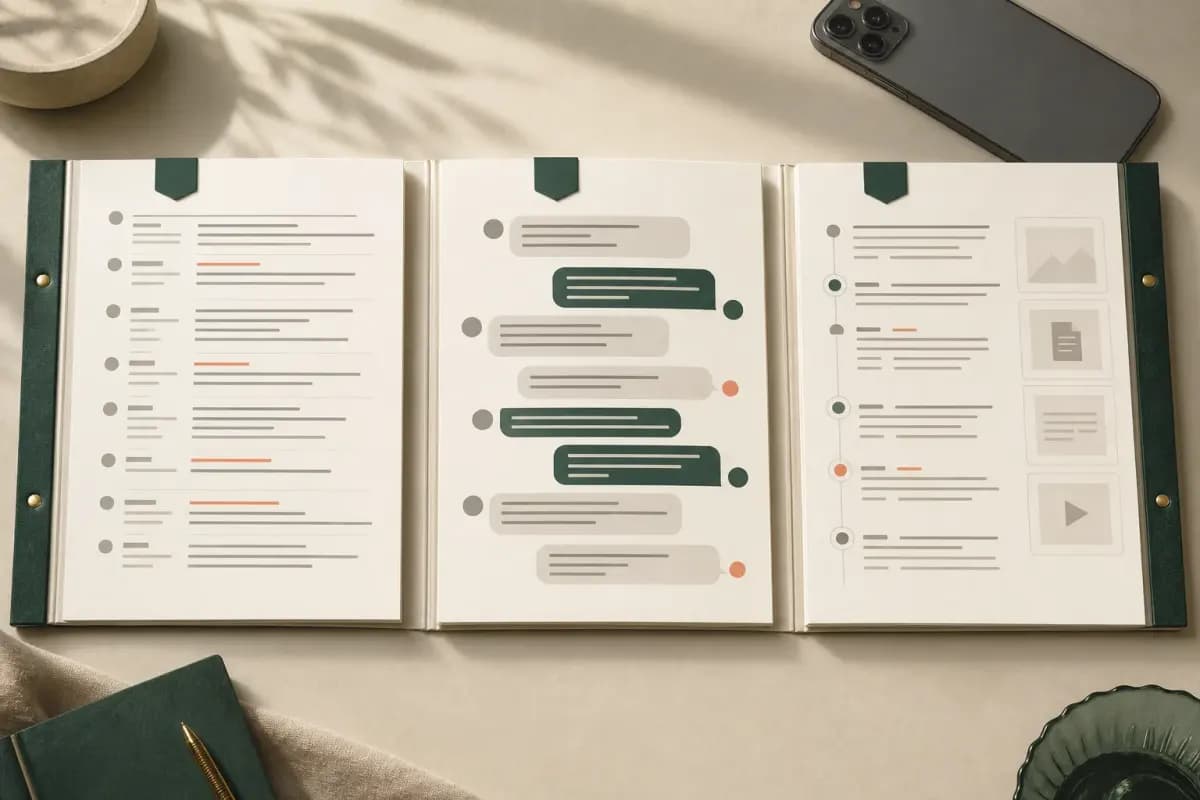
The second reason is self-containment. The chattopdf-produced PDF holds the messages, sender attribution, timestamps, and inline photos in one file. No external dependencies, no missing-image placeholders. Voice-note transcripts (Premium+Voice tier) are inline as text — which matters because audio formats themselves go obsolete more often than image formats. The third reason is format-independent encryption: a saved PDF can be password-protected, attached to encrypted email, or stored in an encrypted archive. None of those decisions depend on WhatsApp. Preservation should never depend on the original app still being installed.
Preservation use cases — what people are actually saving
The preservation framing matters because the real-world reasons people save a WhatsApp chat as PDF are heavier than "I want a backup".
A relative is unwell or has passed away, and the family group holds the last conversations — the save is grief-driven, the searcher knows they will not get more messages from this thread. A relationship has run its course and the searcher wants the read-only record, sometimes for sentimental reasons, sometimes for reference. A business contract was negotiated over WhatsApp and needs to live alongside the signed PDF and the invoices — the firm's accountant or lawyer needs to find it a year from now. Legal evidence preservation — divorce, harassment, fraud, custody disputes — where courts and discovery tools handle PDF as a first-class exhibit; for that path see the WhatsApp evidence in court guide.
The point in all four cases is the same — the searcher is not trying to extract data for a downstream task, they are trying to make a permanent record. The verb "save" carries that weight in a way "export" doesn't.
The iPhone flow — five taps and an upload
The mechanical flow is the same as the export-angle guide. I'll keep this section condensed because the full per-tap walk-through is over at export WhatsApp chat to PDF iPhone — duplicating it here doesn't help.
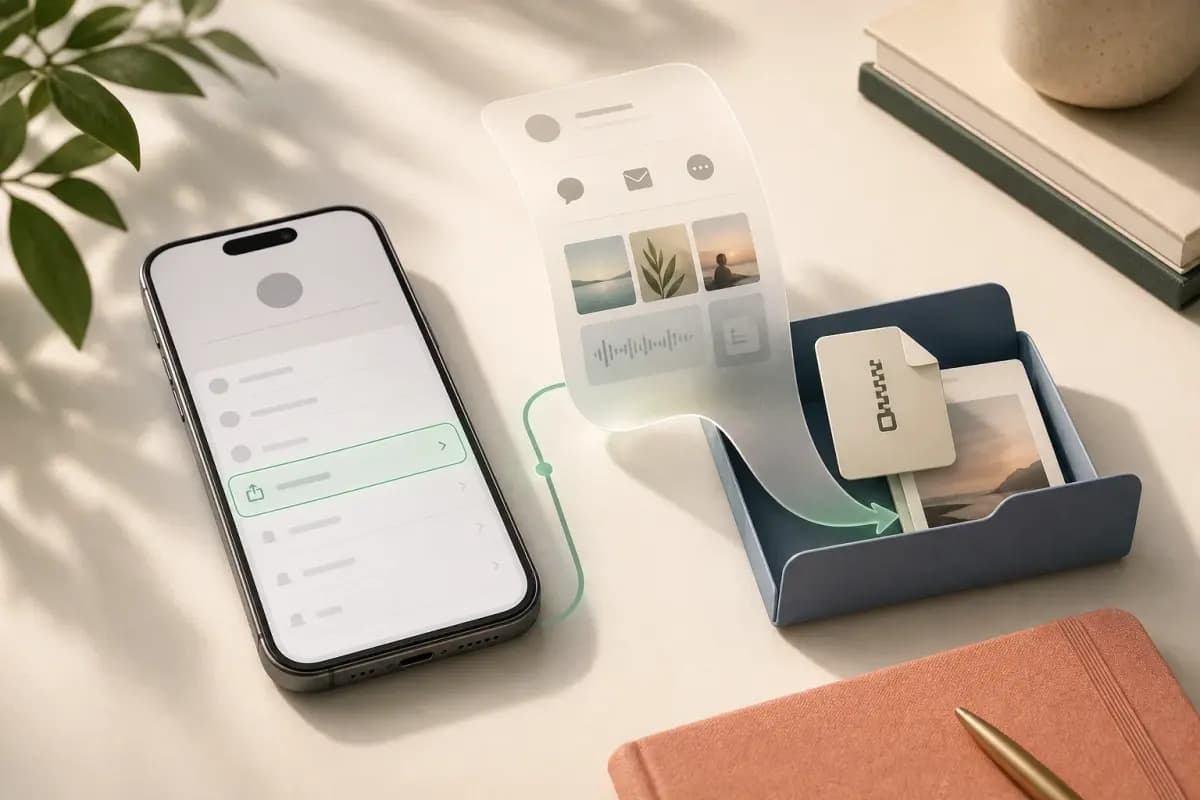
Open the chat in WhatsApp on iPhone
Tap the Chats tab, tap the conversation you want to preserve. You should be looking at message bubbles.
Tap the contact or group name at the top of the chat
The name sitting in the centre of the chat header is the iOS entry point to the contact info screen. Android uses a three-dot menu; iOS uses the title.
Scroll down and tap Export Chat
Past Mute, Encryption, Chat Lock, Starred Messages, Block, Report, and Clear Chat. Export Chat sits near the bottom in red text.
Pick Including Media so photos make it into the PDF
For preservation pick Including Media — the photos belong in the saved record. Without Media gives you a TXT-only export.
Save to Files → On My iPhone → Downloads, then upload to chattopdf in Safari
Tap Save to Files, pick On My iPhone → Downloads, tap Save. Open Safari, go to chattopdf.app, pick the saved ZIP from Files. The PDF arrives by email in roughly 30 seconds.
The whole flow stays on the iPhone — no desktop, no cable, no AirDrop to a Mac, no third-party app install. WhatsApp's export chat history FAQ confirms the menu mechanics. From a preservation point of view, what matters is that none of the steps depend on a specific iOS version or feature flag — the flow has worked across the iOS 14 through iOS 19 stretch.

The output PDF is what a saved WhatsApp chat should look like for preservation — message bubbles with sender names labelled, timestamps on every message, inline photos at sensible thumbnail sizes, clean pagination. Voice notes are transcribed inline if you picked Premium+Voice. The PDF is one self-contained document — no external assets, no dependencies on the WhatsApp app continuing to exist or your account staying open.

Keep the original exported ZIP beside the PDF rather than replacing it. The ZIP is the source snapshot; the PDF is the readable working copy. Record the export date and where the source is stored so a future reviewer can distinguish the untouched source from later presentation copies.
Pricing — $14 Standard per chat for a preservation save
ChatToPDF charges per chat conversion. No subscription. No monthly fee.
$7 Basic per chat — text-only PDF, no inline photos. Fine for short text-only chats with no media.
$14 Standard per chat — the right tier for a preservation save with a typical iPhone WhatsApp chat. Inline photos in the PDF, sender-attributed bubbles, timestamps, up to 25,000 messages per chat. The vast majority of preservation saves land here.
$29 Premium per chat — adds an XLSX/CSV export alongside the PDF and removes the message ceiling. Useful for multi-year family groups or decade-long business chats.
$49 Premium+Voice per chat — adds voice-note transcription through the language-aware Nova-3/Scribe v2 router. The current registry covers 93 languages, including 57 in provider-published excellent or high bands; supported notes that transcribe successfully appear in the PDF body. For preservation involving voice notes — a parent's voice messages, a meeting recording — the transcript makes the spoken content searchable while the original audio remains the source. The transcribe WhatsApp audio guide covers the voice pipeline.
$99 Power User per chat — priority queue and bulk handling for several chats in one session. Useful for closing out a decade of WhatsApp before changing phones.
For most preservation saves the answer is $14 Standard per chat — over 25,000 messages goes to Premium, voice notes go to Premium+Voice, multiple chats at once goes to Power User.

Key takeaways
- Save and export end at the same chattopdf upload — the difference is intent, not mechanics. "Save" usually means preservation
- PDF is the most preservation-friendly format because it's been ISO-standardised since 2008, renders identically across decades of OS changes, and is self-contained
- Real-world preservation cases — family chats before a relative passes, closing relationship records, business contract trails, legal evidence — all benefit from the PDF format's longevity and self-containment
- Five taps in WhatsApp on iPhone produce the ZIP — chat → title → Export Chat → Including Media → Save to Files → On My iPhone → Downloads
- ChatToPDF reads the ZIP and produces a sender-attributed PDF with timestamps, inline photos, and clean pagination — emailed back in roughly 30 seconds
- $14 Standard per chat covers most preservation saves; Premium+Voice ($49) adds inline voice transcription if the chat has voice notes you care about
- Nothing about the saved PDF depends on WhatsApp still existing, your account still being open, or a specific iOS version — the file stands alone
- For the full iPhone-to-PDF workflow with all tier options explained, see the WhatsApp to PDF guide.
FAQ
How do I save a WhatsApp chat as PDF on iPhone?
WhatsApp on iPhone doesn't save a chat as PDF directly — its Export Chat menu produces a ZIP (with media) or a TXT (without media). Take five taps: tap the chat, tap the contact name at the top, scroll to Export Chat, pick Including Media, tap Save to Files and pick On My iPhone → Downloads. Then open chattopdf.app in Safari, pick the saved ZIP from Files, pay the $14 Standard per chat tier, and the sender-attributed PDF arrives by email in roughly 30 seconds. The PDF is self-contained.
Why is PDF the right format for preserving a WhatsApp chat?
Because PDF has been ISO-standardised since 2008 and renders identically across decades of operating-system changes, free open-source readers exist on every major platform, and the file is self-contained. For a chat you're saving for sentimental, evidentiary, or business-record reasons, those properties matter more than feature parity. The saved PDF will open on a phone that doesn't exist yet, in twenty years, on an operating system that doesn't exist yet, without any data loss.
How much does it cost to save a WhatsApp chat as PDF iPhone?
ChatToPDF charges per chat — no subscription. The right tier for a typical preservation save is $14 Standard per chat — sender-attributed PDF with inline photos, timestamps on every message, up to 25,000 messages. Step up to $49 Premium+Voice per chat if the chat has voice notes you want transcribed inline. Step up to $29 Premium per chat if you have over 25,000 messages or want a spreadsheet alongside the PDF. $7 Basic per chat is text-only.
If voice notes are the part you most want to preserve, export with Including Media and use the WhatsApp audio-to-text converter. It keeps the sender and timestamp beside each transcript; the free preview checks the chat and counts voice notes before the $49 package decision.
I'm Paul, the founder of ChatToPDF. I built it after needing a long WhatsApp conversation as a readable PDF for a legal matter. I test and document WhatsApp exports, PDF conversion, voice-note transcription, and the limits people should check before relying on the result.