
WhatsApp to PDF converter: preview your chat as a clean PDF in 30 seconds.
Upload WhatsApp's ZIP or TXT export and inspect the sender-attributed result before paying. Text-only PDFs start at $7; PDFs with photos start at $14. Every paid plan also includes Excel and CSV files of the chat.
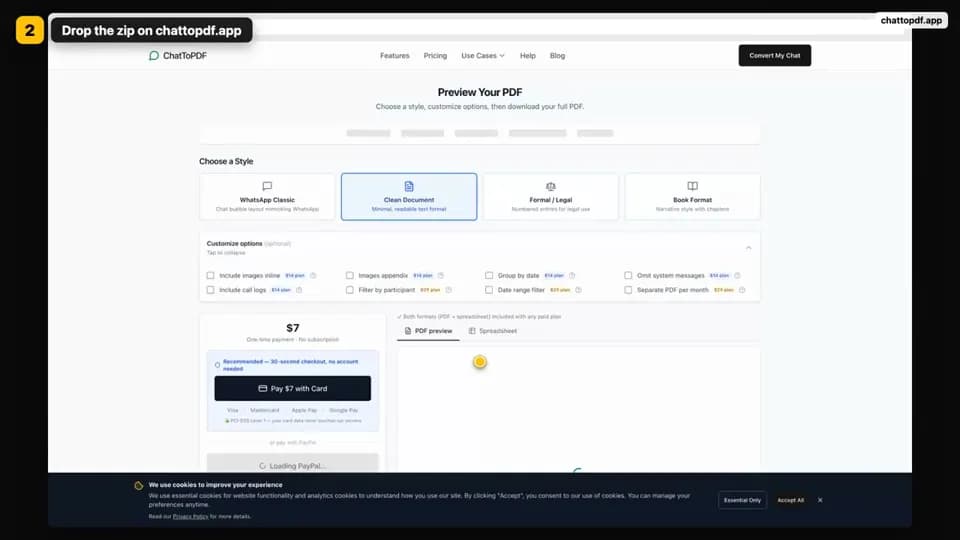
How it works: export the chat in WhatsApp (Export Chat), drop the ZIP or TXT here, check the free preview, then pay once from $7 and download the PDF. No account needed; uploads are deleted within seven days.
No account required · Pay only when you download
Evidence ledger
Trust should come with receipts.
No invented review score, mystery security badge or vague “enterprise-grade” promise. These are the concrete safeguards you can inspect before uploading anything sensitive.
Published customer note
“Great job, thank you!”
- 01Open the sample PDF
Inspect the output before paying
The free preview shows the parsed participants, message count and real PDF formatting. No account or card is required to inspect it.
- 02Read the security details
A deletion schedule you can verify
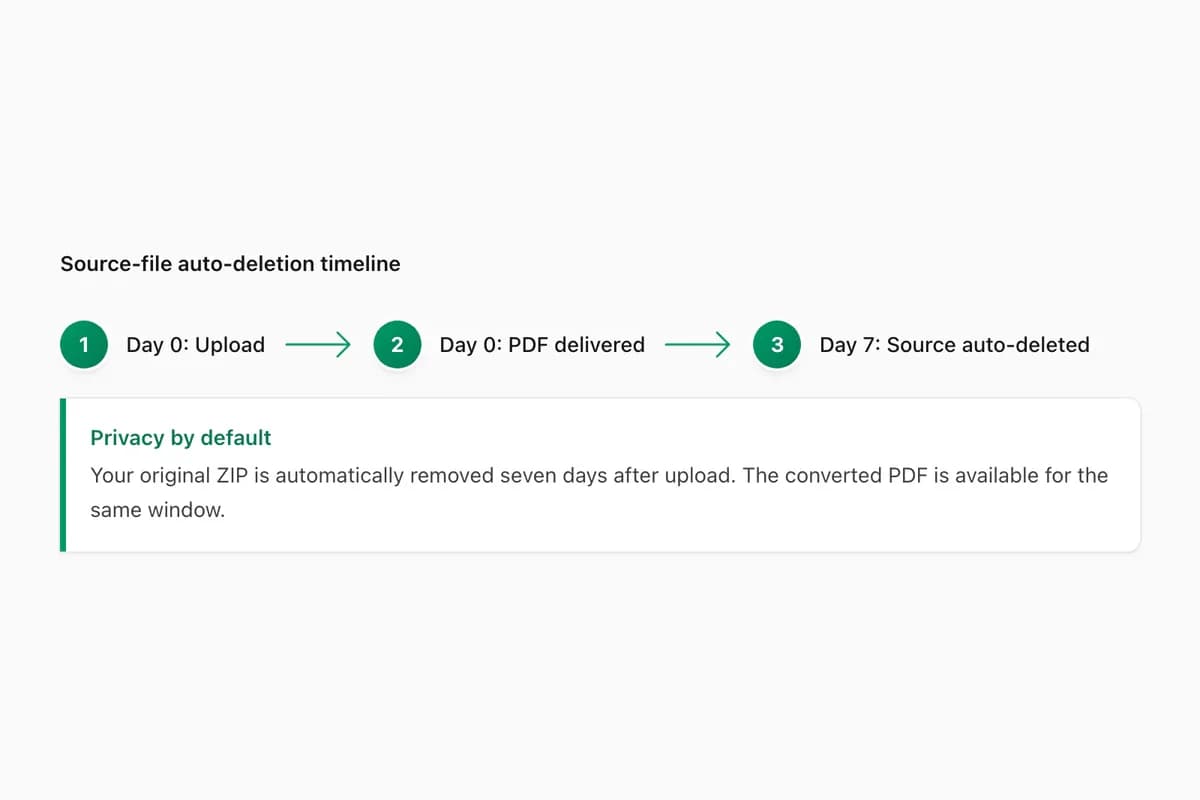
Source exports, extracted media and generated downloads are automatically deleted within seven days, with a tightly bounded grace period for a job still processing.
- 03Read the refund policy
One charge, on a hosted checkout
You pay once for the chat in front of you. Dodo Payments or PayPal handles the checkout; ChatToPDF never receives your card number.
- 04Meet the founder
A real person answers support
ChatToPDF is independently built and supported by Paul. The founder story, limitations and support address are public rather than hidden behind a generic company page.
From WhatsApp to a finished PDF in three steps.
About 90 seconds to export from WhatsApp. Once uploaded, most free previews are ready in under 30 seconds.
Export from WhatsApp
Open the chat, tap the contact name, then choose Export Chat. Select 'Without Media' or 'Include Media' and save or share the .txt or .zip file. This WhatsApp step usually takes about 90 seconds.
Upload and preview
Drop the file into the converter. Most uploads reach the free preview in under 30 seconds. Then inspect all 4 styles and customize the layout, dates and participants.
One-time payment per chat
$7 to $99 depending on the chat you're converting today and whether you need voice notes transcribed. Pay once for THIS chat — no subscription. Your PDF is generated, emailed to you, and automatically deleted with the source files within seven days.
What would you like to do with your chat?
Start with the preview that matches your task. Each paid conversion covers one chat; you can review the options before buying.
Print or save a PDF
Preview the page layout and preserve a readable copy of your conversation.
Text-only from $7 · with photos from $14
Open an exported chat
Read the preview first. Pay when you want the complete downloadable archive.
Free preview · downloads from $7
Create an Excel spreadsheet
Check sender, timestamp and message columns before downloading XLSX, CSV and PDF.
One-time conversion from $7
Export message rows to CSV
Inspect the structured rows for filtering and importing into your own tools.
One-time conversion from $7
Transcribe voice notes
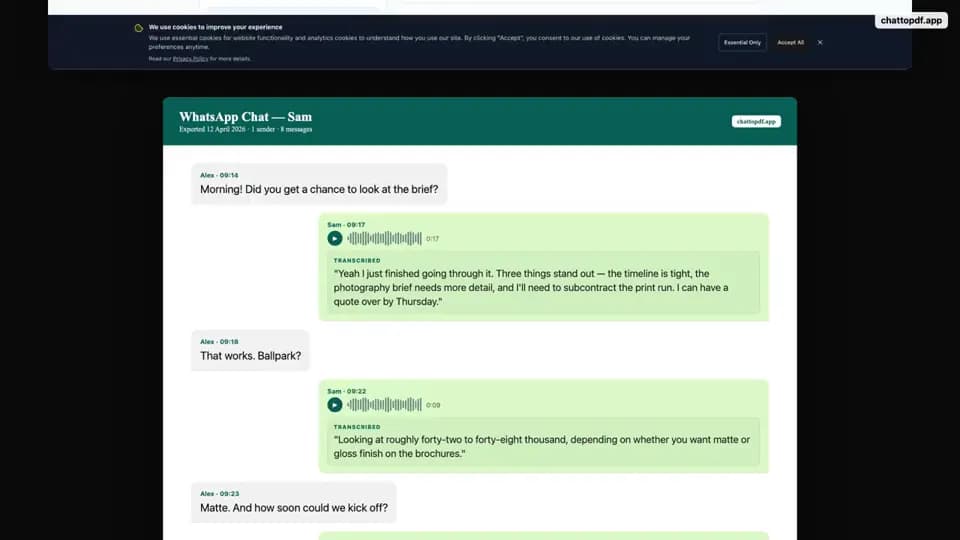
Review the included audio and keep successful transcripts beside the original messages.
$49 up to 8 audio hours · $99 above 8 hours
Make voice notes playable
Create a linked-audio PDF and bundle. Successful transcodes become MP3; originals are kept on fallback.
$49 per chat · transcription optional
Live query ledger
What people ask before they export.
These five gaps came from an August 2026 autocomplete harvest across Google, Bing, and YouTube. Each short answer stands on its own; the linked guide owns the full intent, evidence, and edge cases.
Can I export a WhatsApp chat from WhatsApp Web?
Not with a native whole-chat export. WhatsApp Web does not expose the phone app’s Export Chat action. For a complete TXT or ZIP, open the conversation on your phone and use Export Chat there. Web can copy a short excerpt or print visible messages, but that is not the same as a complete archive.
See what works on WhatsApp Web Query signal: Google, Bing, and YouTube autocompleteDoes WhatsApp Export Chat include deleted messages?
It does not recover deleted message content. If a message was deleted before the export, the TXT may preserve a “This message was deleted” placeholder, but not the original words or attachment. A conversion can format only what the source export contains; an older device backup or a specialist forensic process is a separate route.
Read the preservation limits Query signal: Google autocomplete clusterDoes exporting a WhatsApp chat notify the other person?
WhatsApp’s current Export Chat flow does not post a system message, change read receipts, or normally send the other participant a notification. It creates a copy on your device. That does not remove your duty to handle the copy lawfully, respect other people’s privacy, or obtain consent where your use requires it.
Understand what Export Chat changes Query signal: Google autocomplete clusterWhat is the difference between Export Chat and a WhatsApp backup?
Export Chat makes a readable snapshot of one conversation as TXT or ZIP. A WhatsApp backup is an account-level package designed to restore chats inside WhatsApp on a phone; it is not a normal document you can open or print. Use Export Chat when you need to read, share, analyse, or convert a conversation. Use backup when you need to restore the app.
Compare export, backup, and download Query signal: Google comparison and Bing question variantsCan I export an entire WhatsApp group chat to PDF?
Yes, if you are a participant and the history fits inside WhatsApp’s current per-export limits. Export that group as one TXT or media-inclusive ZIP, then convert the file. ChatToPDF keeps the sender labels, dates, timestamps, and supported group events present in the source, but it cannot restore older messages or media that WhatsApp left out.
See group-chat steps and limits Query signal: Google and YouTube autocomplete
Output proof atlas · 60 visuals
See the export. See the PDF. Then decide.
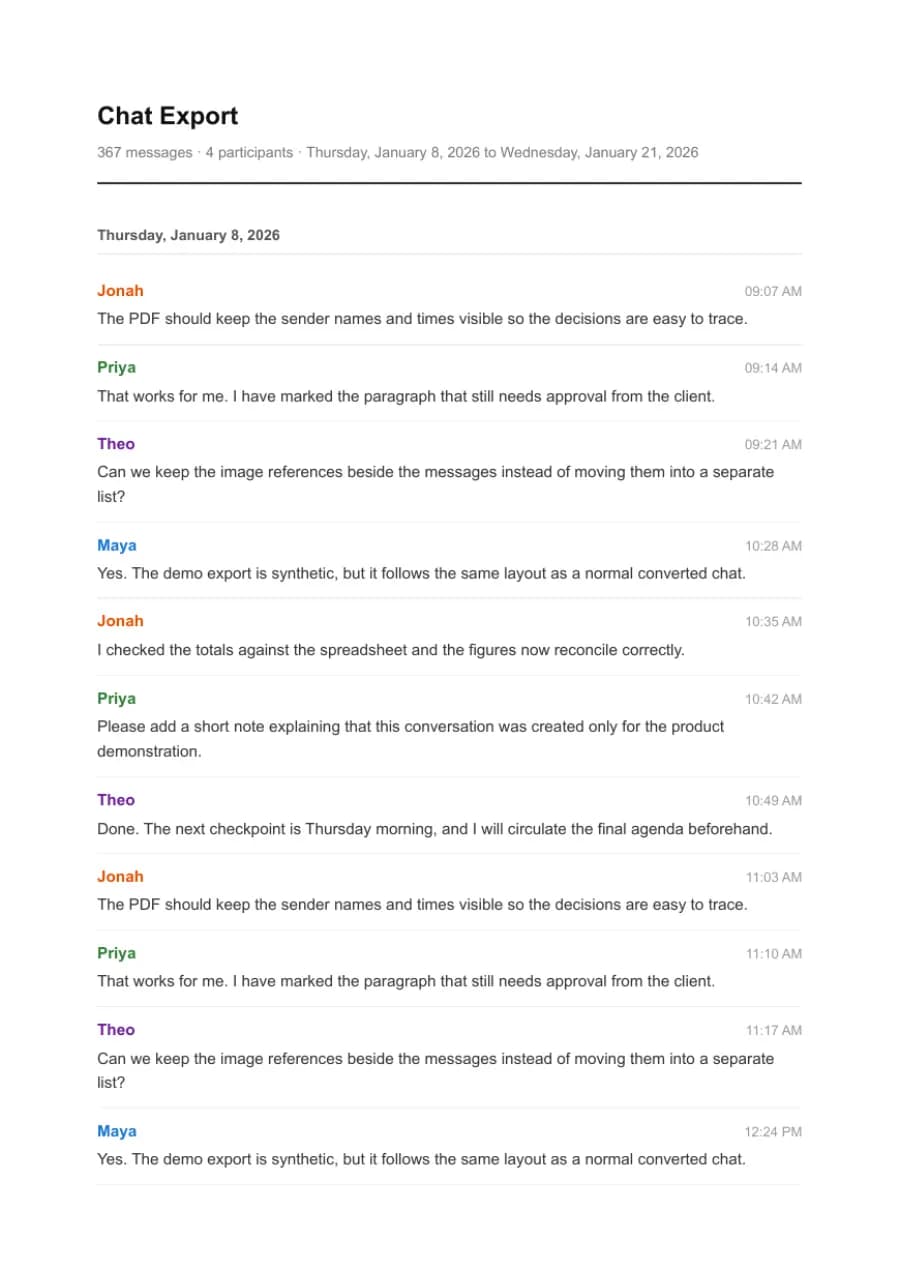
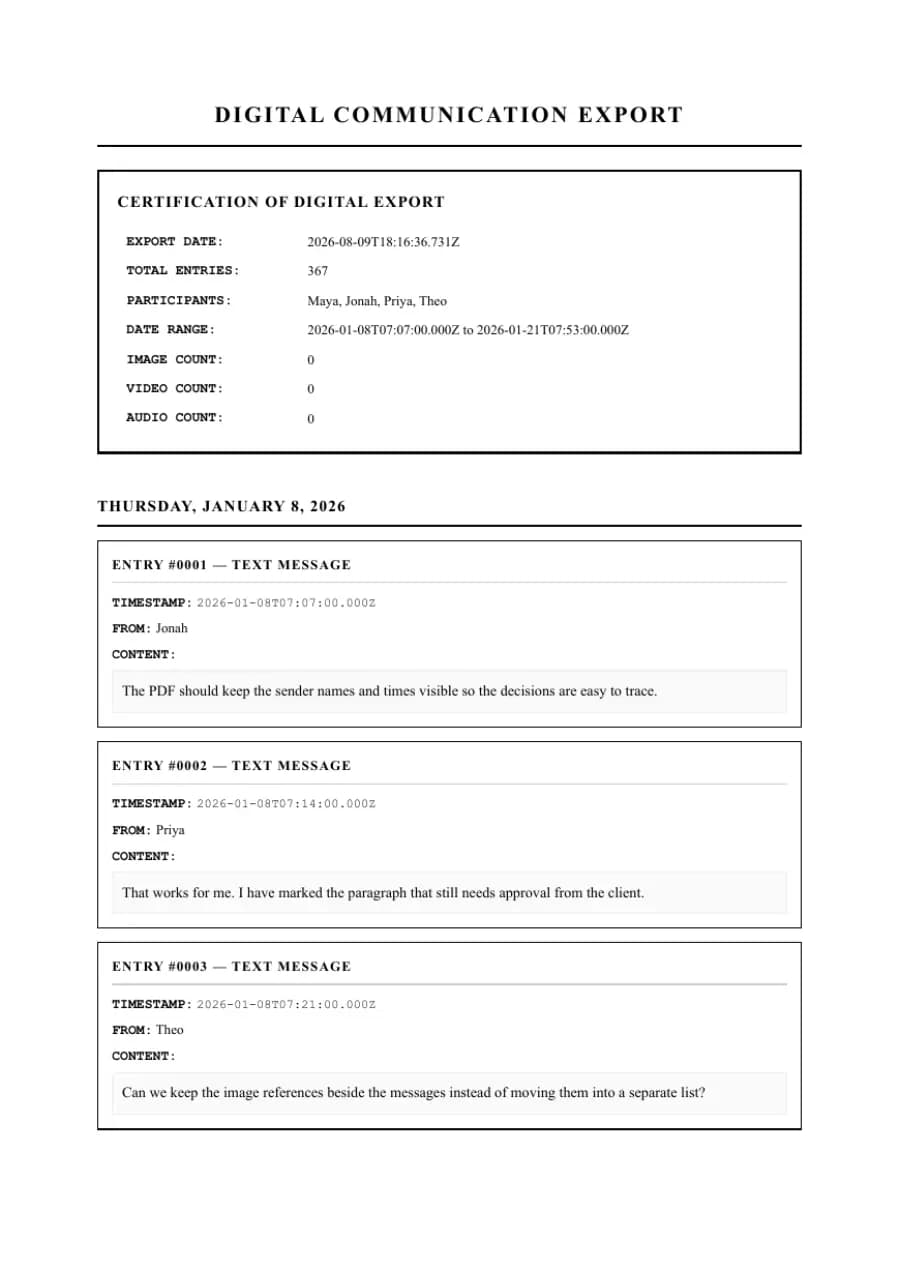
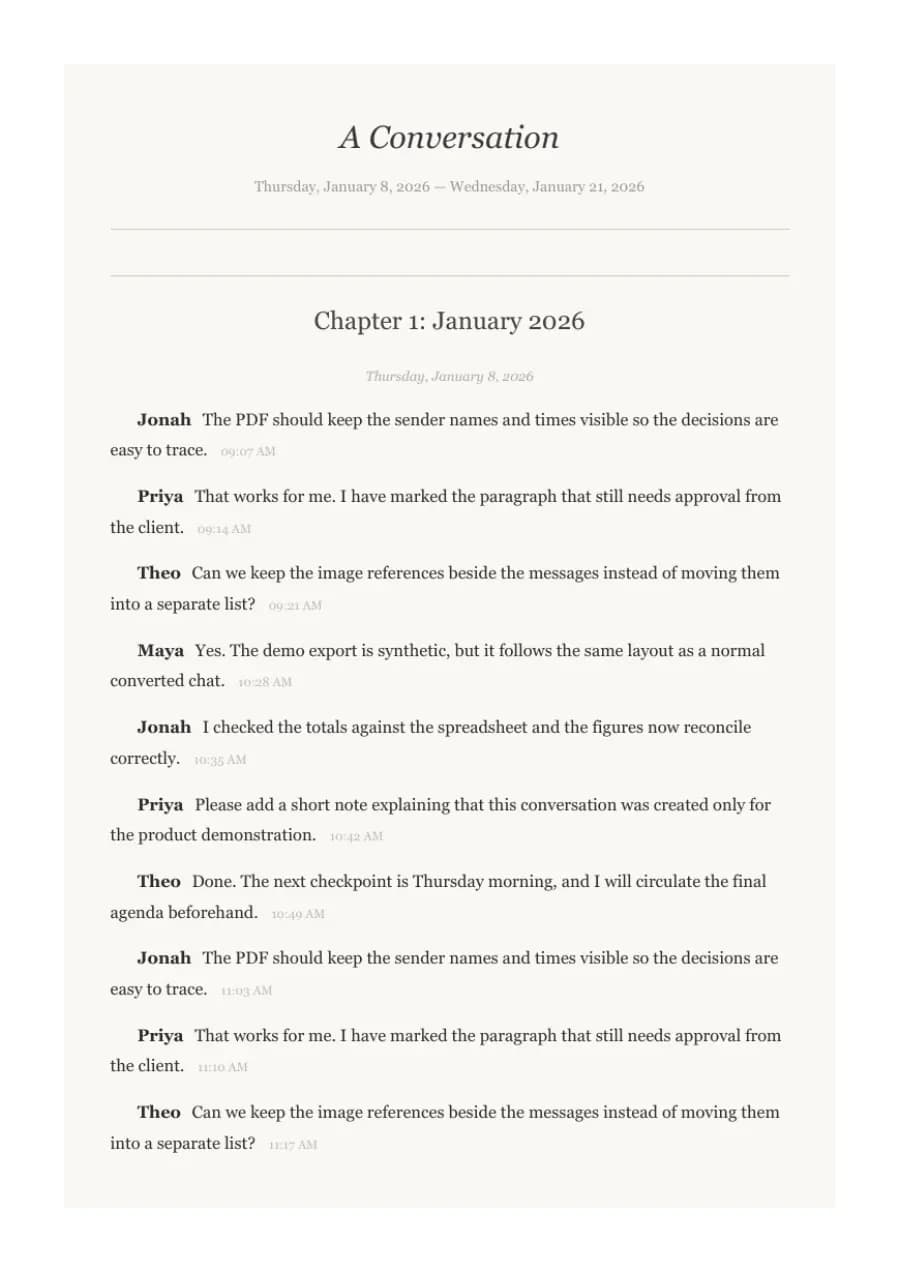
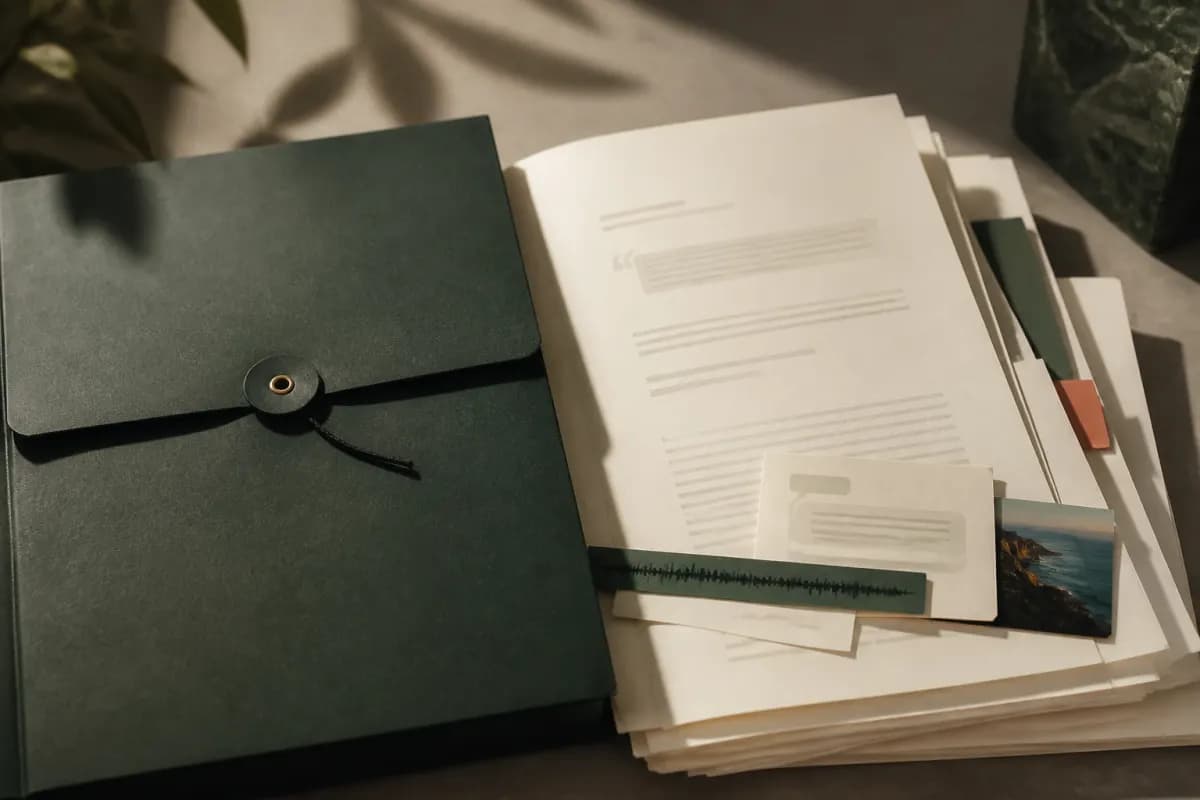
Product frames come from our first-party walkthrough. Forty PDF pages were rendered by ChatToPDF from a fictional 420-message chat. The three AI-made scenes are explicitly labelled as illustrations—not passed off as software screens or security proof.
Read the complete WhatsApp-to-PDF guide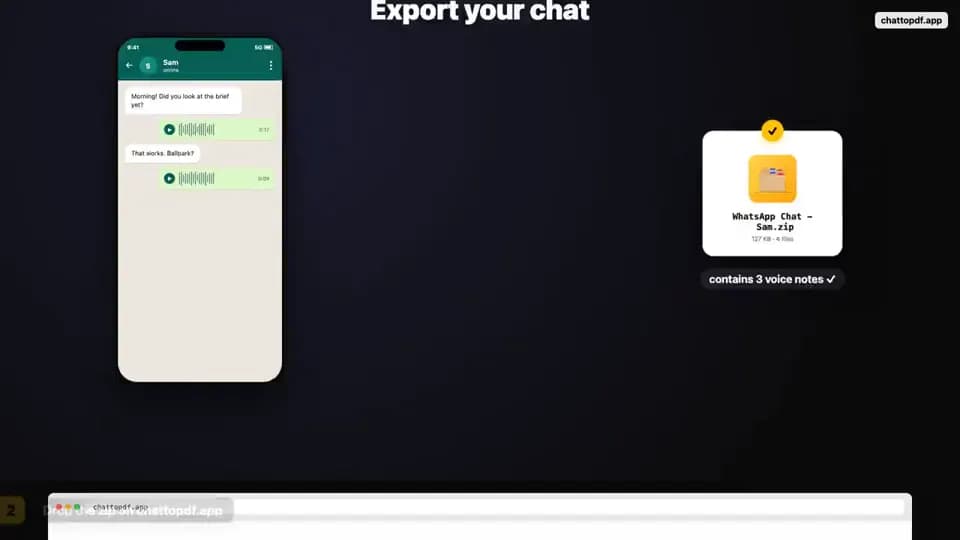
Inspect the actual files
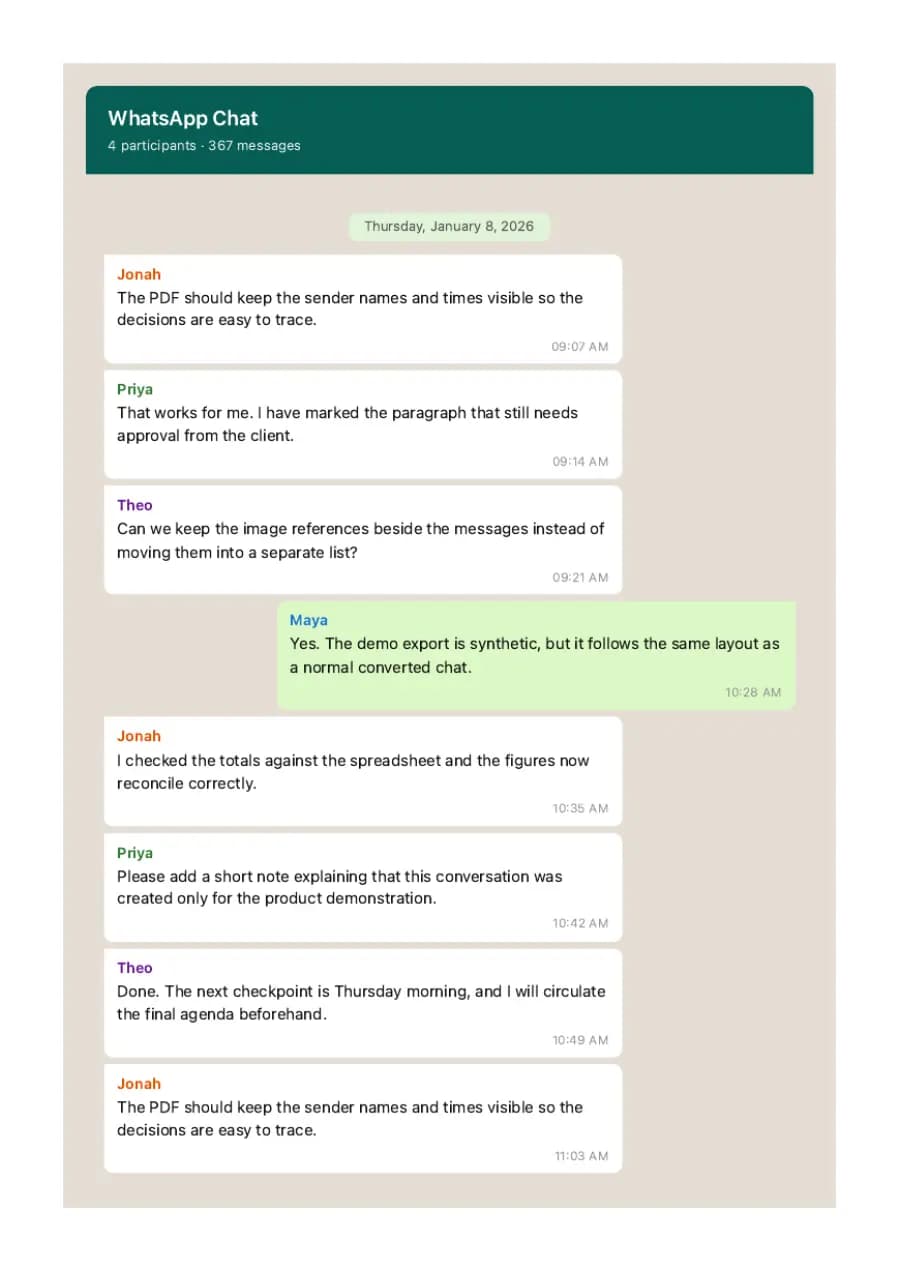
Download all four PDFs. They contain synthetic demonstration messages only and were generated through the same renderer used by the product.
Open the complete 60-image proof atlas+ 52 moreClose atlas
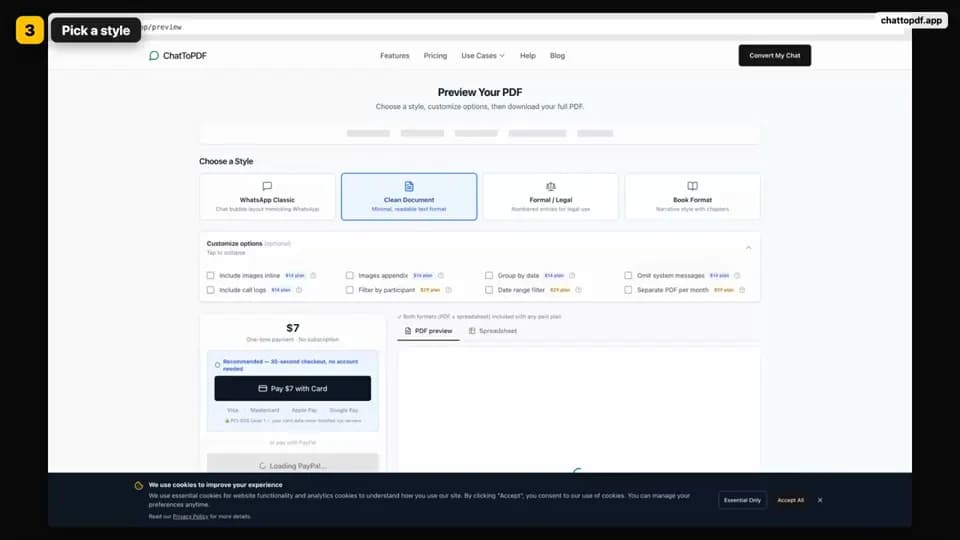
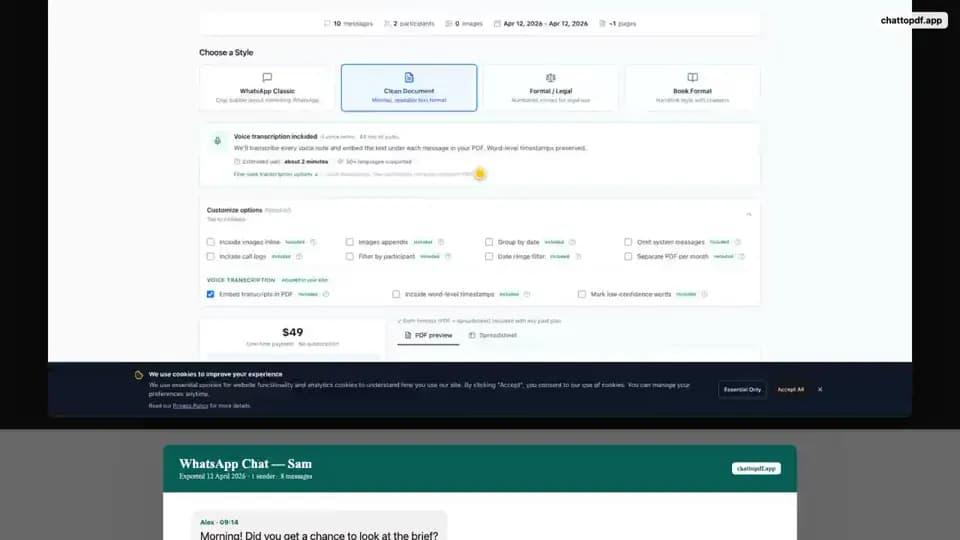
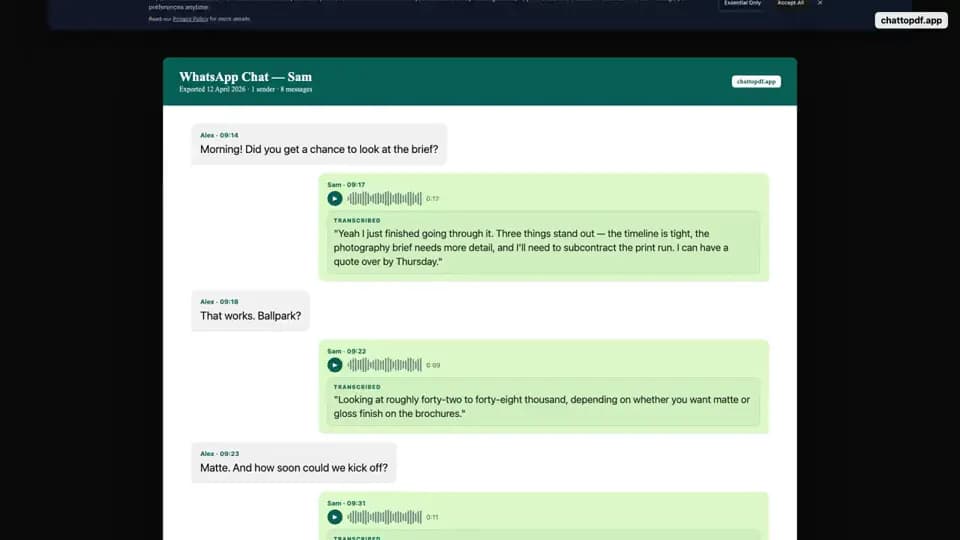
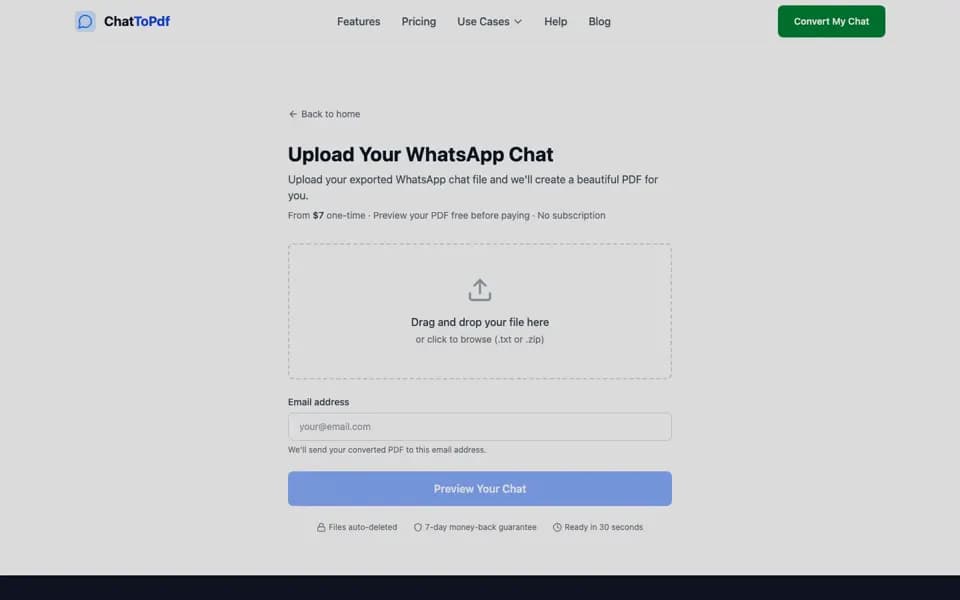
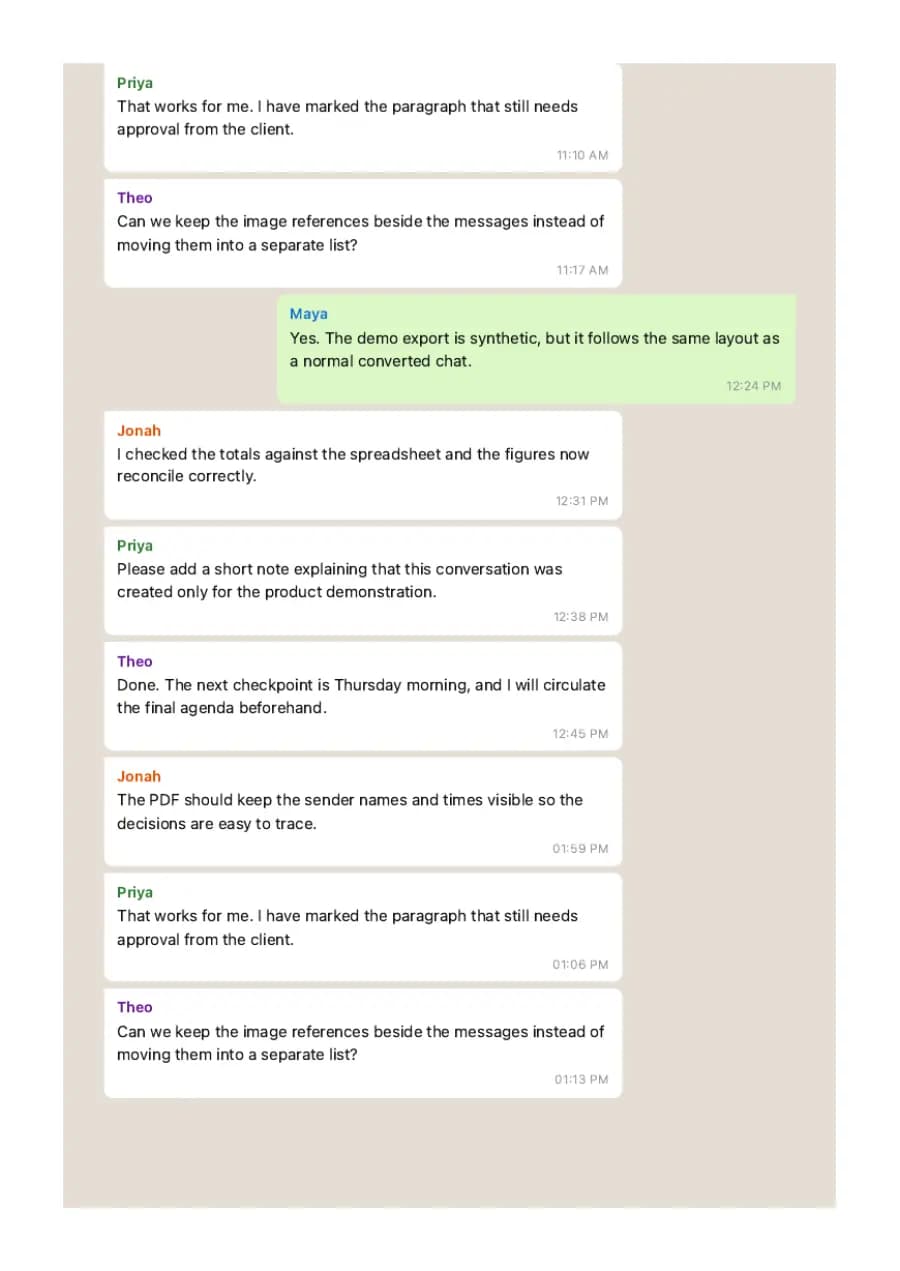
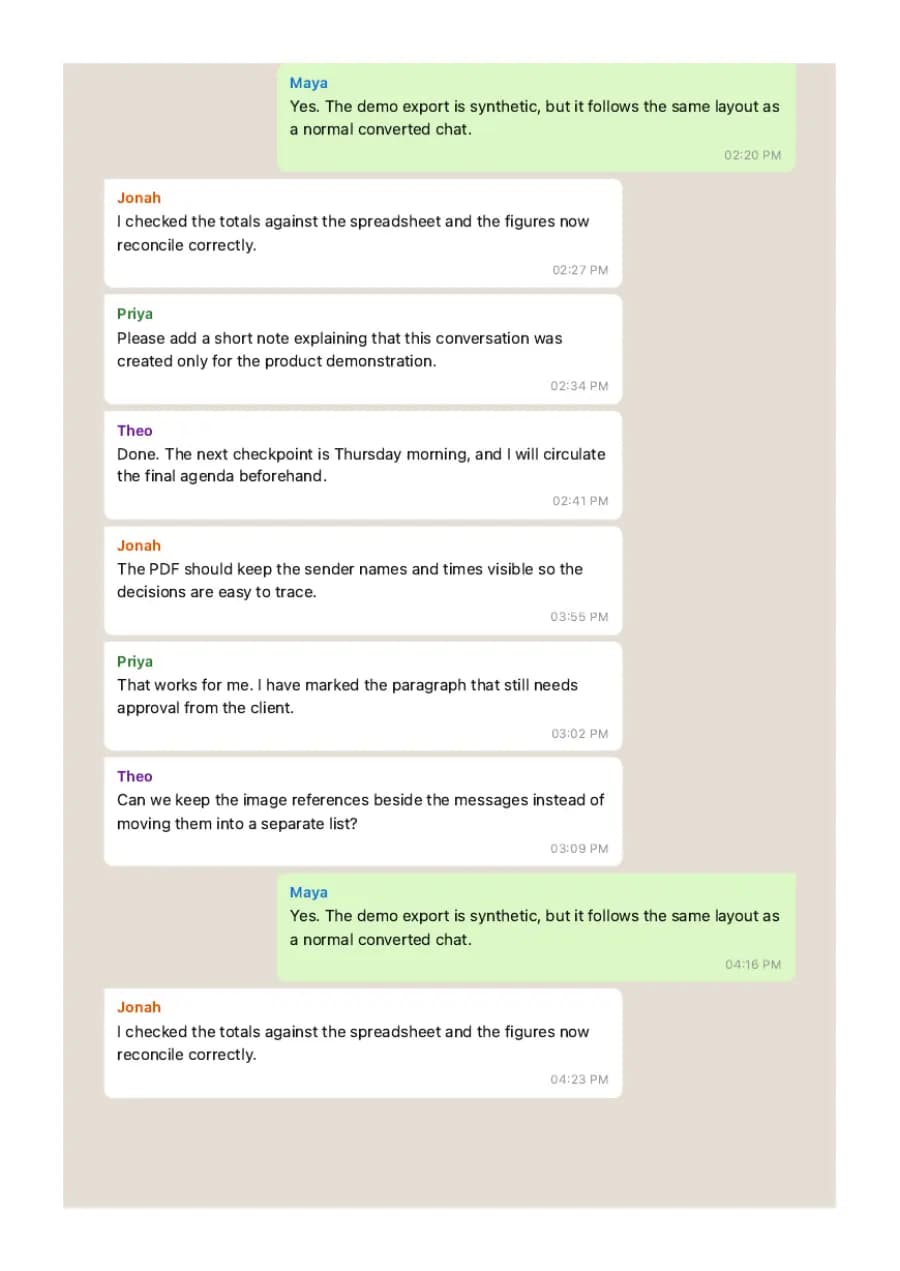
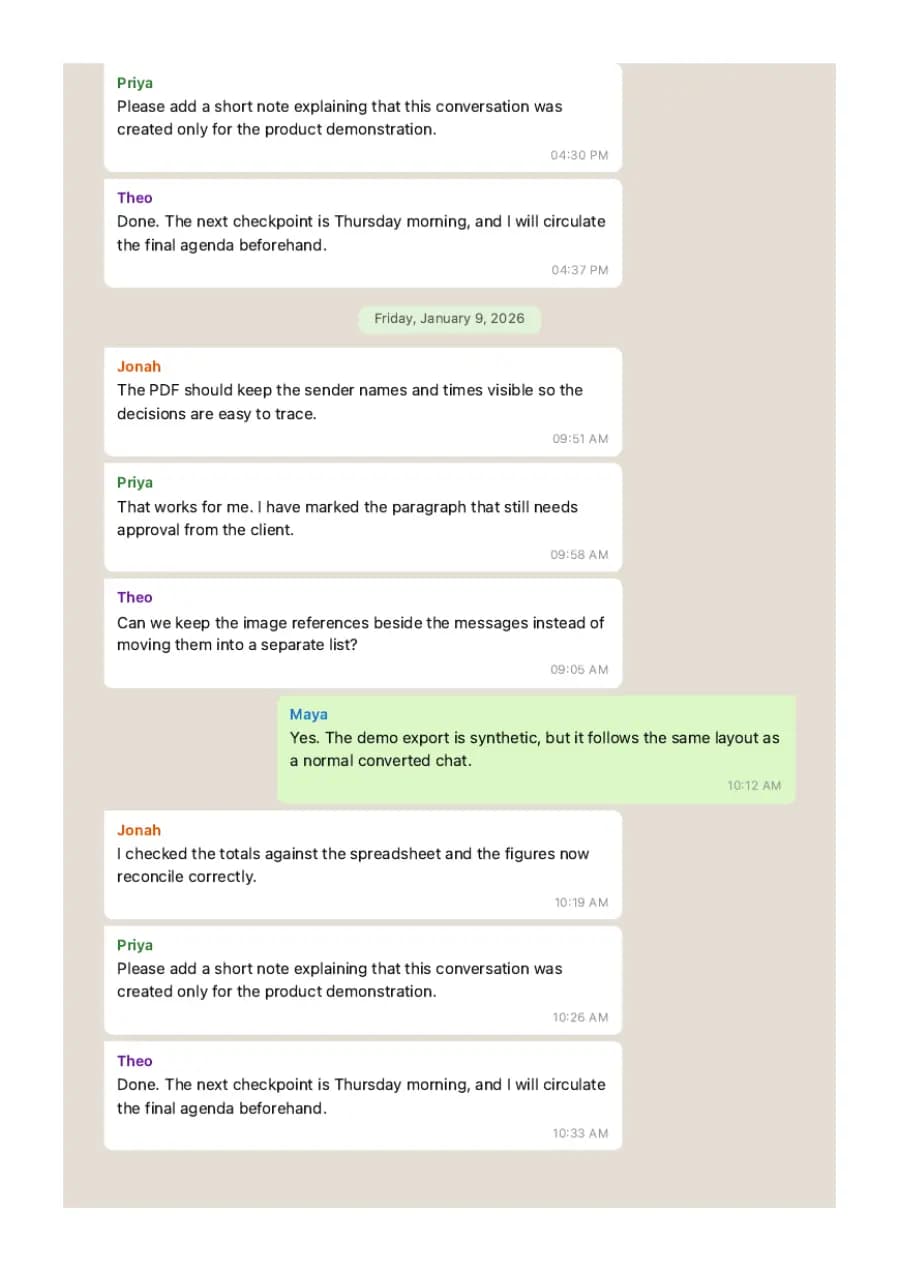
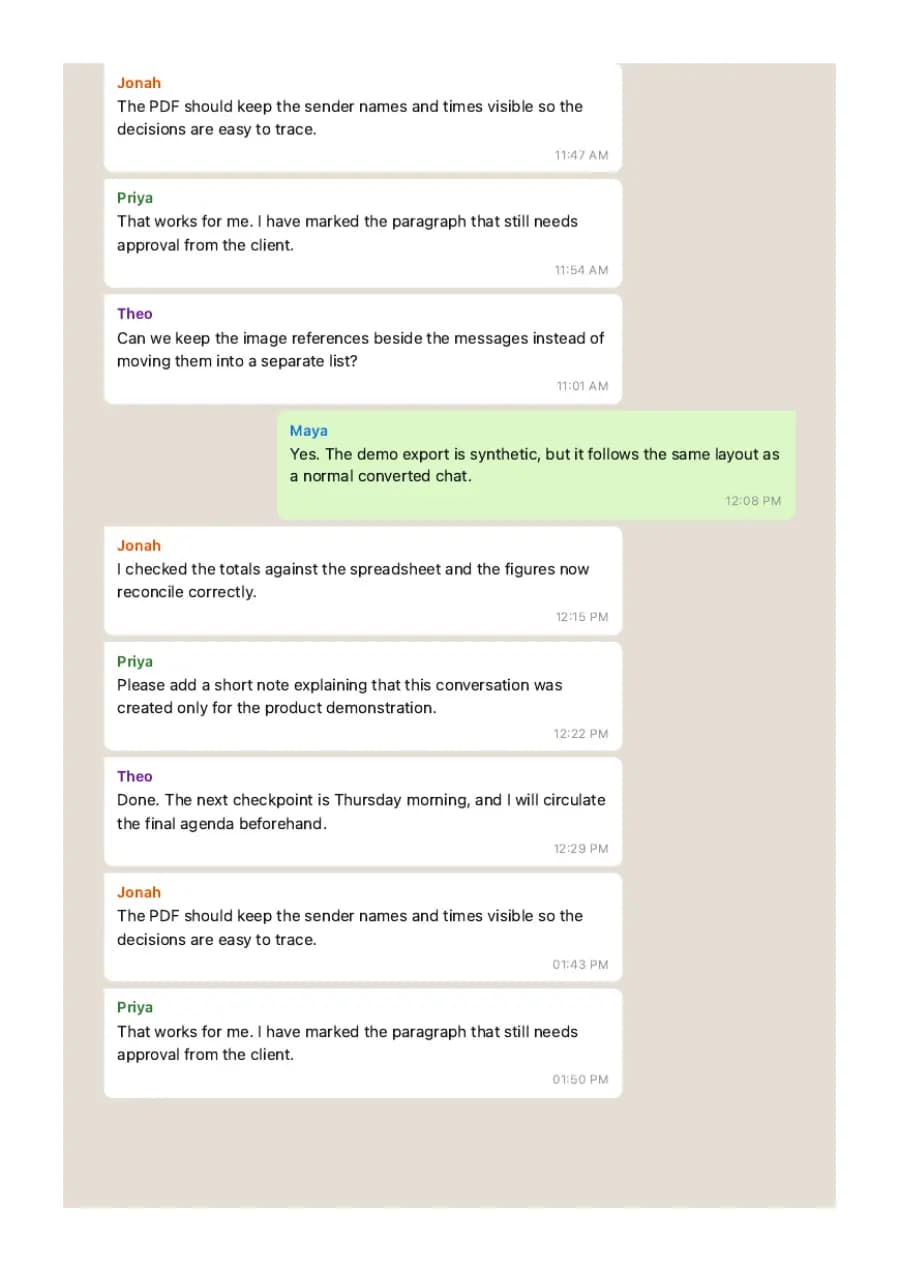
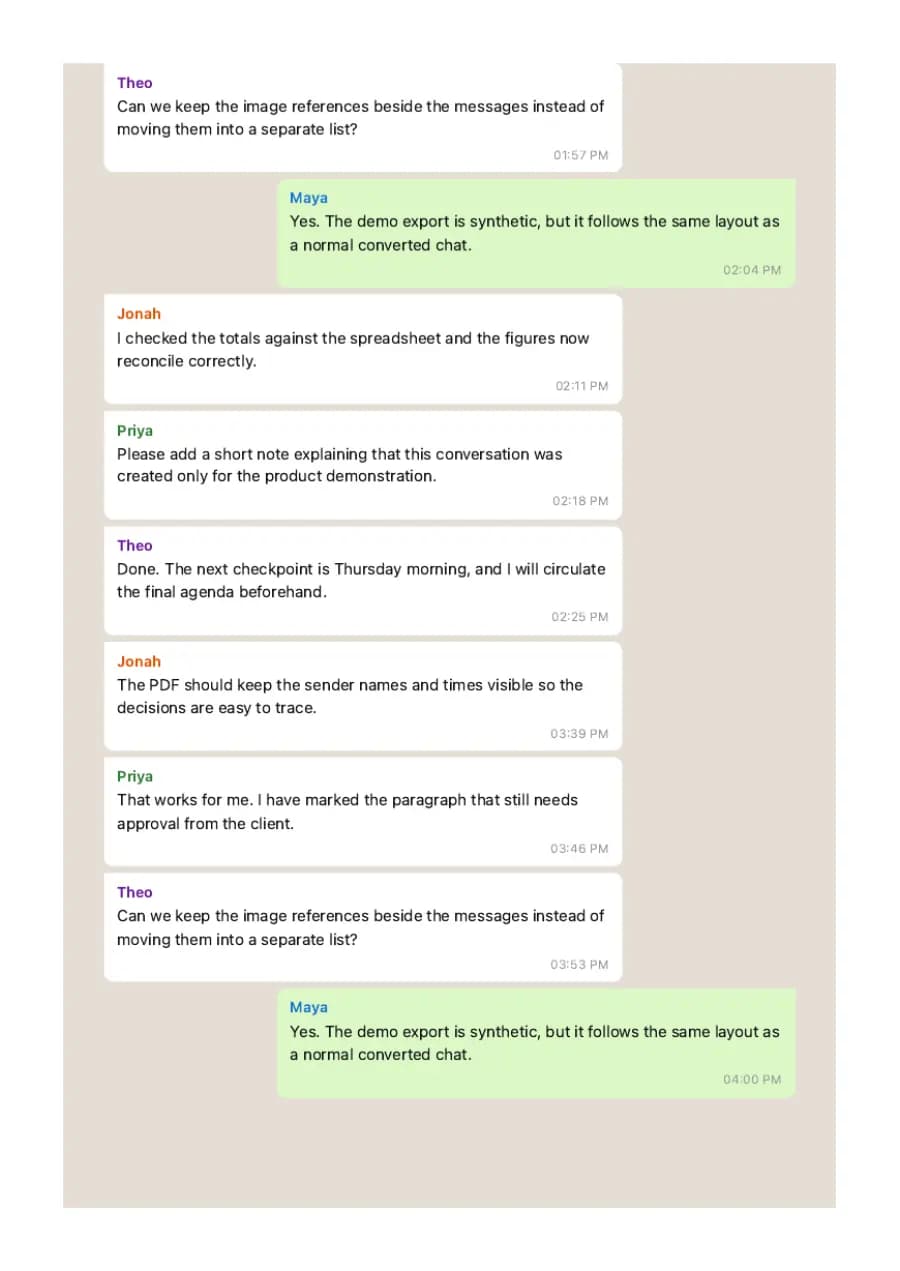
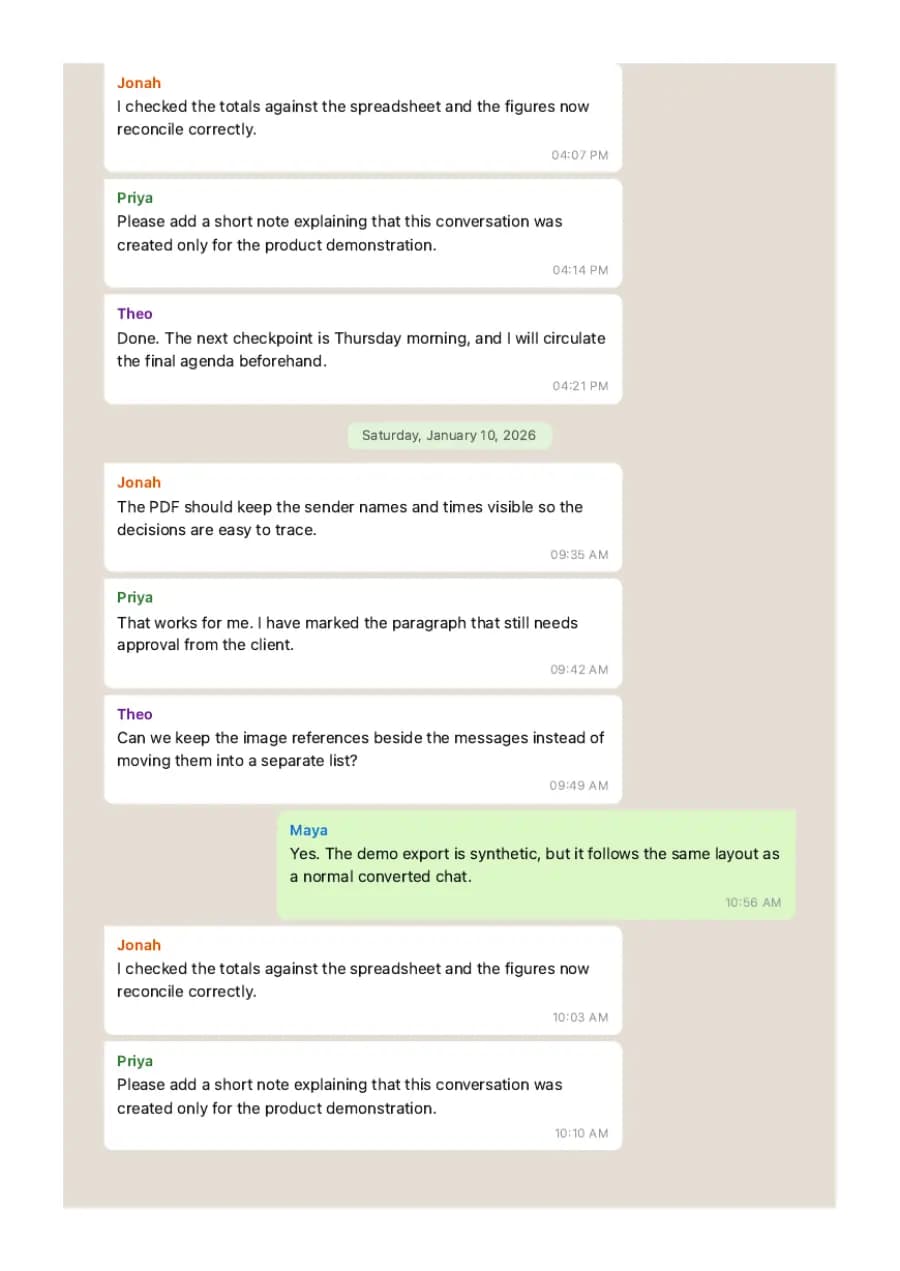
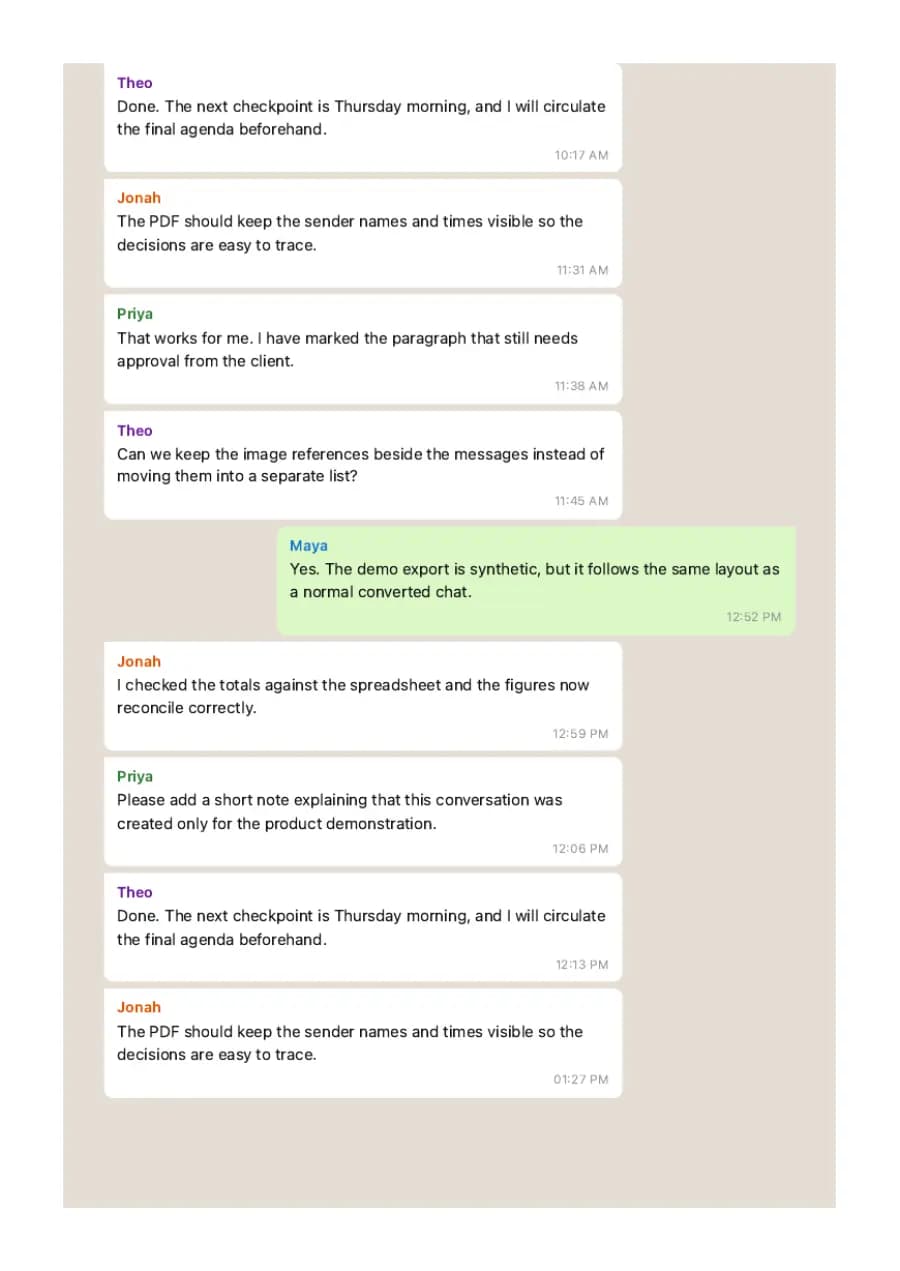
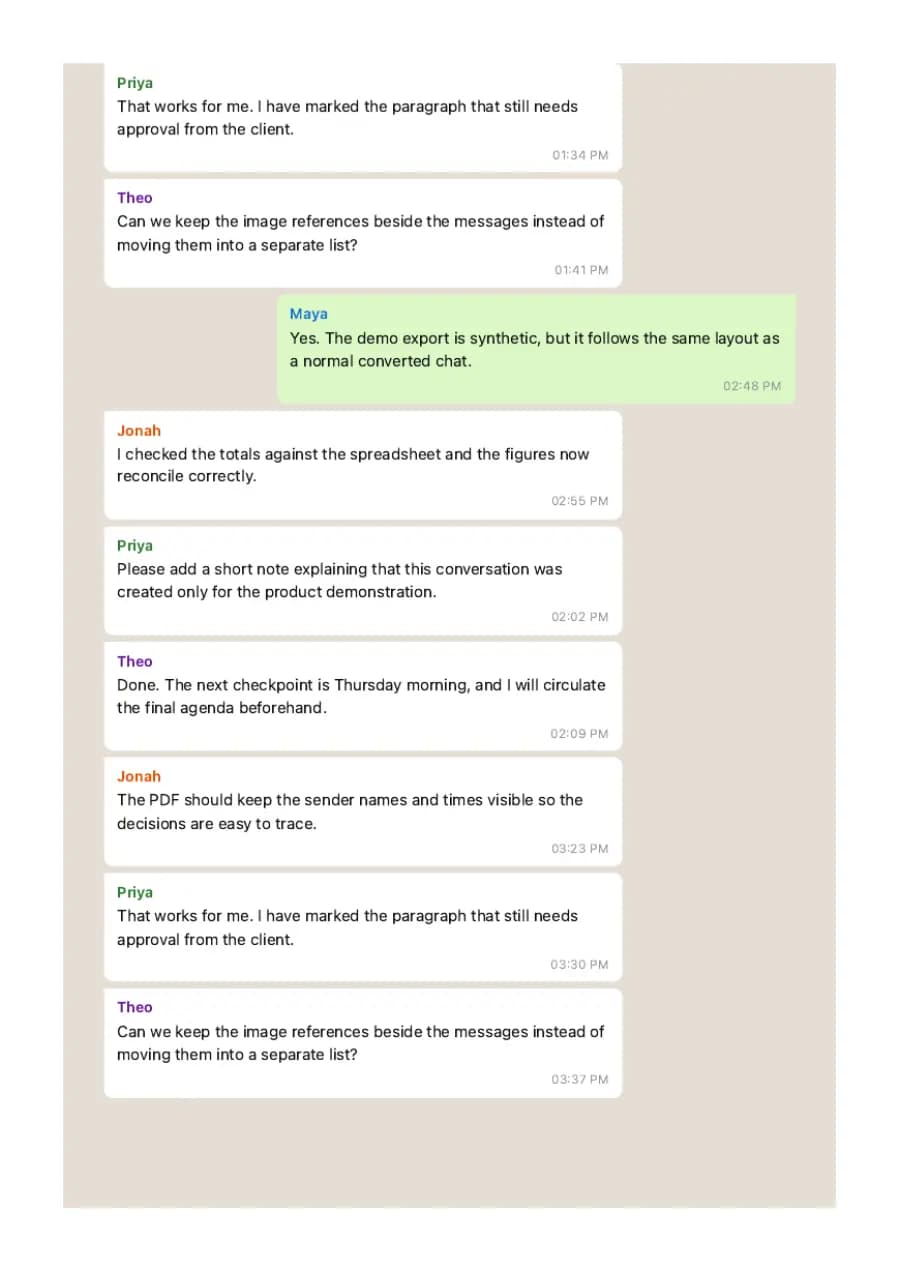
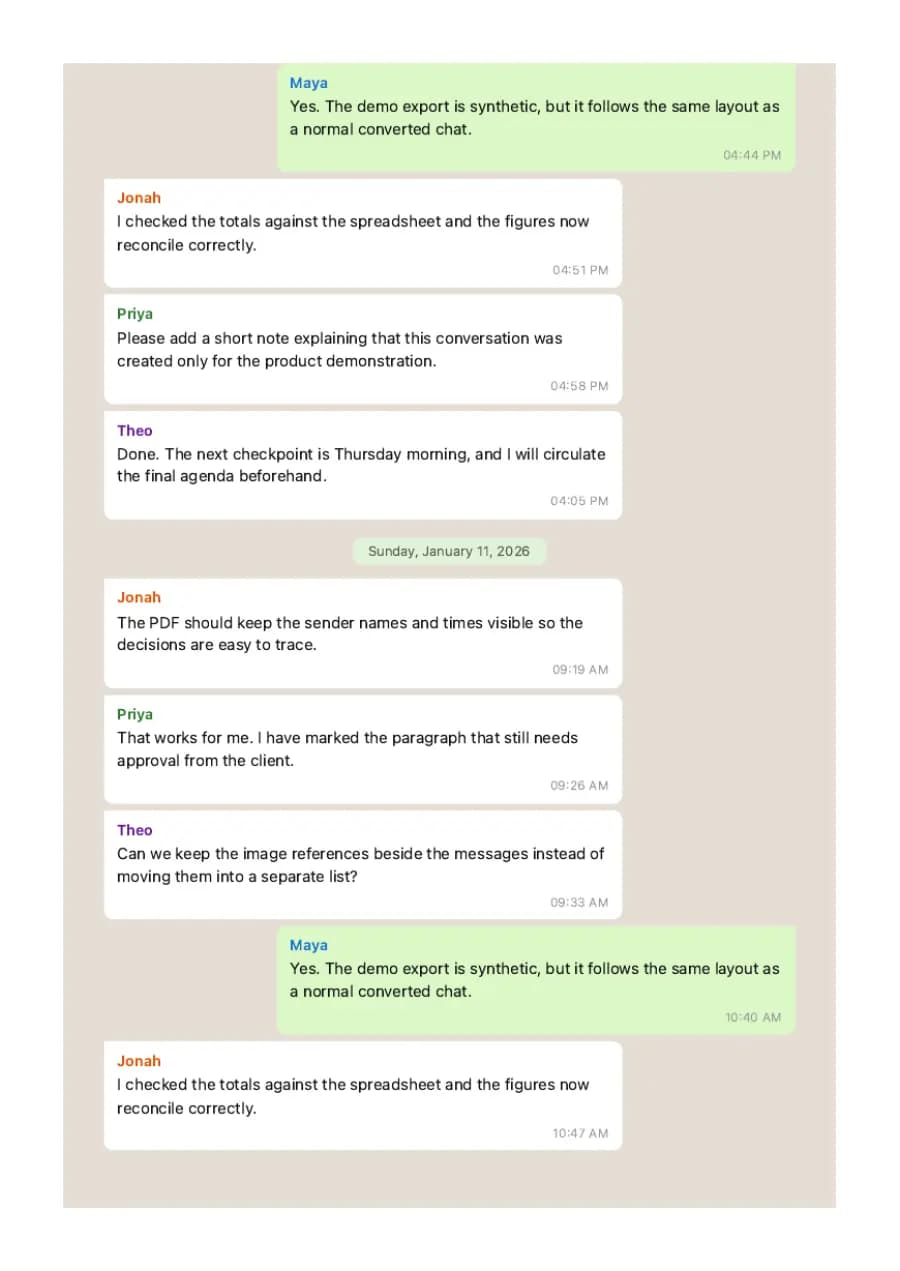
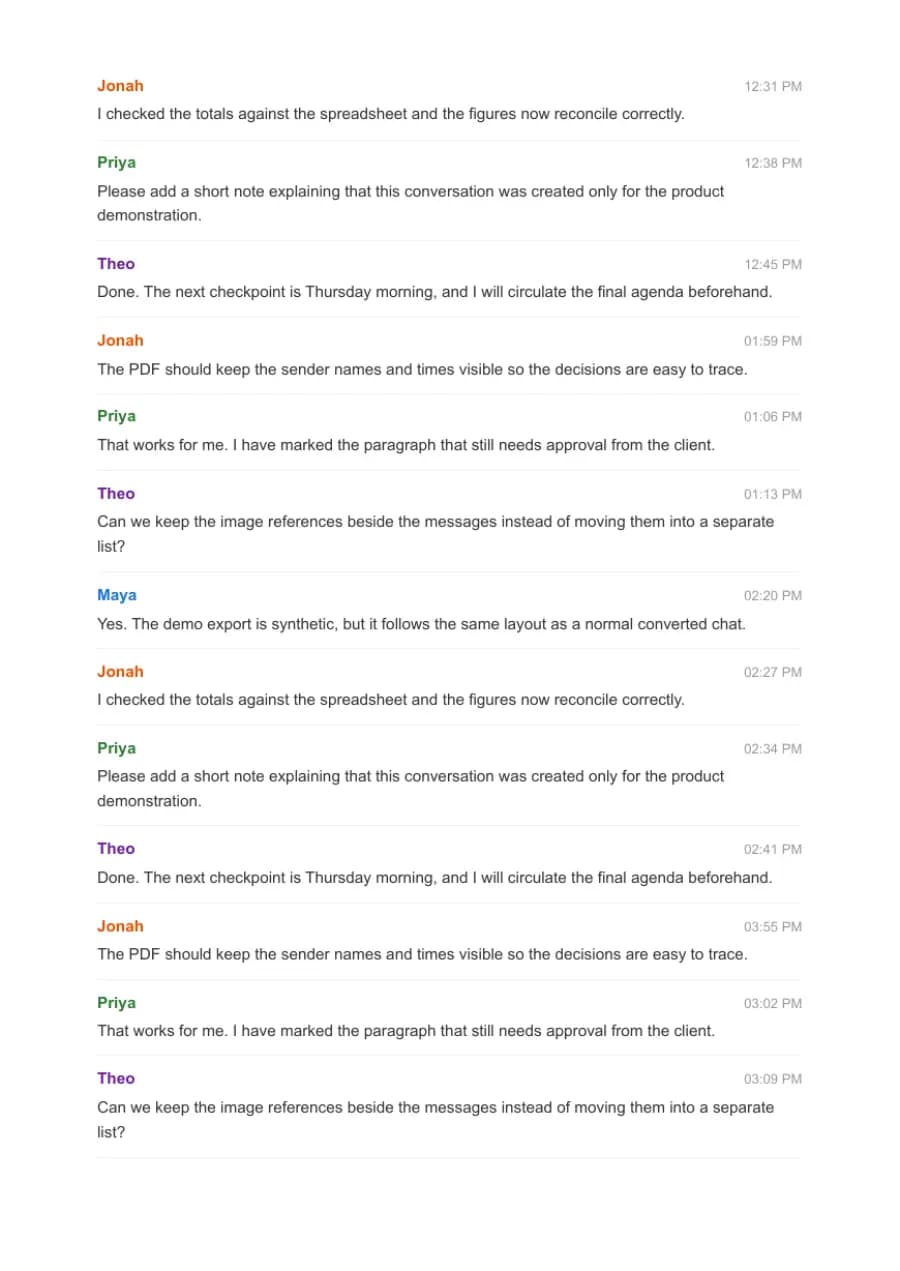
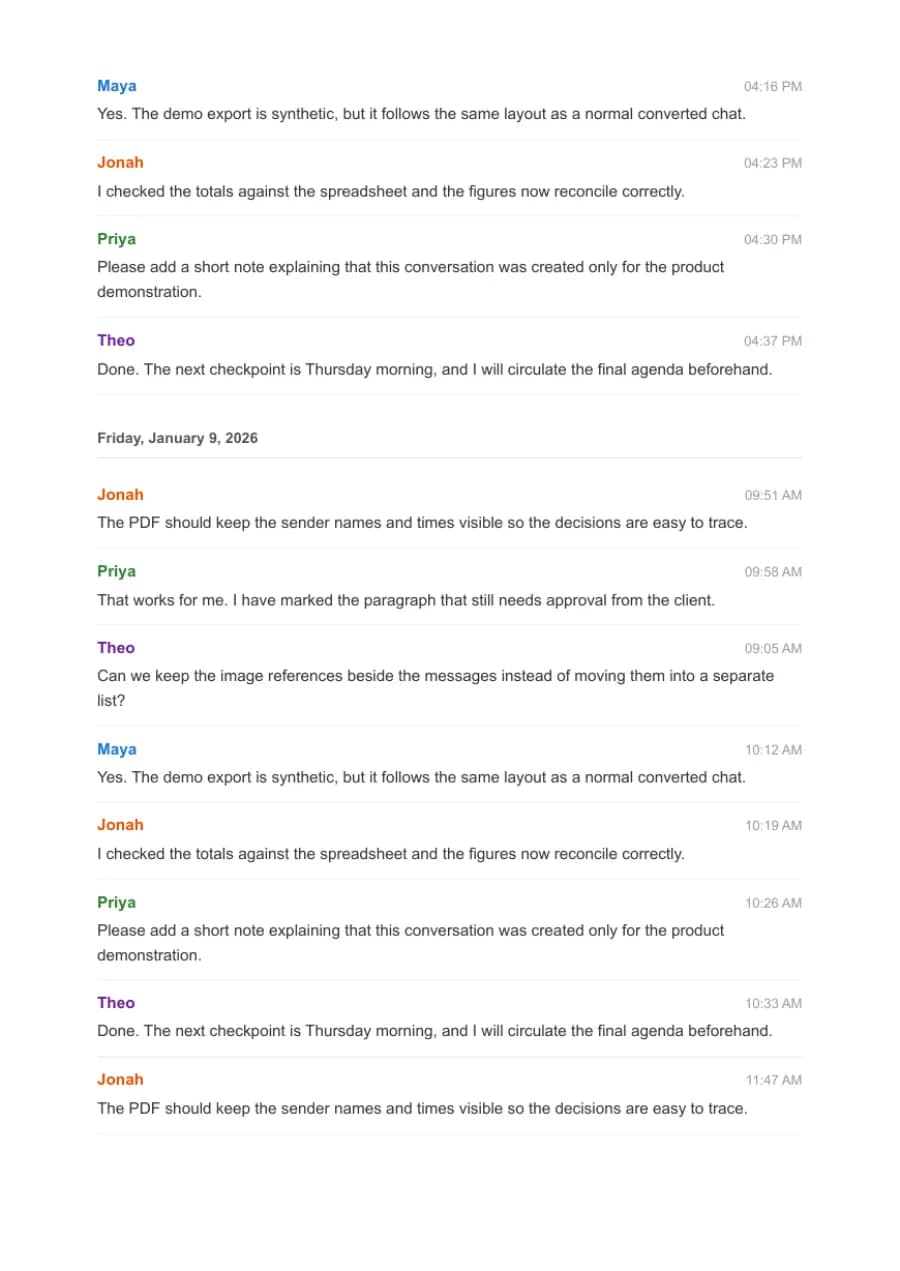
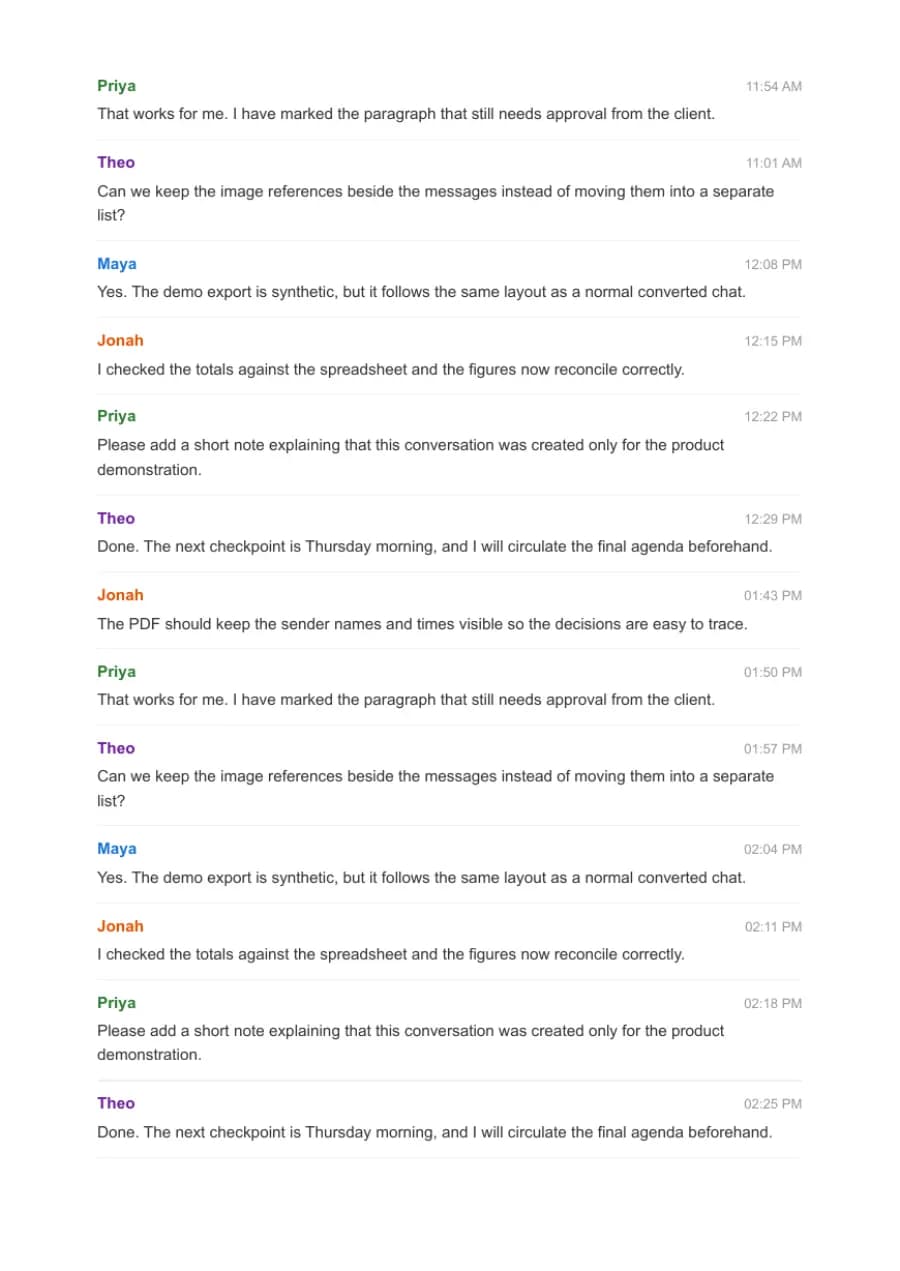
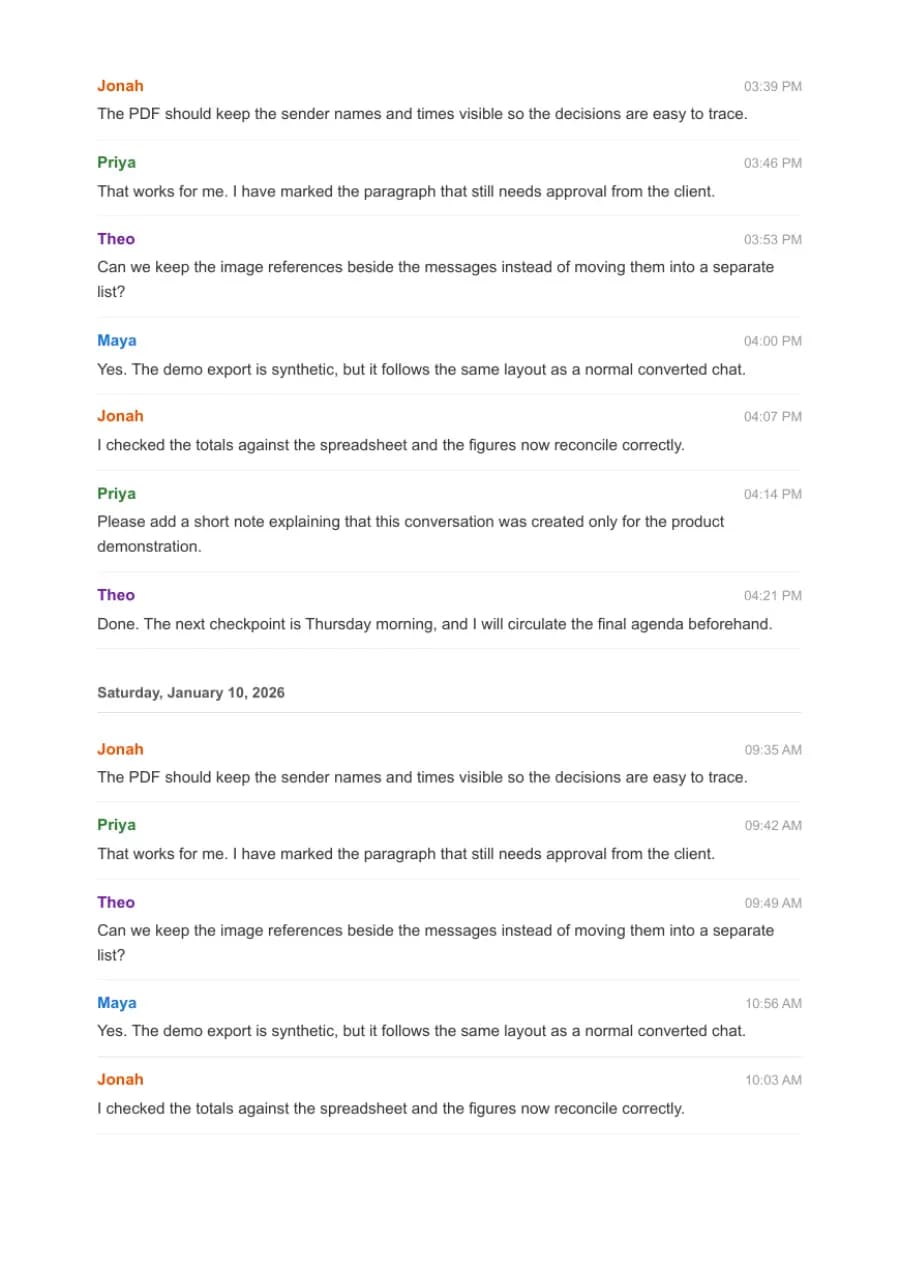
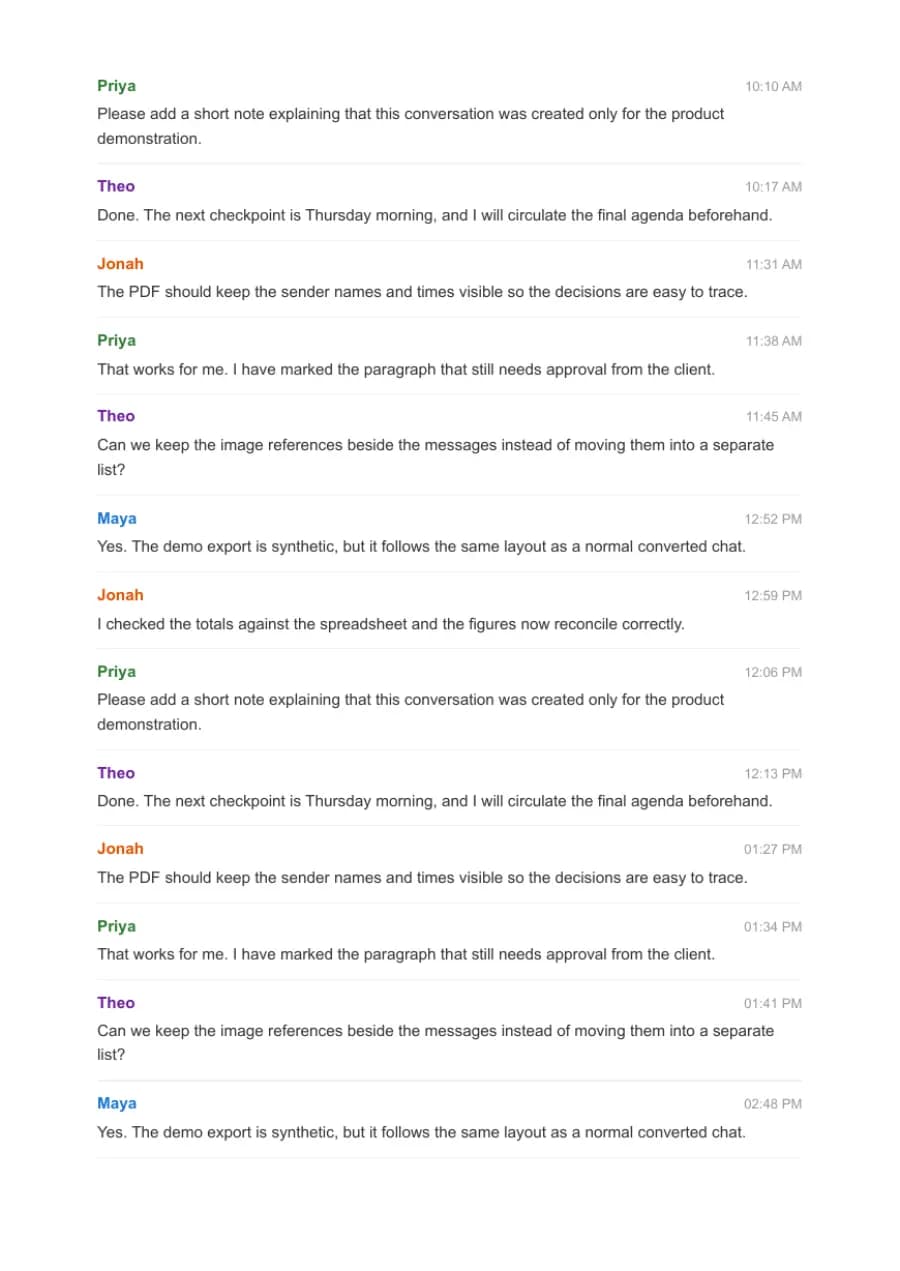
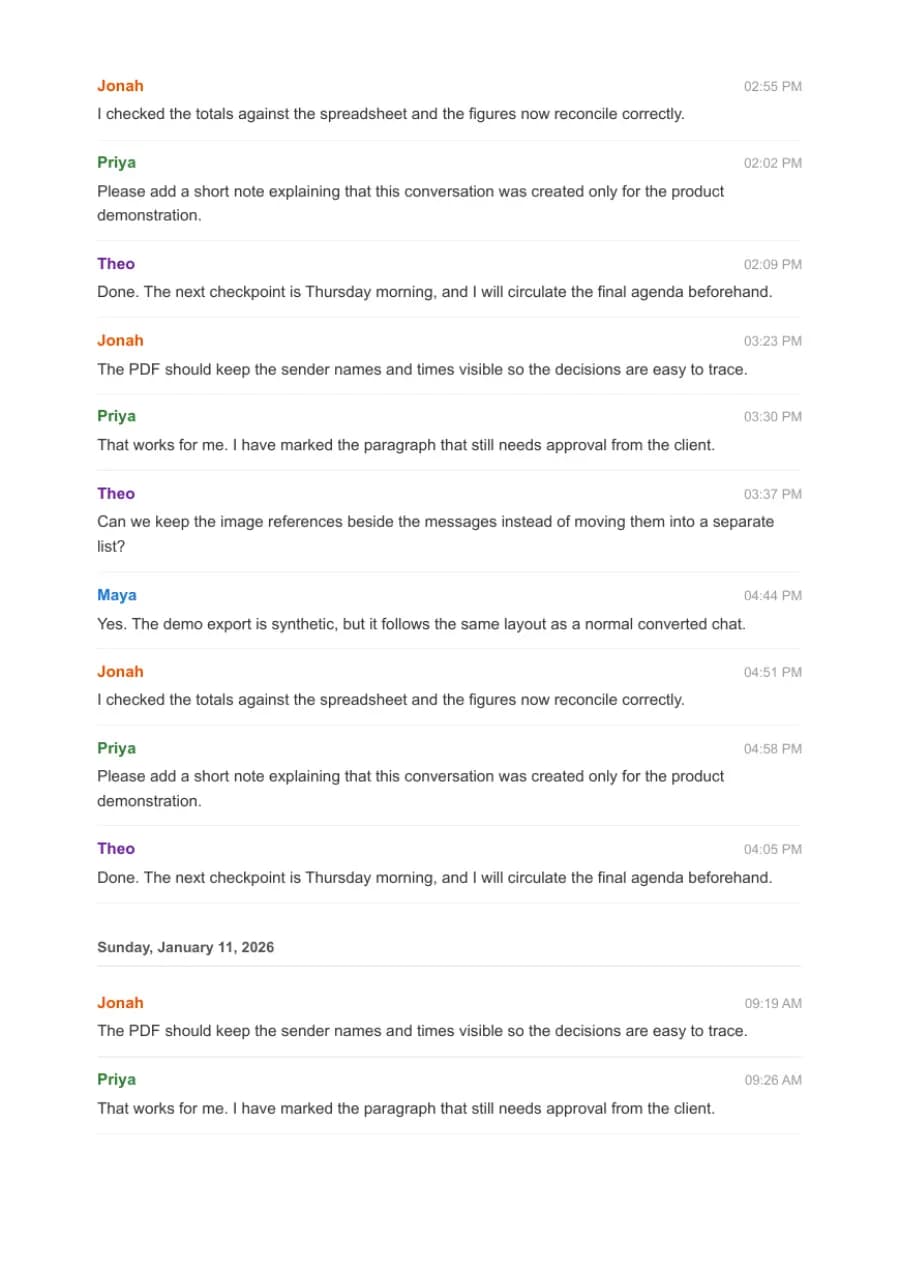
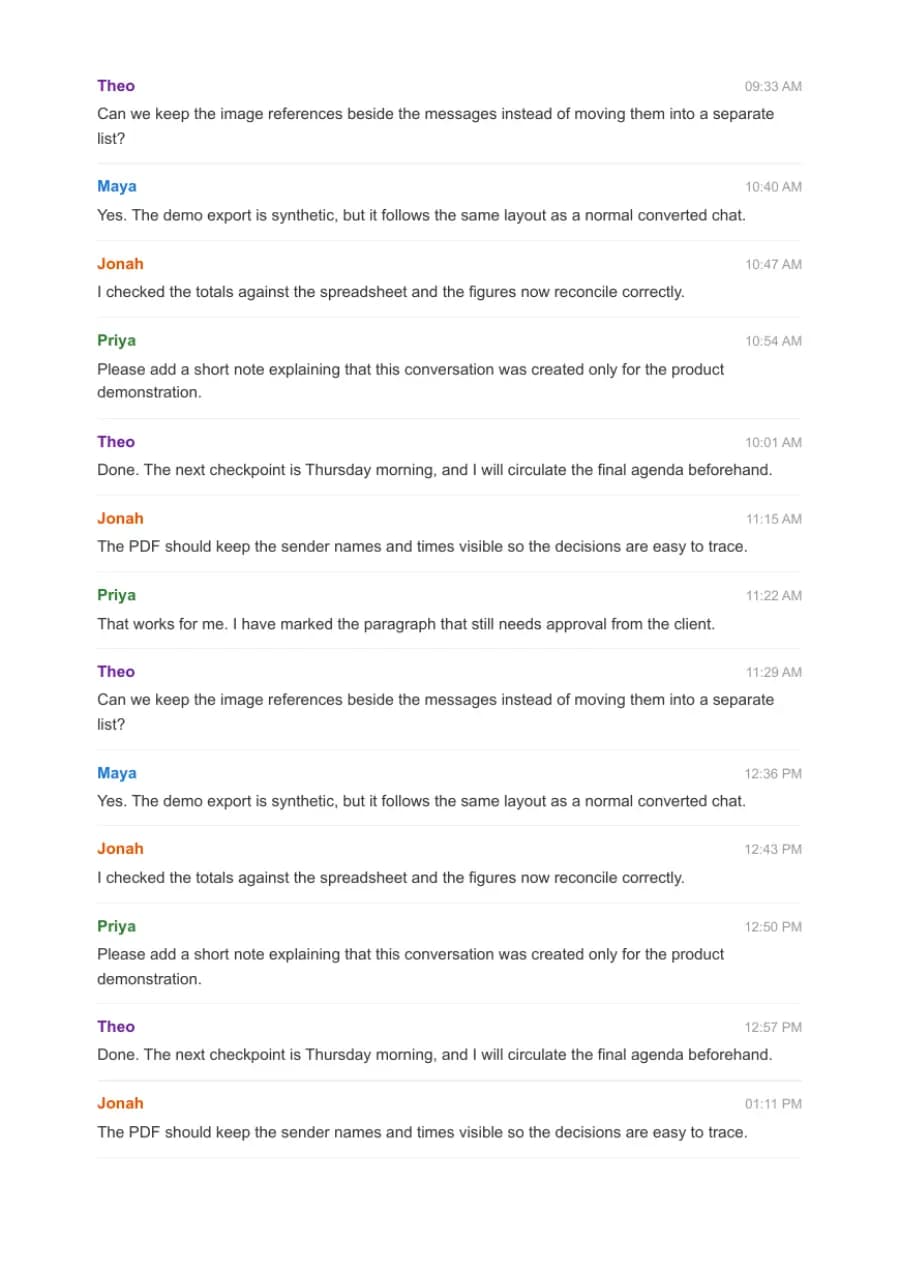
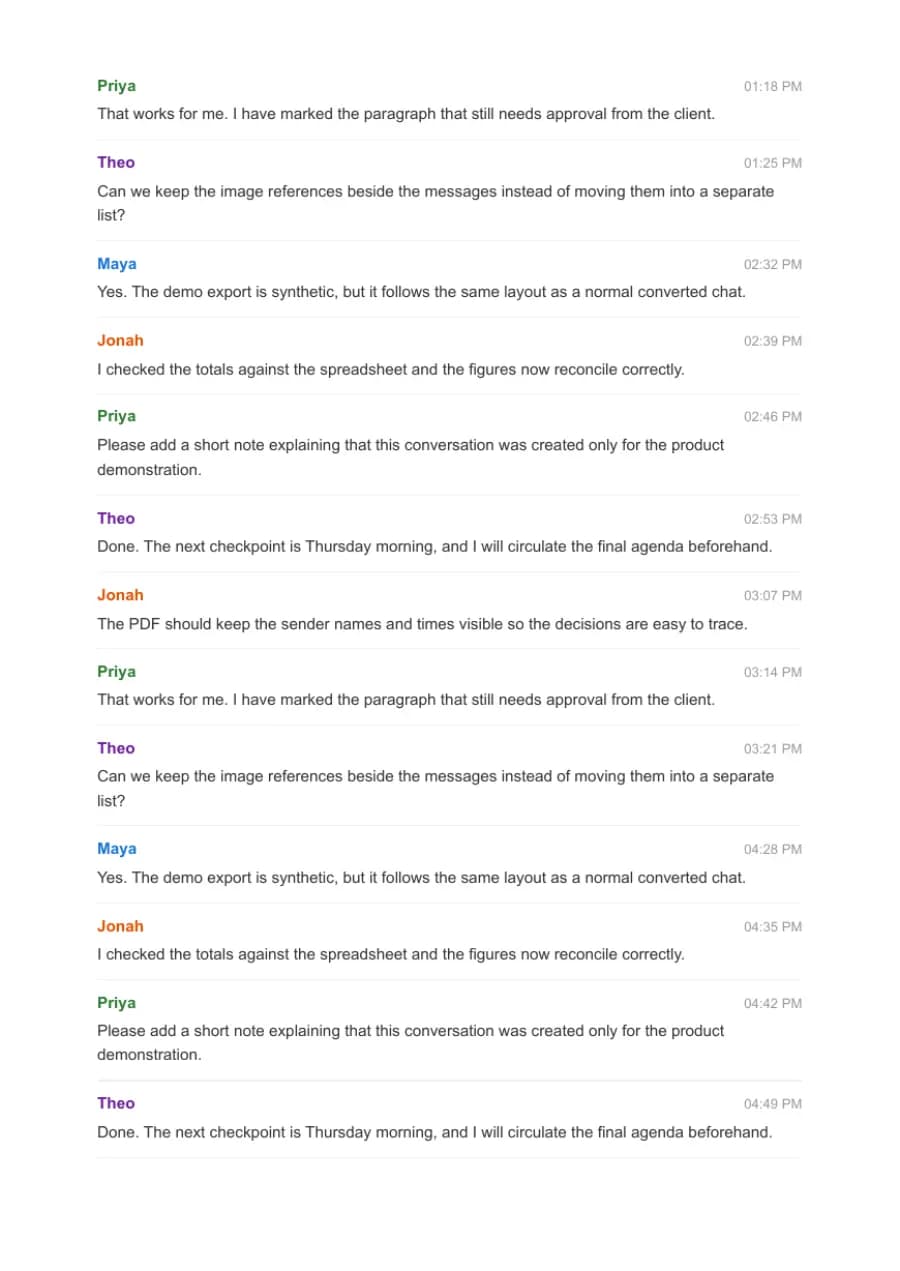
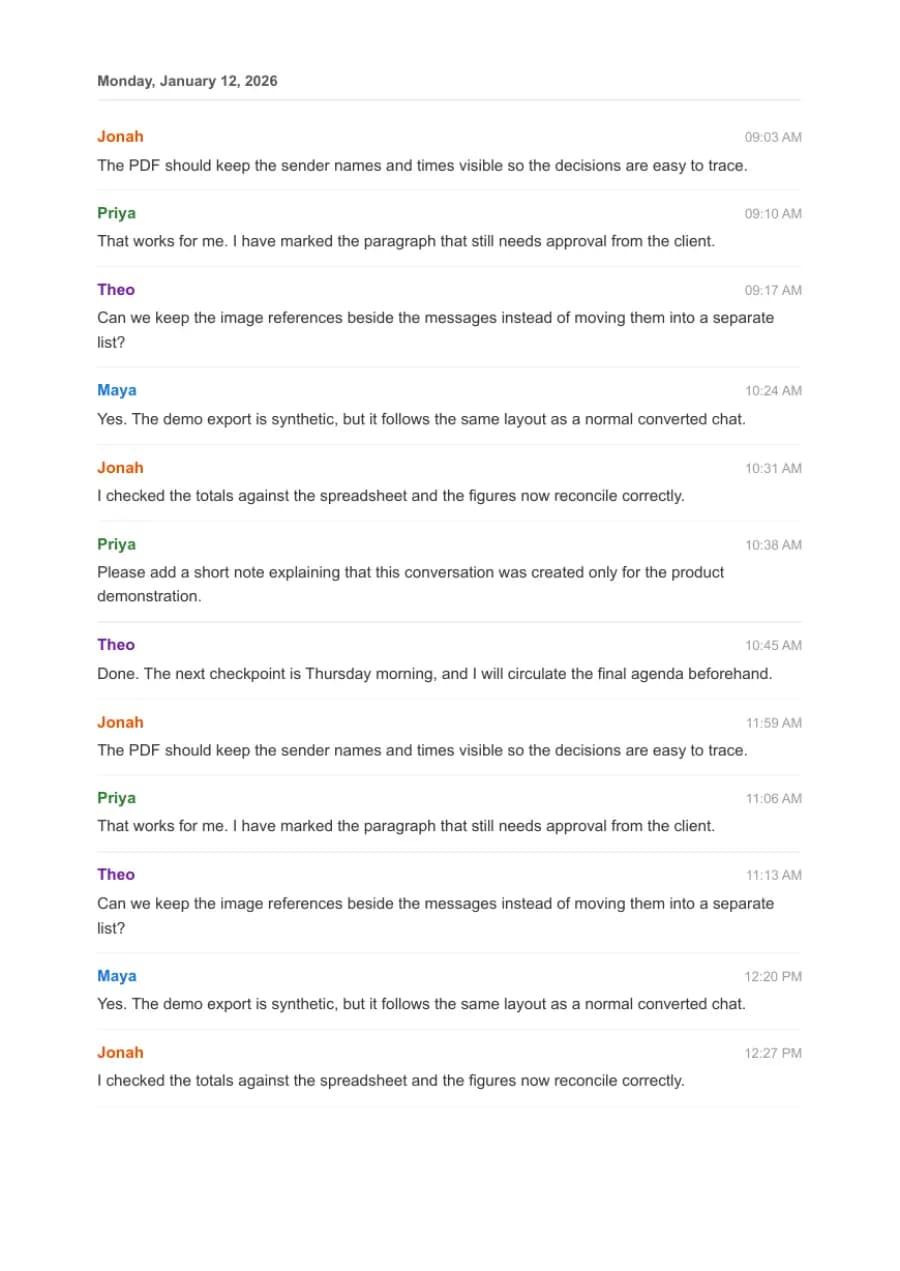
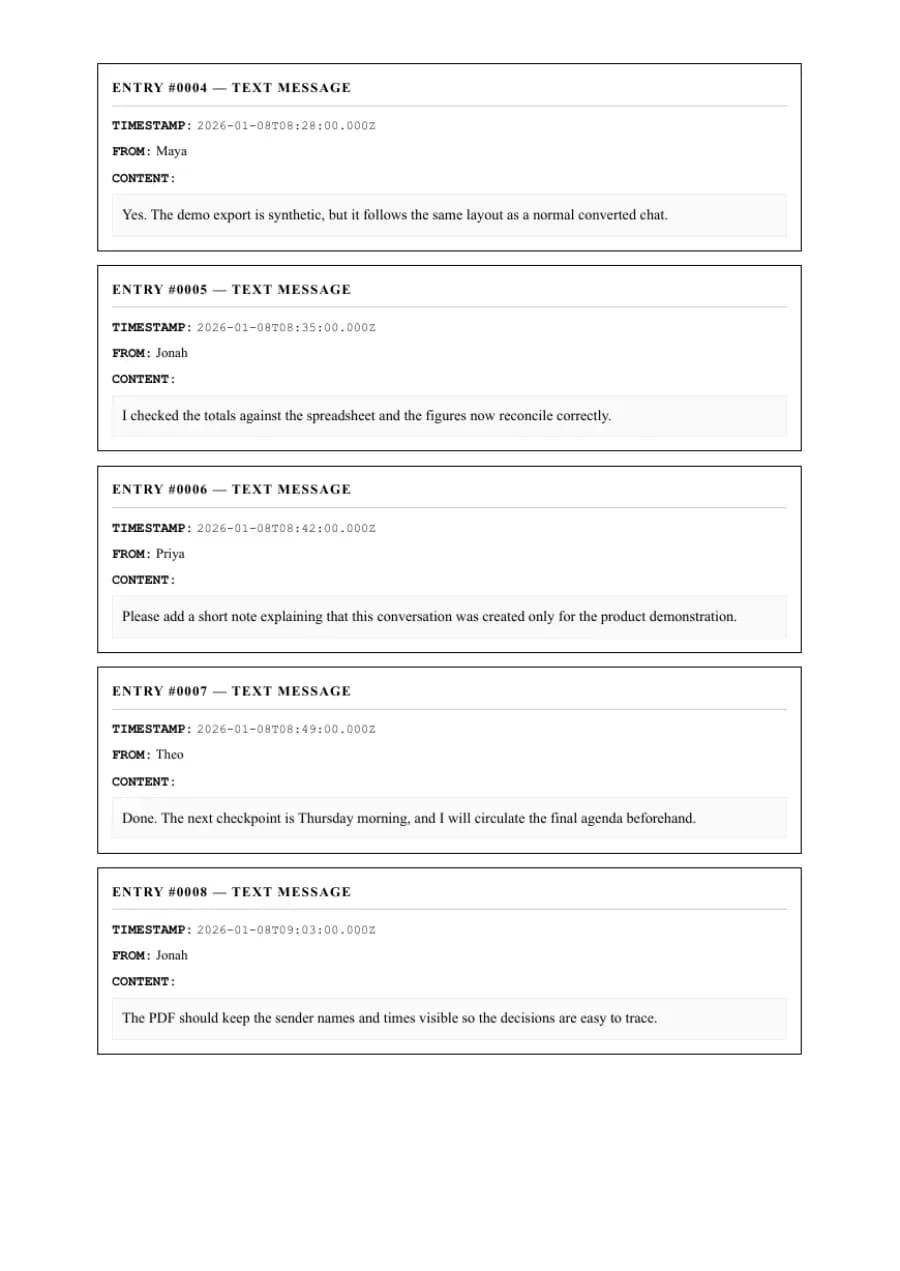
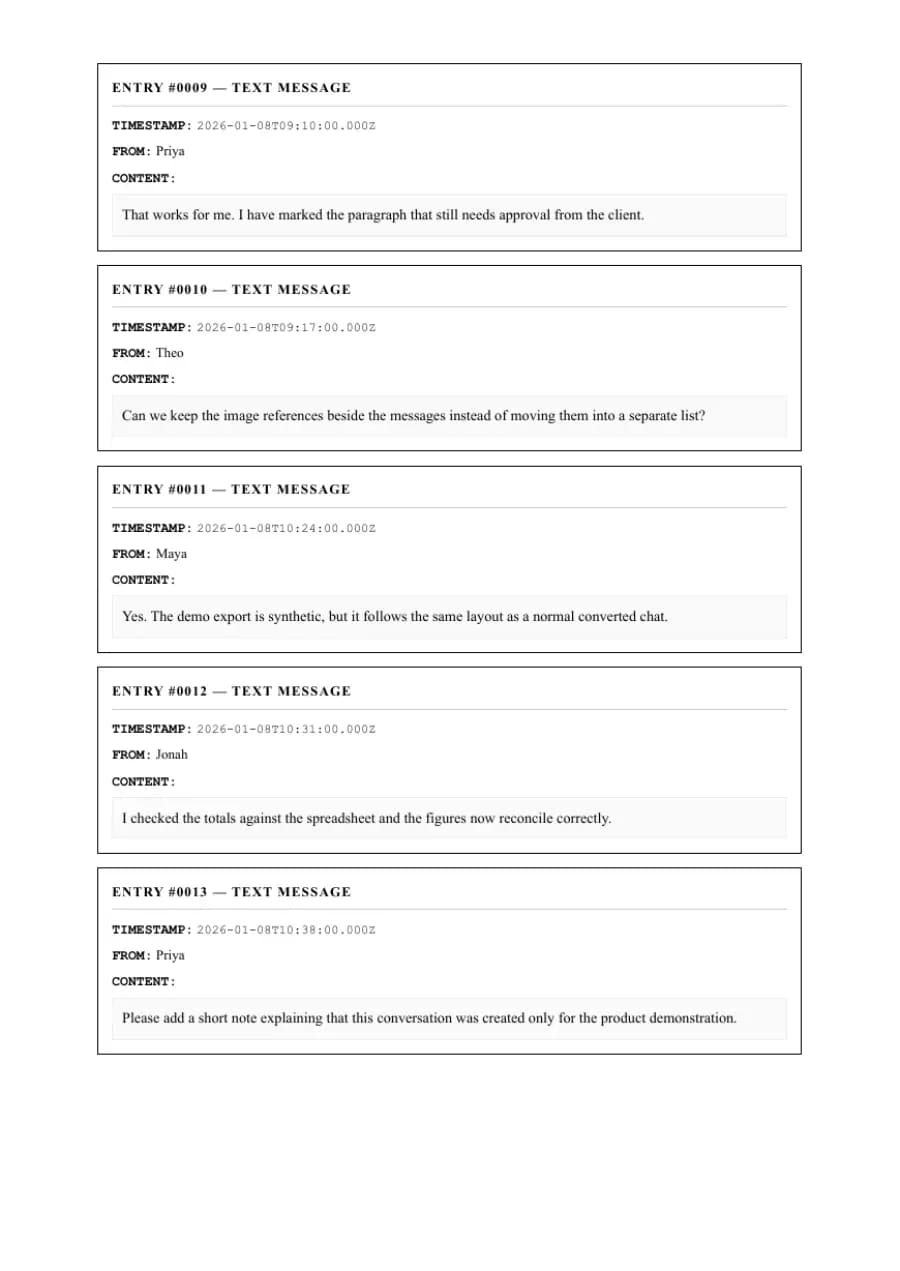
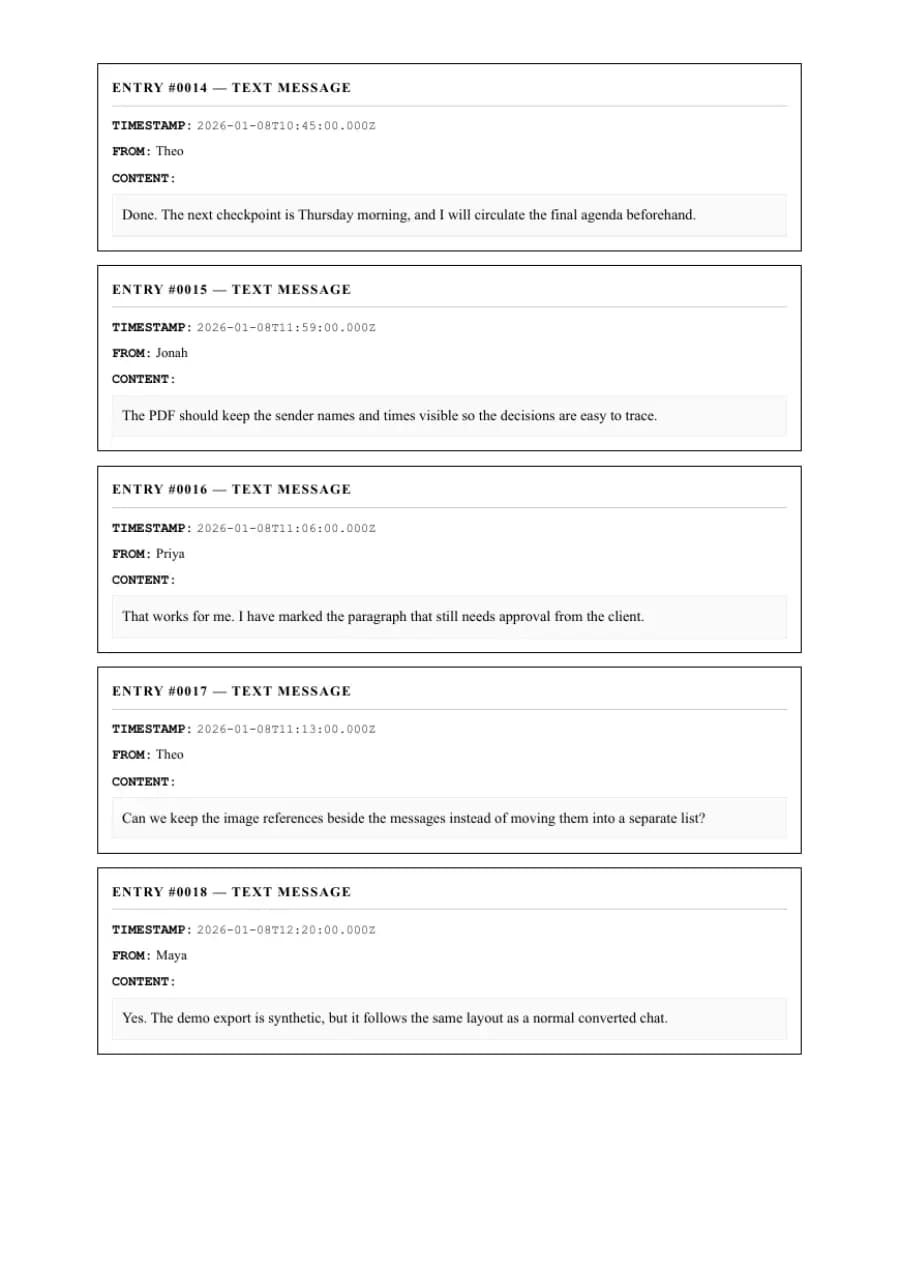
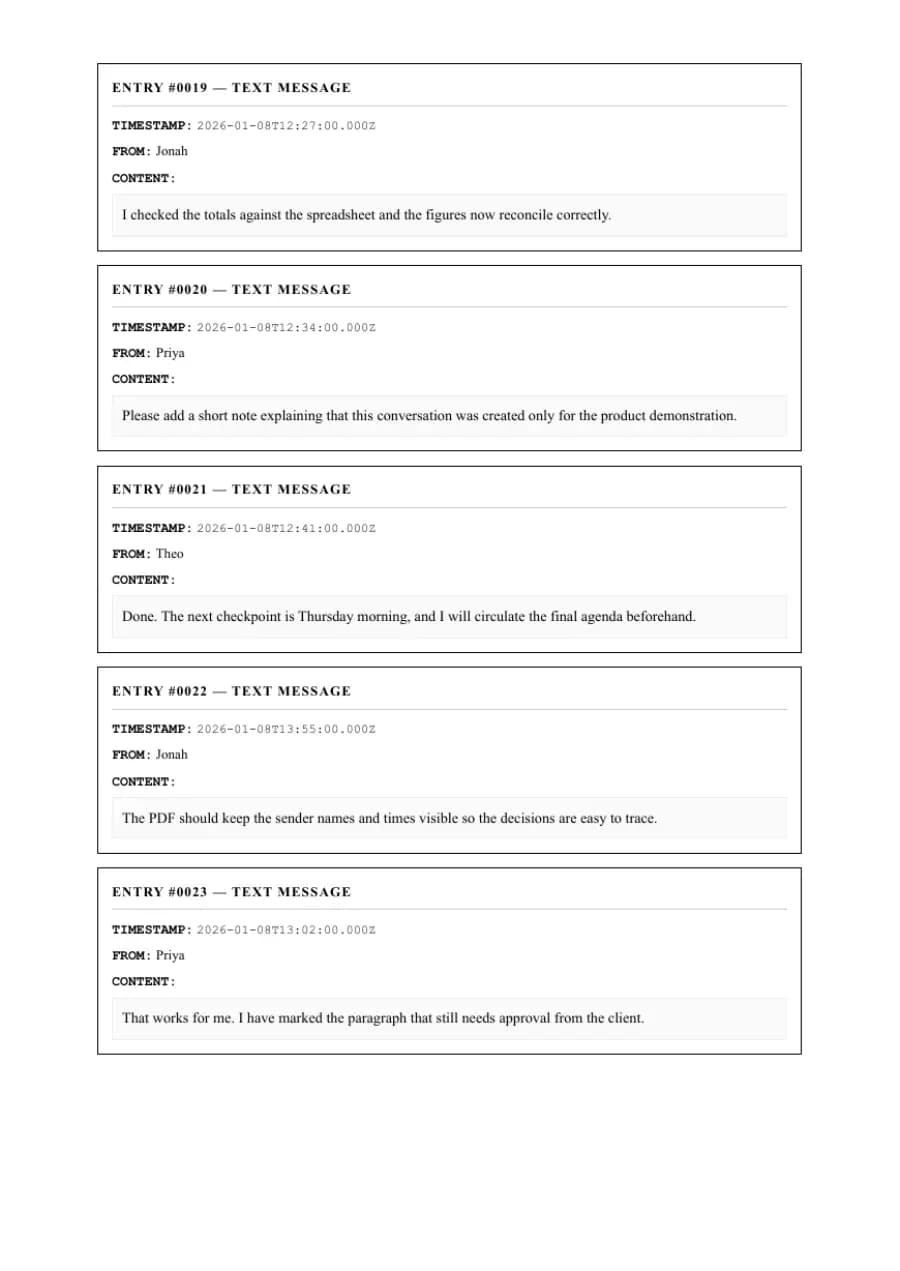
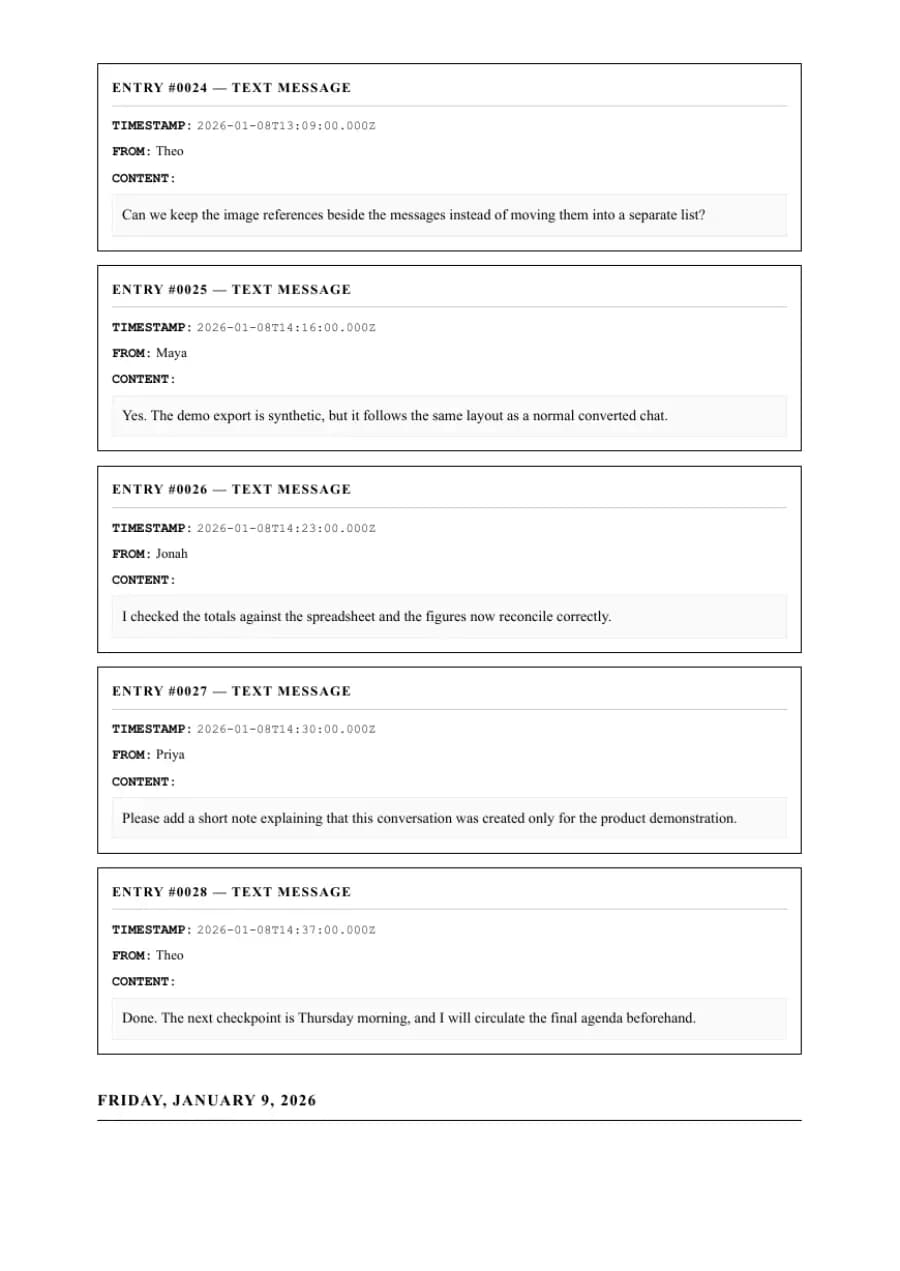
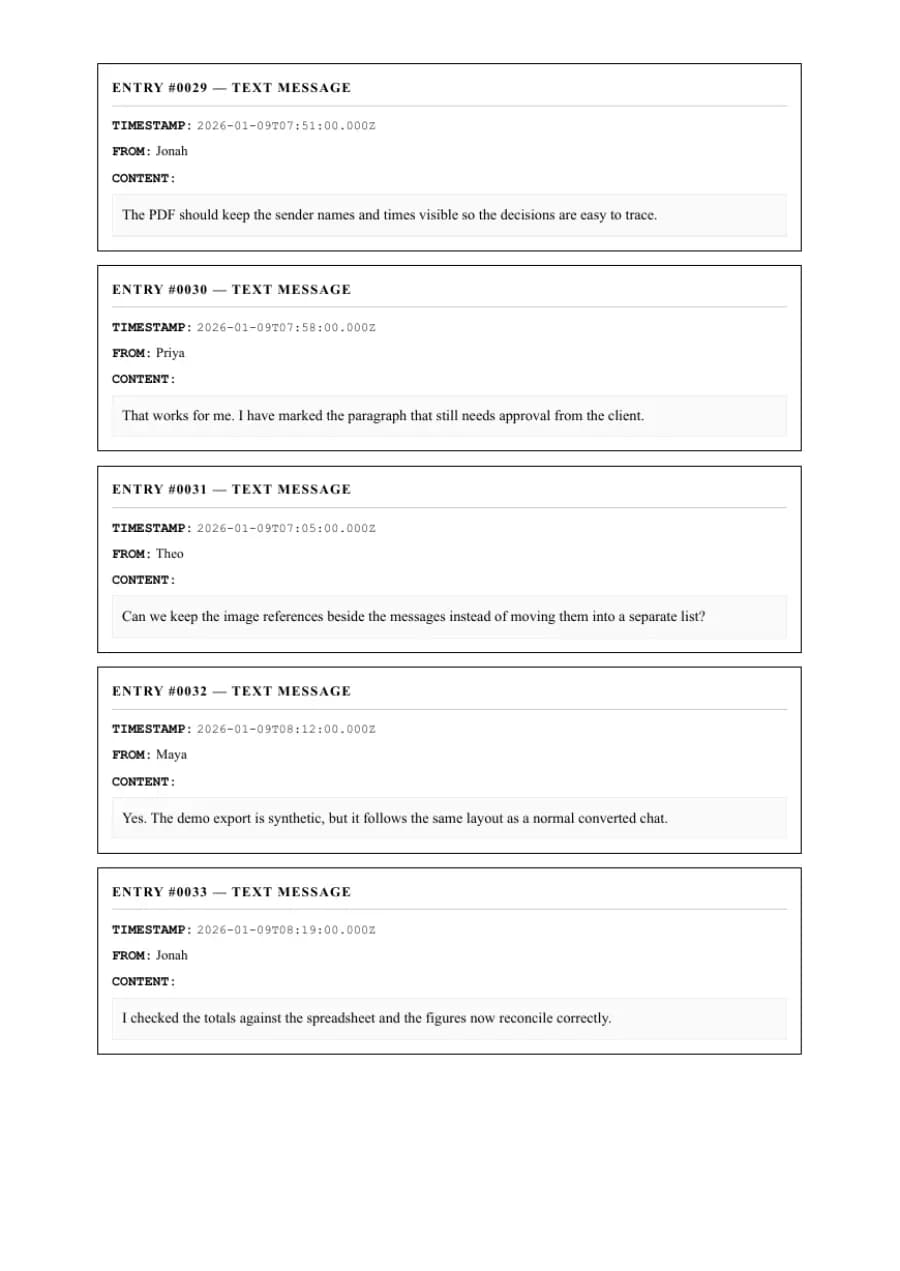
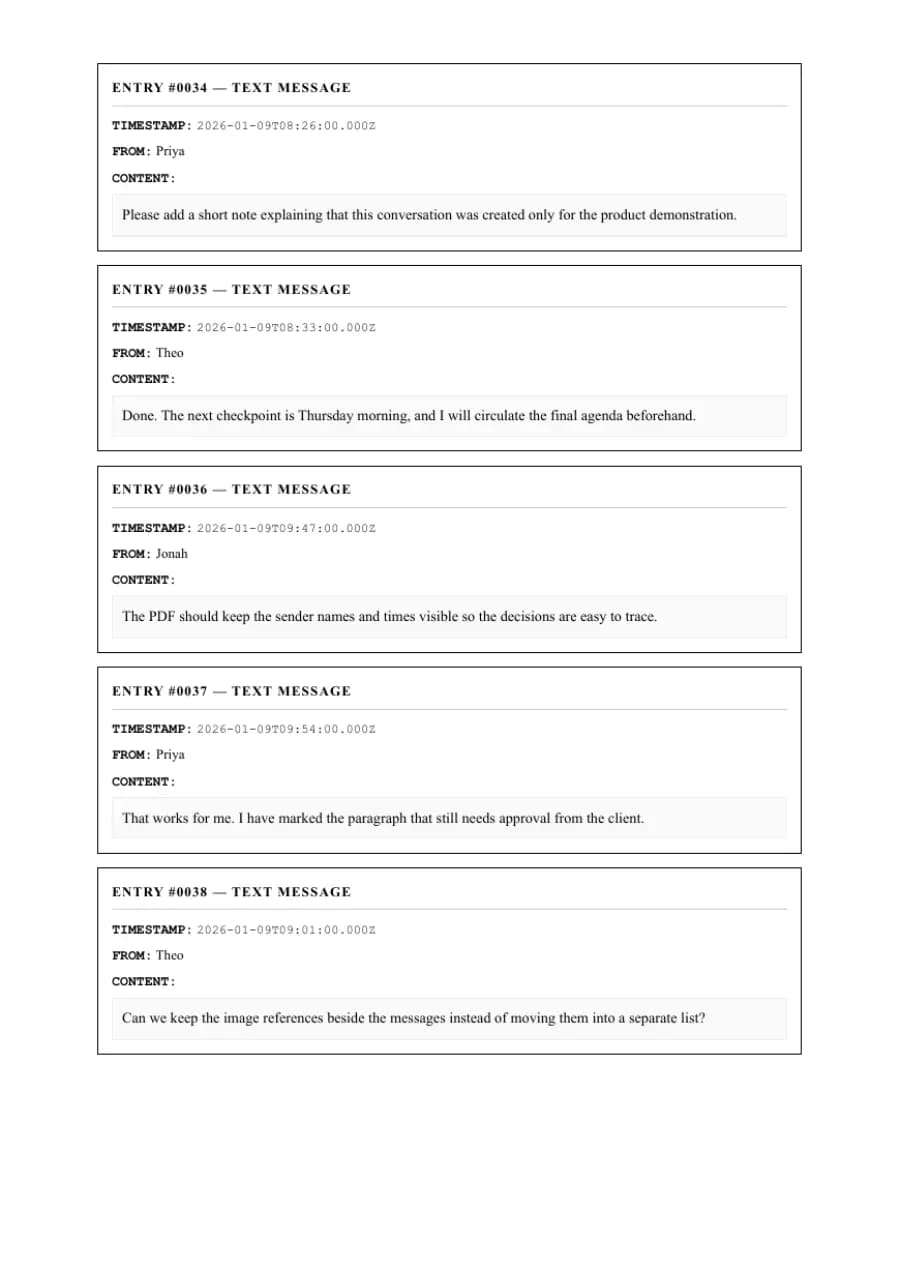
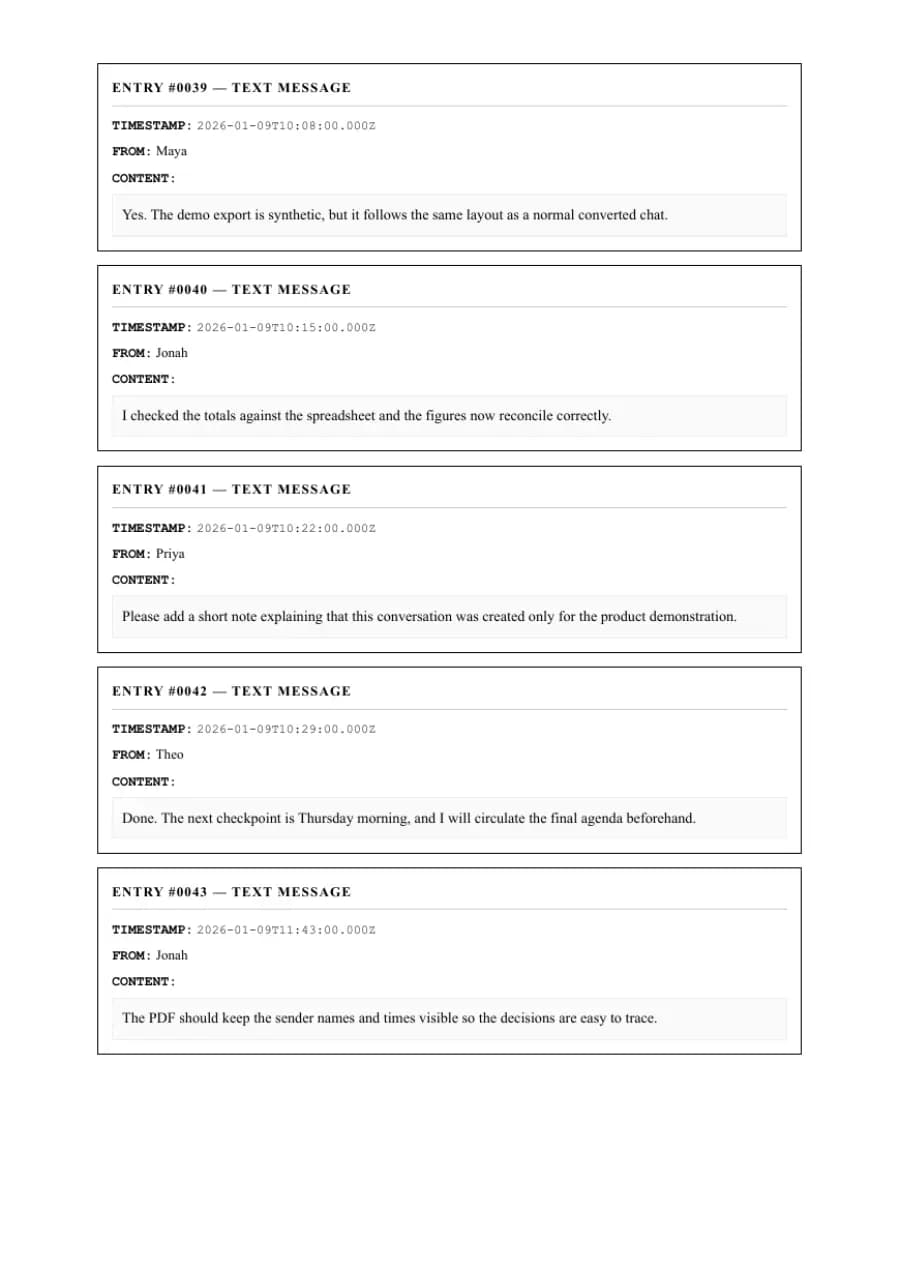
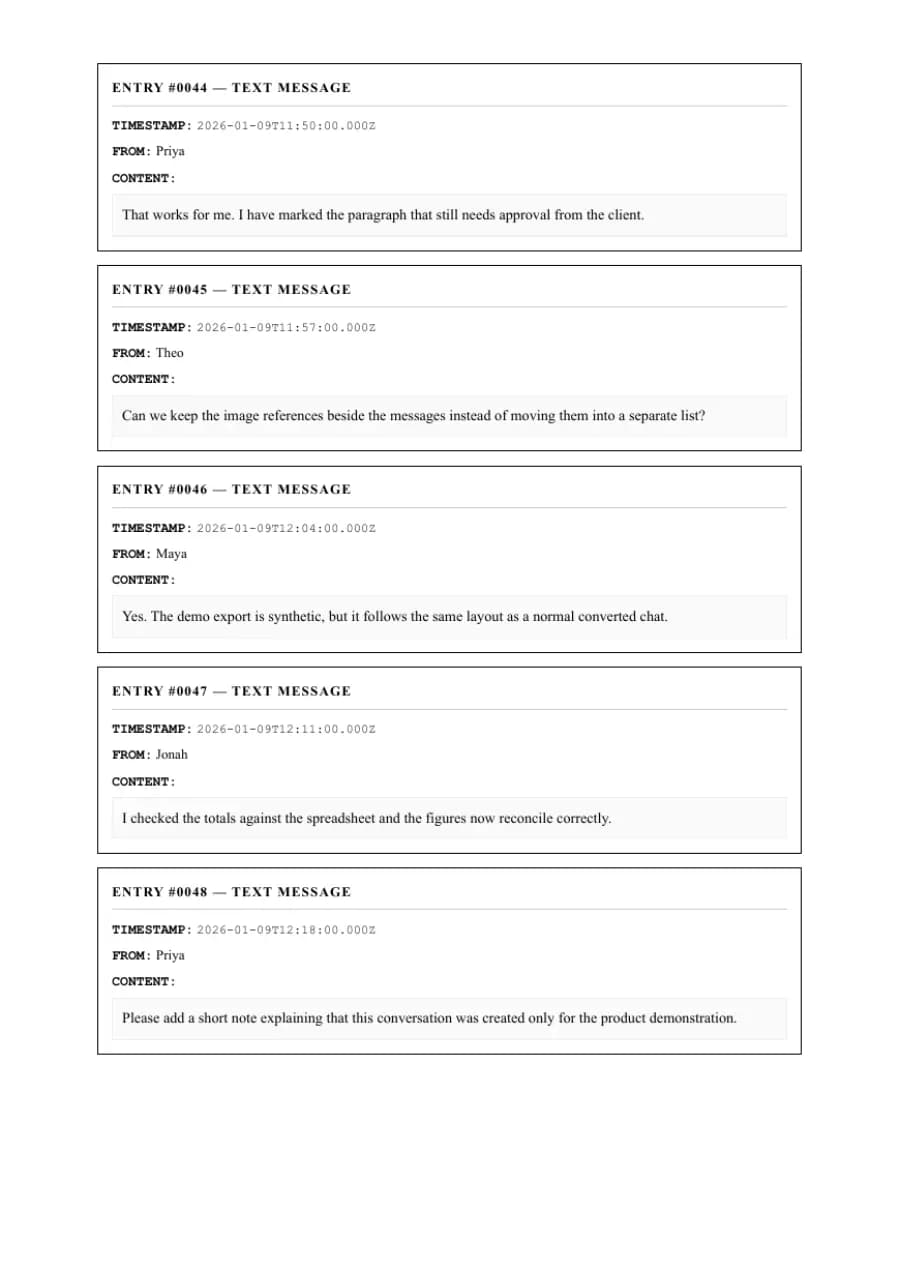
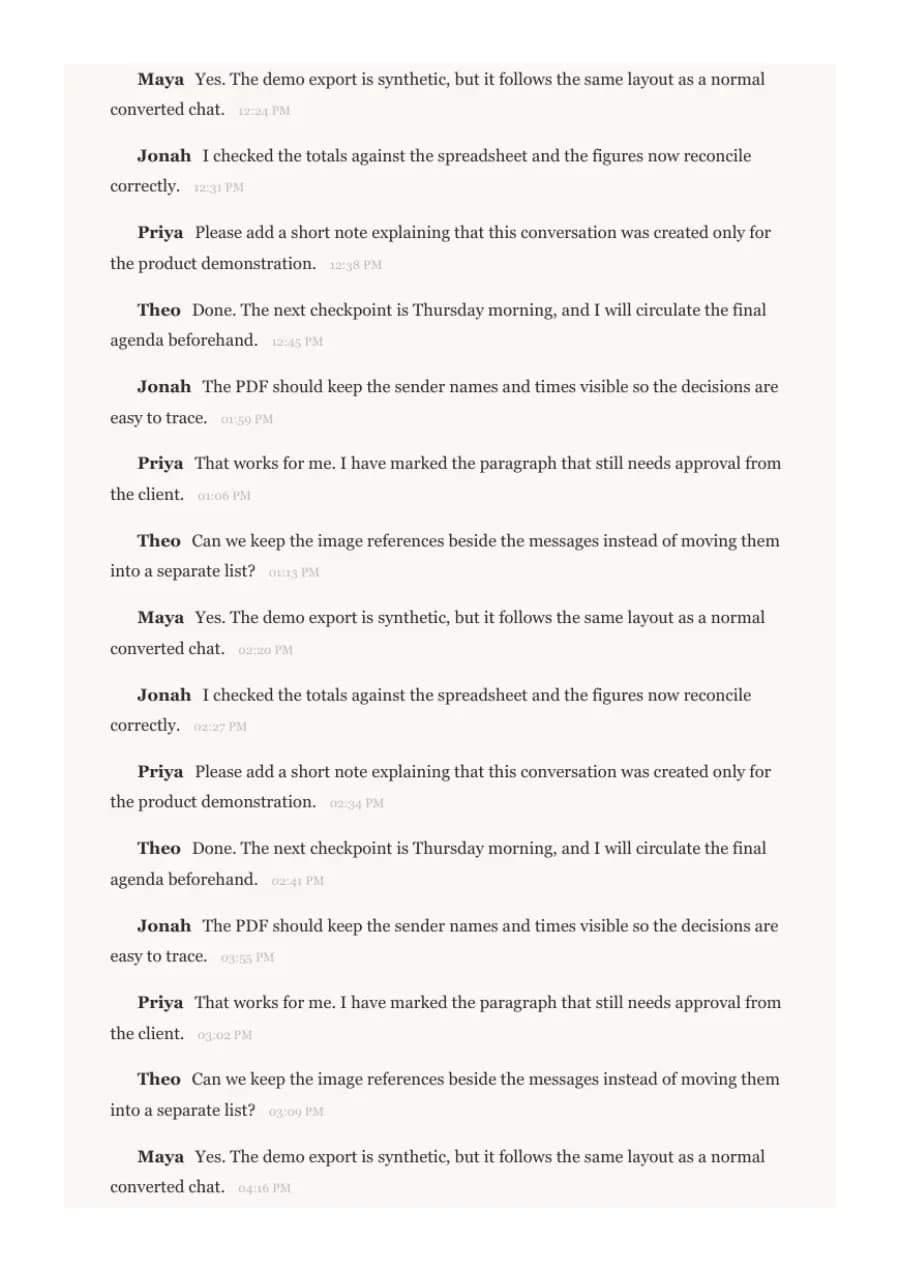
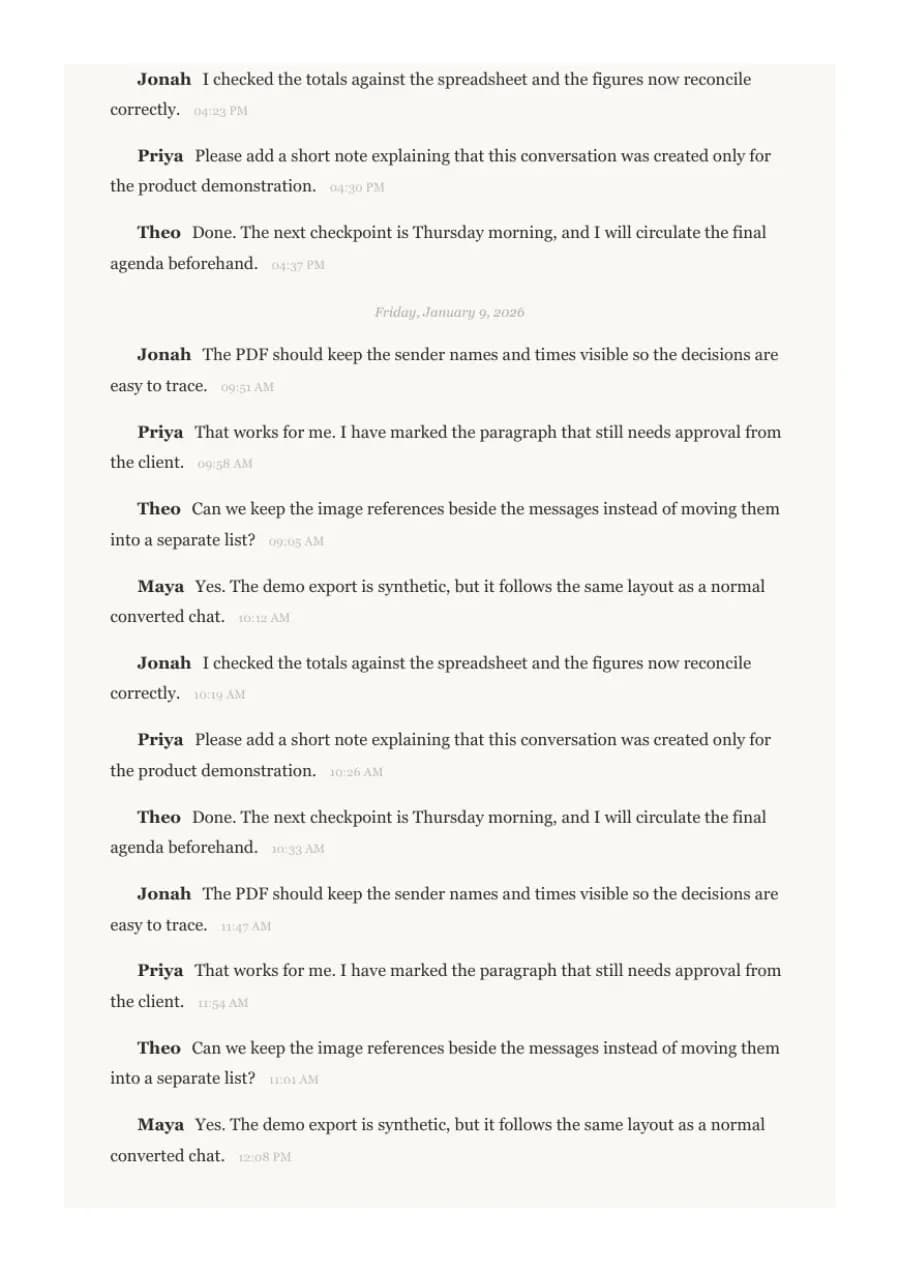
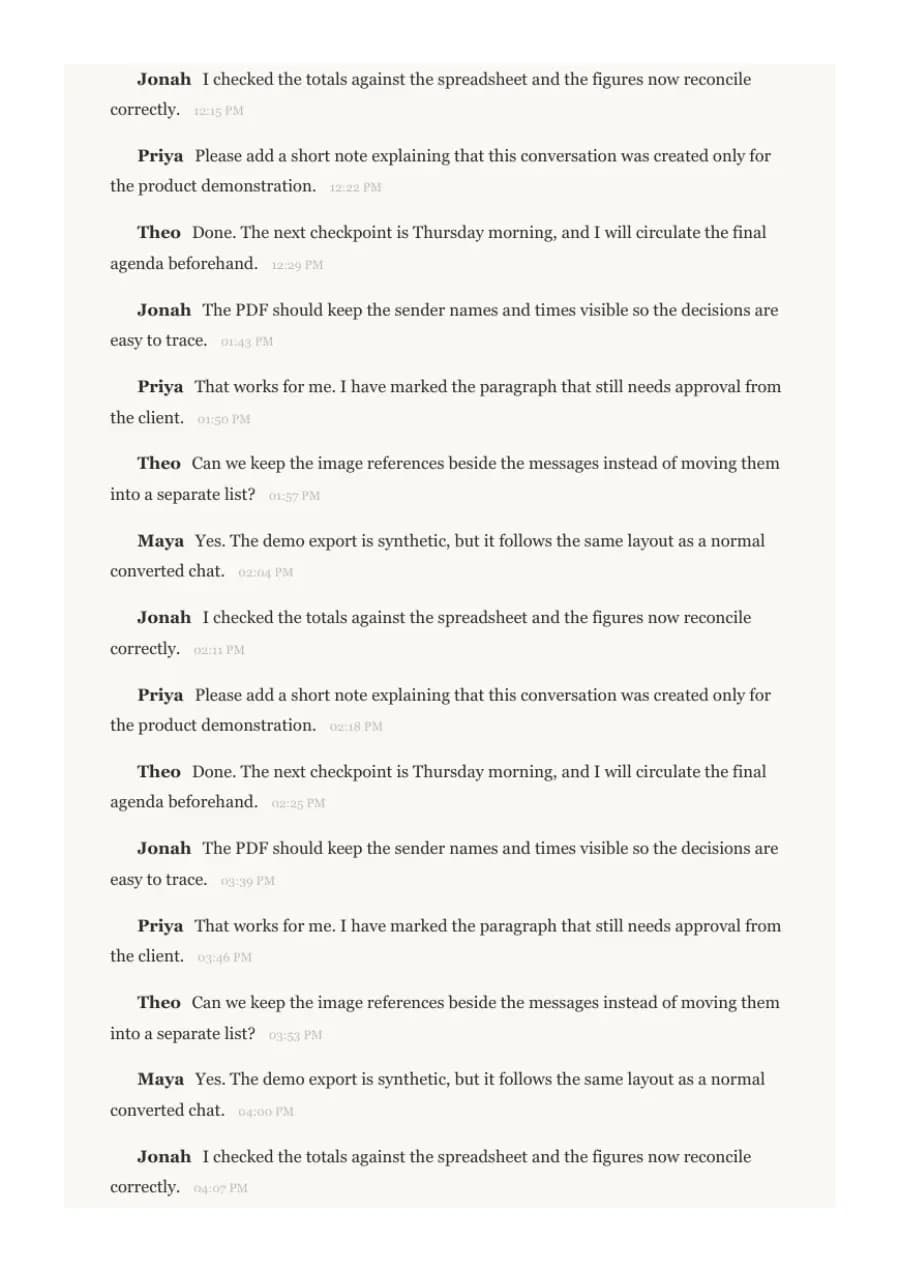
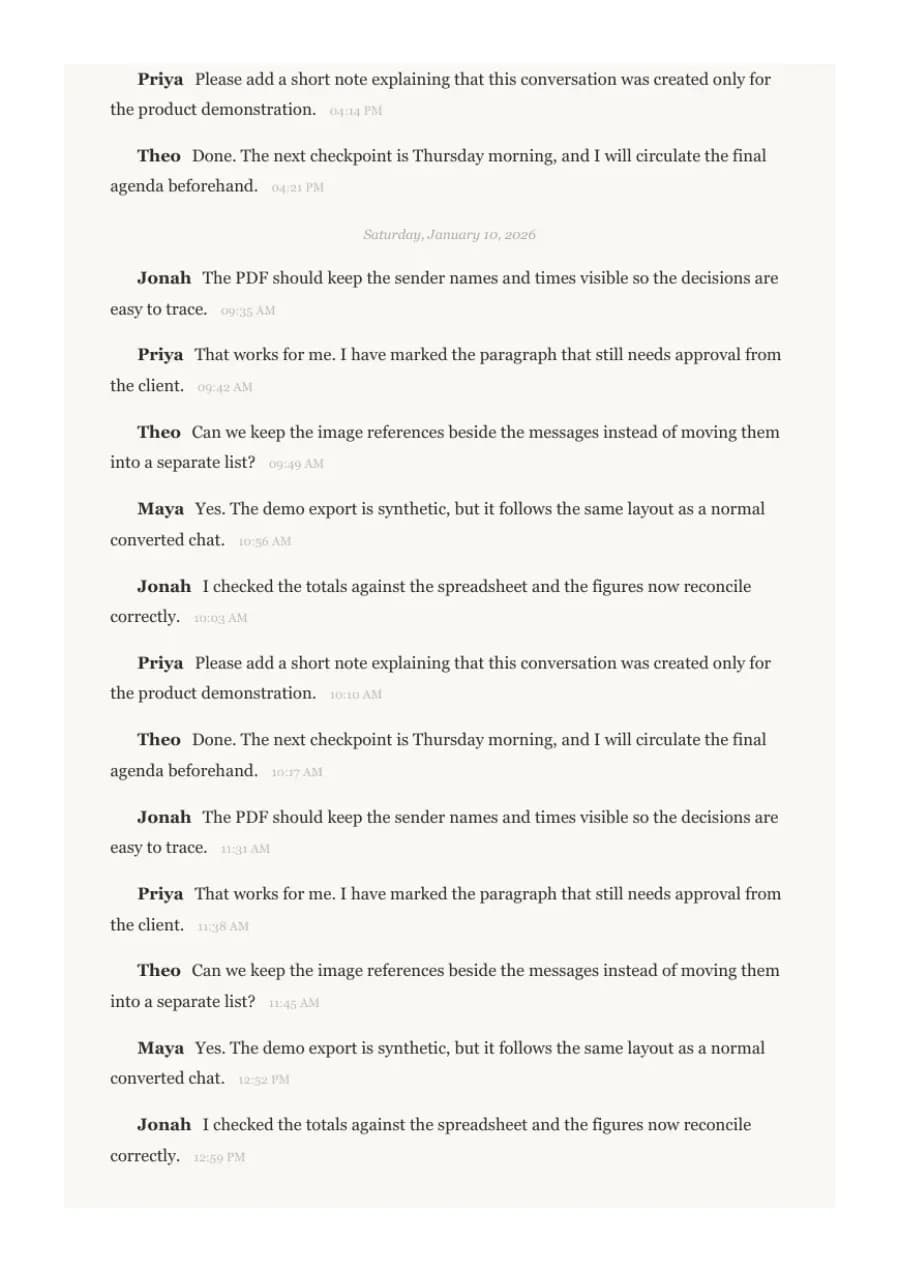
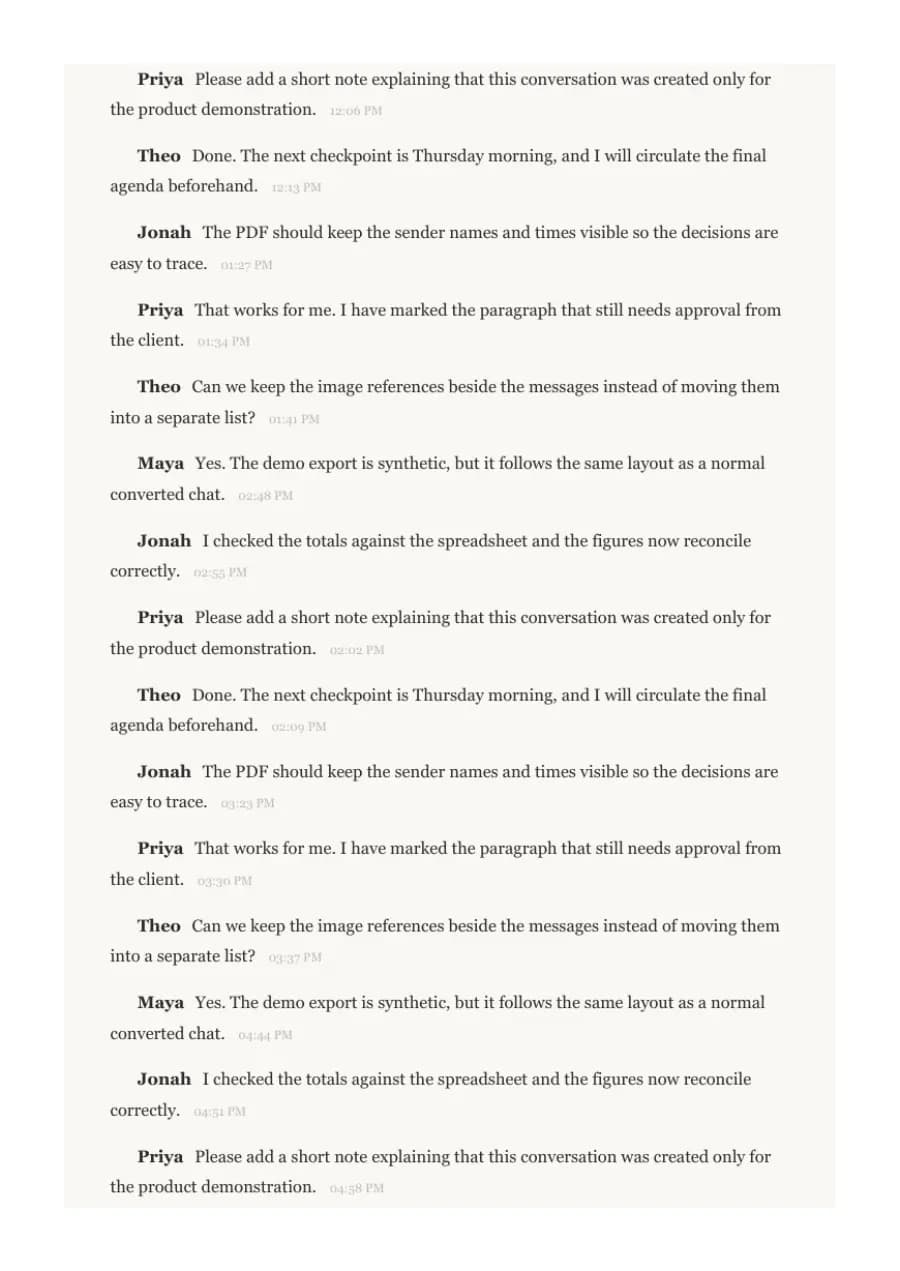
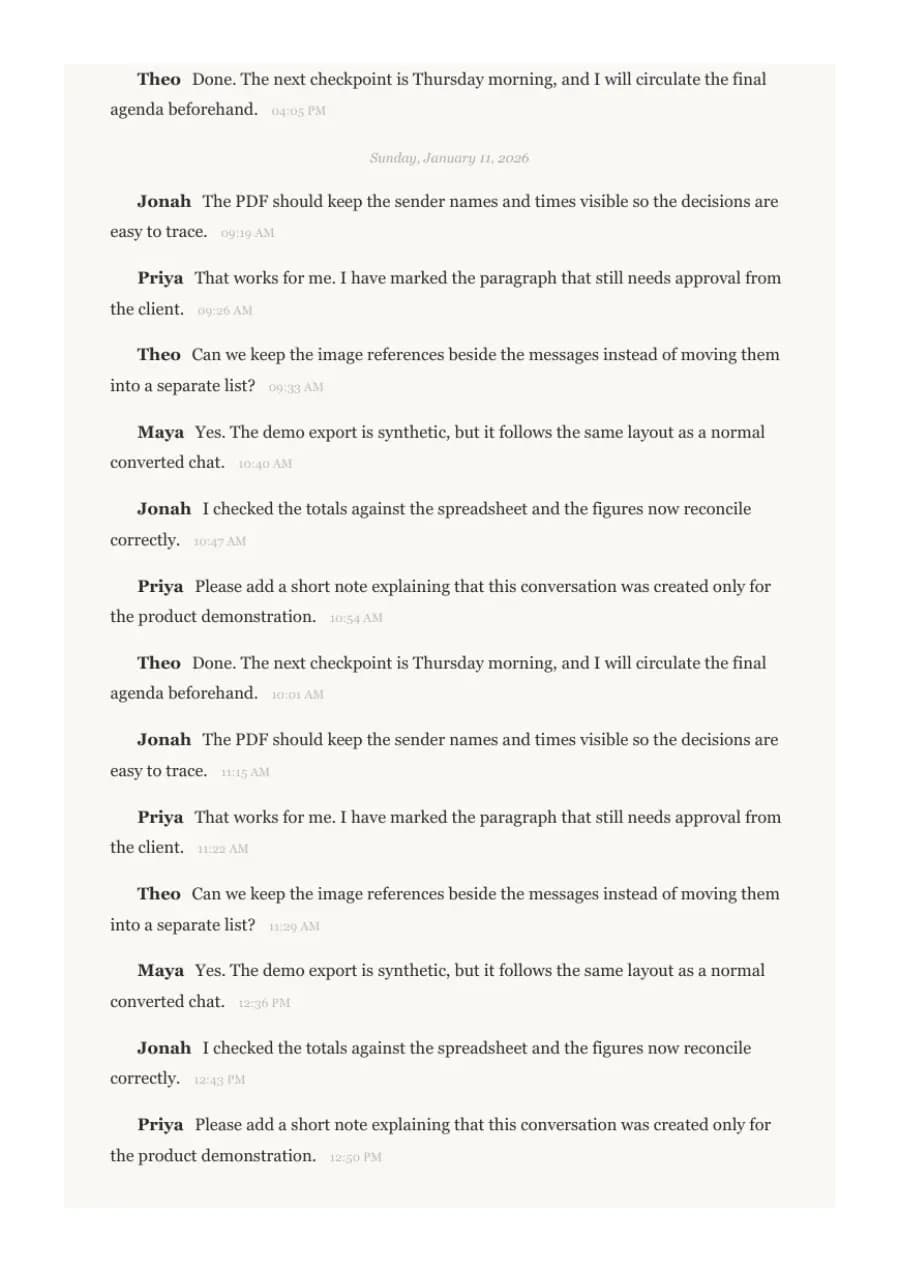
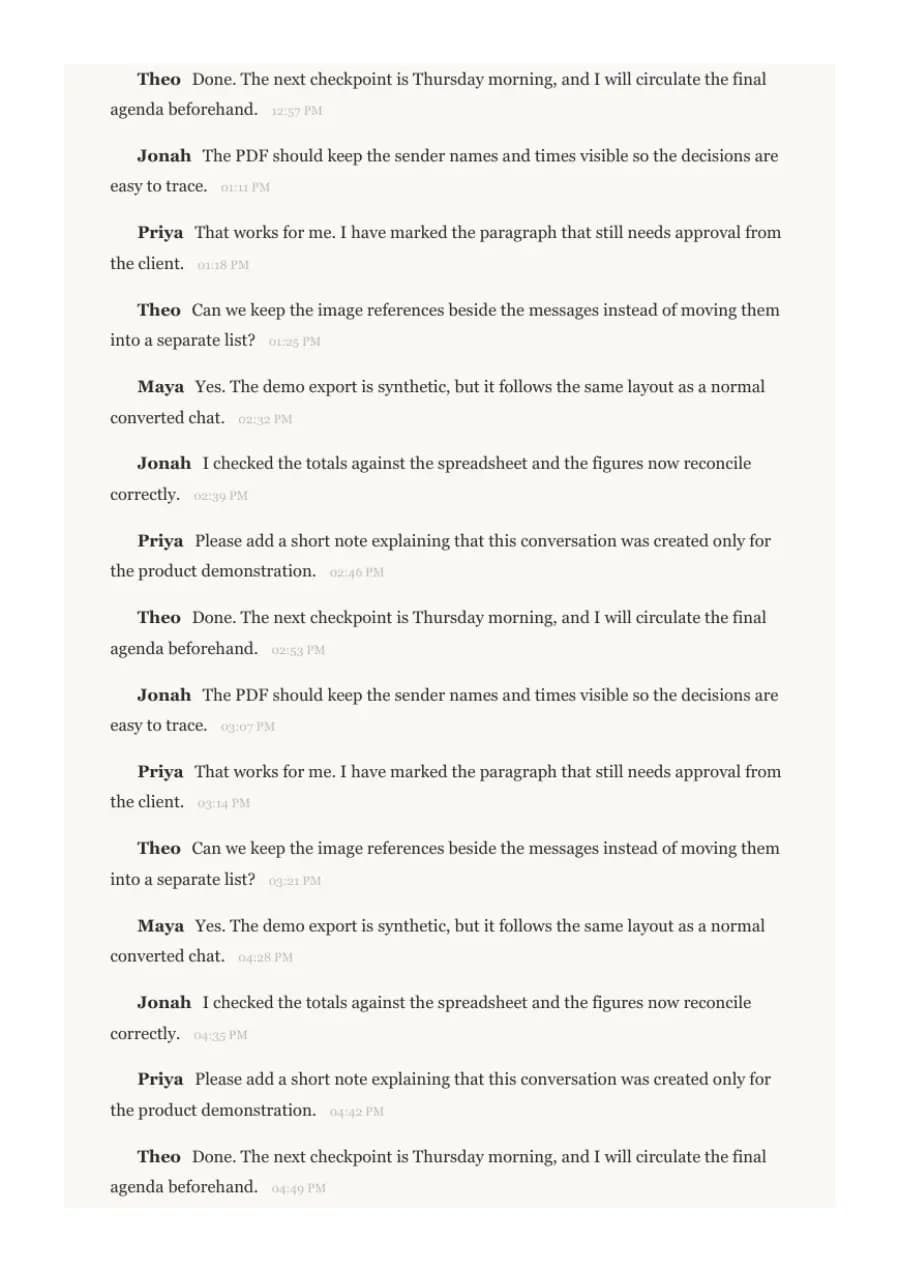
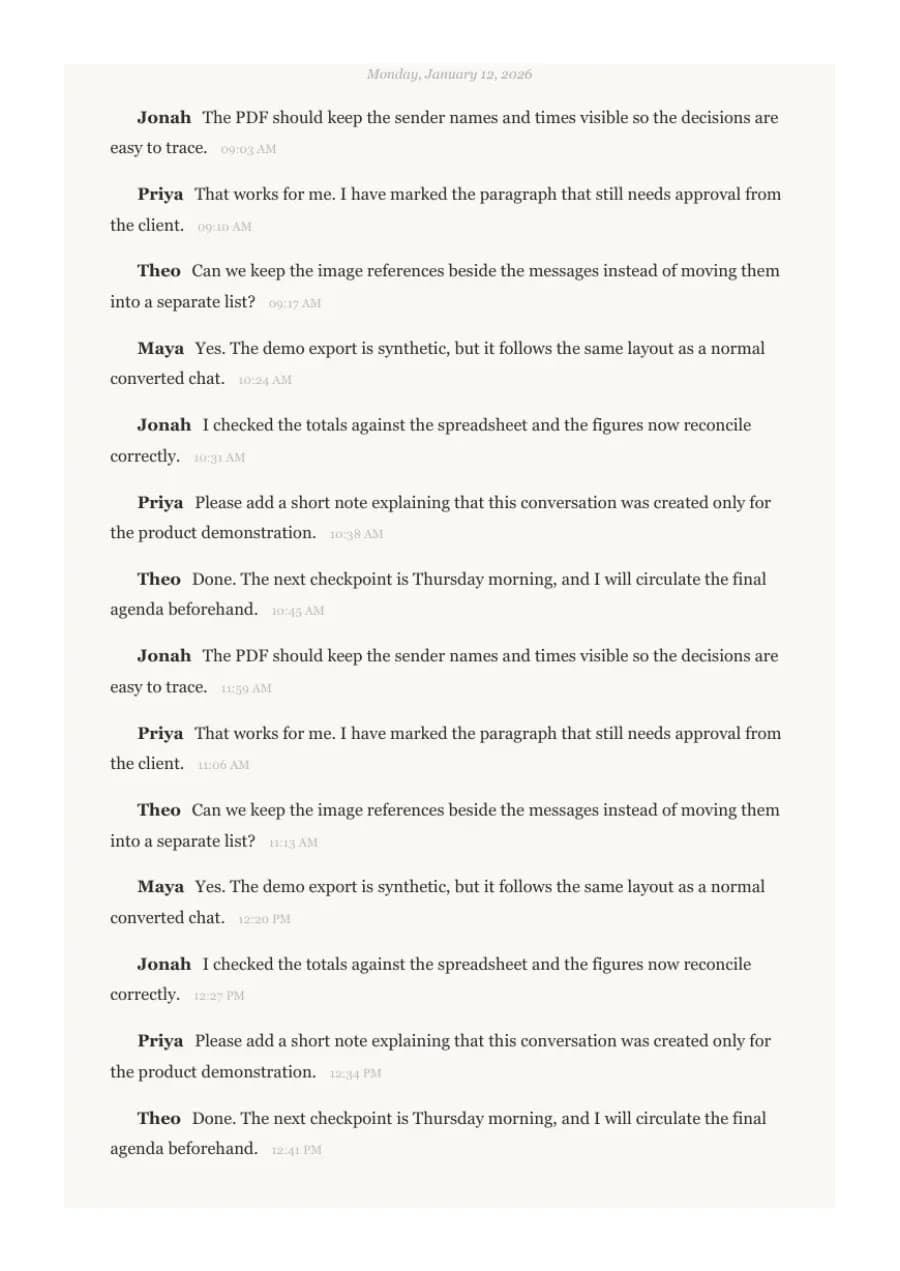
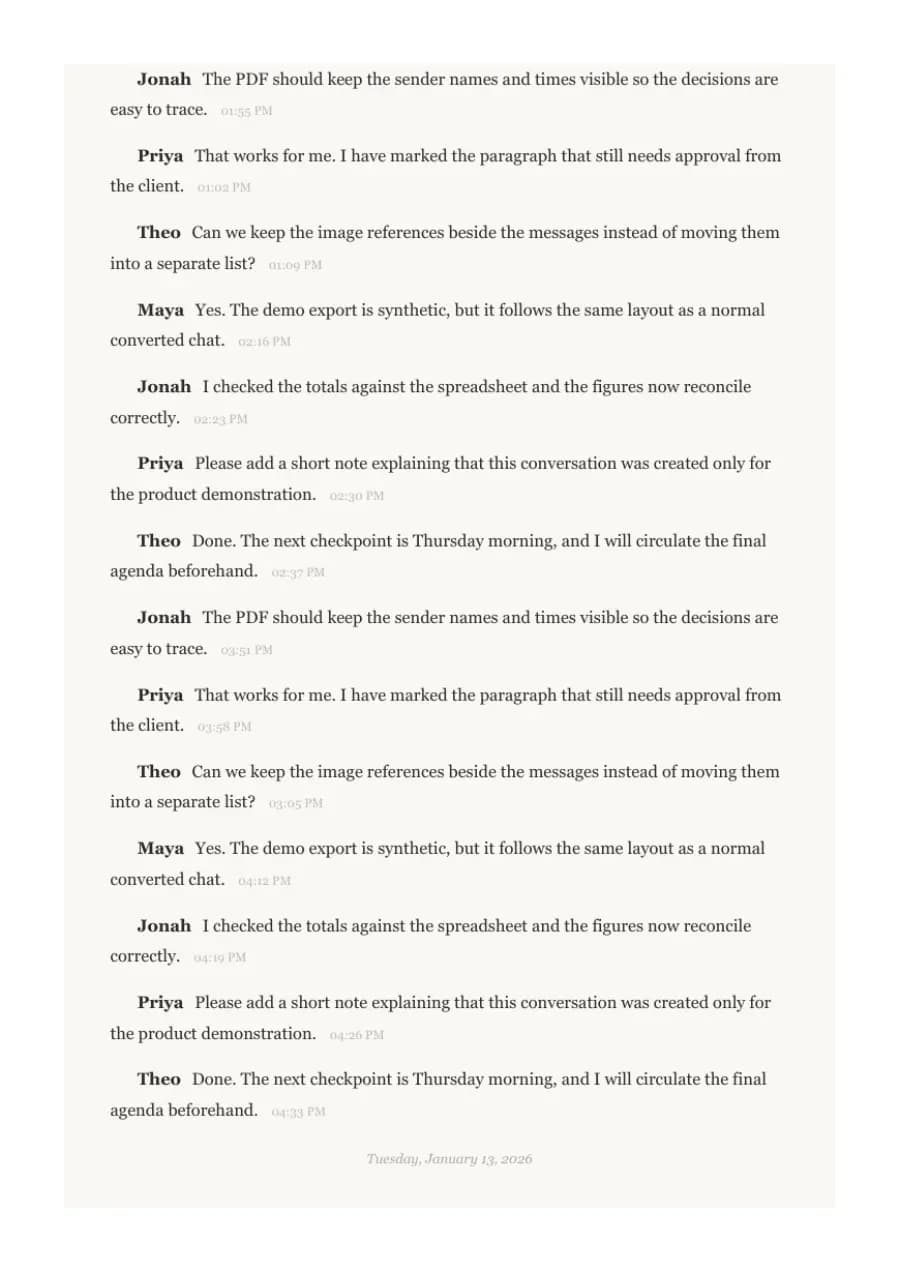
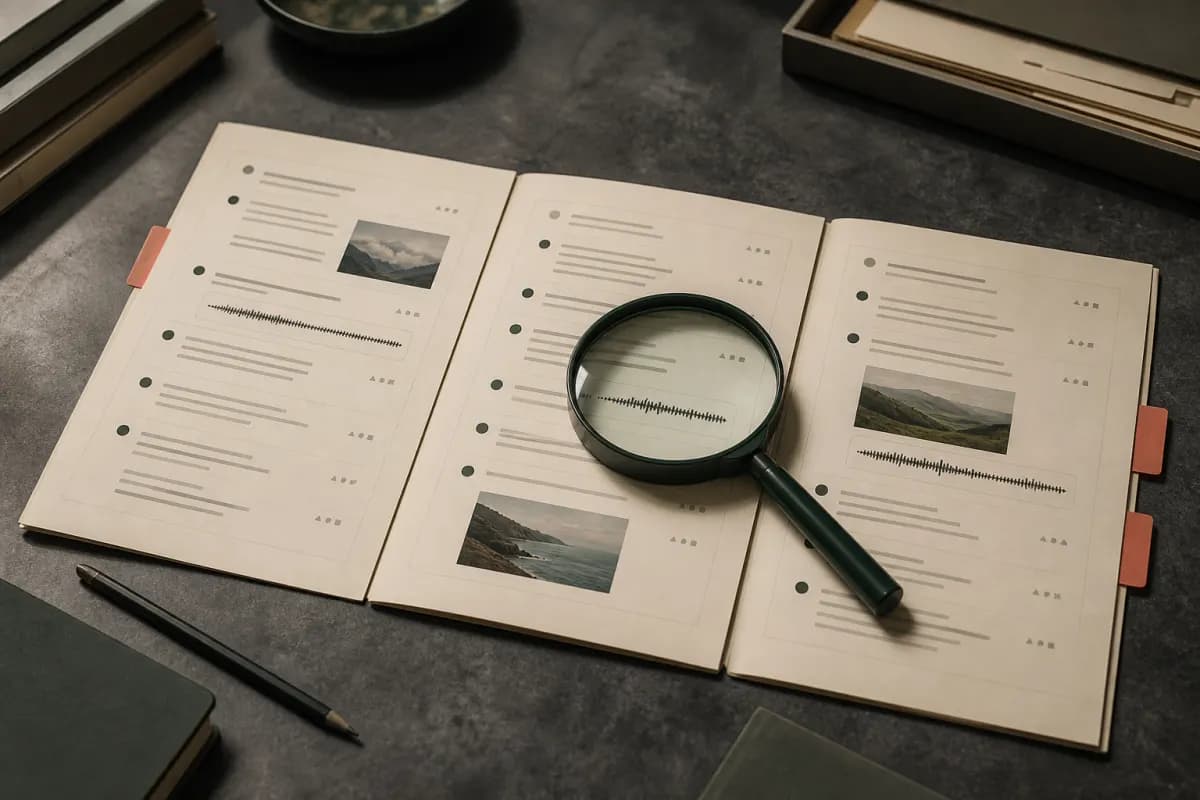
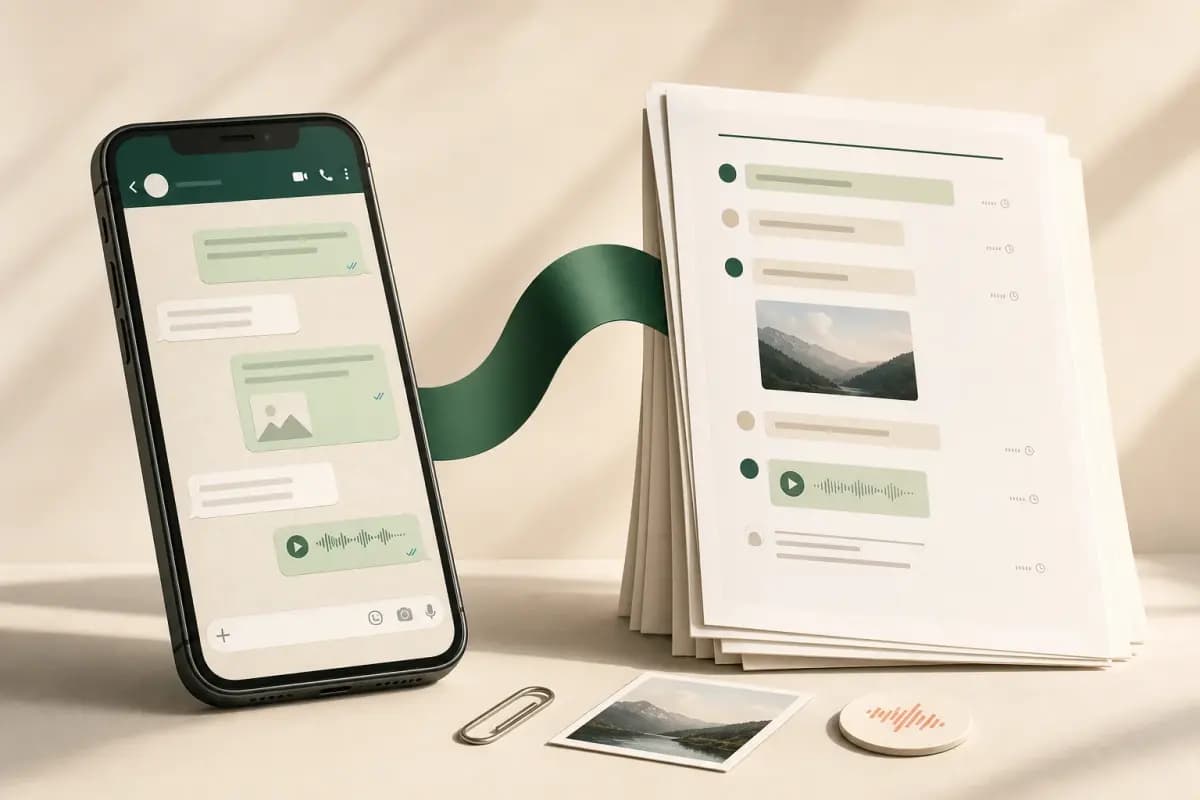
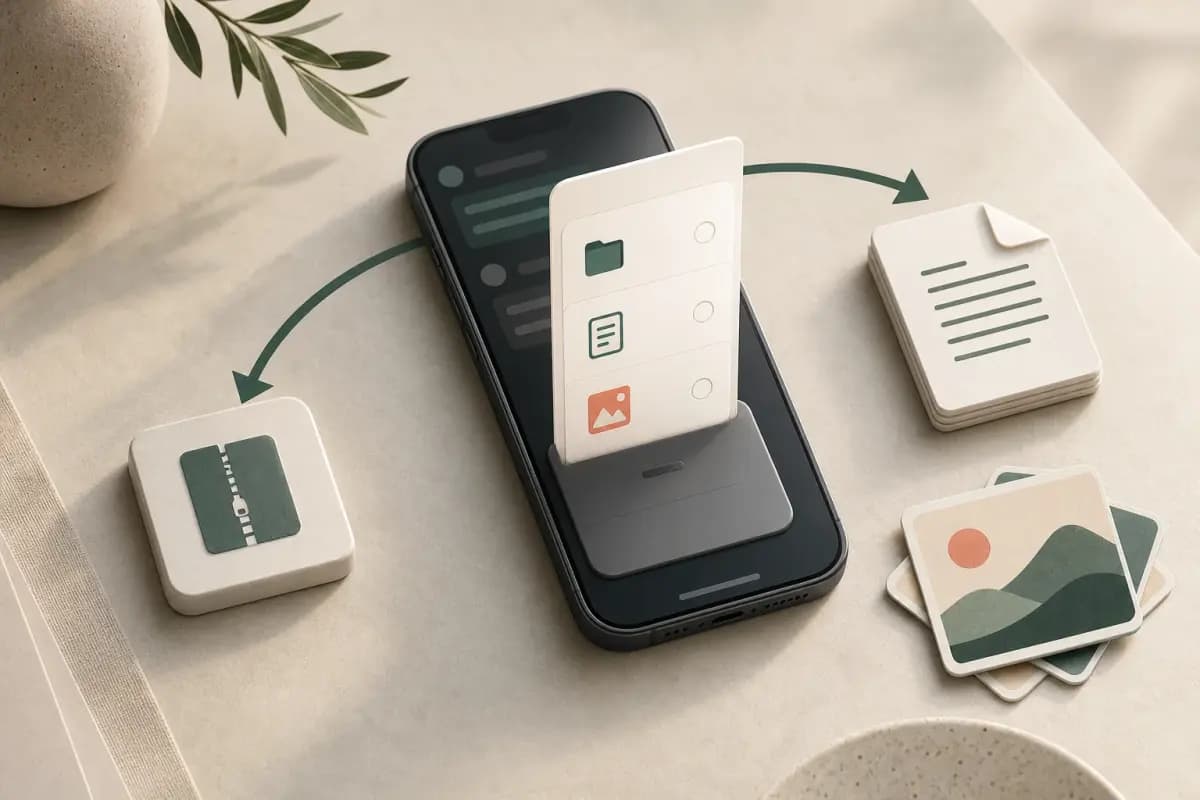
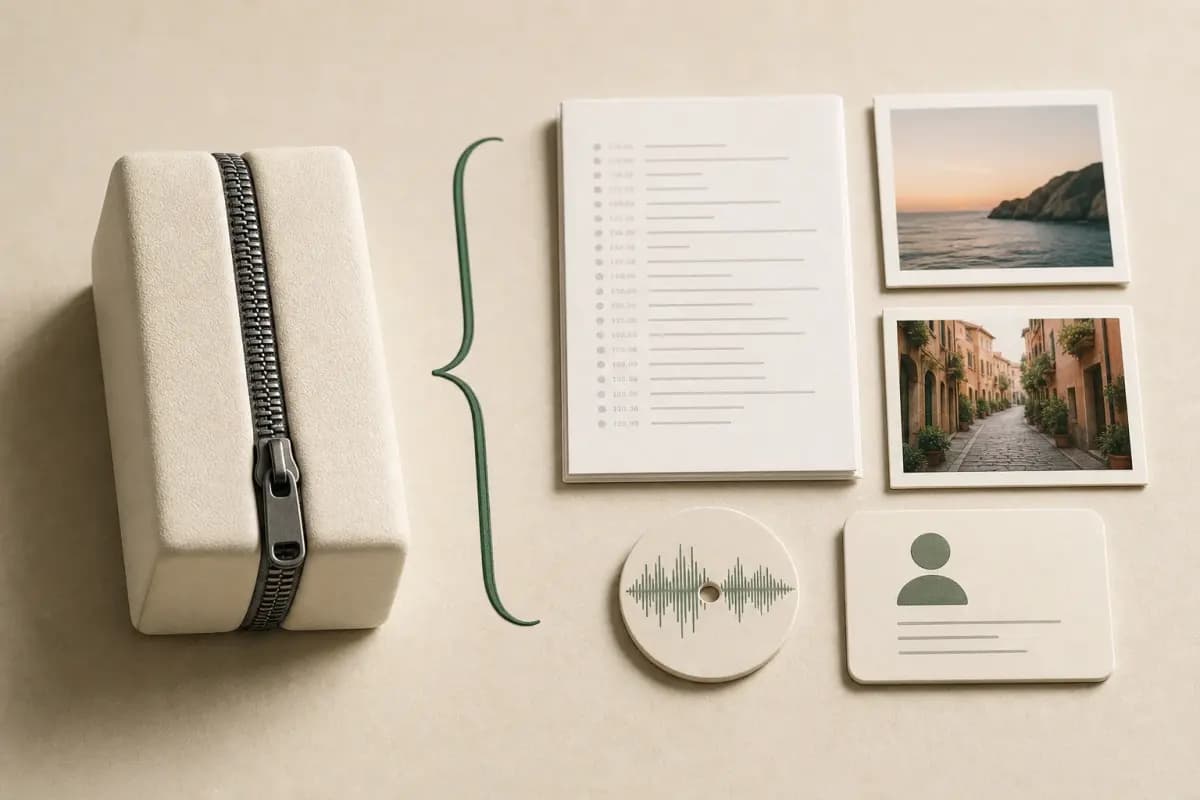

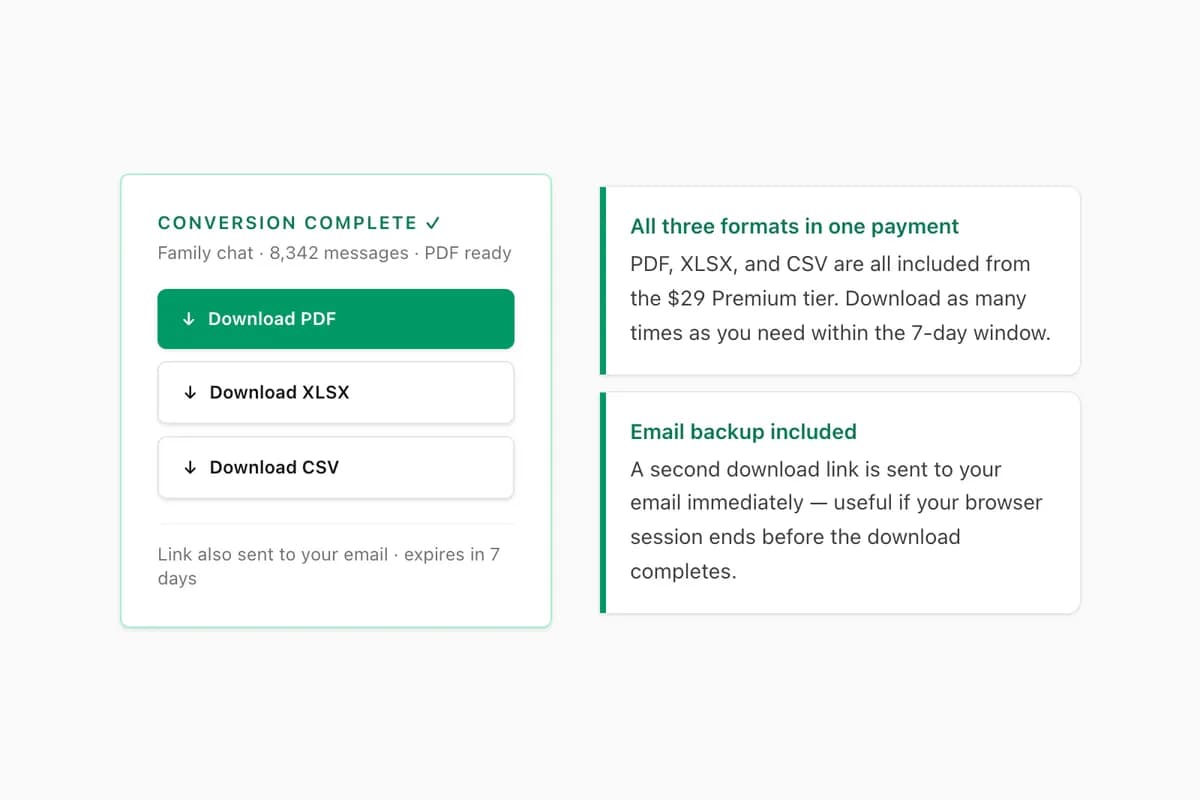
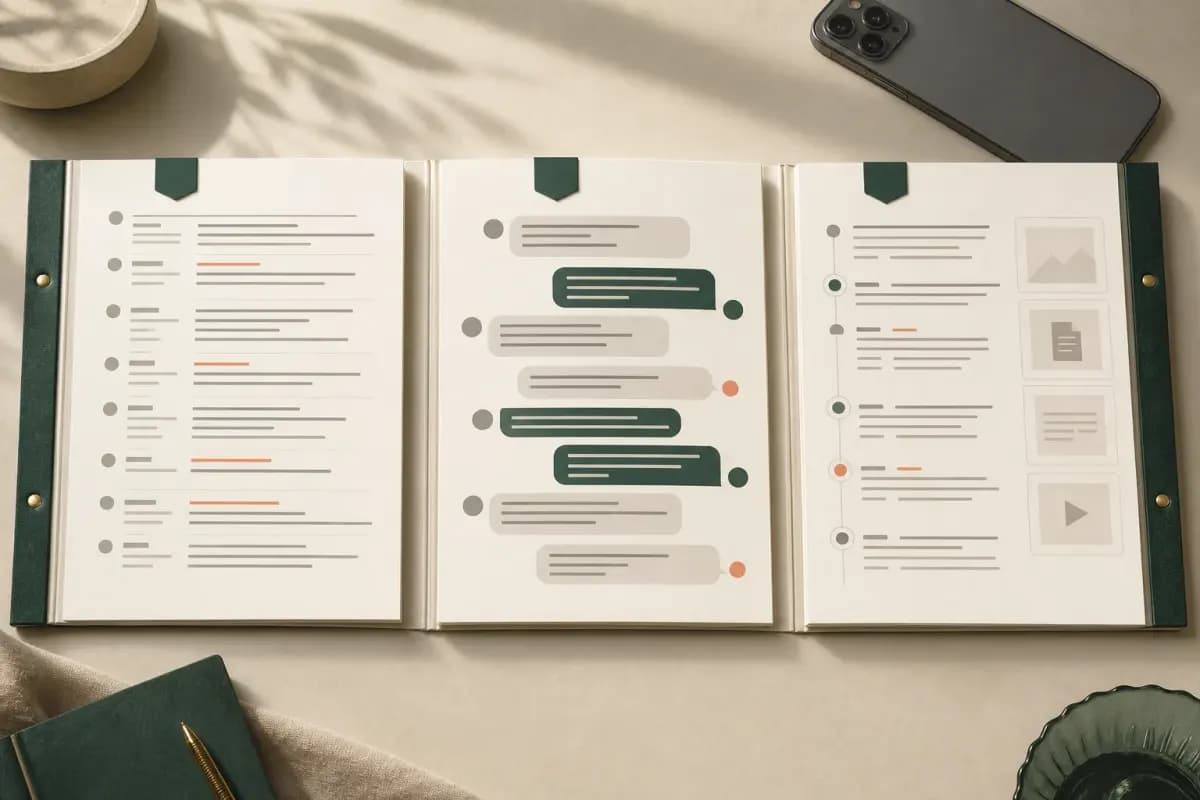
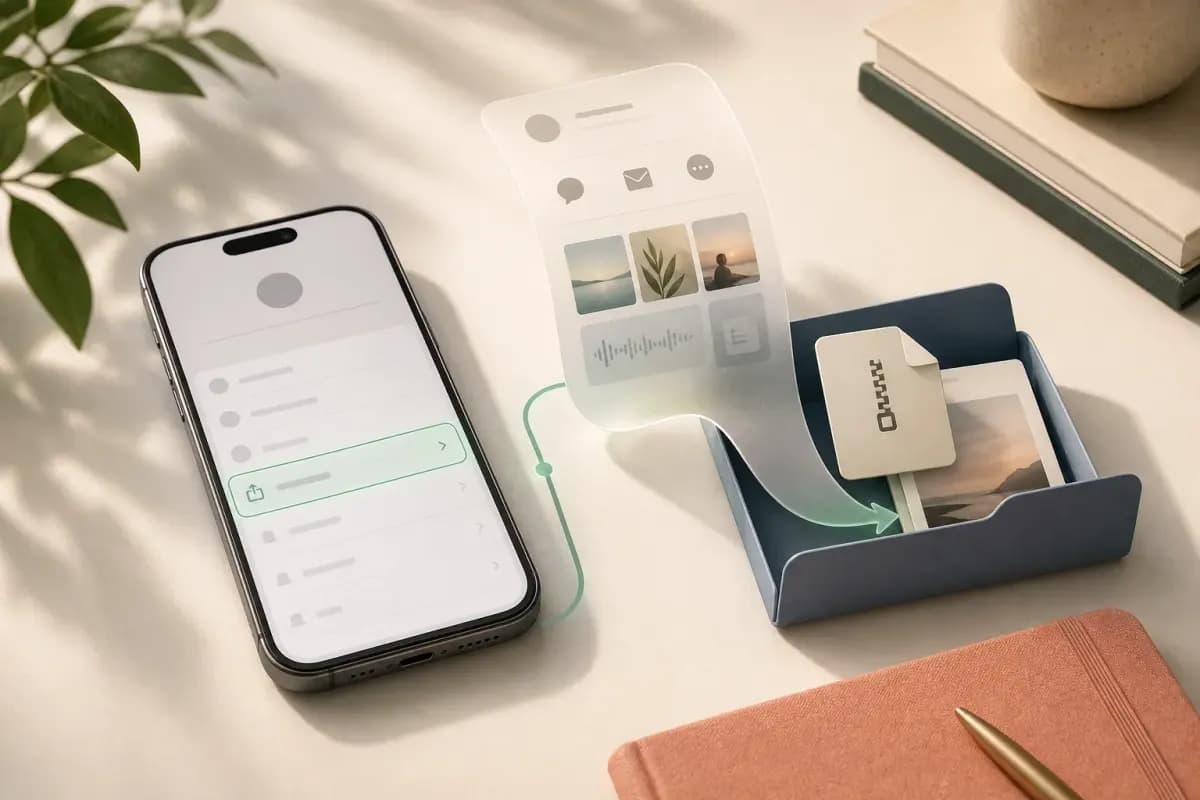
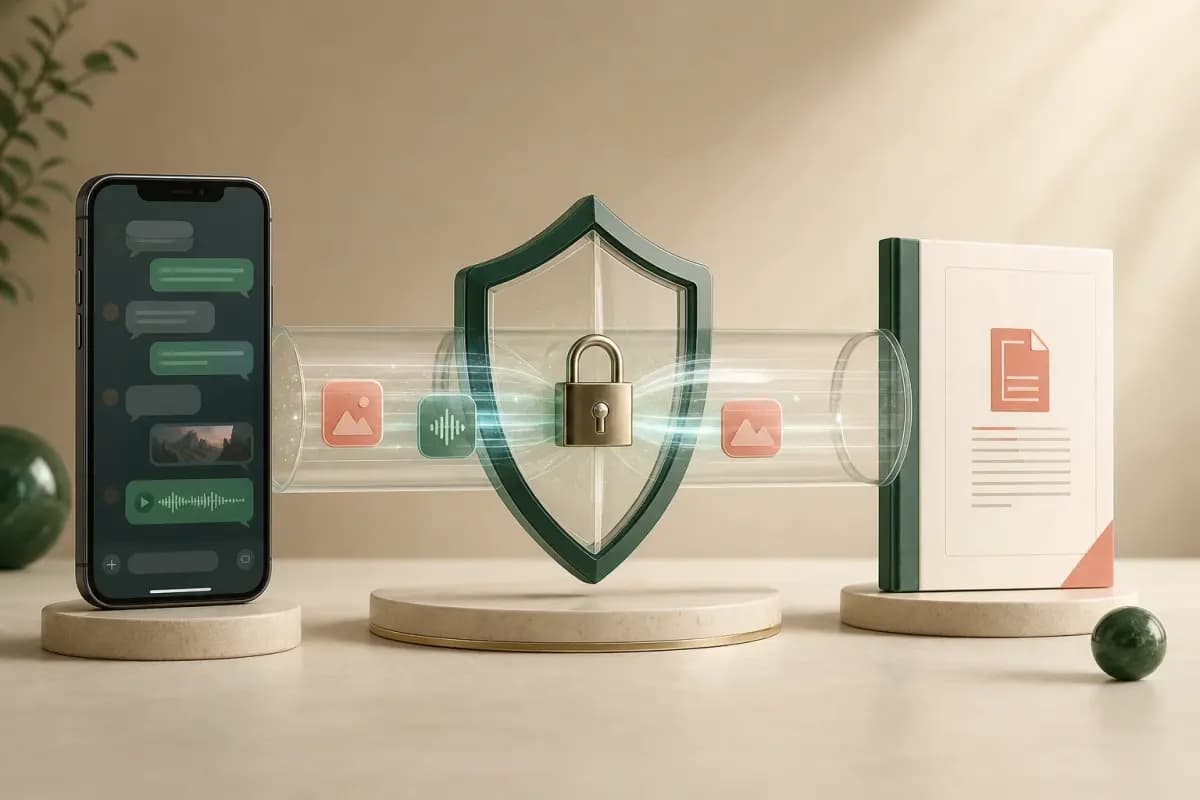
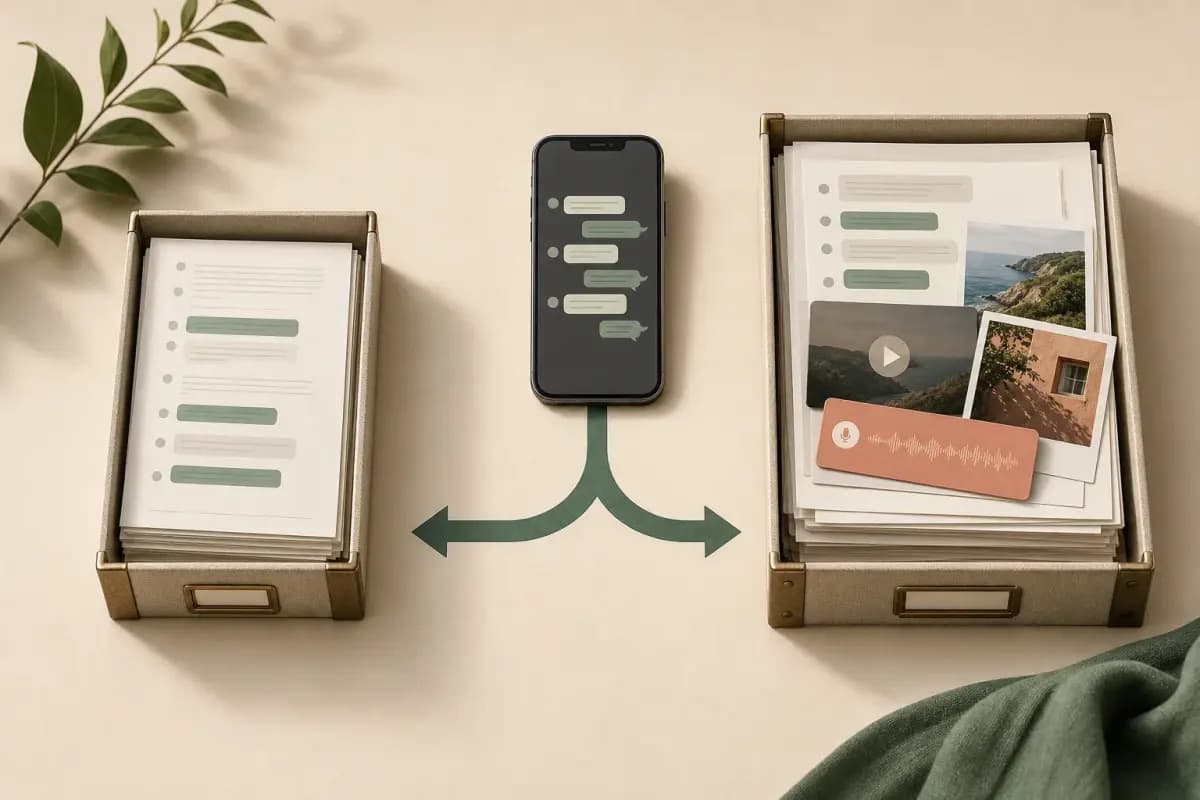
Method note: product frames were extracted from ChatToPDF’s own walkthrough; PDF pages were rendered locally from the synthetic source in scripts/generate-proof-samples.ts; editorial scenes are labelled AI-generated. No customer chat, uploaded file, or invented review is shown.
Four styles. One that fits your story.
Each mockup below is what your actual PDF will look like.
WhatsApp Chat
2 participants · 312 messages
Alice
Hey, how are you?
10:30 AM
I'm great, thanks!
10:31 AM ✓✓
Alice
Let's catch up soon!
10:32 AM
WhatsApp Classic
Familiar chat bubble layout that mirrors the WhatsApp interface
Best for personal memoriesWhatsApp Chat — Sarah
Jan 14 — Mar 28, 2024 · 312 messages
Hey, how are you?
I'm great, thanks!
Let's catch up soon!
Clean Document
Minimal, reader-friendly layout optimized for paper
Best for printingChat Transcript — Confidential
Doc-ID: 2024-01-15-A · Pages 1 of 14
Formal / Legal
Numbered entries with ISO timestamps for official use
Best for legal reviewChapter 1
15 January 2024
Alice opened the conversation, asking, “Hey, how are you?”
A reply came moments later: “I'm great, thanks!”
Alice continued: “Let's catch up soon!”
Book Format
Elegant book-style layout for printing and binding
Best for keepsakesThe four previews above show every available layout. Open the complete sample to inspect a finished ChatToPDF export page by page.
Open the complete sample PDFWhy not just take screenshots?
Screenshots work for a handful of messages. Here's what automation saves on a full conversation.
| Feature | Doing it yourself | With ChatToPDF |
|---|---|---|
| Screenshots | Doing it yourself Hours of scrolling and capturing | With ChatToPDF Single upload, automatic |
| Images and attachments | Doing it yourself Save each one manually | With ChatToPDF Embedded inline or appendix |
| Formatting | Doing it yourself Inconsistent, varies by screenshot | With ChatToPDF Professional, four PDF styles |
| Searchable text | Doing it yourself No — images can't be searched | With ChatToPDF Yes — real PDF text layer |
| Legal review | Doing it yourself Hard to organize, reference, and authenticate | With ChatToPDF Numbered, ISO-timestamped, easier to cite |
| Voice notes | Doing it yourself Manual transcription — hours of replay | With ChatToPDF Auto-transcribed inline, 93 languages, 57 at high accuracy |
| Time taken | Doing it yourself Several hours | With ChatToPDF Minutes rather than hours |
Built for the moments that matter.
Four use cases, one tool. Pick the format that fits.
Legal evidence
Structured for legal review. Numbered entries, ISO timestamps, and a formal layout that is easy to reference.
Numbered entries · ISO timestamps
Personal memories
Preserve a conversation as a keepsake. Chat-bubble layout, full image gallery, beautifully bound.
Most-used style: WhatsApp Classic
Business compliance
Archive WhatsApp Business chats with filtering and monthly separation. Audit-trail ready.
Participant and date filters
Voice notes transcribed
Supported notes in the exported chat are processed together, with successful transcripts returned inline. 93-language registry; review important passages.
Premium + Voice tier · from $49
Also converts Telegram, Instagram, SMS and iMessage exports
Same free preview and one-time pricing, one conversation per upload.
One-time payment per chat conversion.
You do not need to choose a tier yet. Upload first, inspect the free preview, and see the lowest-priced option that fits this chat.
Start with the free preview
We count the messages and detected media, show the formatted result, and explain the best-fit tier. No account or card is needed.
- Text-only PDF
- From $7
- PDF with photos
- From $14
Basic
Short chats, text-only PDF
- PDFs up to 5,000 messages
- .txt or .zip upload (text-only PDF)
- All 4 PDF styles
One payment for this chat · shown after your free preview
Standard
Most chats, with photos
- PDFs up to 25,000 messages
- Everything in Basic
- All 4 PDF styles
- Images included inline
- Group by date
- System message filtering
One payment for this chat · shown after your free preview
Premium
Long chats + advanced filters
- Unlimited messages (this chat)
- Everything in Standard
- Participant filter
- Date range selection
- Separate PDF per month
One payment for this chat · shown after your free preview
Premium + Voice
Voice notes transcribed inline
- Everything in Premium
- Voice notes auto-transcribed
- Up to 8 hours of audio (this chat)
- Word-level timestamps
- 93 languages, 57 at high accuracy
- Embedded inline in PDF
One payment for this chat · shown after your free preview
Power User
Big archives, no audio cap
- Everything in Premium + Voice
- No 8-hour audio cap (this chat)
- Priority processing queue
- Single-zip bundle download
- PDF + Excel + CSV + transcripts
- Word-level timestamps in JSON
One payment for this chat · shown after your free preview
Each price covers one chat conversion · 7-day money-back guarantee · No subscription
Converting multiple chats? Use code REPEAT10 on your second upload — 10% off.
Questions, answered.
Not seeing yours? Reach support →
How do I turn a WhatsApp chat into a PDF?
Export the conversation from WhatsApp as a .txt file or a .zip file with media, upload that original export to ChatToPDF, choose one of the four document styles, and inspect the free preview. You can then download the finished PDF after a one-time payment. If you only need basic text, you can also open the exported .txt file in Pages, Word, or Google Docs and use that app's PDF export.
How do I export my WhatsApp chat?
On iPhone: Open the chat, tap the contact name at the top, scroll down and tap "Export Chat." Choose "Attach Media" or "Without Media," then save or share the file. On Android: Open the chat, tap the three dots menu, select "More" then "Export chat." Choose with or without media. You will get a .txt file (without media) or a .zip file (with media).
What file formats do you support?
We support .txt and .zip files exported from WhatsApp. A .txt file contains just the text messages, while a .zip file includes both the text and any media attachments (photos, videos, voice notes). For the best results with images included in your PDF, export with media to get the .zip file.
Does it work with chats exported from iPhone and Android?
Yes. ChatToPDF accepts the .txt and .zip formats produced by WhatsApp's Export Chat action on iPhone and Android. The menu path differs by phone, but the exported transcript follows the same upload flow. WhatsApp Web does not provide a native complete-chat export, so start the export on the phone that holds the conversation.
Can the PDF include photos and voice notes?
Photos can be placed into the PDF when they are present as supported files in a media-inclusive WhatsApp ZIP and you select a plan that includes images. Voice-note references can be retained; Premium + Voice and Power User can transcribe supported voice files and place successful transcripts beside their matching messages. Always inspect the preview because an export may omit media that WhatsApp did not include in the ZIP.
Are my conversations private and secure?
Uploads travel over HTTPS and the normal conversion is automated. Source exports, extracted media, and generated downloads for paid and unpaid jobs are automatically deleted within seven days; a job actively processing at the deadline receives no more than a 24-hour grace period. Card details are handled by the payment processor rather than ChatToPDF.
How long does ChatToPDF keep my files?
Source exports, extracted media, and generated downloads are scheduled for automatic deletion within seven days whether or not a conversion is paid. If a job is still actively processing at that deadline, the cleanup system allows a maximum 24-hour grace period. Read the security and privacy pages for the current operational details before uploading sensitive material.
Can I get a refund?
Yes. Every paid conversion has a 7-day money-back guarantee. You can check the free preview before paying, and if the delivered file still does not meet your needs, email support within 7 days of purchase for a full refund.
How long does the conversion take?
Exporting the chat from WhatsApp usually takes about 90 seconds. Once you upload that export to ChatToPDF, most free previews are ready in under 30 seconds. Very large chats with thousands of messages or media files can take longer.
What's included in each plan?
Each plan is priced per PDF (one payment per chat you convert). Basic ($7 per PDF): up to 5,000 messages from a .txt or .zip upload, delivered as a text-only PDF in any of the 4 styles. Standard ($14 per PDF): up to 25,000 messages and adds photos in the PDF, grouping by date, and system message filtering. Premium ($29 per PDF): no product message-count cap for that chat, all Standard features plus participant filtering, date range selection, and monthly separation. Premium + Voice ($49 per PDF): everything in Premium plus transcription of supported voice-note files included in the export (up to 8 hours of audio, a 93-language registry, word-level timestamps where returned, and successful transcripts embedded inline). Power User ($99 per PDF): everything in Premium + Voice with no audio-duration cap for that conversion and priority processing. Every paid plan also includes an Excel (XLSX) workbook and a CSV file of the same chat.
Can it handle a huge chat — 40,000+ messages?
Yes. Very large exports are rendered in chunks and merged into one continuous PDF, so multi-year group chats convert reliably instead of timing out — the largest single PDF delivered so far ran to 2,341 pages. Note that WhatsApp itself caps each export at roughly 40,000 messages without media (about 10,000 with media), so for very long chats export "Without Media" to cover the most history.
Do I need to install anything?
No. Everything runs in your browser — phone or computer, iPhone or Android. Unlike desktop tools, there is no software to install, no USB cable, and no phone backup to load. Export the chat from WhatsApp, upload the file, preview the result for free (message count, senders, and a rendered sample), and only then decide whether to pay.
Do you transcribe voice notes?
Yes — on the Premium + Voice ($49) and Power User ($99) tiers. Supported voice-note files present in the chat export are processed, and each successful transcript is embedded under its matching message in the PDF. The language-aware router uses Deepgram Nova-3 or ElevenLabs Scribe v2 across a 93-language registry; consequential passages still need review against the source audio. The lower tiers ($7/$14/$29) keep voice-note references but do not run audio-to-text conversion.
Is a converted chat automatically suitable as legal evidence?
No. A formatted PDF is not automatically a forensic extraction or proof that every message is authentic or complete. Preserve the original WhatsApp export, record how and when it was collected, verify important passages, and ask a qualified professional about the rules that apply in your jurisdiction and use case.
See the result before you decide
Turn your export into something you can actually read.
Upload the WhatsApp ZIP or TXT file, check the message count, senders and formatting, then pay only if the preview looks right.