
Definition and scope
What is a WhatsApp export chat viewer?
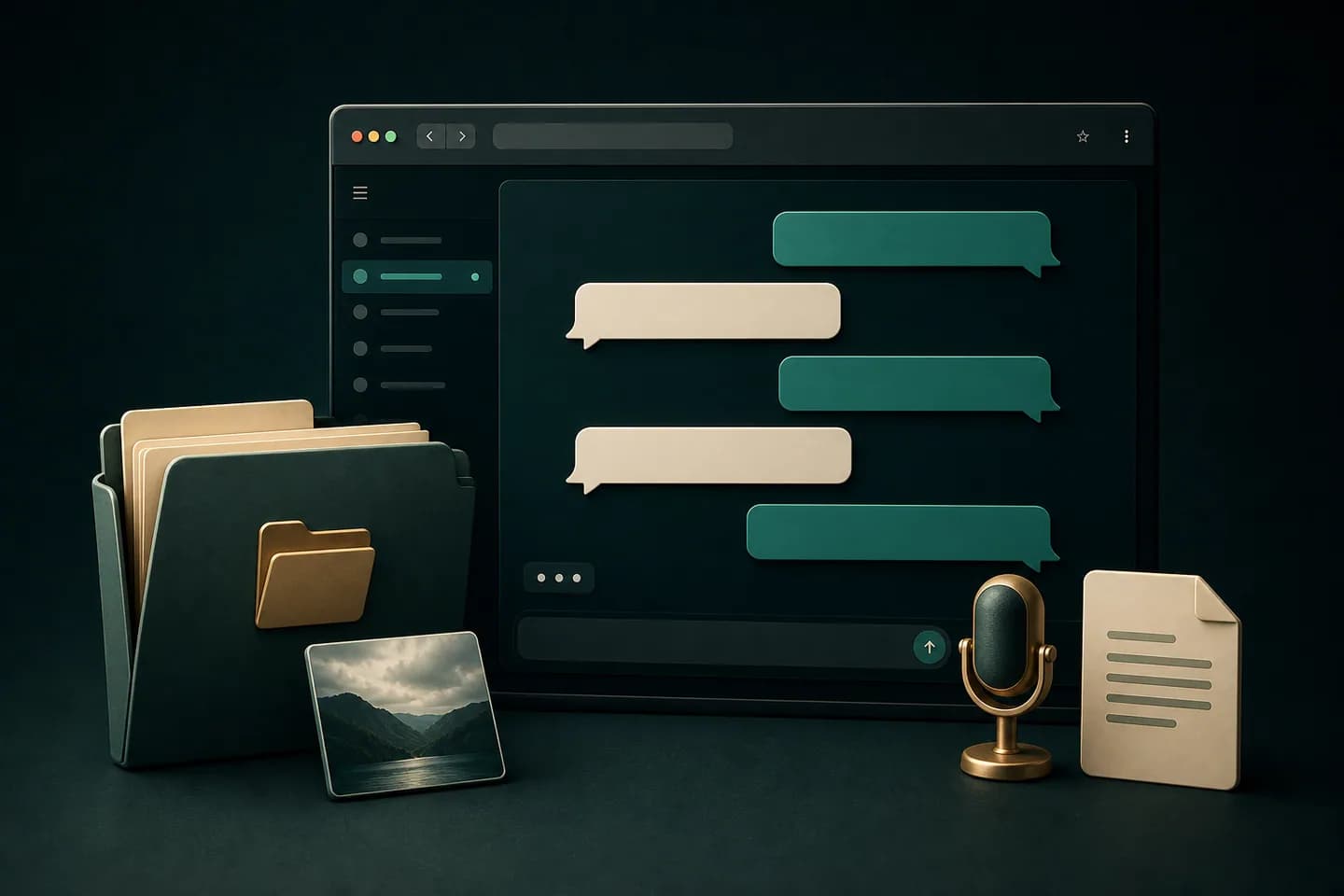
A WhatsApp export viewer is a parser and reader for files created by WhatsApp’s Export Chat feature. It does not sign in to WhatsApp, connect to your phone or read live messages. You select a TXT file—or a ZIP containing that TXT file—and the viewer interprets the transcript already stored in the export.
The central job is message reconstruction. A raw export repeats a pattern containing a timestamp, sender and message, but the layout can vary across iPhone, Android and language settings. The viewer detects those boundaries, keeps multiline messages together and presents the result in chronological order.
ChatToPDF uses the same parsed preview as its document-conversion workflow. You can inspect whether the chat was recognized before purchasing the output bundle, then choose a readable PDF or the included spreadsheet formats when you need a durable copy.
Three-step workflow
How to use the WhatsApp Chat Viewer for TXT and ZIP Exports
Create an export on your phone
Use Export Chat inside the conversation. Choose without media for a lightweight TXT transcript or include media to create a ZIP with the transcript and available attachments.
Do not upload an encrypted phone backup or database file. A browser viewer needs the exported TXT transcript, not the internal WhatsApp backup format.
Open the export in the viewer
Upload the TXT or ZIP. The parser checks date patterns, participants, message boundaries, system events and media references, then creates the browser preview.
The first preview is a verification step: compare names, dates and a few multiline messages against the source file before relying on the reconstructed view.
Read or create a durable copy
Scan the reconstructed conversation, then generate the output bundle if you need a formatted PDF, Excel workbook or CSV file for longer-term use.
A viewer is convenient for reading, but the original export remains the source file. Keep it unchanged when authenticity or future reprocessing matters.
Ready to check your export?
Upload the source file and inspect the parsed preview first.
Field-level detail
What can the viewer recover from an exported chat?
The viewer can only present information that exists in the export. This distinction prevents common confusion about missing media, deleted messages and live account access.
- Field
- Chronology
- What it contains
- Dates and times present in the TXT transcript
- Useful for
- Reading the conversation in order
- Field
- Participants
- What it contains
- Names or identifiers recorded before each message
- Useful for
- Distinguishing speakers in group and individual chats
- Field
- Message text
- What it contains
- Single-line and multiline message bodies
- Useful for
- Readable review and keyword search
- Field
- System events
- What it contains
- Group changes, encryption notices and other service lines
- Useful for
- Understanding gaps or changes in context
- Field
- Media references
- What it contains
- Attachment filenames or placeholders included in the export
- Useful for
- Matching timeline entries to ZIP contents
- Field
- Voice-note references
- What it contains
- Audio filenames and metadata available in the archive
- Useful for
- Locating audio that may need playback or transcription
Practical applications
When this format is useful
Open an old exported conversation
Read a transcript after moving it off a phone, even when the chat is no longer convenient to browse in the app.
Check a ZIP before converting it
Confirm that the archive contains the expected chat, participants and message count before purchasing a document.
Review a group timeline
Follow alternating participants and system events without deciphering every timestamp prefix in a text editor.
Match messages to media
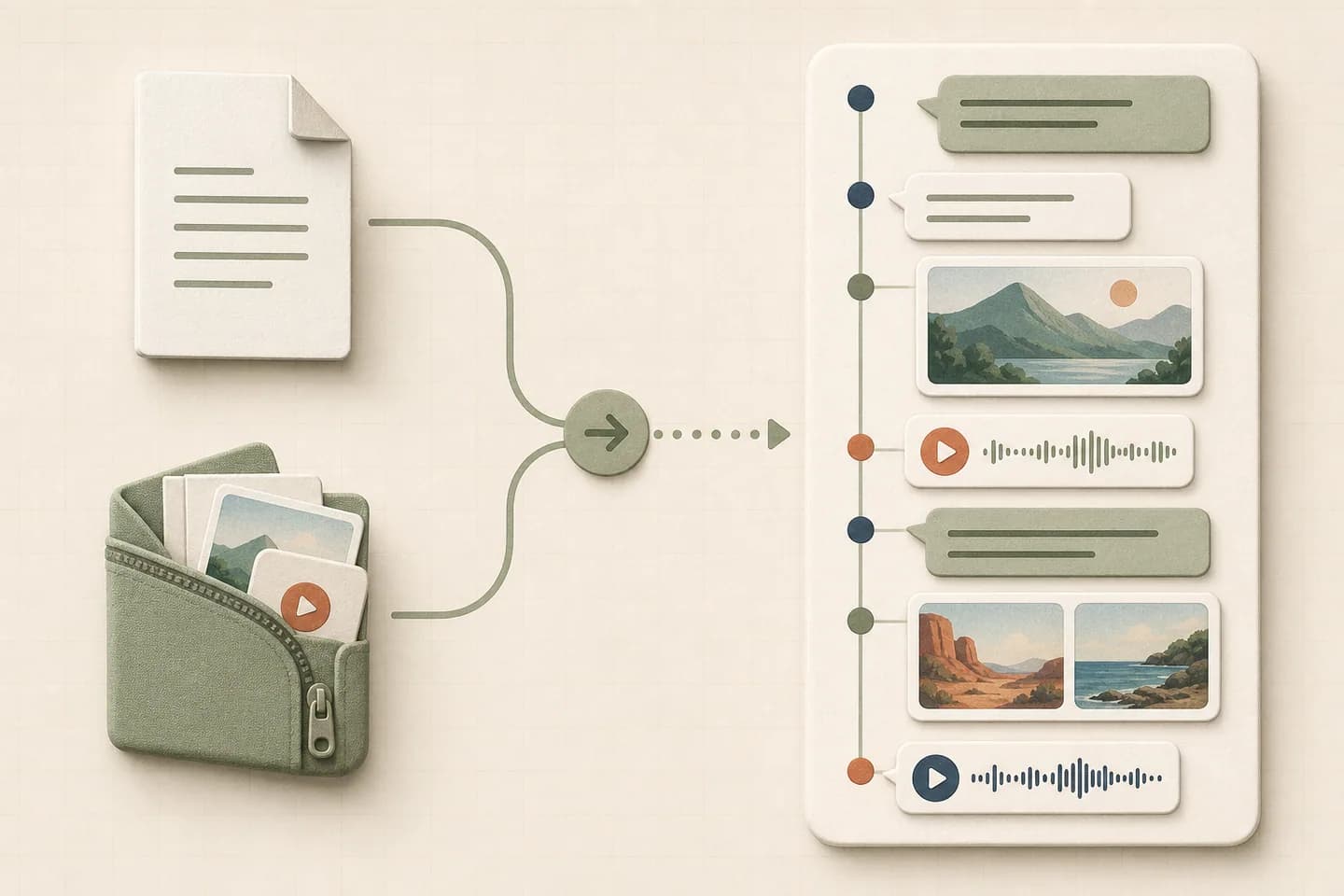
Use media references in the reconstructed timeline to identify the corresponding files packaged in the export.
Prepare a readable archive
Turn a plain export into a designed PDF for storage, printing or authorized sharing.
Create a structured hand-off
Download Excel or CSV when a reviewer needs rows and filters instead of a visual chat layout.
Format decision guide
Viewer, PDF or spreadsheet: what is the difference?
These formats answer different questions. The browser viewer is for immediate inspection; downloadable files are for work that continues afterward.
- Format
- Browser viewer
- Best for
- Opening and checking an export quickly
- Important limitation
- It is a reconstructed view, not the original WhatsApp interface
- Format
- Best for
- Reading, printing and sharing a stable layout
- Important limitation
- It is less flexible for filtering individual rows
- Format
- Excel or CSV
- Best for
- Search, filters, tagging and data workflows
- Important limitation
- It does not look like a natural conversation
- Format
- Original TXT or ZIP
- Best for
- Preservation and future reprocessing
- Important limitation
- Raw files are harder for people to read
What is free to preview, and when do you need a download?
Use the browser preview to check that the export is recognized and inspect sample messages, participants and dates. The preview is a sample, so do not treat its visible messages as the complete archive or assume that a missing preview row is missing from the original TXT.
Choose a paid PDF when you need a complete formatted document to read, print or share. Choose the included Excel or CSV output when the next task is filtering or importing rows. Text-only downloads start at $7 within the Basic message limit; media and larger chats may need another package.
If opening a few messages answers your question, the preview has done its job. If the original export lacks an old message or attachment, paying cannot recover it. Check the source file before choosing any conversion.
TXT versus ZIP exports
A text-only WhatsApp export is usually a TXT file containing the transcript and placeholders where media appeared. It is the fastest file to upload and is sufficient when your goal is to read or convert the message text.
An export created with media is normally packaged as a ZIP archive. The ZIP contains the transcript plus the media files WhatsApp was able to include. The transcript still drives the timeline; the extra files allow media references to be matched where filenames are available.
- Use TXT for the quickest text review
- Use ZIP when attachment context matters
- Keep the archive structure intact until processing is complete
- Do not rename individual media files before conversion
What a viewer cannot recover
A viewer cannot retrieve deleted messages, messages that were never included in the export, live reactions or account data that is absent from the transcript. It also cannot restore the export into WhatsApp or prove that every message in the original account was exported.
Media placeholders do not contain the underlying photo or audio. If the export was created without media, no viewer can recreate those files from the placeholder alone. Re-export with media from the source device when those attachments are still available and legitimately accessible.
How to verify a reconstructed chat
Check the first and last visible dates, participant names, several messages containing line breaks and at least one system event. For a ZIP, compare a few displayed media references with filenames inside the archive.
If the preview begins in the middle of a message or combines multiple speakers, stop and verify the export format. Date-pattern differences are the most common reason a transcript parser can misidentify message boundaries.
Privacy considerations before uploading
An exported conversation can contain phone numbers, addresses, private images, health information or business records. Review what is inside the file, confirm that processing is appropriate and share only with people who are authorized to receive it.
For high-stakes legal, employment or regulated data, a convenient viewer is not a substitute for a documented evidence-handling process. Preserve the source export and seek qualified advice about collection, redaction and disclosure requirements.

Troubleshooting
Common problems and fixes
The viewer says there are zero messages
Confirm that the file was created with WhatsApp’s Export Chat feature. Random TXT files, phone backups and system logs do not use the supported transcript structure.
Several messages are merged together
The date pattern may not have been recognized. Compare the file’s locale and timestamp format with the preview before continuing.
The ZIP opens but no media appears
Check whether the ZIP actually contains media files. Exports created without media include only placeholders in the TXT transcript.
A participant name is missing
Some system lines have no sender, and malformed copied transcripts may omit names. Inspect the same line in the original TXT file.
The preview starts later than expected
WhatsApp export availability can depend on the chat, device and export process. A viewer cannot display messages that are absent from the source file.
Frequently asked questions
WhatsApp Chat Viewer for TXT and ZIP Exports FAQ
How do I open an exported WhatsApp chat?
Use WhatsApp’s Export Chat feature to create a TXT file or ZIP archive, then upload that exported file to the viewer. The viewer reconstructs the transcript into chronological messages.
Can I open a WhatsApp ZIP file online?
Yes, when the ZIP is a chat export containing the transcript. The viewer reads the TXT file inside the archive and can identify available media references.
Can a viewer read deleted WhatsApp messages?
No. It can only display messages contained in the exported transcript. It cannot retrieve content that is missing from the export.
Does the viewer connect to my WhatsApp account?
No. ChatToPDF works from the file you choose to upload and does not require a WhatsApp login or access to live conversations.
Can I import the viewed chat back into WhatsApp?
No. An exported transcript is for external reading and conversion; it is not a WhatsApp restore format.
Why are photos missing from my export?
If you chose without media, the transcript contains media placeholders but not the files. Create a new export with media when the attachments are still available.
Can I view a group chat export?
Yes. Supported group transcripts retain participant names on message rows and include system events found in the source export.
Can I save the reconstructed chat as PDF?
Yes. After previewing the parsed conversation, you can generate a formatted PDF; Excel and CSV outputs are included in the current paid bundle.
Primary references
Technical statements on this page are tied to the source instructions or format documentation below. Product behavior is based on the current ChatToPDF implementation.
- WhatsApp Help Center — How to export your chat history
Primary instructions for creating TXT and media-inclusive exports.
Last reviewed: 6 September 2026. ChatToPDF is independent and is not affiliated with or endorsed by WhatsApp or Meta.