
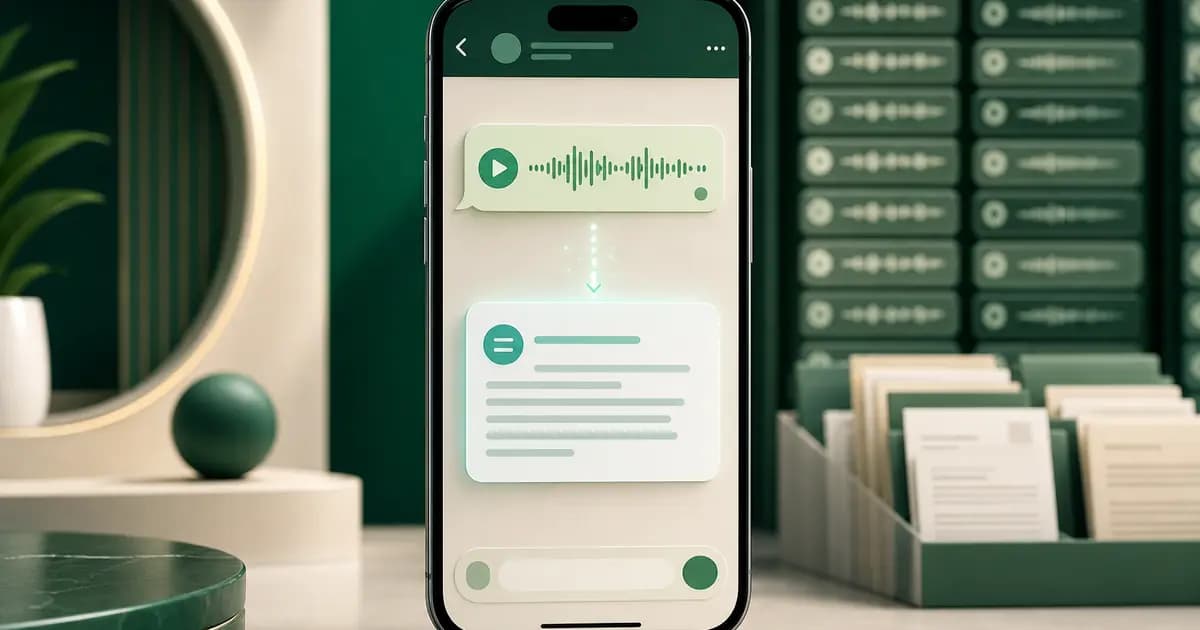
WhatsApp speech to text is built into the app as Voice message transcripts. WhatsApp's current help instructions say to enable it under Settings → Chats → Voice message transcripts, select a transcript language, then long-press an individual voice message and tap Transcribe. WhatsApp's feature announcement says the transcript is generated on the device and that no one else, including WhatsApp, can hear or read the personal messages through this feature.
I treat that native feature as the first choice for reading one supported message because it is the shortest route and stays on the device.
That native feature and a whole-chat transcription tool solve different jobs. Use WhatsApp when you want to read one supported message inside the app. Use the WhatsApp audio-to-text converter when you have an exported chat and need supported voice notes processed as one job, with successful transcripts returned to a searchable PDF beside the original sender and timestamp.
- Search intent
- WhatsApp speech to text
- What it usually means
- Read one voice message as text in WhatsApp
- Right page or feature
- Native Voice message transcripts
- Search intent
- WhatsApp voice typing
- What it usually means
- Speak a new message into the keyboard
- Right page or feature
- Phone keyboard dictation, not transcription
- Search intent
- WhatsApp voice to text for a whole chat
- What it usually means
- Convert included voice notes into a saved document
- Right page or feature
- Batch export workflow
| Search intent | What it usually means | Right page or feature |
|---|---|---|
| WhatsApp speech to text | Read one voice message as text in WhatsApp | Native Voice message transcripts |
| WhatsApp voice typing | Speak a new message into the keyboard | Phone keyboard dictation, not transcription |
| WhatsApp voice to text for a whole chat | Convert included voice notes into a saved document | Batch export workflow |
How to turn on WhatsApp speech to text
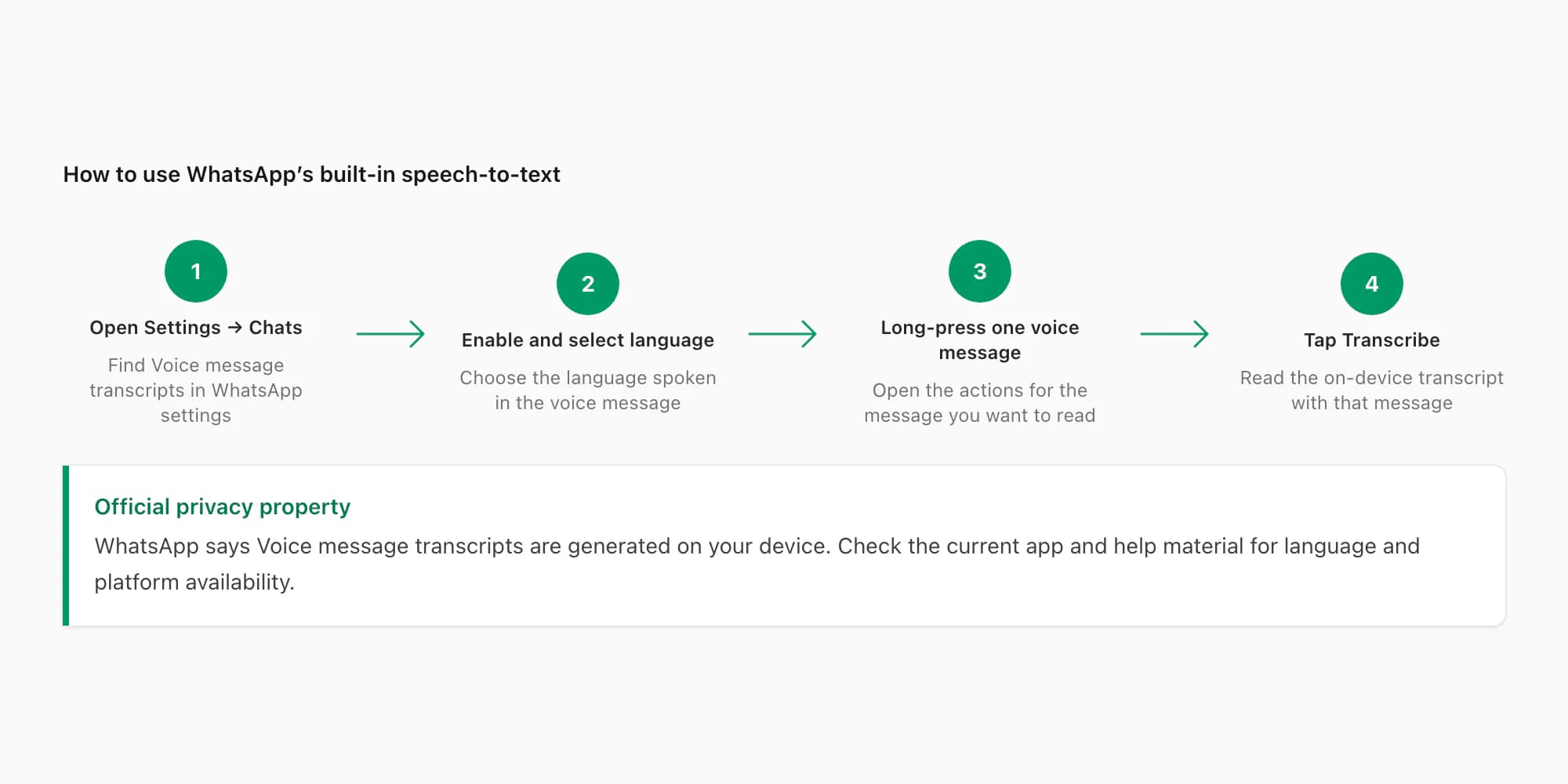
These are the steps in WhatsApp's current Voice message transcripts help page. Labels can change with app updates, so use that operational help page and current in-app settings for setup; use the official feature announcement for WhatsApp's on-device privacy explanation.
Open WhatsApp Settings
Open WhatsApp and go to Settings, then choose Chats.
Enable Voice message transcripts
Open Voice message transcripts, turn the feature on, and select the language spoken in the voice messages you want to transcribe. Selecting the audio language matters; it is not necessarily the same as the language used by your phone interface.
Long-press one voice message
Return to the chat, press and hold the voice message you want to read, and open its message actions.
Tap Transcribe
Choose Transcribe. WhatsApp generates the text on your device and displays it with that voice message.
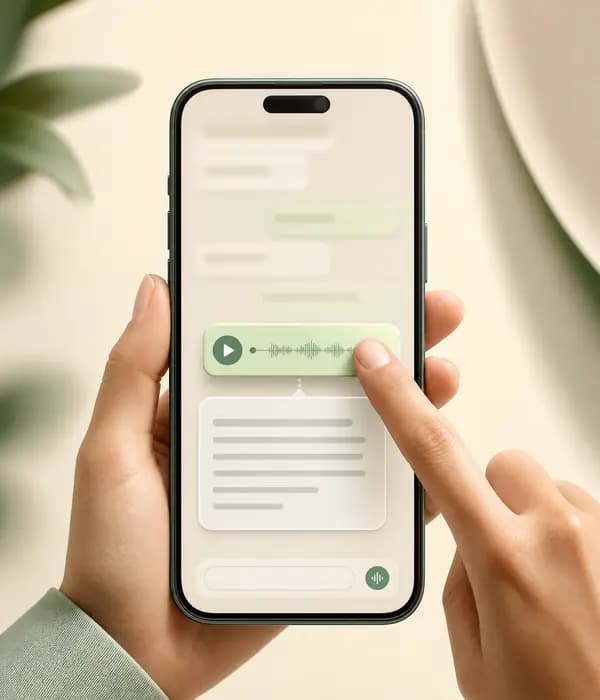
Check availability on the current phone
WhatsApp's current help page provides a practical in-app check: open Settings → Chats and look for Voice message transcripts, then inspect Choose language. If either control is absent after updating WhatsApp, the published instructions do not justify assuming every device, app build and language exposes it. Use the controls shown in the current app and the current help page, not an old static screenshot or language list.
If the setting or action is absent, do not assume every device, language and app build exposes it identically. Update WhatsApp, confirm that the selected transcript language matches the speech, and check the dedicated Transcript not available troubleshooting guide.
What the native feature does
WhatsApp introduced voice message transcripts for the moments when listening is inconvenient: a loud place, a long recording, a meeting or another situation where reading is easier. Its documented flow has three defining properties:
- One message is selected by the user. The action starts by long-pressing a particular voice message.
- The transcript is generated on-device. WhatsApp says no one else, including WhatsApp, can hear or read the personal message through this transcription process.
- The text is presented in the conversation. The feature helps you follow the message where it was received, without first moving the audio into a separate app.
That makes it the best first option for a supported message you simply need to read. It avoids a cloud upload and does not require a separate WhatsApp export.
Limits of WhatsApp voice message transcripts
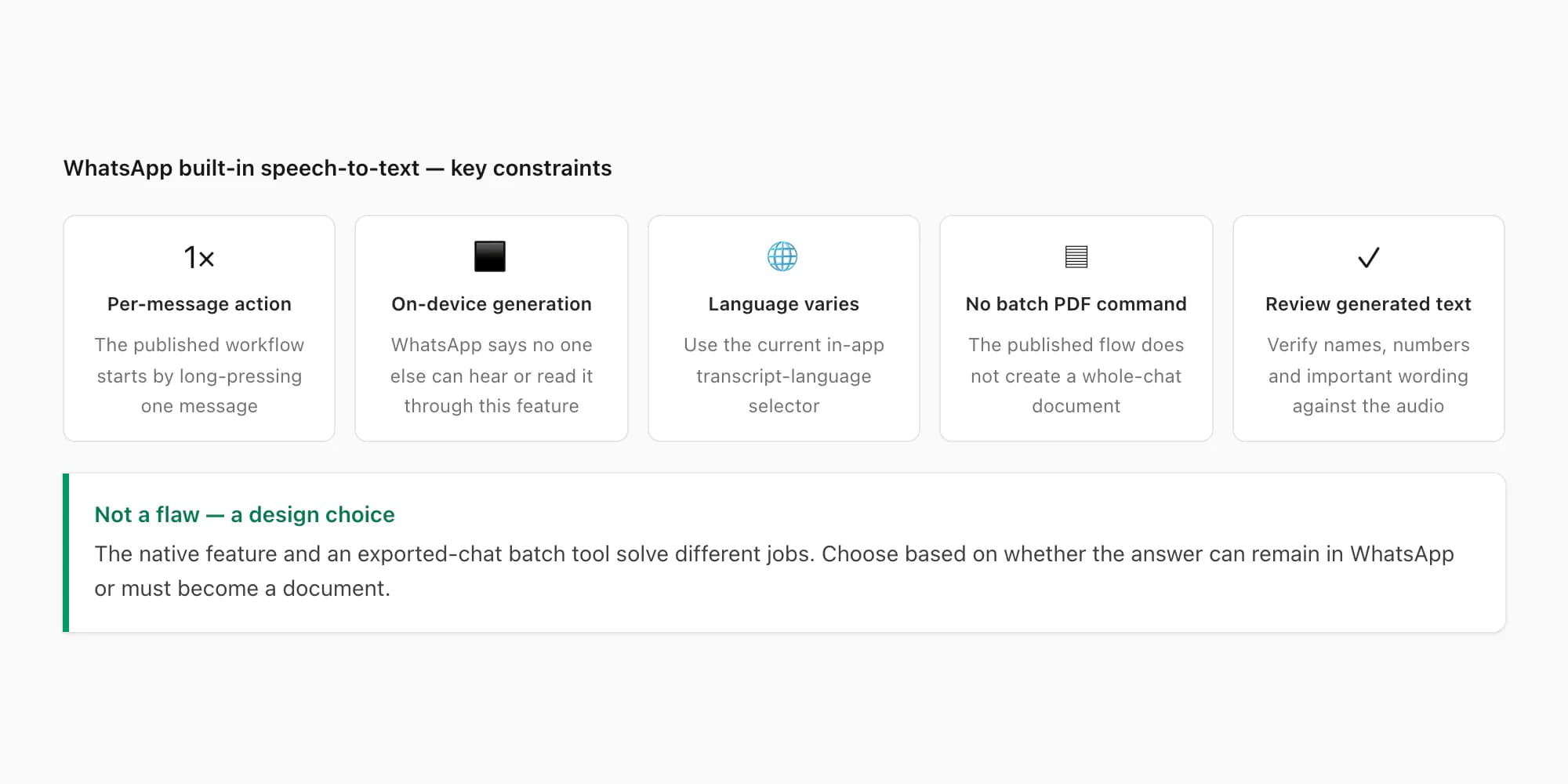
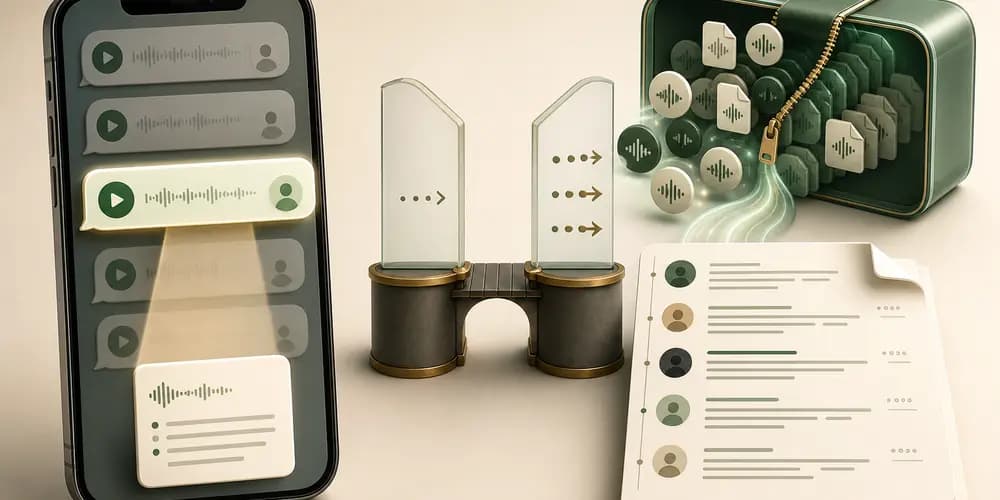
The limits below describe the published workflow, not a criticism of the native feature.
It is a per-message action. WhatsApp tells the user to long-press a voice message and tap Transcribe. It does not document a "transcribe every voice note in this chat" control.
It is not a document-generation workflow. The native feature displays text in WhatsApp. WhatsApp's published instructions do not provide a command to turn all generated transcripts into one PDF, CSV or spreadsheet with a separate row for every sender and timestamp.
Availability depends on the current language and app environment. WhatsApp launched the feature with selected languages and has continued to develop it. The language selector in the current app and WhatsApp's current help material are more reliable than an old static list.
Transcription is not translation. The purpose is to render speech as text in the selected transcript language. It does not promise to convert that message into a different language.
Generated text is not independent verification. Names, amounts, dates, dialect, noise and overlapping speech can be recognized incorrectly. For a legal, HR, medical, financial or other high-stakes use, keep and review the original audio.
Export Chat is a separate mechanism. A media-inclusive export packages the chat log and available attachments. Do not assume the native transcript text is a substitute for the source voice-note file or that it will become a complete batch transcript automatically.
When Transcribe is missing or unavailable
The quickest diagnostic sequence is:
- Confirm that Voice message transcripts is enabled under Settings → Chats.
- Confirm that the selected transcript language matches the language spoken in the note.
- Update WhatsApp and restart the app before checking the message action again.
- Try another clear received voice message in the selected language to separate a feature problem from a file-specific problem.
- If the app reports Transcript not available, use the seven-fix troubleshooting checklist.
Avoid treating a failed native transcript as proof that the audio is unusable everywhere. It only tells you that this note did not produce text in that specific device, language and feature path. A cloud provider may use a different model and language set, but it can still fail on corrupt, silent or unclear audio.
Native transcript vs whole-chat batch conversion
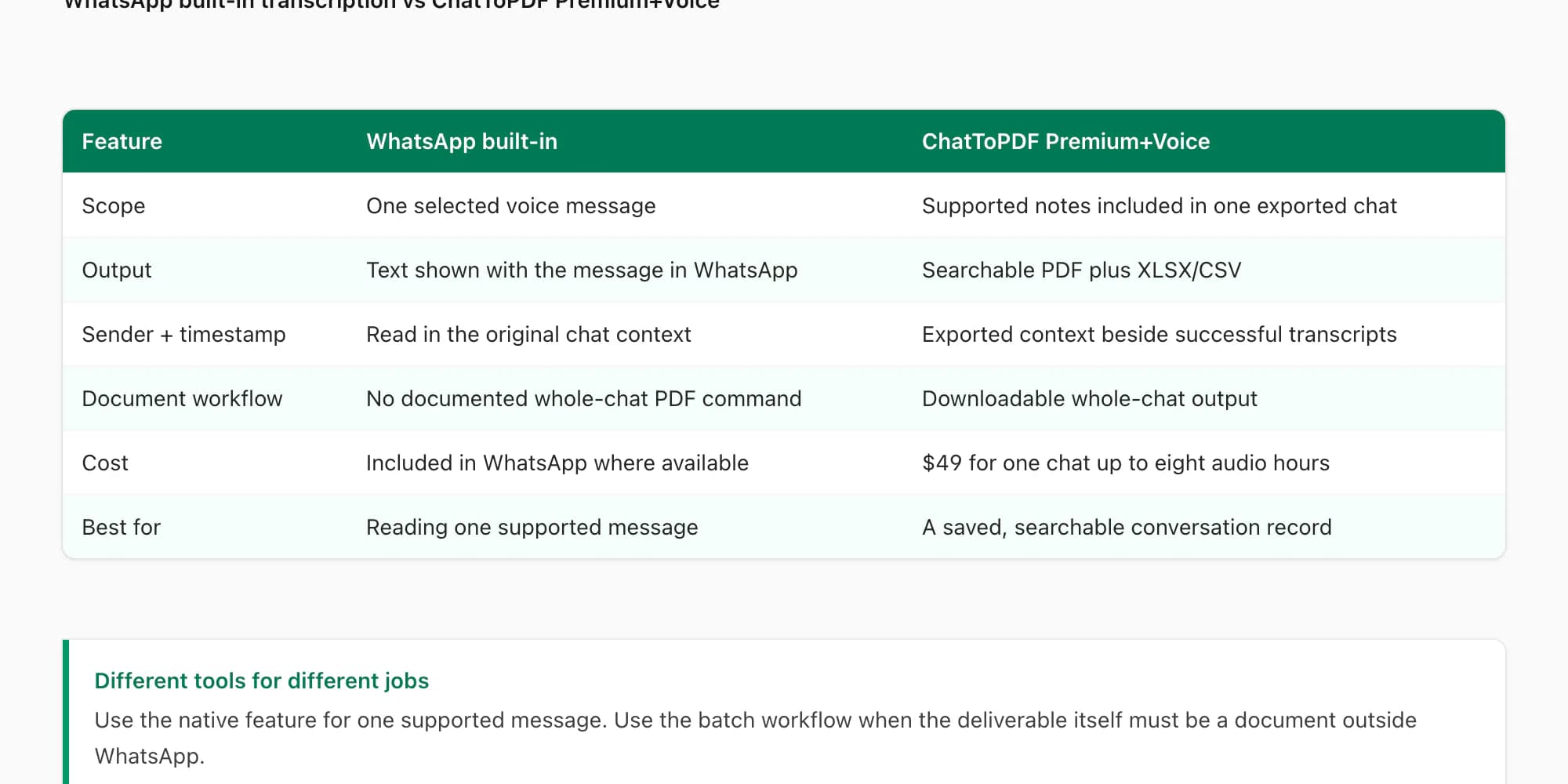
| Decision factor | WhatsApp native | ChatToPDF voice package |
|---|---|---|
| Best job | Read one supported voice message in the app | Process supported notes included in one exported chat |
| How it starts | Long-press one message and tap Transcribe | Upload one media-inclusive export ZIP |
| Processing location | On the user's device, according to WhatsApp | ChatToPDF server plus the selected speech provider |
| Language model | WhatsApp's current selected transcript language | Deepgram Nova-3 or ElevenLabs Scribe v2 across a 93-language registry; 57 high-or-better |
| Saved output | Text presented with the message in WhatsApp | Searchable PDF plus spreadsheet outputs for successful transcripts |
| Sender and time | Read in the original chat context | Copied from the export and placed beside each transcript |
| Price | Included in WhatsApp where available | $49 for one chat up to eight audio hours; $99 removes that cap for one chat |
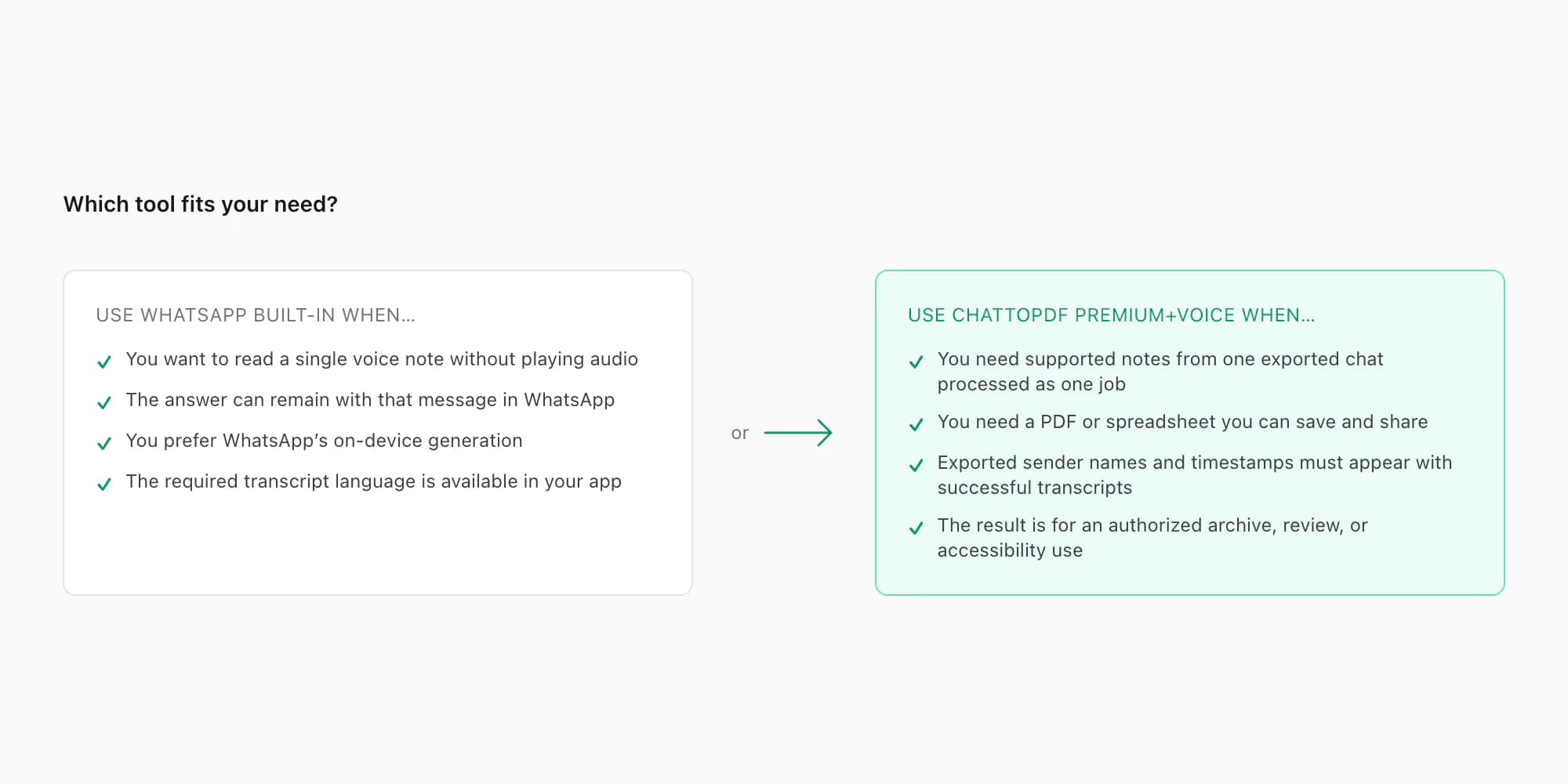
Choose the native feature if the answer can remain in WhatsApp and the job is one message. Choose batch conversion if the deliverable itself is a document: many notes in chronological order, each tied to the sender, timestamp and messages around it. The WhatsApp voice-to-text batch guide shows that workflow; the audio-to-text converter is the commercial entry page.
Privacy and accuracy
The privacy trade-off is straightforward. WhatsApp says its native transcripts are generated on-device. ChatToPDF is a cloud workflow: the export reaches ChatToPDF and supported audio is sent over authenticated connections to the provider selected for that note, Deepgram Nova-3 or ElevenLabs Scribe v2. If cloud processing is unsuitable for the conversation, use the native option or do not upload it.
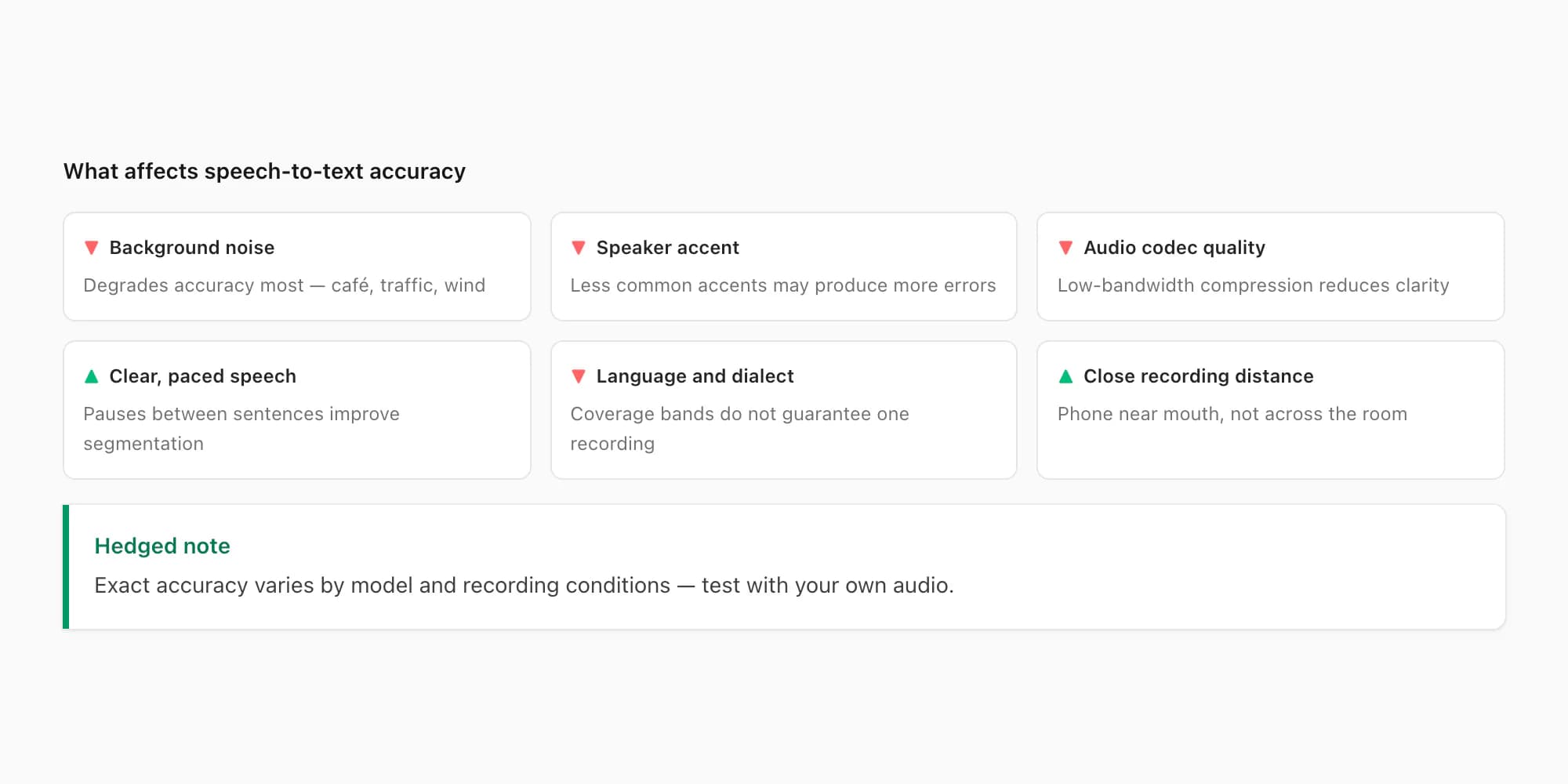
Neither route makes exact wording certain. Audio quality, language, accent or dialect, names, numbers, code-switching, clipping and background speech all affect recognition. ChatToPDF's registry covers 93 languages and classifies 57 as excellent or high using provider-published bands, but a band is not a guarantee for one note. The transcribe WhatsApp audio pillar explains the router, source-file matching and review limits.
Primary references
- WhatsApp Help Center — How to use voice message transcripts: the current setup, language-selection and per-message transcription steps.
- WhatsApp — Introducing voice message transcripts: WhatsApp's feature and on-device privacy explanation.
Key takeaways
- WhatsApp's feature is named Voice message transcripts and is enabled under Settings → Chats.
- WhatsApp documents a message-by-message action: long-press one voice message and tap Transcribe.
- WhatsApp says its native transcript is generated on-device.
- The native feature is for reading a message in the app; its published workflow does not create a whole-chat PDF or spreadsheet.
- ChatToPDF processes supported audio found in an exported chat and returns successful transcripts to sender and timestamp context.
- ChatToPDF's current router uses Deepgram Nova-3 and ElevenLabs Scribe v2 across 93 languages, with 57 in high-or-better accuracy bands.
- Neither feature translates the speech into a different language, and important wording should be checked against the source audio.
FAQ
Does WhatsApp have speech to text for voice messages?
Yes. WhatsApp calls the feature Voice message transcripts. Enable it under Settings → Chats → Voice message transcripts, select the transcript language, then long-press a voice message and tap Transcribe. WhatsApp says the text is generated on your device.
Why is the WhatsApp Transcribe option missing?
First update WhatsApp, then check Settings → Chats for Voice message transcripts and confirm that the chosen transcript language matches the speech. Availability and language coverage can vary with the current app and device. If the action appears but the note returns an error, follow the Transcript not available checklist.
Can I export WhatsApp voice message transcripts to PDF?
WhatsApp's published native workflow explains how to generate text for an individual message inside the app; it does not document a batch command that turns every generated transcript into a sender-attributed PDF. For that deliverable, export the chat with Including Media and use the WhatsApp audio-to-text converter to process supported voice notes included in the ZIP.
Does WhatsApp speech to text work offline?
WhatsApp states that transcripts are generated on-device, but that statement alone is not a promise that every setup step and language model works without connectivity. Do not rely on an absolute offline claim: install or select the transcript language while connected, then test the feature on your own device before you need it.
Which languages does WhatsApp speech to text support?
Use the current language selector under Settings → Chats → Voice message transcripts and WhatsApp's current help page. The feature launched with selected languages and has evolved; an old static list can become inaccurate as WhatsApp adds languages or changes platform availability.
Is WhatsApp voice typing the same as voice message transcription?
No. Voice typing is dictation: you speak and the phone keyboard creates a new outgoing text message. Voice message transcription does the reverse: it converts an already-recorded voice message into text so you can read it. Keyboard dictation, WhatsApp's native transcript and ChatToPDF's exported-chat batch workflow are three different features.
Does ChatToPDF translate WhatsApp voice messages?
No. ChatToPDF transcribes supported audio into text in the detected source language; it does not translate that text into a different language. If a translated version is required, verify the source transcript against the audio before using a separate translation step.
I'm Paul, the founder of ChatToPDF. I built it after needing a long WhatsApp conversation as a readable PDF for a legal matter. I test and document WhatsApp exports, PDF conversion, voice-note transcription, and the limits people should check before relying on the result.