
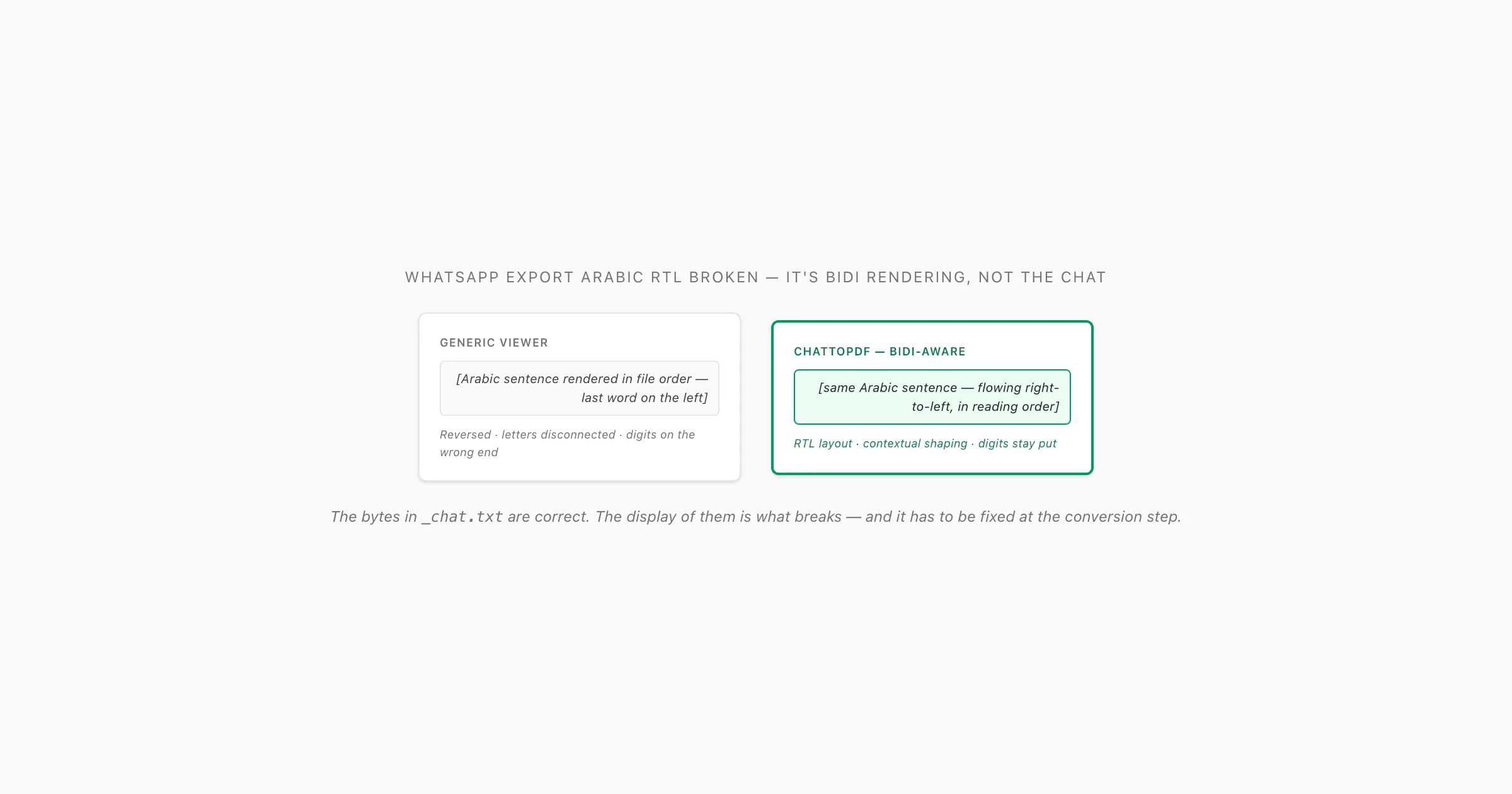
What's actually broken — it's bidi rendering, not your chat
Here's the part that took me a while to internalise: the _chat.txt inside a WhatsApp export ZIP is plain UTF-8 text, stored in logical order — the order the characters were typed and read, left-to-right in the file even when the language is right-to-left. The export doesn't include any directional formatting hints, no Unicode control characters telling the renderer "this run is Arabic, align it the other way", nothing. Every reader has to figure out the visual order itself by applying the Unicode Bidirectional Algorithm — Unicode Standard Annex #9 — which spells out exactly how to flip RTL runs back to RTL, where to put neutral characters like brackets, and how to handle digits. A reader that doesn't implement that algorithm correctly, or doesn't implement it at all, produces a whatsapp export arabic rtl broken mess: lines that read backwards, words whose letters don't join up, numbers floating on the wrong side of the sentence.
I see this most with the DIY routes. You open _chat.txt in a basic text editor that doesn't understand bidi, or you "print to PDF" from a browser whose RTL handling is shaky, or you feed the file to a quick converter built with an LTR-only assumption baked in. The bytes are perfectly correct — the codepoints are all there — but the display of them is wrong. That's why a whatsapp export arabic text reversed issue doesn't go away by re-exporting from WhatsApp: the export is fine; the renderer downstream is the part that doesn't know what to do with it. The same problem hits Hebrew, Persian (Farsi), Urdu, Syriac and a few others — it's not language-specific, it's directionality-specific.
What breaks RTL in a generic export viewer
When I look at one of these broken files, it's almost always one of four things. They stack — a file can hit more than one of them at the same time.
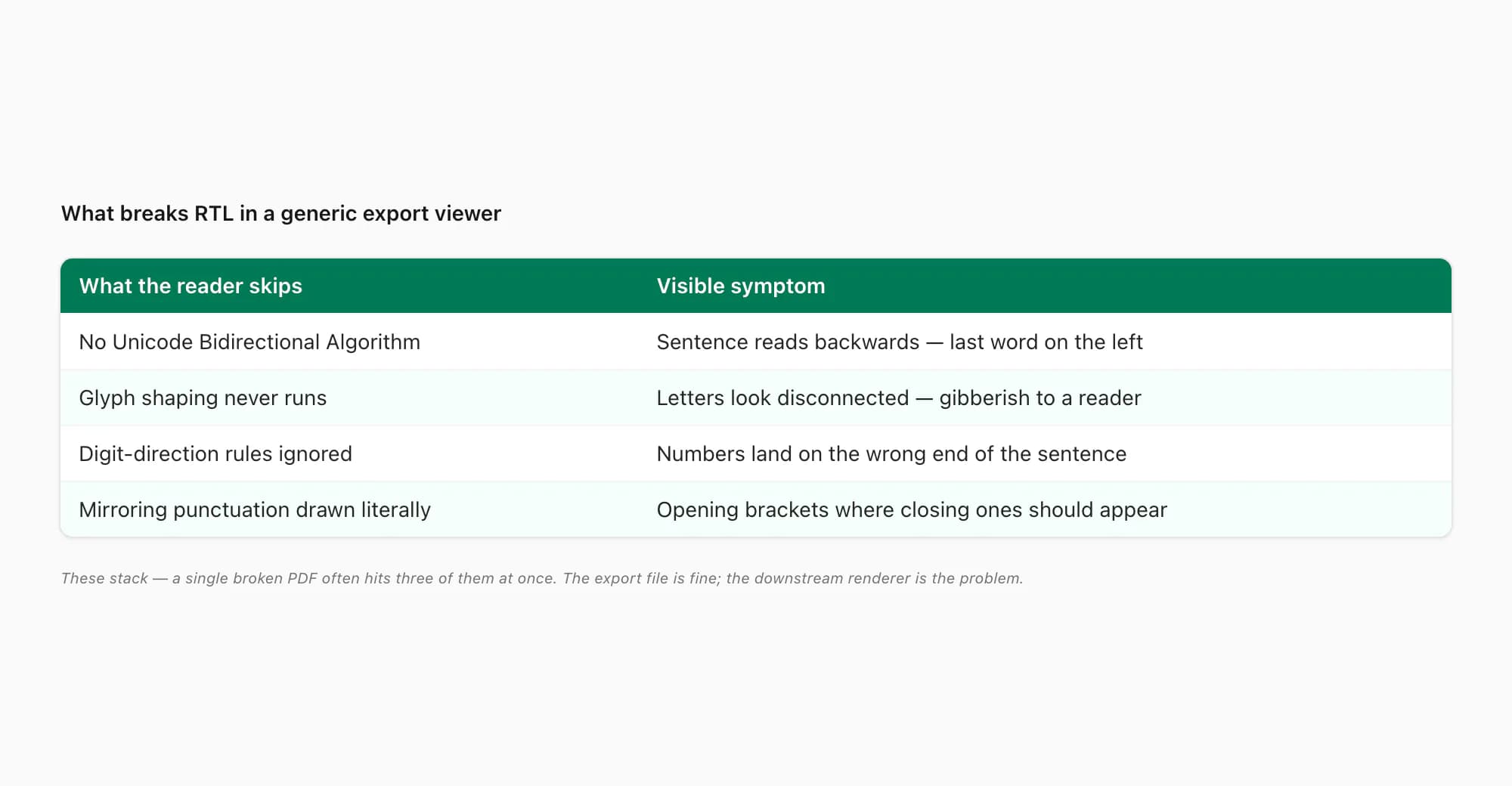
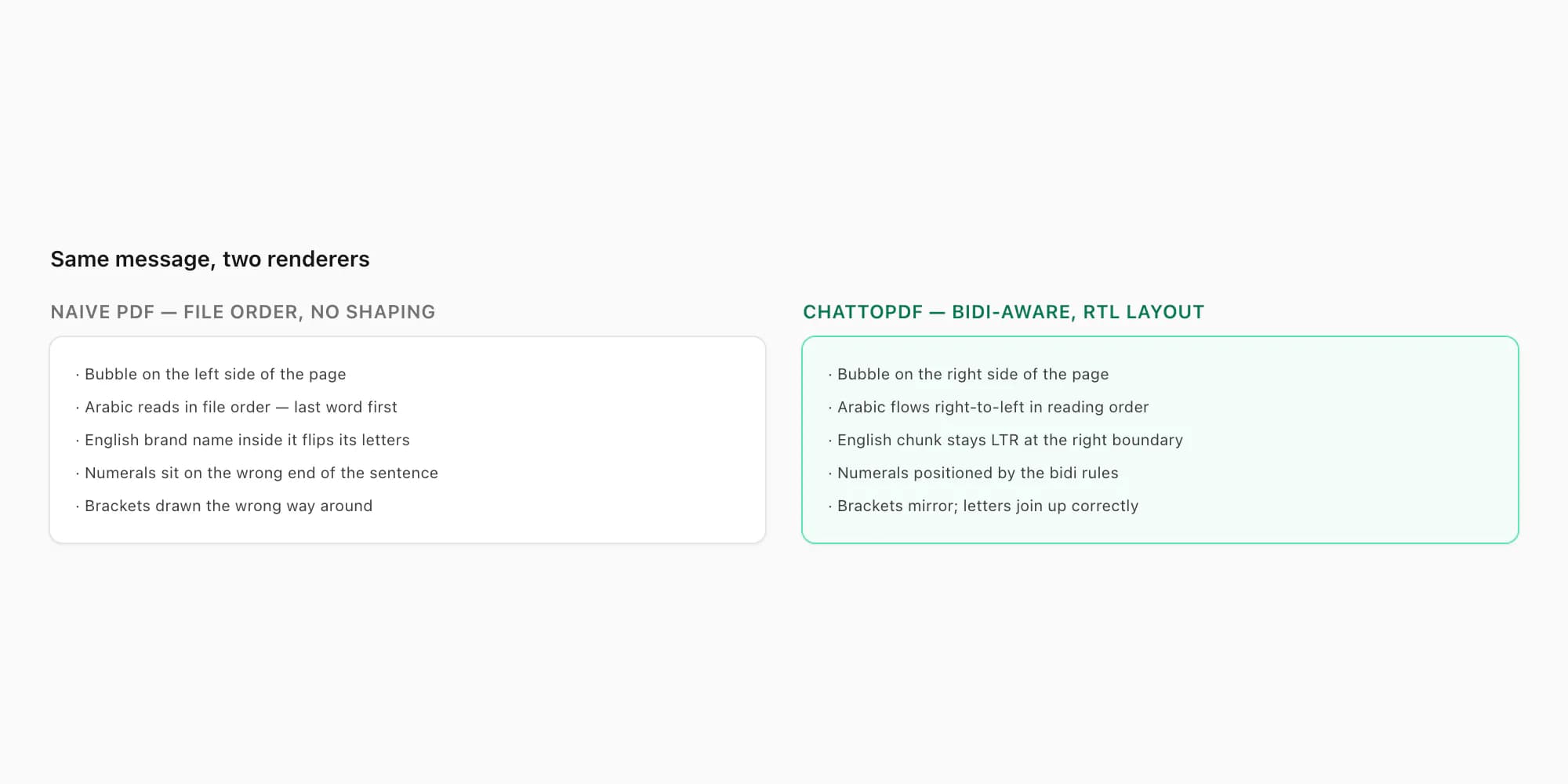
1 — The reader doesn't implement the Unicode Bidirectional Algorithm. The exported _chat.txt carries no inline direction markers, so the reader has to detect "this run is RTL" from the codepoints themselves and reverse it for display. A reader without that logic shows everything in logical (file) order, which for Arabic means the last word in the sentence appears on the left, the first word on the right of the line — the arabic whatsapp pdf wrong direction symptom in its purest form. Browsers usually do this correctly. Bare text editors and naive PDF converters often don't.
2 — Glyph shaping never runs. Arabic letters change shape depending on whether they're at the start, middle, end, or isolated in a word — that's "shaping", and it requires the renderer to look at neighbouring characters and pick the right glyph variant from the font. A PDF converter that just slaps each codepoint down in isolation produces a string of disconnected initial-form letters that an Arabic reader recognises as gibberish even when the order is right. Hebrew shapes less aggressively but still has presentation forms that need handling.
3 — Digits go the wrong way around. A WhatsApp export contains both Arabic-Indic digits (٠١٢٣٤٥٦٧٨٩) and ASCII digits (0123456789) — often in the same chat, sometimes in the same line. The bidi algorithm treats them differently from letters; numbers inside an RTL run stay left-to-right within themselves but flow with the run as a block. A renderer that doesn't follow that rule shows "100" as "001", or strands the digits on the wrong side of the sentence, or both. This is the rtl whatsapp chat export problem people notice when prices, dates, or phone numbers land in the wrong place.
4 — Direction-flipping punctuation isn't mirrored. Brackets, parentheses and quotes are mirroring characters — the same codepoint draws as ( in an LTR context and visually as ) in an RTL one. A reader that draws them literally puts opening brackets where closing ones should appear, which is the giveaway that something's lazily ignoring directional state.
Mixed RTL + LTR runs — the worst offenders
The breakage gets worse the moment a message mixes scripts.
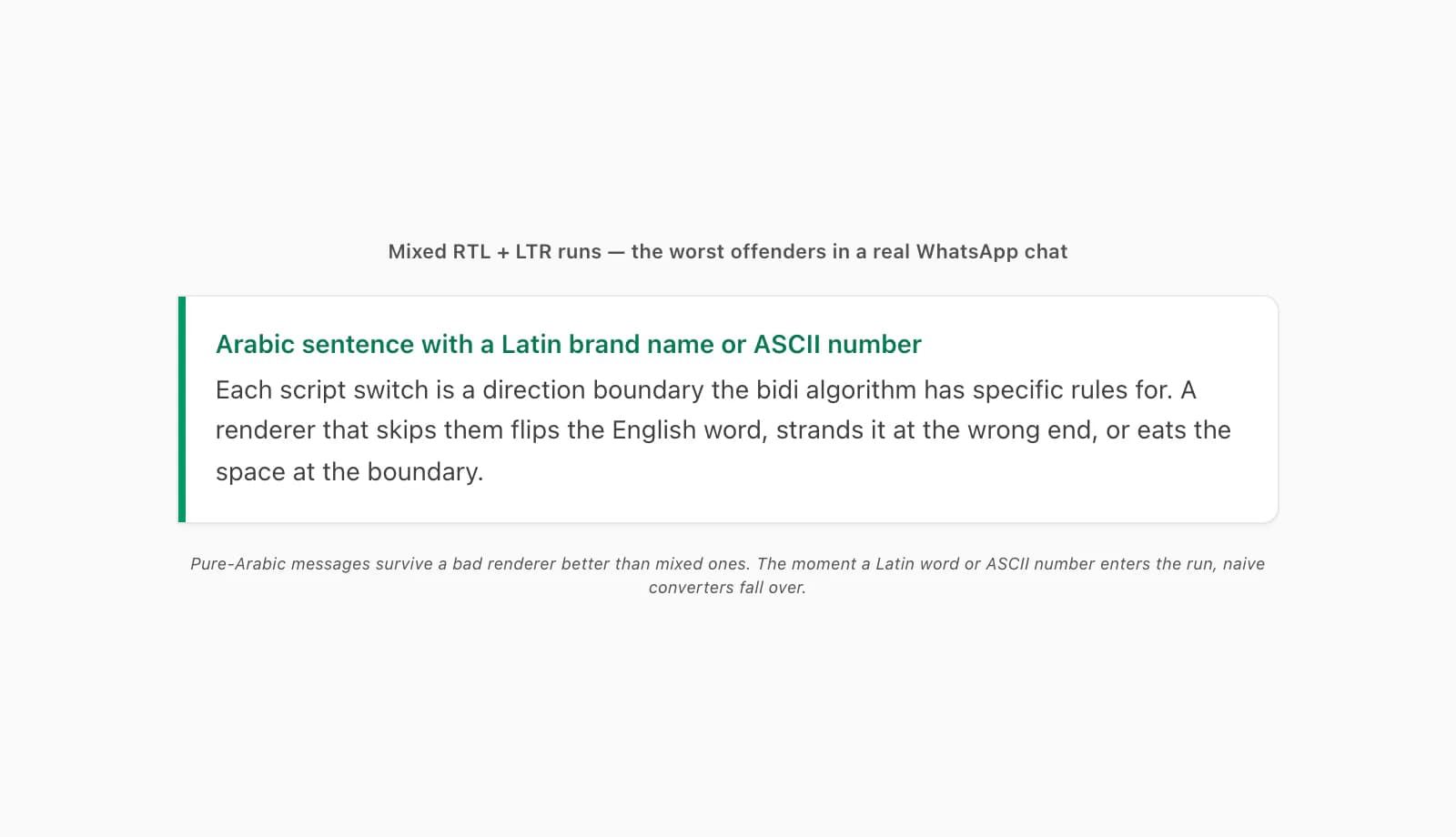
A typical WhatsApp chat in Arabic isn't pure Arabic — there's an English brand name dropped in, a URL, a phone number, an ASCII timestamp the sender pasted from somewhere. Each switch from RTL to LTR (and back) is a direction boundary the renderer has to handle. The bidi algorithm has specific rules for these — strong types, weak types, neutral types, embedding levels, the works — and a renderer that skips them produces sentences where the Arabic flows the right way but the English word inside it flips, or where the English flows correctly but is positioned at the wrong end of the line, or where the boundary between them swallows a space and the two scripts smash together. A hebrew whatsapp export reversed complaint with an English name in the middle is exactly this case. The export file is fine — the reader can't handle the boundary. The W3C i18n group has a practical write-up on bidirectional text if you want to see what the well-behaved version of this looks like in HTML.
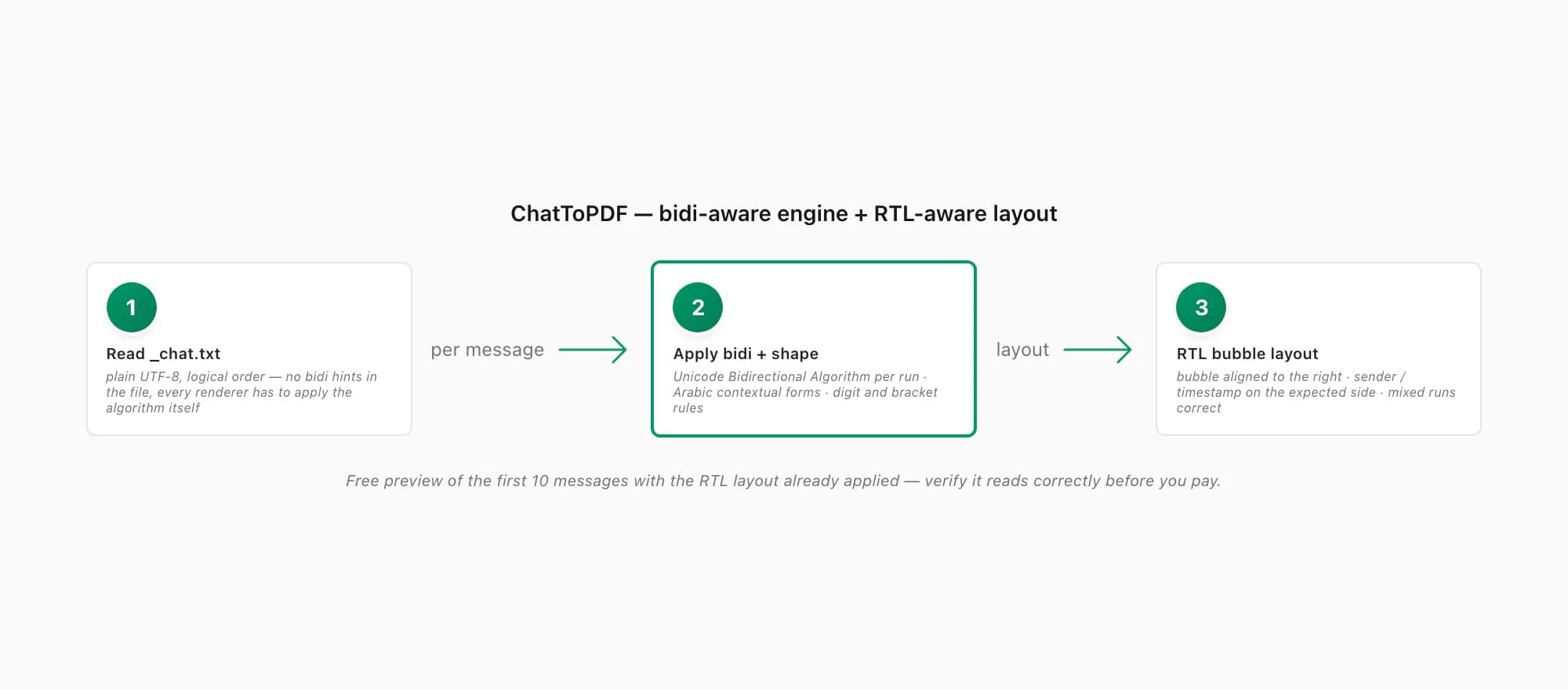
How ChatToPDF renders RTL the way the chat did
Here's the bit that sidesteps most of this. ChatToPDF doesn't just pour _chat.txt into a fixed left-to-right template. It detects the direction of every message run, applies the Unicode Bidirectional Algorithm message by message, shapes Arabic letters with their correct contextual glyphs from an embedded font that has the presentation-form coverage, and lays the result out in an RTL-aware message bubble — aligned to the correct side of the page, with the sender name and timestamp on the side a native reader expects them on, and numerals positioned the way the bidi spec says they should be.
What that means in practice: a converted Arabic chat reads in Arabic the way it was meant to. A Hebrew chat reads in Hebrew the way it was meant to. Mixed messages with English brand names or ASCII numbers inside Arabic sentences come out with both directions correct simultaneously — the Arabic flowing right-to-left, the English chunk sitting inside it left-to-right at the right boundary, no flipped letters, no displaced digits, no mirrored brackets. The same engine that handles the WhatsApp PDF emoji rendering problem — embedding fonts with the right coverage rather than relying on the system fallback — is what makes the RTL case work too. Both are font-and-text-rendering problems at heart; both have to be solved at conversion time, not after.
Process-wise, it's the same flow as any other chat: from the WhatsApp Chat Export pillar page you already know the export side — open the chat, Export Chat, Without Media for a tiny text-only ZIP or Including Media for the photos. (If the ZIP itself won't open, that's a separate, transfer-side issue covered in WhatsApp export corrupted ZIP.) Then upload to ChatToPDF, which reads _chat.txt from inside the archive — no manual unzip step — and renders the conversation with the bidi-aware engine described above. You see a free preview of the first ten messages with the RTL layout already applied before paying, so you can confirm it reads correctly on your specific chat.
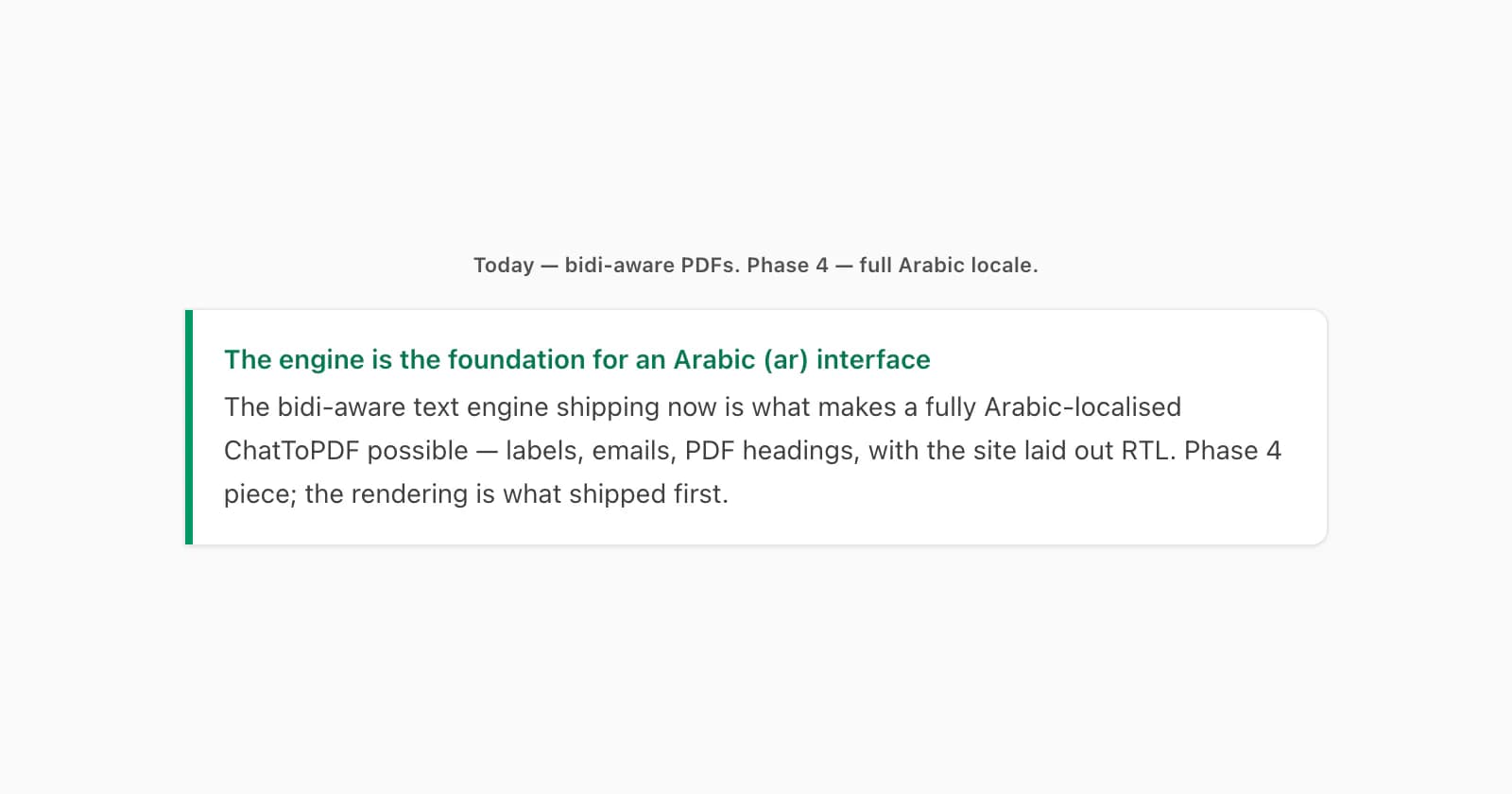
A note for what's next: this RTL rendering is the groundwork for a fully Arabic-localised ChatToPDF interface (ar locale) on the roadmap — every label, every email, every PDF heading translated, with the page itself flipped to RTL. That's a Phase 4 piece, not shipping today; the rendering engine that makes it possible is what shipped now, and it's what produces correctly-flowing Arabic and Hebrew PDFs in the meantime.
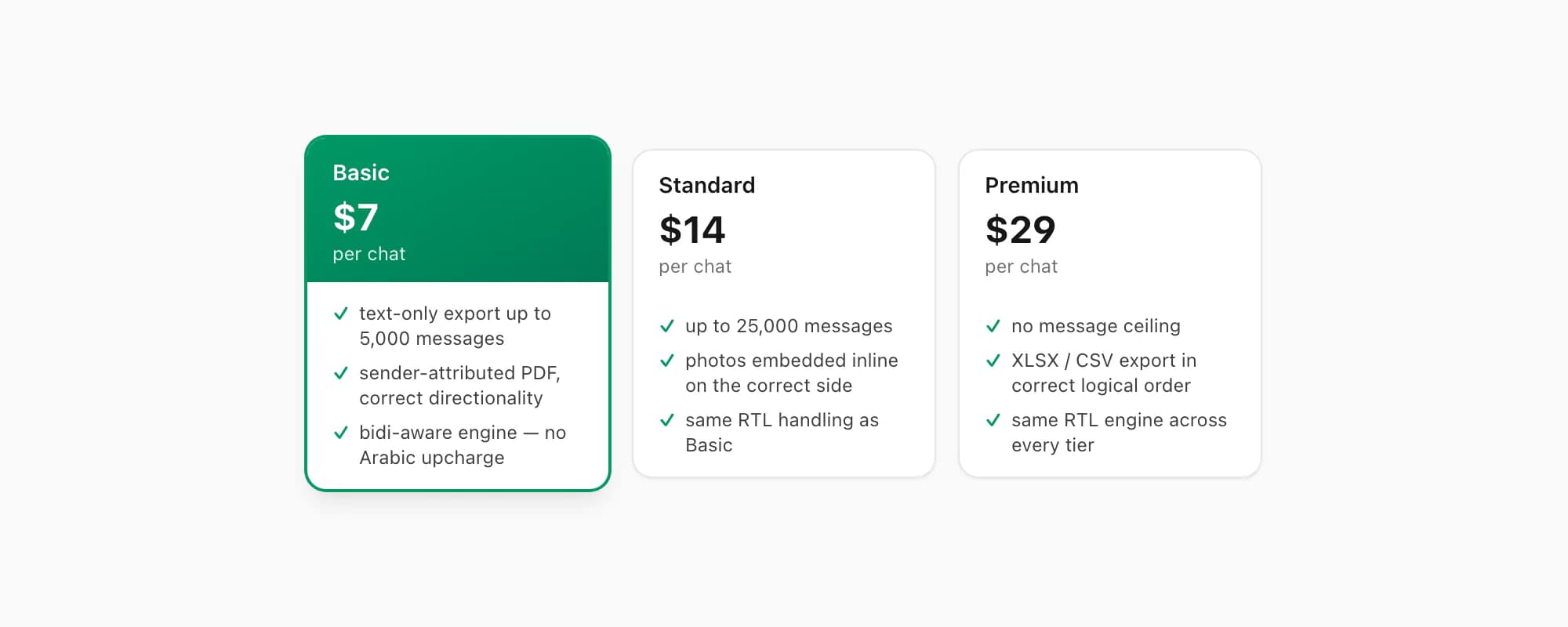
On pricing, the RTL engine is in every tier — there's no Arabic upcharge. The $7 Basic per chat conversion handles a text-only Arabic or Hebrew export up to 5,000 messages, comes out as a sender-attributed PDF with correct directionality, and is what most people will want for a short chat. The $14 Standard per chat conversion handles up to 25,000 messages and embeds photos inline, which matters because photos in an RTL chat need to align to the correct side of the message bubble too. The $29 Premium per chat conversion lifts the message-count ceiling and adds an XLSX/CSV export with the messages in correct logical order for downstream analysis. The free preview shows you the first ten messages with the RTL layout already in place — that's the place to verify it reads the way it should before you pay.
Key takeaways
- A whatsapp export arabic rtl broken issue — Arabic, Hebrew, Persian or Urdu text reversed, mirrored, or oddly mixed in a PDF made from a WhatsApp export — is the renderer's problem, not the chat's;
_chat.txtis plain UTF-8 in logical order with no direction markers, and downstream tools have to apply the Unicode Bidirectional Algorithm themselves - Naive readers skip that algorithm and show RTL runs in left-to-right file order, which is why the last word ends up on the left and the first on the right; Arabic glyph shaping (initial/medial/final/isolated forms) also often never runs, producing disconnected letters
- Digits flip direction wrongly, mirroring brackets and quotes get drawn literally, and Arabic-Indic vs ASCII digits in the same line are a common visual giveaway that the renderer doesn't handle bidi properly
- Mixed RTL + LTR runs — an Arabic sentence with a Latin brand name, English URL or ASCII number in it — are the worst offenders because each direction boundary has to be handled correctly and most DIY converters drop the boundary
- ChatToPDF runs a bidi-aware text engine and an RTL-aware layout: bubbles align to the correct side, glyph shaping uses contextual forms, digits and brackets follow the bidi rules, and mixed runs flow correctly in both directions
- The same rendering work is the foundation for a fully Arabic-localised (
arlocale) interface planned for Phase 4 — the engine ships now; the localised UI follows - The $7 Basic per chat conversion covers a text-only Arabic or Hebrew chat; the $14 Standard per chat conversion covers up to 25,000 messages with photos inline and the same RTL handling; the free preview shows the first ten messages with the layout already applied
FAQ
Why is my Arabic WhatsApp chat reversed in the exported file?
The _chat.txt inside the WhatsApp export ZIP is plain UTF-8 stored in logical order — the order the characters were typed, left-to-right in the file even though the language is right-to-left. The export doesn't include any directional formatting hints. Every reader has to apply the Unicode Bidirectional Algorithm itself to flip RTL runs back into reading order, shape Arabic letters with their contextual forms, position digits correctly, and mirror brackets. A reader that doesn't implement that algorithm — many basic text editors, browser print-to-PDF flows, and lightweight converters — just dumps the file in logical order, so the last word of every sentence appears on the left and the first word on the right. The bytes are correct; the display of them is wrong. Re-exporting from WhatsApp won't help; the fix has to happen at the conversion step.
My Arabic and English are mixed in the same message — why does it come out wrong?
Mixed RTL + LTR runs are the hardest case in bidi rendering, and the place naive converters fail most visibly. A sentence in Arabic with an English brand name, a URL, or an ASCII number inside it crosses two direction boundaries — Arabic to English, then English back to Arabic. The Unicode Bidirectional Algorithm has specific rules for these boundaries (strong types, weak types, neutral types, embedding levels) and a renderer that ignores them produces sentences where the Arabic flows correctly but the English word flips, or where the English is positioned at the wrong end of the line, or where a space at the boundary gets eaten. ChatToPDF detects each run's direction and applies the bidi rules at every boundary, so a mixed message comes out with the Arabic flowing right-to-left and the English chunk sitting inside it left-to-right at the correct position.
Does this affect Hebrew WhatsApp exports as well as Arabic?
Yes — and Persian (Farsi), Urdu, Syriac, and any other right-to-left script. The problem isn't language-specific; it's directionality-specific. Hebrew exports show exactly the same hebrew whatsapp export reversed pattern when opened in a reader that doesn't handle bidi correctly, with the same mixed-script breakage when an English word or ASCII number sits inside a Hebrew sentence. Hebrew shapes its letters less aggressively than Arabic does — Arabic has four contextual forms per letter, Hebrew mostly doesn't — so the most visible Hebrew symptom is direction (sentence read backwards), with shaping issues less prominent. ChatToPDF's bidi-aware engine handles both, with the same RTL-aware layout for bubbles, sender names, timestamps and inline photos.
Will there be an Arabic version of the ChatToPDF interface itself?
A fully Arabic-localised interface — every label, every email notification, every PDF heading translated, with the website laid out RTL — is on the roadmap for Phase 4. The bidi-aware rendering engine that's live right now is the foundation for it: once the engine handles RTL text correctly across the conversion pipeline, building the localised UI on top is the next step rather than the whole problem. In the meantime, the conversion already produces correctly-flowing Arabic and Hebrew PDFs regardless of the interface language, so you can convert an Arabic or Hebrew chat today and the output PDF reads the way the chat did. The $7 Basic and $14 Standard per chat conversions both include the same RTL handling; there's no Arabic upcharge.
I'm Paul, the founder of ChatToPDF. I built it after needing a long WhatsApp conversation as a readable PDF for a legal matter. I test and document WhatsApp exports, PDF conversion, voice-note transcription, and the limits people should check before relying on the result.