

Can you transcribe Tamil WhatsApp voice notes?
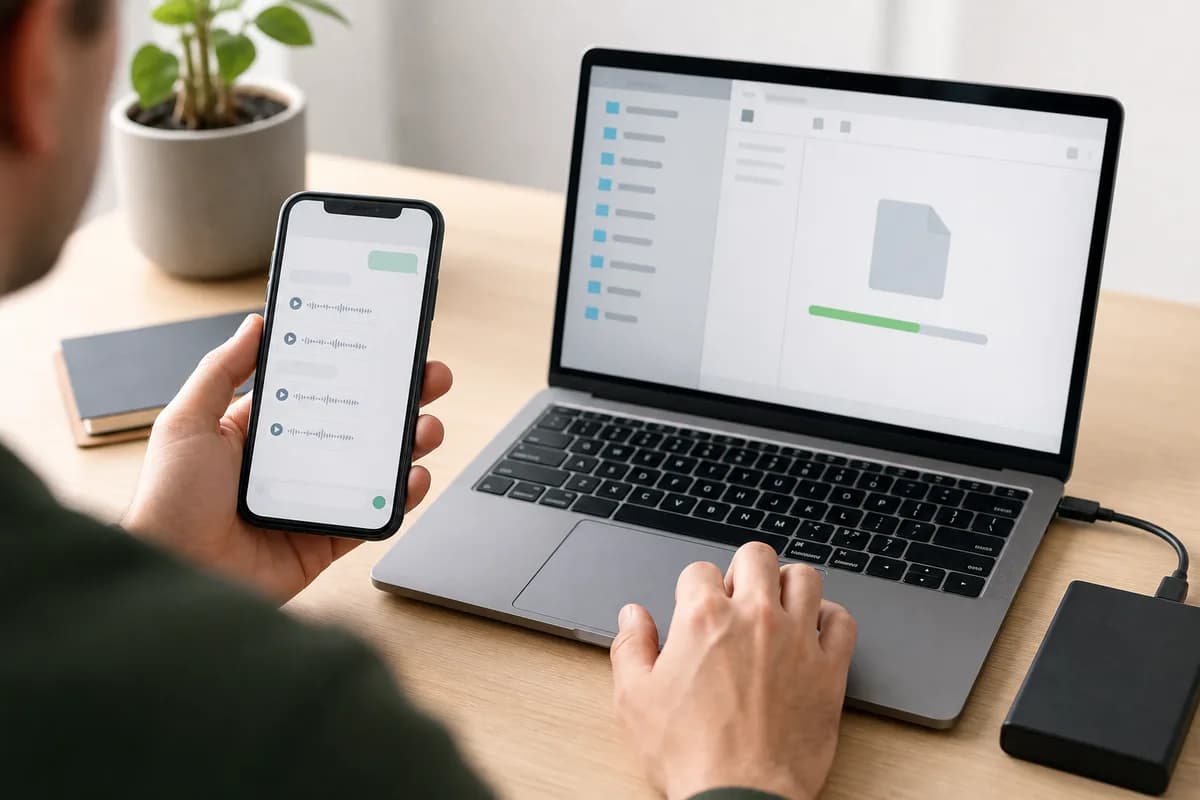
Yes—ChatToPDF supports Tamil WhatsApp voice-note transcription through a language-aware Deepgram Nova-3 and ElevenLabs Scribe v2 router. Export the chat with media, upload the ZIP, and the service can process the included recordings as one chronological job rather than one clip at a time. The current registry covers 93 languages, including 57 in provider-published high-or-better planning bands. Automatic text should still be checked against the audio wherever exact wording matters.
Best for many notes
Use the batch route when a chat contains dozens of recordings and conversation order matters.
Review remains essential
Replay names, numbers, noisy speech and any sentence you plan to quote or act on.
The ZIP needs media
A TXT-only export contains chronology but not the audio needed for speech recognition.
Language-specific guidance
What makes Tamil WhatsApp voice notes different?
Tamil voice notes can range from formal literary vocabulary to highly conversational speech that compresses endings, omits context obvious to the participants and varies across regions. A WhatsApp thread often supplies the missing context: the previous text message may name the person, product, place or date that the speaker refers to only indirectly in the recording.
Indian Tamil and Sri Lankan Tamil share a writing system but can differ in pronunciation, word choice and everyday expressions. Tamil spoken in Singapore, Malaysia and diaspora communities can also reflect local languages. The safest workflow does not force every recording into one assumed regional pattern; it keeps the transcript beside the source audio so unfamiliar wording can be checked.
Tanglish is common in work, study and family chats. A speaker may use Tamil sentence structure with English product names, technical terms, currencies or dates. Those switches are often the exact details a reviewer needs, so sample mixed passages rather than checking only the cleanest all-Tamil note.
The Tamil script is visually distinct from Latin text, but contact names, URLs, model numbers and file names may remain in Latin characters. A useful output should preserve both without flattening them into an anonymous paragraph or losing the sender and timestamp that explain why the message was sent.
Regional range
India, Sri Lanka and diaspora varieties
Pronunciation and everyday vocabulary can change across regions and communities.
Code-switching
Tamil + English (“Tanglish”)
Work terms, brands, dates and amounts frequently appear in English inside Tamil speech.
Review priority
Names, places, numbers and clipped endings
These carry high meaning but may have less acoustic or language-model context.
Native-script check
வணக்கம் · நன்றி · நாளை சந்திப்போம்
The output uses Unicode text. Names, links and genuine code-switched terms may legitimately use another script.

Whole-chat workflow
How to transcribe Tamil WhatsApp audio
The reliable route begins with WhatsApp’s own export, checks that the audio is actually present, and keeps each generated transcript tied to its place in the conversation.
- 1
Export the WhatsApp chat that contains the Tamil recordings
Open the individual or group chat in WhatsApp, choose Export Chat, and select Including Media. Save the ZIP exactly as WhatsApp creates it. A text-only export may show that a voice note existed, but it does not contain the audio bytes needed for Tamil speech recognition.
Before uploading, confirm the ZIP contains audio files such as OPUS, OGG, M4A or MP3. Keep an untouched copy of the original export.
- 2
Upload the original ZIP once
ChatToPDF reads the exported chat transcript as a map, finds the included audio and matches each file to the correct message row. This is different from a single-file transcription page: you do not have to save, rename and upload every Tamil voice note separately.
Upload only a conversation you are authorized to process. A group export can contain private messages and media from several people.
- 3
Inspect the free chat and voice-note count
The preview is a pre-payment quality gate. Confirm that the participants, message count and detected voice-note total look plausible. If the count is zero or much lower than expected, stop and recreate the export with media rather than paying for an incomplete archive.
The preview checks structure and included media; it cannot restore recordings that WhatsApp did not place in the export.
- 4
Process the Tamil notes in conversation order
The one-time Premium + Voice package costs $49 for one exported chat and up to eight total hours of included audio. A $99 Power User option covers one chat above eight hours. The generated text is attached to the message context available in the export, including sender and timestamp.
Pricing applies per converted chat, not per account and not as a subscription. A separate chat is a separate conversion.
- 5
Review names, numbers and consequential passages
Read the transcript, search for the passages you need, and replay the source audio wherever wording matters. Automatic Tamil transcription is a productivity tool, not a substitute for human verification in legal, medical, financial, disciplinary or publication-sensitive work.
Preserve the original ZIP and audio files. Add human corrections to a copy so the source record remains distinguishable from edited material.
Evidence before promises
How accurate is Tamil WhatsApp transcription?
Tamil is in ElevenLabs Scribe v2’s high published accuracy band (over 5% to 10% wer). That band is a vendor-published benchmark category, not a guaranteed error rate for every WhatsApp recording and not a ChatToPDF measurement of your file. Word error rate changes with microphone quality, speaking style, names, dialect, background noise and the amount of speech in the clip.
Tamil voice notes recorded close to the phone in a quiet room generally provide a cleaner signal than calls played through a speaker, forwarded recordings or clips captured in traffic. Fast colloquial speech can join syllables that are easy for a human participant to understand from context but harder for an automatic system to segment.
Pay particular attention to Sri Lankan place names, family names, English abbreviations and voice notes that move quickly between Tamil and English. If the transcript gives a plausible common word where the audio contains a rare proper noun, treat the proper noun as unresolved until a listener confirms it.
The practical quality check is therefore two-stage. First, verify that the correct language and the expected voice notes are present. Second, review a varied sample: one clean note, one fast note, one code-switched note, one noisy note and any passage containing names or numbers. If those samples are weak, do not assume the remainder is dependable merely because the document looks polished.
For ordinary search and reading, small punctuation or spelling errors may be tolerable. For quoting, filing, publishing or acting on a statement, listen to the audio and correct the working copy. ChatToPDF keeps the source filename and conversation position available so reviewers can move from generated text back to the recording rather than treating the transcript as an uncheckable black box.
- Audio factor
- Clear, close microphone
- Likely effect
- Usually produces the strongest baseline
- What to do
- Sample a few notes and still verify names, dates and amounts.
- Audio factor
- Code-switching
- Likely effect
- Borrowed terms may be spelled inconsistently
- What to do
- Review mixed-language passages using the guidance in the Tamil profile below.
- Audio factor
- Noise or overlapping speech
- Likely effect
- Words can be omitted or assigned incorrectly
- What to do
- Replay the recording and correct the working copy; do not infer missing words.
- Audio factor
- Names and local places
- Likely effect
- Rare proper nouns have less context than common words
- What to do
- Check against the chat text, contact names and the original audio.
- Audio factor
- Short or clipped notes
- Likely effect
- There may be too little speech for reliable detection
- What to do
- Inspect the source file and leave uncertainty visible rather than guessing.
Do not convert a benchmark band into a promise. It describes a vendor’s test category, not the word-error rate of your speakers, dialects or recordings. The source audio remains the authority for what was said.
Context-preserving output
What the Tamil transcript keeps
A standalone text file can tell you what a clip appears to say. A whole-chat record also needs to show who sent it, when it appeared and which written messages explain it.
- Field
- Sender
- Retained
- Participant name or identifier from the exported message row
- Why it matters
- Shows who sent the recording in an individual or group conversation.
- Field
- Timestamp
- Retained
- The date and time written in the WhatsApp export
- Why it matters
- Keeps the voice note in sequence with nearby written messages and media.
- Field
- Source audio
- Retained
- The filename matched from the export ZIP
- Why it matters
- Lets a reviewer compare important text with the original recording.
- Field
- Tamil transcript
- Retained
- Recognized speech in the language used in the recording
- Why it matters
- Makes the spoken content readable, searchable and available in the output bundle.
- Field
- Message context
- Retained
- Text and media rows around the voice-note message
- Why it matters
- Reduces ambiguity about what the speaker was answering or discussing.
- Field
- Review state
- Retained
- A visible failure or low-confidence state when usable text is not produced
- Why it matters
- Makes uncertainty easier to find instead of silently presenting an empty result as complete.
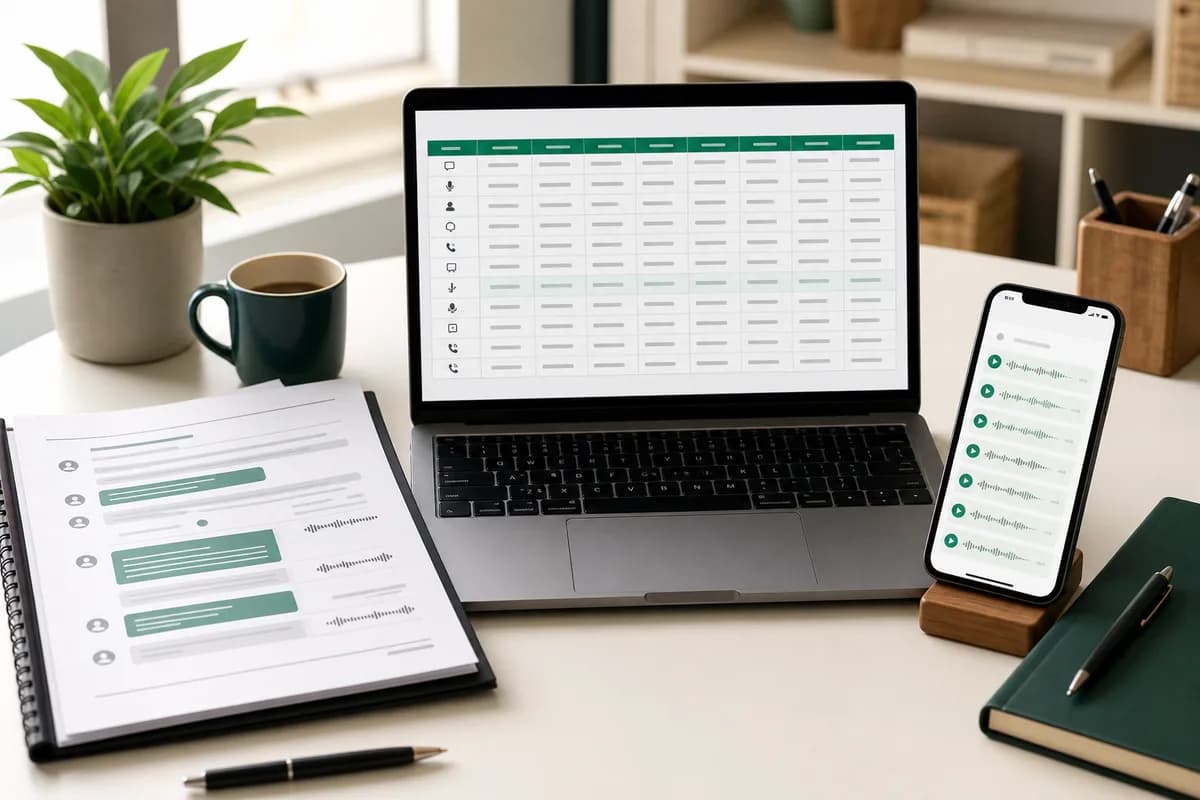
Best for reading the chronological conversation and sharing a fixed-layout working copy.
XLSX
Best for filtering by sender, date, message type or transcript-related fields in a workbook.
CSV
Best for portable row-based analysis in other tools, with Unicode-aware import settings.
Practical use cases
Where a Tamil chat transcript helps
Tamil family archives
Make years of family voice notes searchable while keeping each recording in the sequence of the surrounding messages.
Client instructions
Review verbal changes, approvals and delivery details without separating them from written project updates.
Community organizations
Create a readable working record of announcements, logistics and volunteer coordination shared through Tamil voice notes.
Diaspora conversations
Bring together Tamil recordings and mixed English text from relatives across countries in one chronology.
Research interviews
Locate relevant passages across field notes while retaining dates, senders and source filenames for verification.
Case preparation
Speed up first-pass review of authorized Tamil conversations, then verify quoted passages against the original audio.
Human quality control
A Tamil transcript review checklist
Review the details most likely to change the meaning of a message. The objective is not to make uncertain audio look fluent; it is to distinguish supported wording from material that still needs a listener.
Separate Tamil from Tanglish
Mark passages where English words carry dates, prices, product names or commitments; check the exact spelling against written chat context.
Confirm regional place names
Listen again to town, district and street names, especially when the transcript substitutes a more common Tamil word.
Check respectful forms and kinship terms
Honorifics and relationship words can change who a sentence concerns; do not remove them as filler.
Verify every number
Dates, times, phone numbers and amounts should be checked against the waveform and nearby messages.
Flag overlapping speakers
If another person speaks in the background, record the uncertainty instead of combining both voices into one statement.
Retain the original script
Keep Tamil characters intact in the reviewed copy and avoid romanizing names unless the matter requires a documented convention.
Privacy and source integrity
Treat the export like the private conversation it contains
A media-inclusive WhatsApp export can contain personal messages, recordings, contact names and files from people who did not create the export. Limit the job to material you are permitted to process, restrict access to the result and avoid uploading a broader group chat when only a narrower conversation is relevant.
ChatToPDF sends supported audio to configured speech-recognition providers over authenticated connections and disables provider logging on the ElevenLabs path. Source exports, extracted media and generated downloads are automatically removed within seven days. That lifecycle reduces exposure; it does not make a cloud upload equivalent to on-device transcription.
Keep an untouched source export separately when authenticity, evidence or future verification matters. A generated transcript is a derived working document. Record human corrections transparently and never discard the audio merely because the text is easier to search.
Troubleshooting
Common Tamil transcription problems
Tamil words appear as unrelated common terms
Confirm the detected language, then replay the source at normal speed. Proper nouns and regional vocabulary often need manual correction.
Tanglish passages lose English terms
Check the nearby written messages for product names, abbreviations and amounts, and correct only what the audio supports.
Sri Lankan Tamil wording looks unfamiliar
Use a reviewer familiar with the speaker’s variety rather than normalizing unfamiliar words into Indian Tamil by assumption.
Only placeholders appear
The export was likely created without media or the recordings were not downloaded. Create a fresh export with media included.
A short note is empty
Very short, silent or clipped recordings may not contain enough speech. Listen to the source and leave it marked for manual review.
Tamil characters look broken after download
Open the PDF or XLSX in a modern Unicode-capable viewer and avoid copying through legacy non-Unicode fonts.
Frequently asked questions
Tamil WhatsApp transcription FAQ
Will the transcript use Tamil script?
The recognized speech is returned as Tamil text where the model identifies Tamil speech. Names, URLs, abbreviations and spoken English may appear in Latin characters. Review mixed-script passages against the recording.
Can it handle Tanglish WhatsApp voice notes?
It can process code-switched recordings, but mixed Tamil and English is a review priority. Product names, technical terms, amounts and short switches may need correction even when the surrounding Tamil is clear.
Does it work with Sri Lankan Tamil?
Tamil is supported, including recordings from different regions, but dialect, vocabulary and audio quality affect the result. Use a reviewer familiar with Sri Lankan Tamil for consequential passages.
Can I transcribe Tamil OPUS voice notes from WhatsApp?
Yes. WhatsApp commonly stores voice notes as OPUS or OGG files inside the media-inclusive export. Upload the original ZIP so the files can be matched to their message rows.
Can ChatToPDF transcribe every Tamil voice note in one WhatsApp chat?
Yes, when the audio files are present in a media-inclusive WhatsApp export. Upload the original ZIP and ChatToPDF can process the supported voice notes as one job, then return their Tamil text in the chronology of that chat. Missing or undownloaded audio cannot be reconstructed from a placeholder in the TXT file.
How much does a Tamil WhatsApp voice-note transcription cost?
The free preview checks the chat and counts included voice notes. Premium + Voice is a one-time $49 conversion for one chat with up to eight audio hours. Power User is $99 for one chat above eight hours. Converting another chat is a separate purchase.
Does the output keep the original Tamil audio?
The transcript is matched to the source audio filename and its message row so important passages can be verified. Keep your untouched WhatsApp export as the primary source copy; generated PDF and spreadsheet files are working outputs and should not replace the original archive.
Can I rely on an automatic Tamil transcript for court or an official decision?
Use it to speed up search, chronology and review, then verify consequential passages against the recording. Rules for evidence, disclosure, consent and certified transcription depend on the jurisdiction and matter. Preserve the original export and obtain qualified advice where the stakes are high.
Primary references and claim boundaries
Language coverage and benchmark bands come from the speech provider’s current documentation. Workflow and product statements reflect the ChatToPDF implementation. No automatic transcript is represented as a certified or error-free record.
- WhatsApp Help Center — export your chat history
Primary instructions for creating the TXT or media-inclusive ZIP that supplies the chat chronology and voice-note files.
- ElevenLabs documentation — speech to text
Primary model documentation for supported audio, language coverage and speech-recognition capabilities.
- ElevenLabs documentation — supported languages
Primary reference for the published Scribe v2 language and word-error-rate bands summarized on this page.
Last reviewed: 24 July 2026. ChatToPDF is independent and is not affiliated with or endorsed by WhatsApp, Meta, Deepgram or ElevenLabs.