
Can you transcribe Telugu WhatsApp voice notes?
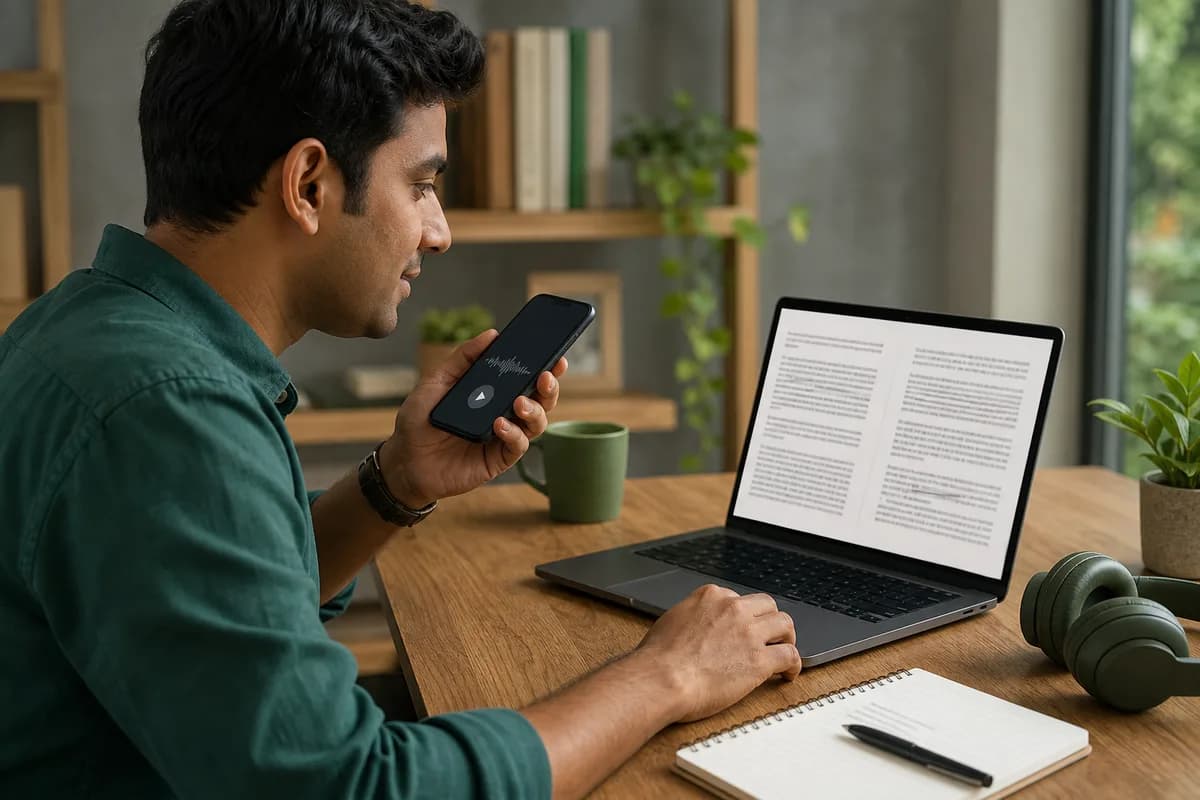
Yes—ChatToPDF supports Telugu WhatsApp voice-note transcription through a language-aware Deepgram Nova-3 and ElevenLabs Scribe v2 router. Export the chat with media, upload the ZIP, and the service can process the included recordings as one chronological job rather than one clip at a time. The current registry covers 93 languages, including 57 in provider-published high-or-better planning bands. Automatic text should still be checked against the audio wherever exact wording matters.
Best for many notes
Use the batch route when a chat contains dozens of recordings and conversation order matters.
Review remains essential
Replay names, numbers, noisy speech and any sentence you plan to quote or act on.
The ZIP needs media
A TXT-only export contains chronology but not the audio needed for speech recognition.
Language-specific guidance
What makes Telugu WhatsApp voice notes different?
Telugu WhatsApp conversations often move between relaxed spoken Telugu and English terms used for work, study, travel and technology. The recording may sound natural to the participants while containing names, abbreviations or numbers that are not predictable from grammar alone. Keeping the surrounding chat visible gives a reviewer more evidence than an isolated audio upload.
Speakers from Andhra Pradesh and Telangana can differ in accent, rhythm and everyday vocabulary. Urban speech may use more English, while family or community groups may include strongly local expressions. Automatic text should preserve what was said rather than silently standardizing every note into formal written Telugu.
The Telugu script can coexist with Latin-character contact names, links and product references. A chronological output is especially useful when a written message establishes a topic and the next voice note provides the decision, amount or instruction. Breaking those two messages apart removes context the listener originally had.
Fast voice notes sometimes compress function words or trail off before the recording stops. Reviewers should not fill gaps from expectation. The source audio, sender, timestamp and neighboring text should remain available so uncertainty can be documented and important wording can be replayed.
Regional range
Andhra Pradesh and Telangana varieties
Accent, rhythm and local vocabulary can influence recognition and review.
Code-switching
Telugu + English
Technology, education and workplace recordings frequently mix both languages.
Review priority
Proper nouns, amounts and rapid speech
Short high-value details can be harder than a long, clearly spoken sentence.
Native-script check
నమస్కారం · ధన్యవాదాలు · రేపు కలుద్దాం
The output uses Unicode text. Names, links and genuine code-switched terms may legitimately use another script.

Whole-chat workflow
How to transcribe Telugu WhatsApp audio
The reliable route begins with WhatsApp’s own export, checks that the audio is actually present, and keeps each generated transcript tied to its place in the conversation.
- 1
Export the WhatsApp chat that contains the Telugu recordings
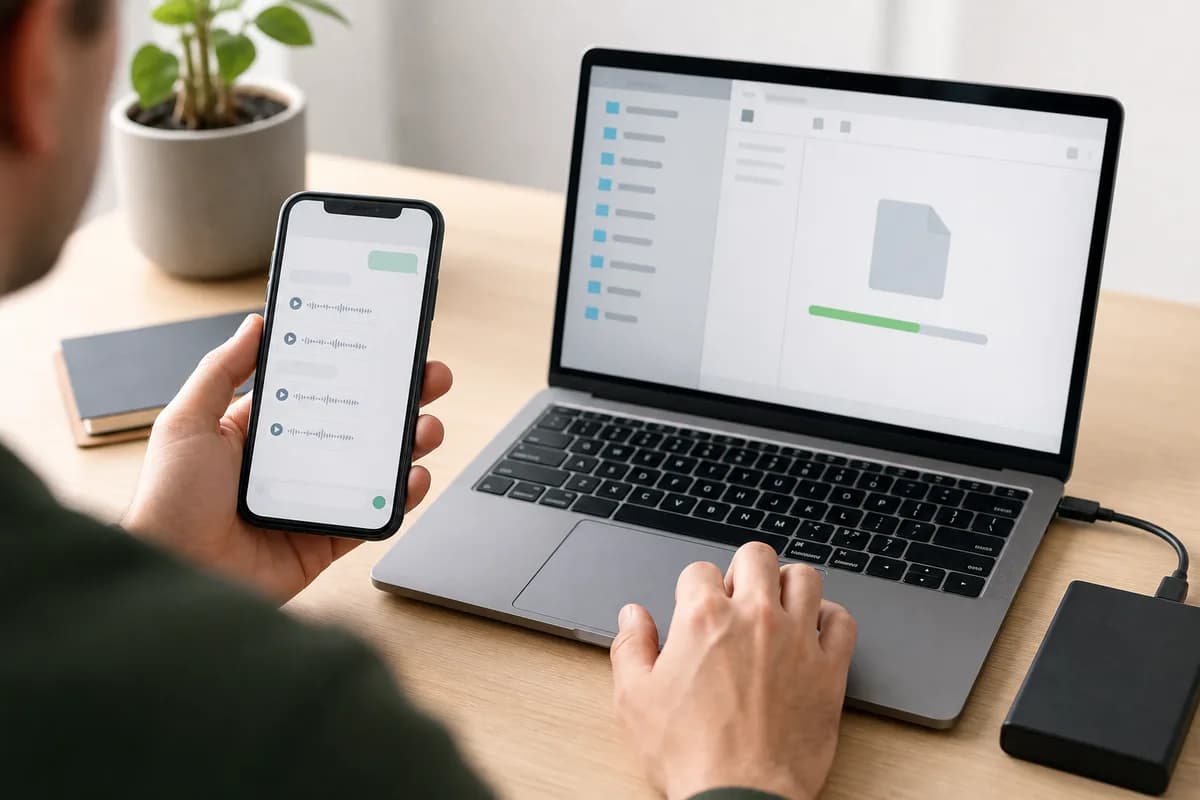
Open the individual or group chat in WhatsApp, choose Export Chat, and select Including Media. Save the ZIP exactly as WhatsApp creates it. A text-only export may show that a voice note existed, but it does not contain the audio bytes needed for Telugu speech recognition.
Before uploading, confirm the ZIP contains audio files such as OPUS, OGG, M4A or MP3. Keep an untouched copy of the original export.
- 2
Upload the original ZIP once
ChatToPDF reads the exported chat transcript as a map, finds the included audio and matches each file to the correct message row. This is different from a single-file transcription page: you do not have to save, rename and upload every Telugu voice note separately.
Upload only a conversation you are authorized to process. A group export can contain private messages and media from several people.
- 3
Inspect the free chat and voice-note count
The preview is a pre-payment quality gate. Confirm that the participants, message count and detected voice-note total look plausible. If the count is zero or much lower than expected, stop and recreate the export with media rather than paying for an incomplete archive.
The preview checks structure and included media; it cannot restore recordings that WhatsApp did not place in the export.
- 4
Process the Telugu notes in conversation order
The one-time Premium + Voice package costs $49 for one exported chat and up to eight total hours of included audio. A $99 Power User option covers one chat above eight hours. The generated text is attached to the message context available in the export, including sender and timestamp.
Pricing applies per converted chat, not per account and not as a subscription. A separate chat is a separate conversion.
- 5
Review names, numbers and consequential passages
Read the transcript, search for the passages you need, and replay the source audio wherever wording matters. Automatic Telugu transcription is a productivity tool, not a substitute for human verification in legal, medical, financial, disciplinary or publication-sensitive work.
Preserve the original ZIP and audio files. Add human corrections to a copy so the source record remains distinguishable from edited material.
Evidence before promises
How accurate is Telugu WhatsApp transcription?
Telugu is in ElevenLabs Scribe v2’s high published accuracy band (over 5% to 10% wer). That band is a vendor-published benchmark category, not a guaranteed error rate for every WhatsApp recording and not a ChatToPDF measurement of your file. Word error rate changes with microphone quality, speaking style, names, dialect, background noise and the amount of speech in the clip.
A clear Telugu note spoken by one person near the microphone is a better candidate than a forwarded clip with music, multiple speakers or compression artifacts. Do not judge the whole export from a single easy greeting; include the fastest and most code-switched note in the sample.
District names, surnames, initials and English acronyms need deliberate checking. Telugu speakers may pronounce an English brand or technical term using local phonology, which can produce a reasonable-looking but incorrect common word if the nearby written context is ignored.
The practical quality check is therefore two-stage. First, verify that the correct language and the expected voice notes are present. Second, review a varied sample: one clean note, one fast note, one code-switched note, one noisy note and any passage containing names or numbers. If those samples are weak, do not assume the remainder is dependable merely because the document looks polished.
For ordinary search and reading, small punctuation or spelling errors may be tolerable. For quoting, filing, publishing or acting on a statement, listen to the audio and correct the working copy. ChatToPDF keeps the source filename and conversation position available so reviewers can move from generated text back to the recording rather than treating the transcript as an uncheckable black box.
- Audio factor
- Clear, close microphone
- Likely effect
- Usually produces the strongest baseline
- What to do
- Sample a few notes and still verify names, dates and amounts.
- Audio factor
- Code-switching
- Likely effect
- Borrowed terms may be spelled inconsistently
- What to do
- Review mixed-language passages using the guidance in the Telugu profile below.
- Audio factor
- Noise or overlapping speech
- Likely effect
- Words can be omitted or assigned incorrectly
- What to do
- Replay the recording and correct the working copy; do not infer missing words.
- Audio factor
- Names and local places
- Likely effect
- Rare proper nouns have less context than common words
- What to do
- Check against the chat text, contact names and the original audio.
- Audio factor
- Short or clipped notes
- Likely effect
- There may be too little speech for reliable detection
- What to do
- Inspect the source file and leave uncertainty visible rather than guessing.
Do not convert a benchmark band into a promise. It describes a vendor’s test category, not the word-error rate of your speakers, dialects or recordings. The source audio remains the authority for what was said.
Context-preserving output
What the Telugu transcript keeps
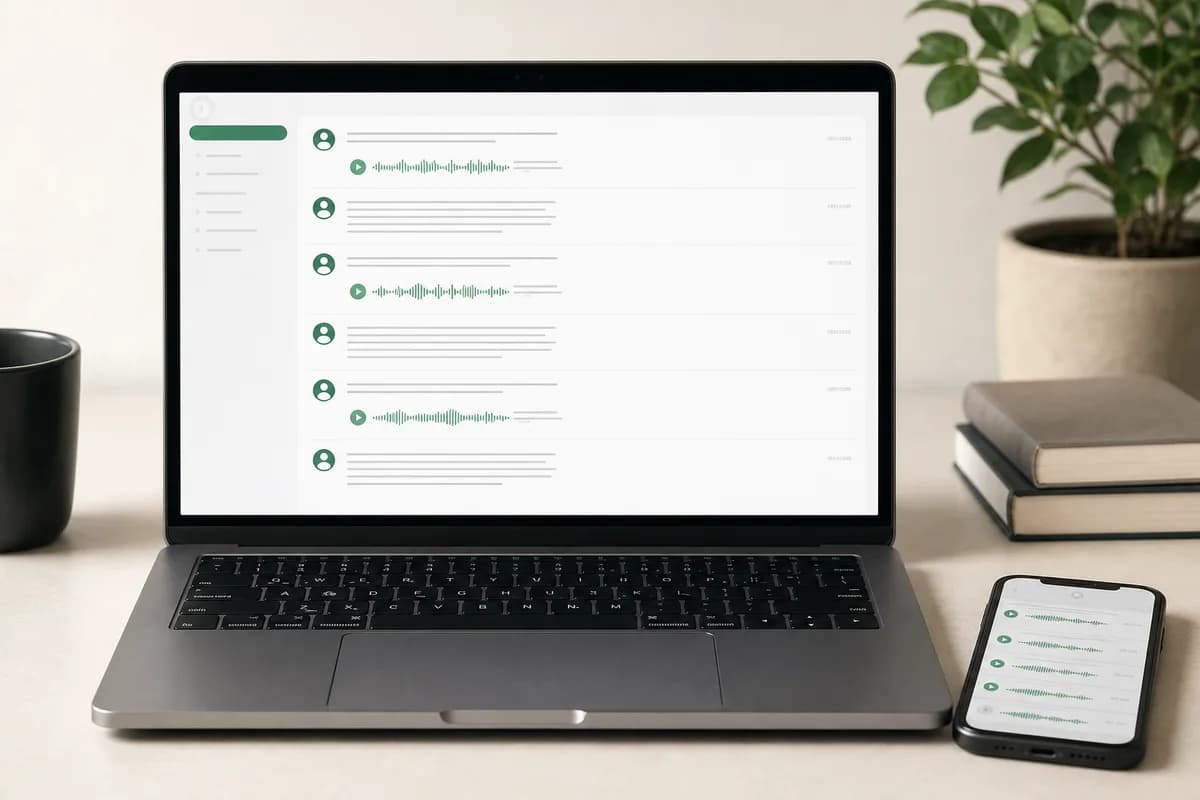
A standalone text file can tell you what a clip appears to say. A whole-chat record also needs to show who sent it, when it appeared and which written messages explain it.
- Field
- Sender
- Retained
- Participant name or identifier from the exported message row
- Why it matters
- Shows who sent the recording in an individual or group conversation.
- Field
- Timestamp
- Retained
- The date and time written in the WhatsApp export
- Why it matters
- Keeps the voice note in sequence with nearby written messages and media.
- Field
- Source audio
- Retained
- The filename matched from the export ZIP
- Why it matters
- Lets a reviewer compare important text with the original recording.
- Field
- Telugu transcript
- Retained
- Recognized speech in the language used in the recording
- Why it matters
- Makes the spoken content readable, searchable and available in the output bundle.
- Field
- Message context
- Retained
- Text and media rows around the voice-note message
- Why it matters
- Reduces ambiguity about what the speaker was answering or discussing.
- Field
- Review state
- Retained
- A visible failure or low-confidence state when usable text is not produced
- Why it matters
- Makes uncertainty easier to find instead of silently presenting an empty result as complete.
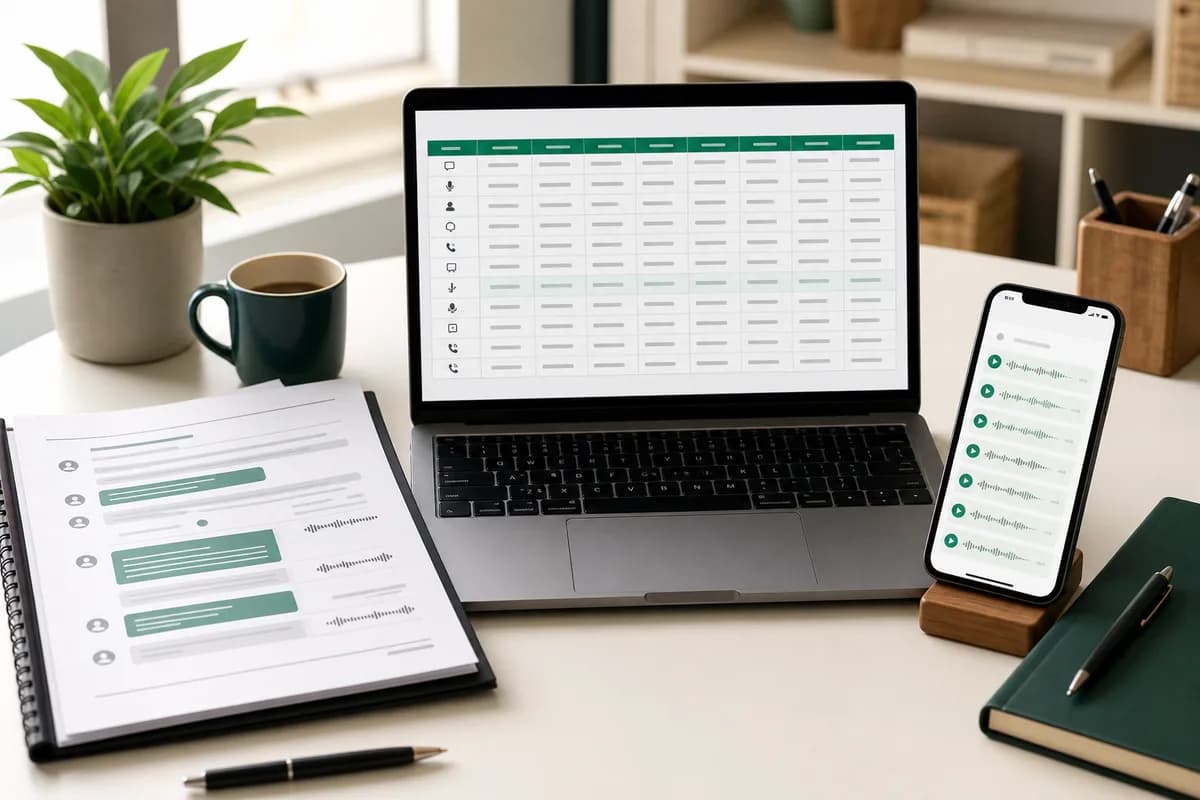
Best for reading the chronological conversation and sharing a fixed-layout working copy.
XLSX
Best for filtering by sender, date, message type or transcript-related fields in a workbook.
CSV
Best for portable row-based analysis in other tools, with Unicode-aware import settings.
Practical use cases
Where a Telugu chat transcript helps
Small-business records
Collect Telugu order details, approvals and delivery instructions into a searchable chronology.
Family and community groups
Preserve voice-heavy conversations without asking relatives to resend each recording as a separate file.
Student project chats
Find Telugu explanations and English technical terms across long study or coordination threads.
Property and service discussions
Review dates, locations and agreed actions while keeping the messages that preceded each recording.
Journalism and interviews
Locate candidate passages in Telugu field interviews and return to the named source recording before quoting.
Authorized dispute review
Build a working timeline from Telugu voice notes while preserving the untouched export for verification.
Human quality control
A Telugu transcript review checklist
Review the details most likely to change the meaning of a message. The objective is not to make uncertain audio look fluent; it is to distinguish supported wording from material that still needs a listener.
Compare Telangana and Andhra vocabulary
Do not “correct” a regional term merely because it is unfamiliar; ask a reviewer who knows the speaker’s variety.
Check English technical terms
Use written messages and attached files to confirm acronyms, software names, course names and model numbers.
Verify initials and surnames
South Indian names and initials can be acoustically short and context-dependent; listen again before expanding them.
Review amounts and dates
Confirm every digit against the source and nearby text, especially when a sentence mixes Telugu wording with English numerals.
Mark clipped endings
If the speaker stops recording mid-word or the file ends abruptly, leave the gap visible instead of completing the sentence.
Keep speaker turns separate
Background voices should not be merged into the sender’s statement when the audio does not support a clear attribution.
Privacy and source integrity
Treat the export like the private conversation it contains
A media-inclusive WhatsApp export can contain personal messages, recordings, contact names and files from people who did not create the export. Limit the job to material you are permitted to process, restrict access to the result and avoid uploading a broader group chat when only a narrower conversation is relevant.
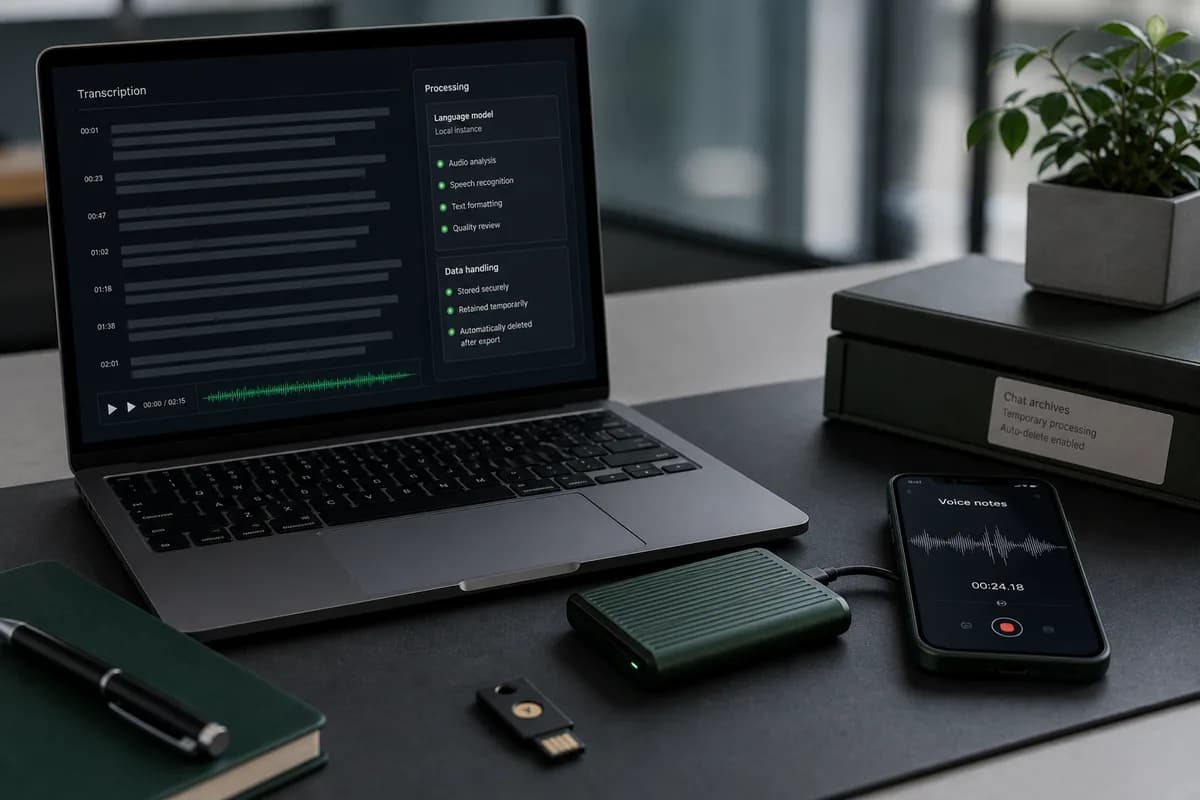
ChatToPDF sends supported audio to configured speech-recognition providers over authenticated connections and disables provider logging on the ElevenLabs path. Source exports, extracted media and generated downloads are automatically removed within seven days. That lifecycle reduces exposure; it does not make a cloud upload equivalent to on-device transcription.
Keep an untouched source export separately when authenticity, evidence or future verification matters. A generated transcript is a derived working document. Record human corrections transparently and never discard the audio merely because the text is easier to search.
Troubleshooting
Common Telugu transcription problems
Telugu is detected but the script is inconsistent
Review mixed Telugu and English speech. Keep genuine English names or terms in Latin characters rather than forcing a script change.
Regional words are replaced
Replay the clip and use a reviewer familiar with the speaker’s Andhra or Telangana variety.
Numbers are written incorrectly
Compare the source audio with adjacent order, address or scheduling messages and manually verify the value.
Voice notes are missing
Download the recordings in WhatsApp, create a new export with media, and upload that original ZIP.
A forwarded note has poor text
Forwarding and re-recording can reduce clarity. Find the earliest available source recording and verify it directly.
The export is larger than expected
Keep the ZIP intact. Media-inclusive exports can be large; the preview will show which supported audio was actually found.
Frequently asked questions
Telugu WhatsApp transcription FAQ
Will the output use Telugu script?
Recognized Telugu speech is returned in Telugu text, while genuine English terms, links and names may remain in Latin characters. Mixed-script output should be reviewed rather than automatically normalized.
Can it recognize both Andhra and Telangana Telugu?
Telugu is supported, but regional accent and vocabulary affect any automatic transcript. Sample notes from the actual speakers and use a regionally familiar reviewer for important material.
Can it process Telugu and English in the same voice note?
Code-switched recordings can be processed, but English acronyms, technical terms, names and short switches deserve a manual pass against the source audio.
Do I need to convert Telugu WhatsApp OPUS files first?
No. Upload the media-inclusive WhatsApp ZIP. Supported OPUS and OGG voice notes can be handled without manually converting and uploading every file.
Can ChatToPDF transcribe every Telugu voice note in one WhatsApp chat?
Yes, when the audio files are present in a media-inclusive WhatsApp export. Upload the original ZIP and ChatToPDF can process the supported voice notes as one job, then return their Telugu text in the chronology of that chat. Missing or undownloaded audio cannot be reconstructed from a placeholder in the TXT file.
How much does a Telugu WhatsApp voice-note transcription cost?
The free preview checks the chat and counts included voice notes. Premium + Voice is a one-time $49 conversion for one chat with up to eight audio hours. Power User is $99 for one chat above eight hours. Converting another chat is a separate purchase.
Does the output keep the original Telugu audio?
The transcript is matched to the source audio filename and its message row so important passages can be verified. Keep your untouched WhatsApp export as the primary source copy; generated PDF and spreadsheet files are working outputs and should not replace the original archive.
Can I rely on an automatic Telugu transcript for court or an official decision?
Use it to speed up search, chronology and review, then verify consequential passages against the recording. Rules for evidence, disclosure, consent and certified transcription depend on the jurisdiction and matter. Preserve the original export and obtain qualified advice where the stakes are high.
Primary references and claim boundaries
Language coverage and benchmark bands come from the speech provider’s current documentation. Workflow and product statements reflect the ChatToPDF implementation. No automatic transcript is represented as a certified or error-free record.
- WhatsApp Help Center — export your chat history
Primary instructions for creating the TXT or media-inclusive ZIP that supplies the chat chronology and voice-note files.
- ElevenLabs documentation — speech to text
Primary model documentation for supported audio, language coverage and speech-recognition capabilities.
- ElevenLabs documentation — supported languages
Primary reference for the published Scribe v2 language and word-error-rate bands summarized on this page.
Last reviewed: 24 July 2026. ChatToPDF is independent and is not affiliated with or endorsed by WhatsApp, Meta, Deepgram or ElevenLabs.