
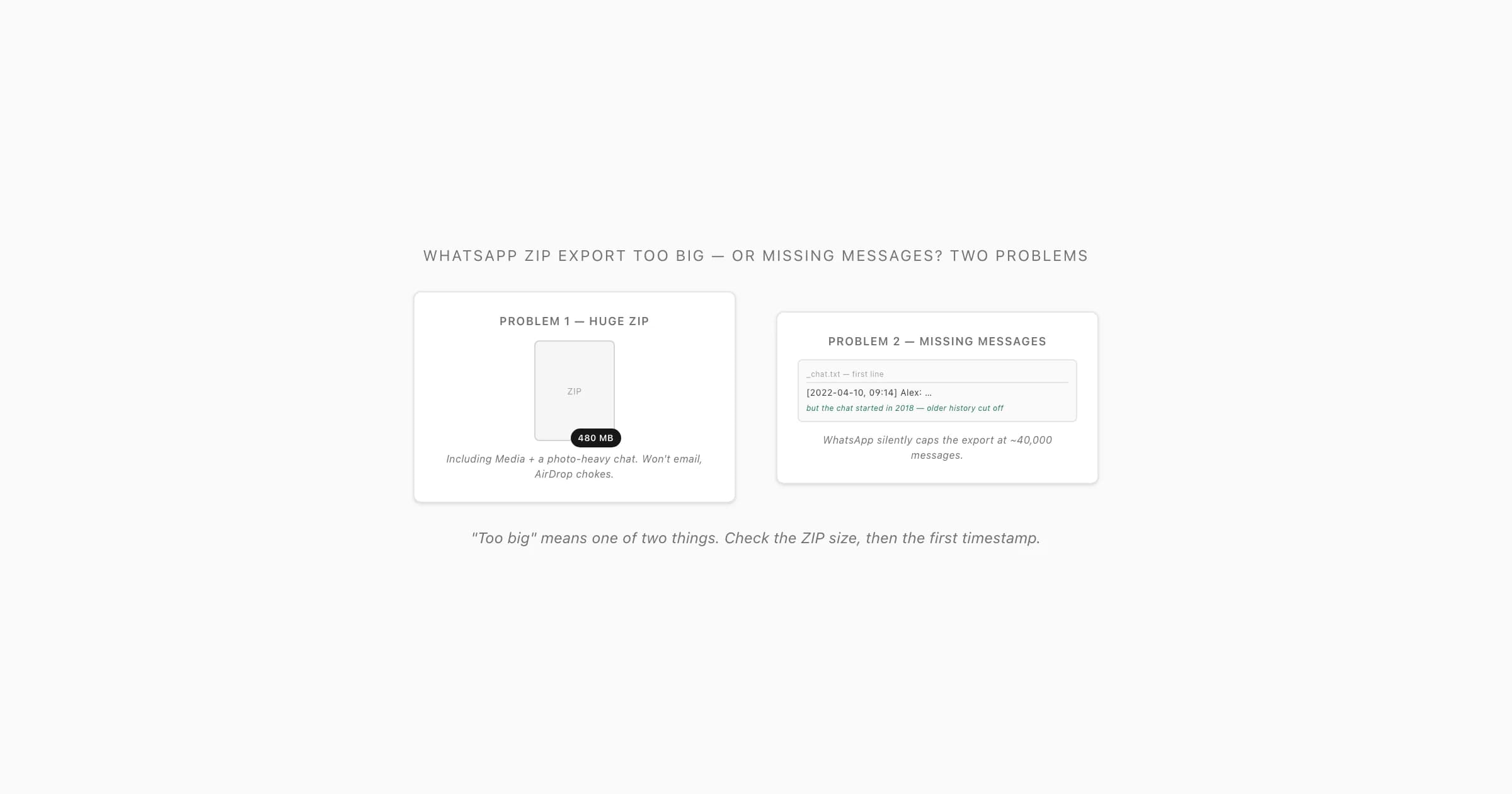
First identify which limit you hit
- Symptom
- Email refuses the ZIP
- Likely boundary
- Attachment size limit
- Next action
- Save the ZIP and transfer it through an appropriate storage or device route
- Symptom
- Upload rejects the ZIP immediately
- Likely boundary
- The converter's file-size or file-type limit
- Next action
- Read its stated limit before trying another paid tier
- Symptom
- ZIP will not open
- Likely boundary
- Incomplete transfer or damaged archive
- Next action
- Compare file sizes and transfer the original again
- Symptom
- The preview starts later than your chat
- Likely boundary
- Messages were not included in the export
- Next action
- Compare the TXT with the original chat before buying
- Symptom
- Audio is listed but cannot play
- Likely boundary
- Missing or unreadable attachment files
- Next action
- Inspect the ZIP and re-export with media when available
| Symptom | Likely boundary | Next action |
|---|---|---|
| Email refuses the ZIP | Attachment size limit | Save the ZIP and transfer it through an appropriate storage or device route |
| Upload rejects the ZIP immediately | The converter's file-size or file-type limit | Read its stated limit before trying another paid tier |
| ZIP will not open | Incomplete transfer or damaged archive | Compare file sizes and transfer the original again |
| The preview starts later than your chat | Messages were not included in the export | Compare the TXT with the original chat before buying |
| Audio is listed but cannot play | Missing or unreadable attachment files | Inspect the ZIP and re-export with media when available |
A transfer problem does not establish a WhatsApp message-count limit. A successful upload does not establish a complete conversation. Keep these checks separate.
Why the export ZIP is large
An export with media can include photos, recordings, videos and documents alongside the message text. A few large attachments can outweigh thousands of written messages. ZIP compression may save little on media that is already compressed.
If you only need the written record, exporting Without Media removes the attachment files from the new copy. It is unsuitable when the photos or voice recordings are part of what you need to preserve. Do not delete messages from your original chat just to make an upload smaller.
WhatsApp's Export Chat instructions are the starting point for the supported export flow. The exact share-sheet destinations depend on your device and installed apps.
Transfer the original ZIP without an email attachment
- Save the export first. On iPhone, choose Save to Files when offered. On Android, use the available file manager or storage destination. Wait for the export to finish.
- Check the saved file's size. A nearly empty file or a transfer that stops early needs investigation before conversion.
- Choose an appropriate transfer route. Between Apple devices, AirDrop supports document transfers. Apple also documents file transfers through cloud storage and connected devices. For other devices, use a storage or USB route that supports the saved file and keep the original filename.
- Verify the received copy. Compare its byte size with the source and check that it opens. On a copy, inspect the TXT and a few attachment files. A matching file size alone is not a complete integrity test.
- Keep access restricted. If using cloud storage, check its sharing permissions; you do not need a public link to move a private chat between your own devices.
Personal Gmail accounts have a 25 MB attachment limit, with larger attachments handled through Drive links. Other accounts and services can differ. This is an email boundary, not ChatToPDF's limit and not proof that WhatsApp omitted messages.
What if older WhatsApp messages are missing?
Open the exported TXT and find its earliest timestamp. Compare that message with your original chat and the date range you need. Also check the newest message and several points in between. If a critical earlier message is absent from the TXT, a converter cannot recover it from that file.
You may encounter references to 40,000 text messages or 10,000 messages with media. Treat these as export-limit guidance that needs checking against the current WhatsApp instructions and your actual file, not a completeness guarantee for every device and version.
Archiving a chat does not create an older date-range export. Recompressing, renaming or splitting the ZIP also does not restore messages omitted before it was created. Avoid deleting recent messages to force an older export: that changes your source conversation and may lose information.
If older history is important, preserve the source phone and available backups. Check WhatsApp's supported backup/transfer options for your device. A backup used by WhatsApp is not interchangeable with an Export Chat TXT. For formal evidence requirements, obtain appropriate advice about acquisition and verification; ordinary PDF conversion does not establish provenance or completeness.
A fictional check illustrates the distinction: you need messages from January to June, but _chat.txt begins on 18 April. A PDF containing every message in that TXT still does not meet your January-to-June requirement. Decide how to obtain the missing source before paying to format it.
What ChatToPDF can handle
The current upload ceiling is 150 MB per file. Message and audio package limits are separate:
- Package
- Basic · $7
- Message allowance
- Up to 5,000
- Relevant capability
- Text-only PDF plus XLSX and CSV
- Package
- Standard · $14
- Message allowance
- Up to 25,000
- Relevant capability
- Supported photos in the PDF
- Package
- Premium · $29
- Message allowance
- No message-count cap
- Relevant capability
- Longer written chats; file-size limit still applies
- Package
- Premium + Voice · $49
- Message allowance
- No message-count cap
- Relevant capability
- Up to eight audio hours in one chat
- Package
- Power User · $99
- Message allowance
- No message-count cap
- Relevant capability
- Above eight audio hours; file-size limit still applies
| Package | Message allowance | Relevant capability |
|---|---|---|
| Basic · $7 | Up to 5,000 | Text-only PDF plus XLSX and CSV |
| Standard · $14 | Up to 25,000 | Supported photos in the PDF |
| Premium · $29 | No message-count cap | Longer written chats; file-size limit still applies |
| Premium + Voice · $49 | No message-count cap | Up to eight audio hours in one chat |
| Power User · $99 | No message-count cap | Above eight audio hours; file-size limit still applies |
Prices are one-time for the chat being converted. See pricing for the current package comparison. Files larger than 150 MB need a different supported preparation or processing route; buying Power User does not make a rejected file uploadable.
For a supported file, inspect the preview's message count, participants and date range before buying. Use Excel or CSV when you need rows for analysis; use PDF for reading and printing. If audio matters, the ZIP must contain the actual recordings. Transcription produces words; the MP3 workflow produces playable audio.
Frequently asked questions
Can I upload a WhatsApp ZIP above 150 MB to ChatToPDF?
No. The current upload ceiling is 150 MB for every package. A higher message or transcription allowance does not override it.
Will compressing the ZIP fix missing messages?
No. Compression changes storage size, not which messages WhatsApp placed in the export. Check the TXT before converting.
Can archiving bypass the WhatsApp export limit?
Archiving hides a chat from the main chat list; it is not an export date-range selector. Do not rely on it to recover an older portion of a conversation.
Should I export without media to make the file smaller?
Yes if the written text is all you need. Keep media when photos or recordings are essential, and use a suitable transfer route instead. Preserve the original chat and export.
Why is a large ZIP producing a short preview?
The sample preview shows only part of the parsed chat. Compare its total message count and date range with the TXT. A short sample alone does not mean the full export is short, but absent messages cannot be recreated.