
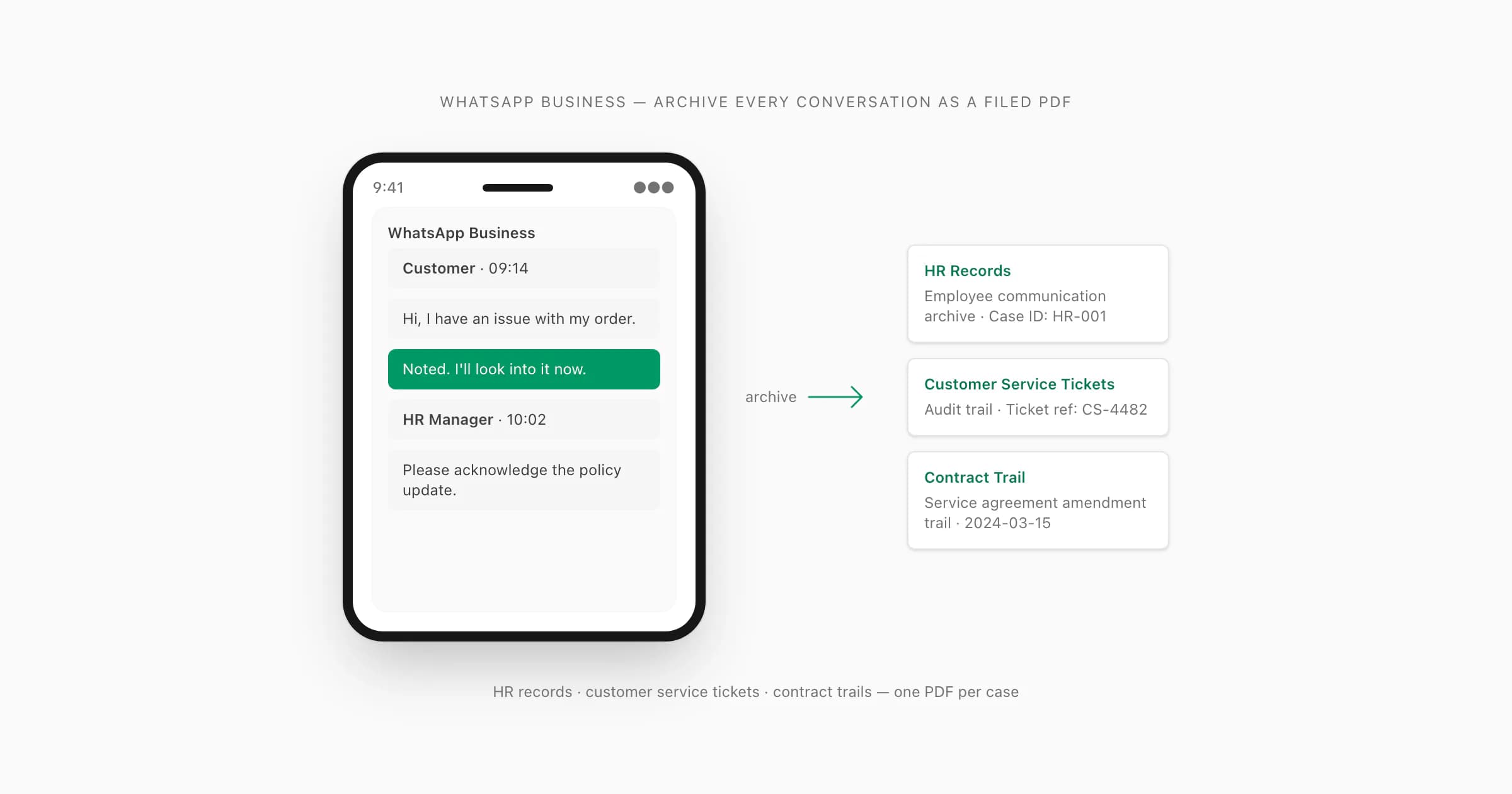
Definition and scope
What is WhatsApp Business voice note transcription?
WhatsApp Business voice note transcription converts spoken messages from a business conversation into written text. For a durable archive, the useful unit is not an anonymous audio clip; it is the voice note together with the customer, supplier or colleague who sent it, the timestamp recorded in the export and the surrounding written messages that explain what the recording was about.
ChatToPDF works from WhatsApp’s own Export Chat output. When you export one conversation with media, the ZIP normally contains a text transcript and the media WhatsApp was able to include. ChatToPDF uses the transcript as a map, matches supported audio filenames to their message rows and places generated text back into the chronology. The resulting PDF is designed for reading and search, while the available spreadsheet outputs support filtering and structured review.
This is a retrospective records workflow. ChatToPDF does not connect to a WhatsApp Business account, listen for new messages, reply to customers, create CRM tickets, expose a transcription API or run a shared support inbox. If your requirement is real-time agent assistance or automated routing, choose a live WhatsApp Business Platform or inbox product. Use this page when the conversation already exists and you need one authorized, reviewable archive.
Three-step workflow
How to use the WhatsApp Business Voice Note Transcription
Export one WhatsApp Business chat with media
Open the customer, supplier, employee or project conversation in WhatsApp Business, choose Export Chat and select Including Media. Save the ZIP exactly as WhatsApp creates it; each conversation is exported separately.
A text-only export can show that a voice note existed, but it does not contain the audio needed for transcription. Download important voice notes in WhatsApp before creating a fresh export.
Upload the ZIP and inspect the free archive preview
Upload the original ZIP. ChatToPDF parses the chat, identifies participants, counts messages and detects the supported voice-note files that are actually present. Confirm those totals before selecting a paid package.
The preview is not a live account connection and does not fetch missing messages or media. It can process only the conversation data contained in the file you choose to upload.
Generate and review the searchable business record
Premium + Voice costs $49 for this one chat and up to eight total audio hours. Power User costs $99 for this one chat, removes the audio-duration cap and adds the single-ZIP output bundle. Download the PDF and any structured outputs you need.
Automatic transcription must be reviewed wherever wording matters. Preserve the untouched export and source audio separately, document any human corrections and apply your organization’s own access and retention policy to the downloaded archive.
Ready to check your export?
Upload the source file and inspect the parsed preview first. No account, no email, nothing to pay until you download.
Field-level detail
What the business voice-note archive retains
A useful retrospective record keeps source context visible. These fields explain what comes from the WhatsApp export, what is generated, and how a reviewer can move back to the source.
- Field
- conversation
- What it contains
- The individual or group chat represented by the uploaded export
- Useful for
- Keeping each customer, supplier or workplace record separate
- Field
- sender
- What it contains
- Participant name or identifier attached to the voice-note row
- Useful for
- Attribution and filtering by participant
- Field
- timestamp
- What it contains
- The date and time written in the exported chat transcript
- Useful for
- Chronology, date-range review and locating nearby messages
- Field
- source_audio
- What it contains
- The OPUS, OGG, M4A or other supported filename matched from the ZIP
- Useful for
- Checking consequential wording against the original recording
- Field
- voice_transcript
- What it contains
- Generated text for the speech recognized in that voice note
- Useful for
- Search, reading, quotation review and document preparation
- Field
- message_context
- What it contains
- The written and media rows before and after the voice note
- Useful for
- Understanding what question, instruction or event the recording concerned
- Field
- review_state
- What it contains
- A failure or low-confidence state when usable text cannot be produced
- Useful for
- Finding clips that require manual listening instead of assuming completeness
Practical applications
When this format is useful
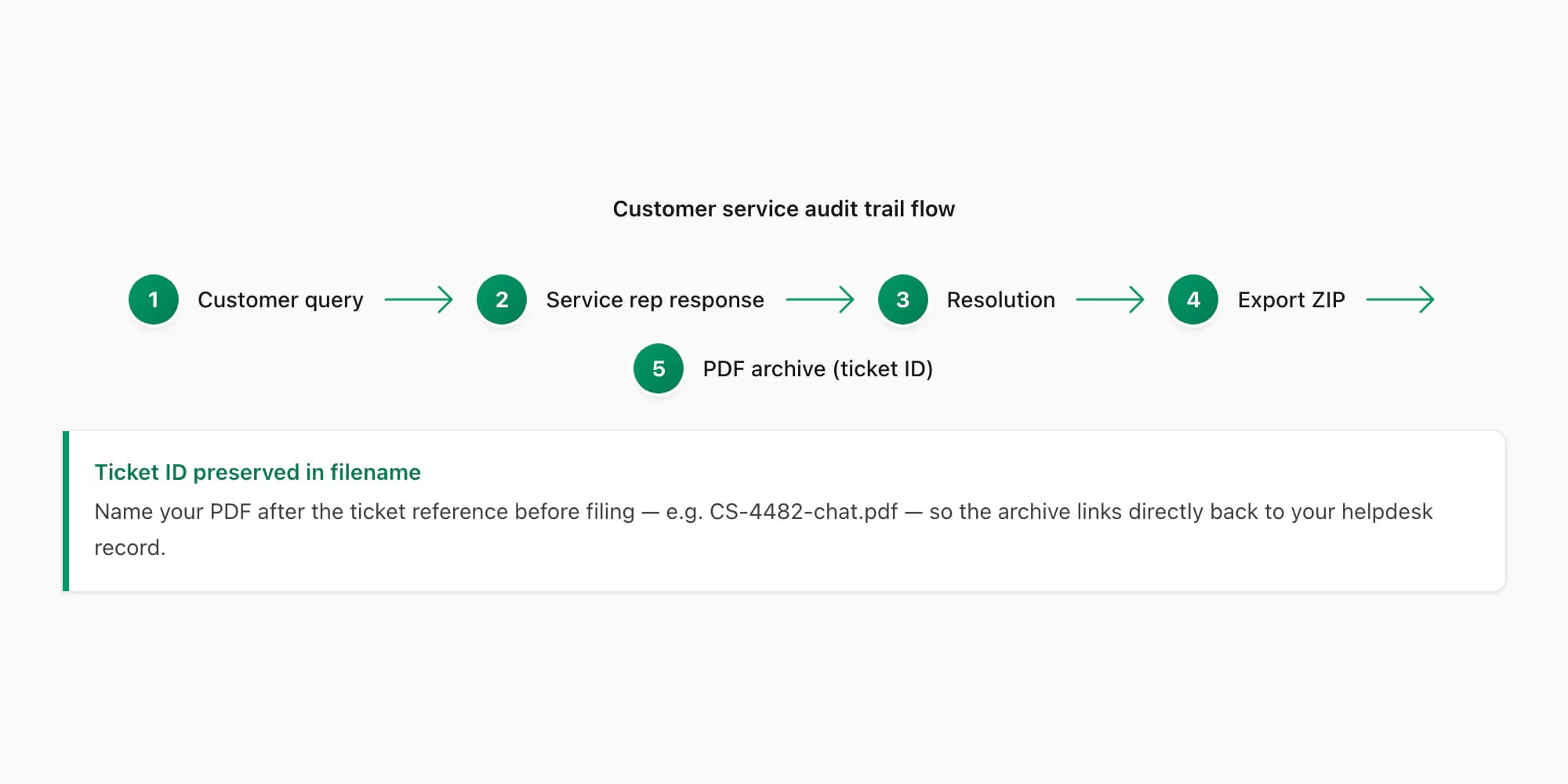
Customer complaint records
Read a customer’s voice notes beside the replies, dates and resolution messages when an authorized service review needs the complete thread.
Supplier instructions and approvals
Make verbal specifications, changes and confirmations searchable without separating them from purchase, delivery or project messages.
HR and workplace review
Prepare one chronological working record for an authorized internal process while preserving the original export and restricting access to sensitive content.
Project handover archives
Turn voice-heavy project updates into a record that a replacement team member can search without replaying every clip in sequence.
Contract and dispute preparation
Locate relevant passages for adviser review while treating the generated transcript as a derivative aid, not self-authenticating evidence or legal advice.
Quality and training review
Search completed support or field-service conversations for recurring questions after checking that the review is permitted by policy and applicable law.
Format decision guide
Archive transcription versus live inbox transcription
Both workflows convert speech to text, but they operate at different moments and solve different business problems.
- Workflow
- WhatsApp built-in transcript
- Best for
- Reading one supported voice note in the app
- Important boundary
- Manual, on-device and not a whole-conversation export archive
- Workflow
- Live inbox or CRM transcription
- Best for
- New messages, agent routing, automation and shared support operations
- Important boundary
- Requires a live platform connection; ChatToPDF does not provide this workflow
- Workflow
- ChatToPDF business archive
- Best for
- An existing exported chat that needs chronological voice transcripts in a searchable record
- Important boundary
- Retrospective and file-based; one exported conversation is processed per conversion
- Workflow
- Manual or certified transcript
- Best for
- High-stakes wording that requires human verification or formal certification
- Important boundary
- Slower and more expensive, but appropriate when an automated draft is insufficient
Choose the archive workflow only when the chat already exists
Search results for WhatsApp Business transcription often mix inbox products, bots, browser extensions, generic audio services and archive tools. Start with timing. If an agent needs text while a customer is still talking, or an operations team wants a webhook to create tickets, the requirement is real-time. That calls for a live WhatsApp Business Platform integration and the governance that comes with it.
If the conversation is complete—or you need a point-in-time copy for a complaint, handover, investigation, project record or adviser—the requirement is retrospective. Export the individual chat and create a stable working record. ChatToPDF belongs in this second category. It has no WhatsApp login, shared inbox, response automation, webhook or CRM synchronization, so it should not be presented as a replacement for those systems.
- Use a live platform for incoming-message automation
- Use an export archive for a completed or point-in-time record
- Do not promise continuous monitoring from a file-based tool
- Keep each exported conversation and resulting record clearly identified
Language coverage and accuracy for business recordings
The current transcription registry contains 93 languages, with 57 in the provider-published excellent or high accuracy bands. ChatToPDF routes voice-enabled jobs through its configured Deepgram Nova-3 and ElevenLabs Scribe v2 paths. Those coverage bands describe provider benchmarks; they do not guarantee a particular business recording, speaker, dialect or technical vocabulary.
Voice notes recorded in vehicles, warehouses, restaurants or job sites can contain wind, machinery, overlapping speech and clipped words. Names, order numbers, addresses, quantities, currencies and deadlines deserve a manual check even when the general meaning looks right. A polished PDF does not make uncertain audio certain, so replay consequential passages and record corrections in a derivative working copy rather than altering the only source.
Privacy, authorization and retention
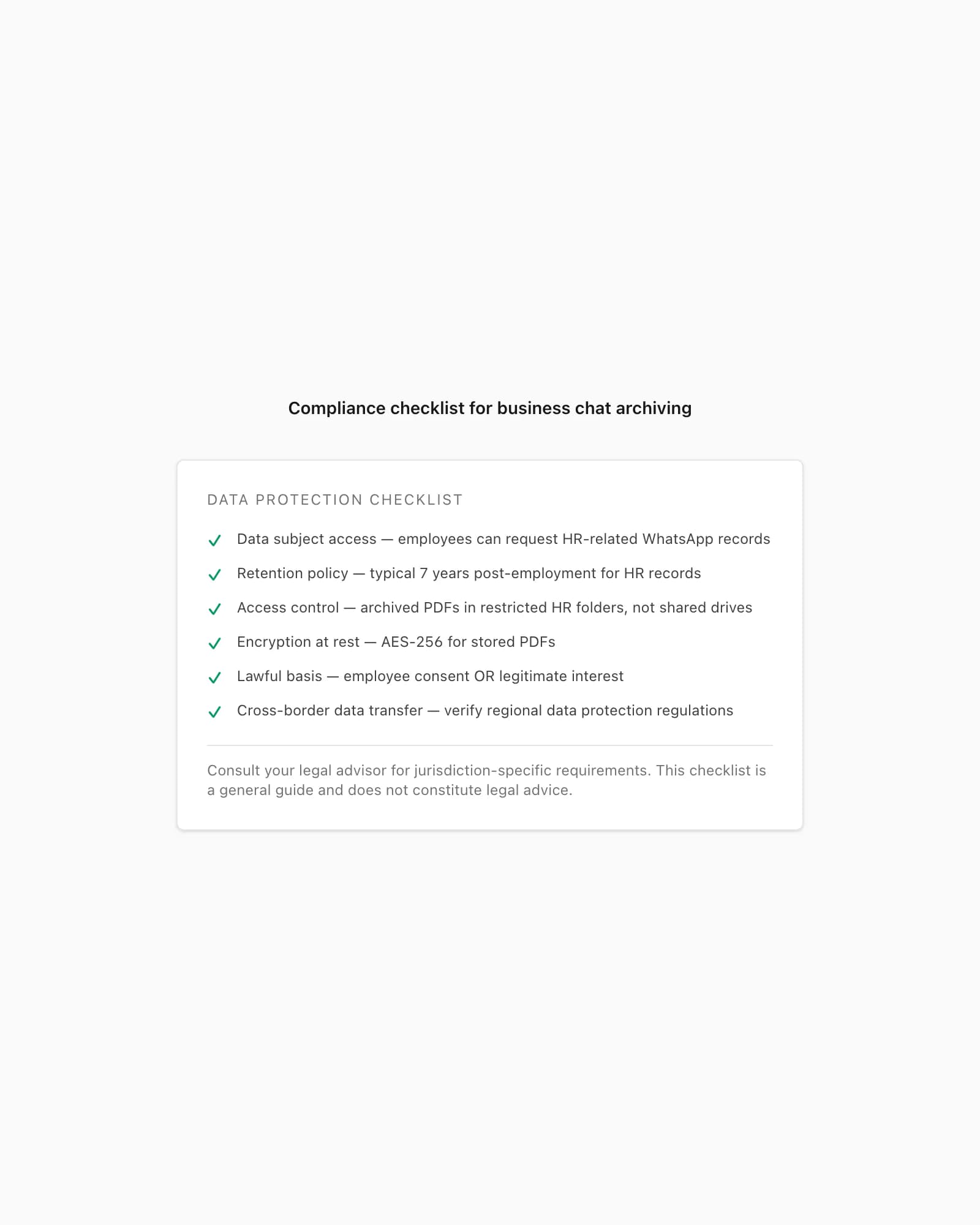
A WhatsApp Business export can contain customer identifiers, payment discussions, employment information, health details or confidential commercial material. Upload only a conversation you are authorized to process, minimize the people who can access the resulting files and avoid collecting unrelated chats merely because they are convenient to export. Group conversations deserve particular care because the archive contains several people’s messages and media.
Uploads travel over HTTPS and normal processing is automated. Source exports, extracted media and generated downloads are scheduled for deletion seven days after job creation; a job still processing at that boundary can receive no more than a 24-hour grace period. The ElevenLabs transcription request explicitly disables provider logging. Your downloaded PDF or spreadsheet then becomes your responsibility, so apply the organization’s retention, access, redaction and deletion rules.
A searchable PDF is a working record, not automatic compliance
A chronological PDF can make review, printing and authorized sharing easier, and a structured spreadsheet can help filter by sender or date. Neither format proves that every account message was exported, that a participant authored a message, that a transcript is word-perfect or that the document meets a regulator’s or court’s requirements. ChatToPDF transforms the supplied export; it does not authenticate the WhatsApp account or provide legal advice.
For a defensible internal workflow, preserve the untouched ZIP, record when and by whom it was exported, keep access logs where your document system supports them, verify important audio against the source and distinguish human corrections from machine output. Ask a qualified adviser about collection, consent, retention, disclosure and certification when the archive will drive a legal, employment, financial or regulated decision.
Troubleshooting
Common problems and fixes
The preview finds no voice notes
Create a new WhatsApp Business export and choose Including Media. Check that audio files are present inside the ZIP, then upload the original archive rather than only its TXT file.
Some customer recordings are missing
WhatsApp can export only media available in that chat and on the device. Download the recordings in WhatsApp first and recreate the media-inclusive export.
The transcript misreads names or order numbers
Replay those passages and correct a working copy. Proper nouns, reference numbers, amounts and noisy audio require deliberate human verification.
The business has many separate customer chats
WhatsApp exports chats individually, and ChatToPDF prices each converted chat separately. This page is not a bulk inbox connector or continuous archive API.
The team needs new voice notes transcribed instantly
Use a live WhatsApp Business Platform or shared-inbox transcription product. ChatToPDF processes an exported point-in-time archive after the conversation data is saved to a file.
Frequently asked questions
WhatsApp Business Voice Note Transcription FAQ
Does ChatToPDF work with WhatsApp Business voice notes?
Yes. Export one WhatsApp Business conversation with media and upload the ZIP. ChatToPDF can transcribe the supported voice-note files present in that export and place the generated text beside the sender and timestamp from the transcript.
Can it transcribe every voice note in a business chat at once?
Yes, for the supported audio files included in that one exported chat. The free preview counts detected voice notes before payment. Audio that is missing from the ZIP cannot be reconstructed from a media placeholder.
Is this a live WhatsApp Business inbox or transcription bot?
No. ChatToPDF does not connect to your WhatsApp account, watch incoming messages or reply to customers. It processes a conversation only after you export the chat and upload the resulting file.
Does ChatToPDF have a transcription API or CRM integration?
No. It does not expose a transcription API, create CRM records, route tickets or synchronize a shared inbox. Use a WhatsApp Business Platform or inbox product for live automation; use ChatToPDF for a retrospective searchable archive.
How much does WhatsApp Business voice note transcription cost?
The archive preview is free. Premium + Voice is a one-time $49 conversion for one chat with up to eight total audio hours. Power User is $99 for one chat with no audio-duration cap and a single downloadable output bundle. Another chat is another conversion.
Which languages are supported?
The current registry contains 93 transcription languages, with 57 in provider-published excellent or high accuracy bands. Results still vary with the recording, dialect, terminology, speaker and background noise, so consequential passages require review.
How long are business chat files retained?
Source exports, extracted media and generated downloads are scheduled for deletion seven days after job creation. A job still processing at that boundary can receive no more than a 24-hour grace period. Apply your own retention policy to anything you download.
Can I process several WhatsApp Business chats in one archive?
WhatsApp exports conversations individually, and ChatToPDF processes one exported chat per conversion. Keep separate customer or employee records distinct unless your authorized downstream document process deliberately combines them.
Does the PDF make the chat compliant or legally admissible?
No. It creates a readable derivative of the supplied export and can support review, but it does not authenticate the account, certify the transcript or guarantee compliance or admissibility. Preserve the original ZIP and obtain qualified advice for high-stakes use.
Primary references
Technical statements on this page are tied to the source instructions or format documentation below. Product behavior is based on the current ChatToPDF implementation.
- WhatsApp Help Center — How to export your chat history
Primary instructions for creating the TXT or media-inclusive ZIP that supplies the conversation and voice-note files.
- ElevenLabs documentation — Speech to Text
Primary model reference for Scribe v2 language coverage and speech-recognition capabilities.
- Deepgram documentation — Nova-3 model and languages
Primary reference for the second configured transcription path and its supported-language behavior.
- ChatToPDF Privacy Policy
Current first-party disclosure for upload processing, retention and deletion controls.
Last reviewed: 24 July 2026. ChatToPDF is independent and is not affiliated with or endorsed by WhatsApp or Meta.